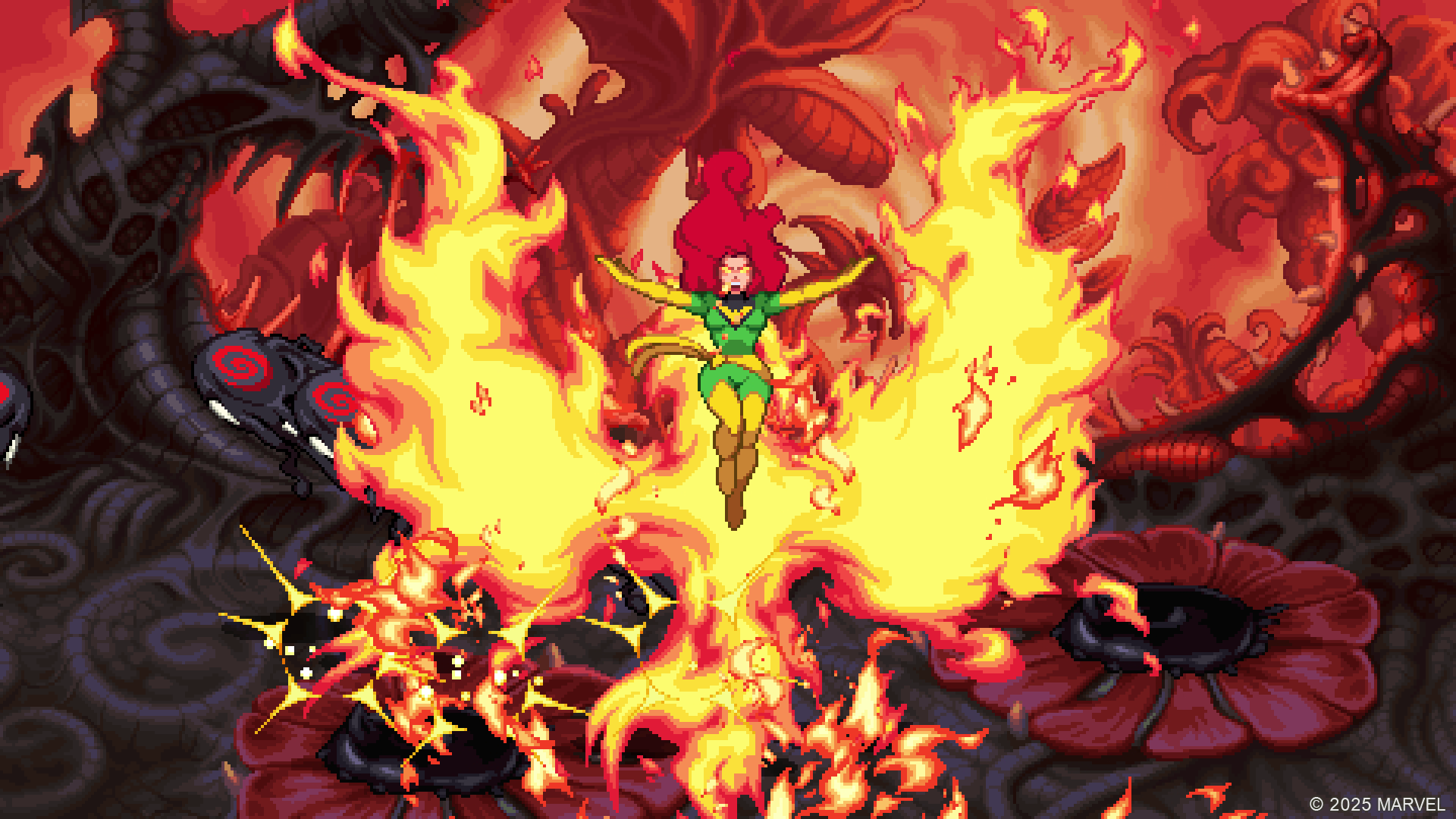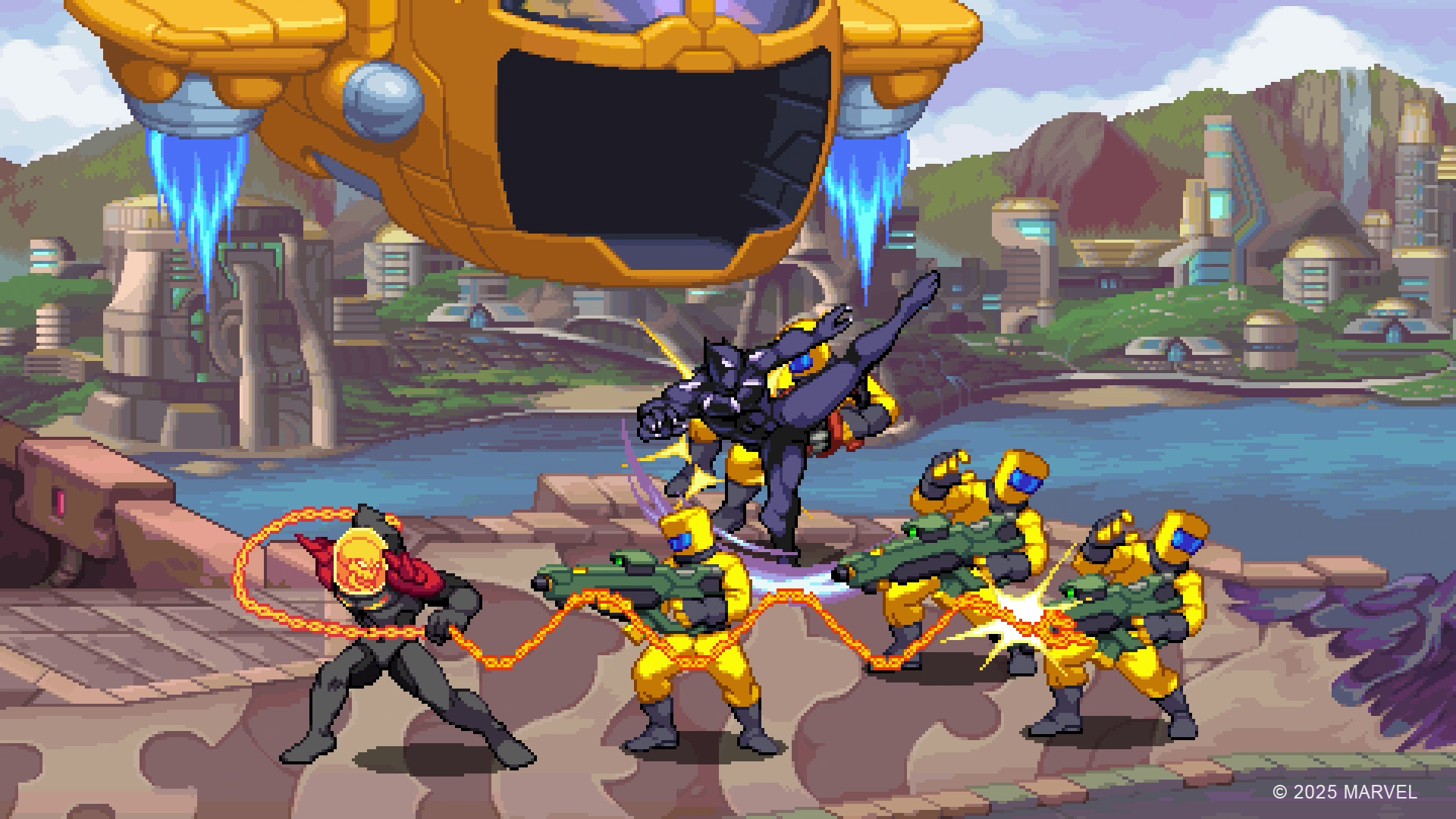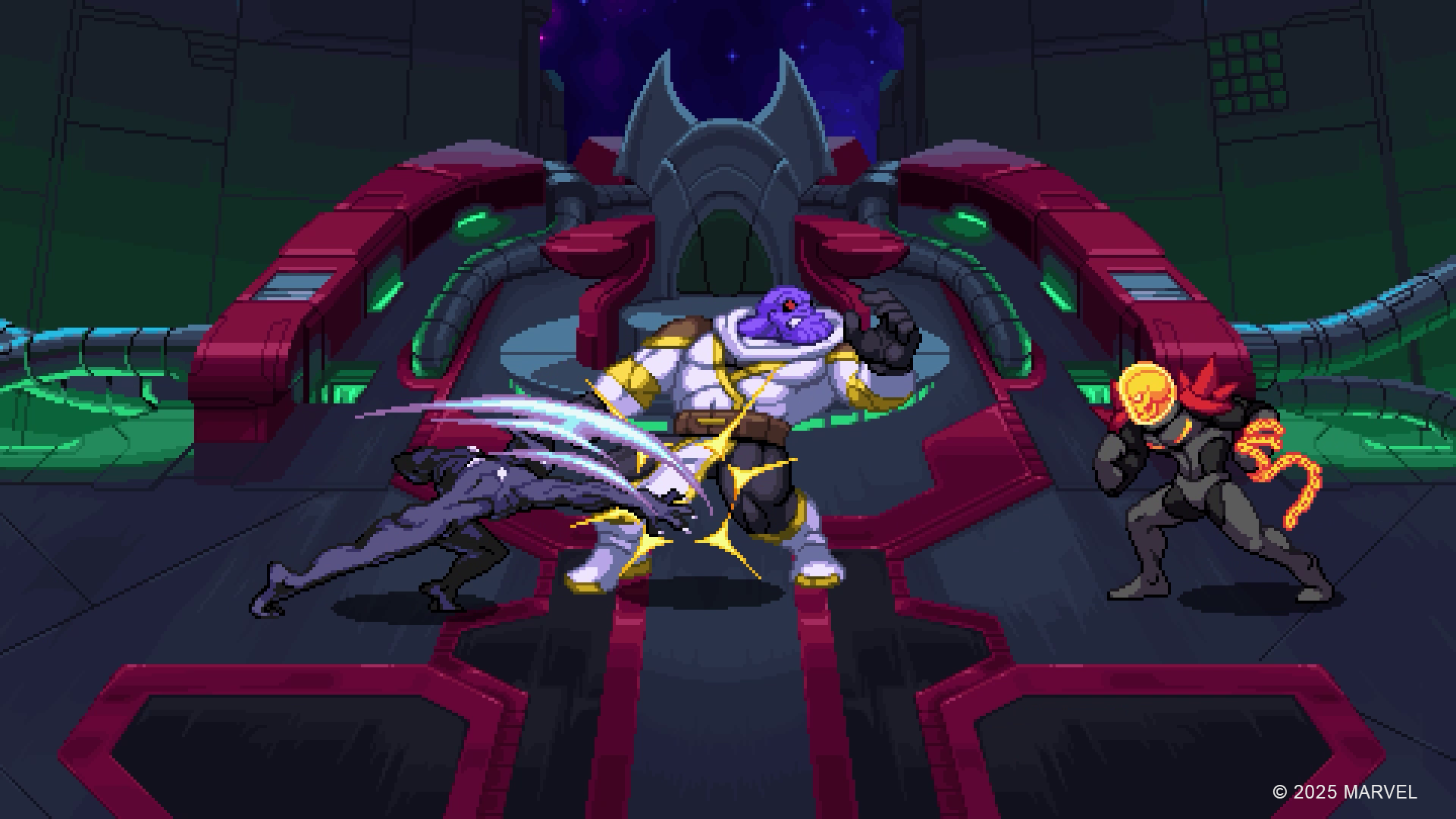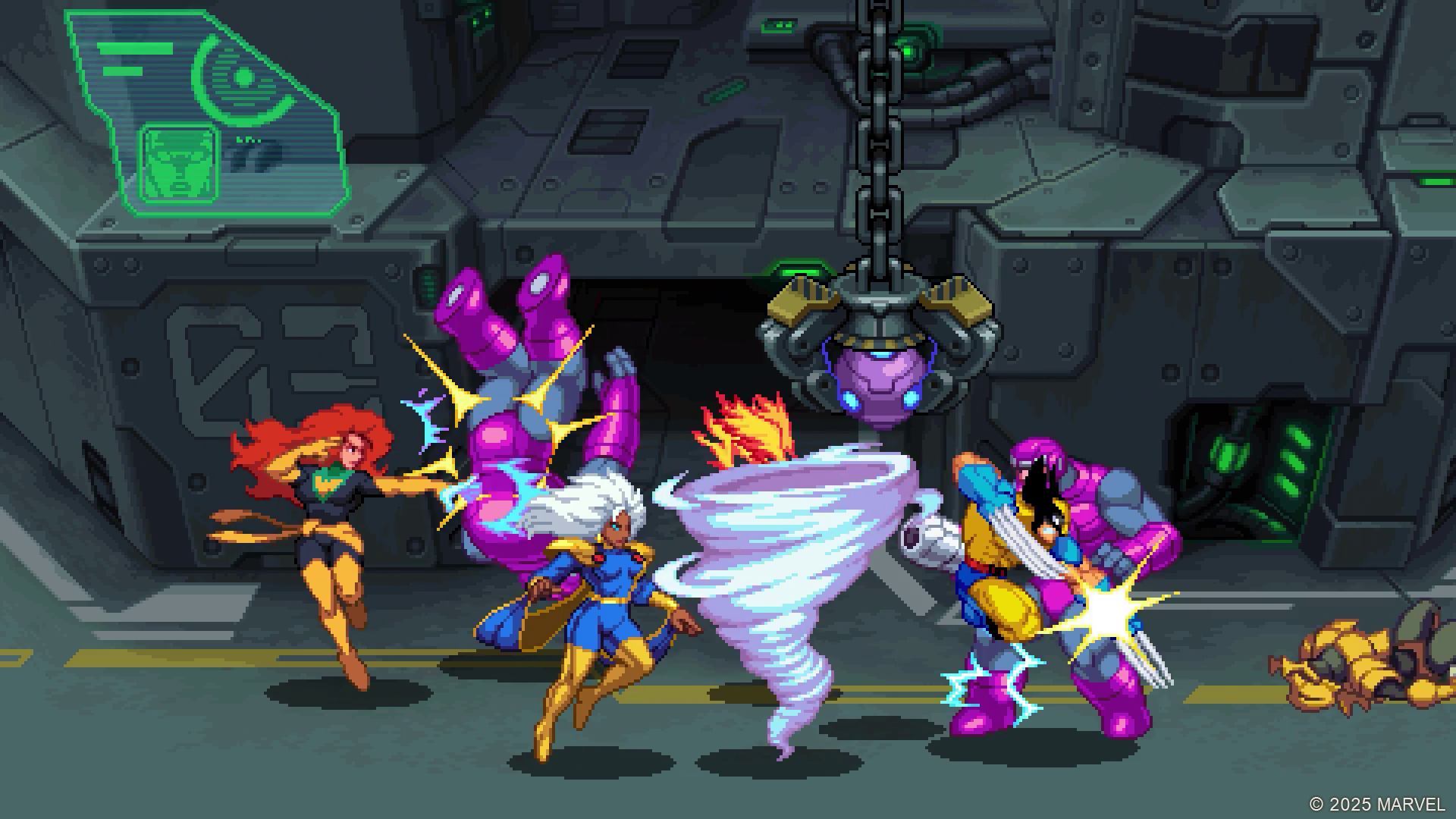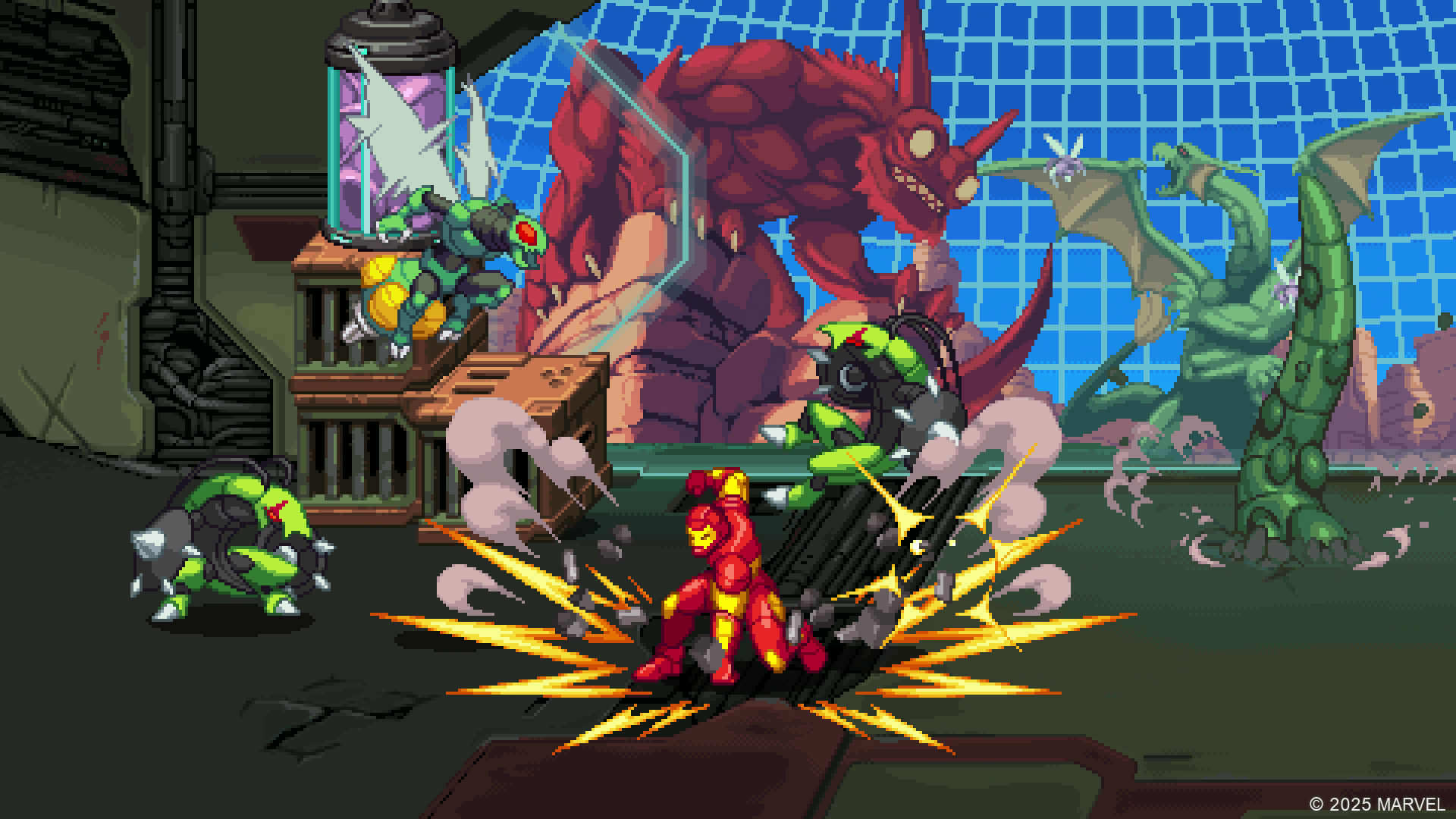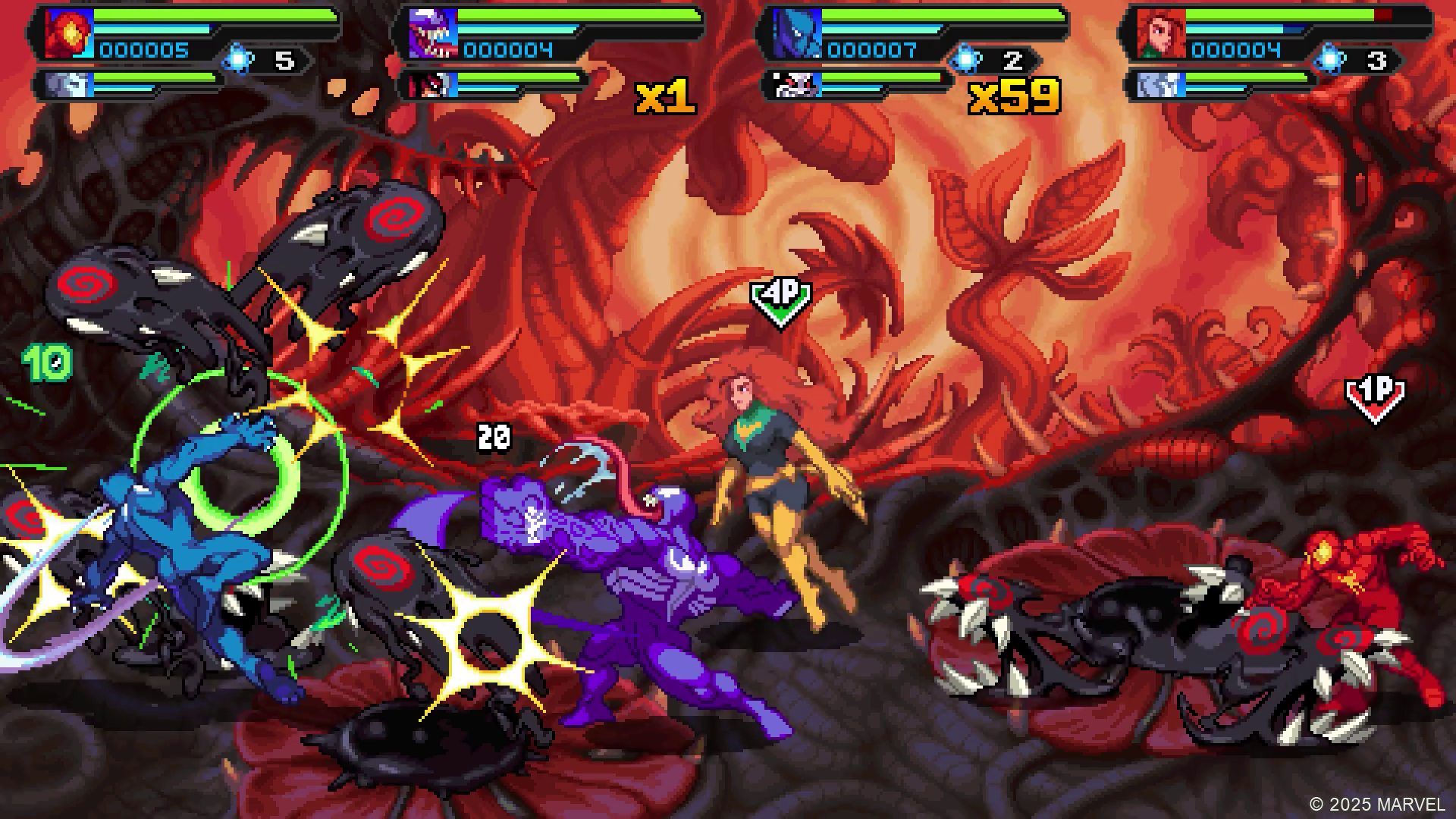
Marvel Cosmic Invasion is out now, offering a fun new multiplayer experience for fans. And with tons of Marvel superheroes to choose from and iconic setpieces, it’s sure to be a blast with friends. The game supports up to four players, after all, and multiplayer is a fantastic way to experience this adventure. But how can you play multiplayer in Marvel Cosmic Invasion? We have the answer to that question and more in this guide.
How Can You Play Multiplayer in Marvel Cosmic Invasion?
To play Multiplayer in Marvel Cosmic Invasion, you’ll want to look for the Party Up button. You can find this button by checking the bottom left of your screen in the main menu and in Campaign or Arcade. There, it’ll connect to the internet, and you’ll be able to match up with others to play online.
As for local fans, you simply have to sign in other controllers and hit the corresponding button on the controller on the character select screen in either Campaign or Arcade mode. Up to four players can join via split screen, and each can pick two characters to play. With 15 characters to choose from, you and your friends can have the rule of the roost.
Marvel Cosmic Invasion is available now on Nintendo Switch, Nintendo Switch 2, PC, PlayStation 4, PlayStation 5, and Xbox Series X|S.