Can You Play Online Casino Games on Linux and Steam Deck?
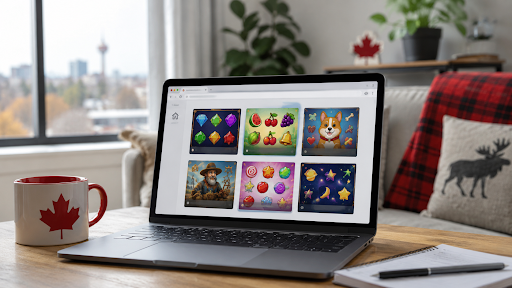
Ten years ago, playing online casinos on a Linux machine meant spending hours configuring WINE or PlayOnLinux just to force a Windows .exe file to run. Today, thanks to the shift toward HTML5 architecture by major casino software developers like Microgaming, native downloads are a thing of the past. It doesn’t matter if you’ve been running Ubuntu for years or just ditched Windows 11 for Linux Mint. Desktop and handheld users can simply open their preferred browser and log in directly.
Valve strictly bars real-money gambling titles from the Steam Store catalog, meaning nothing in this guide takes place inside Steam’s interface or gaming overlay. Instead, this breakdown focuses on the open Linux ecosystem of hardware devices—including SteamOS when switched to Desktop Mode—where any standard web browser functions as an independent, fully featured desktop environment.
Canadian Casino Sites That Run in a Linux Browser
If you are looking for verified platforms that run smoothly in an open-source browser, the following operators are licensed by the Kahnawake Gaming Commission, run entirely on native HTML5, and support Interac e-Transfer deposits.
- Spin Palace: ROG Ally & Deck compatible (Desktop Mode only).
- Jackpot City: Ubuntu & Linux Mint verified, PWA install available.
- Grizzly's Quest: Pop!_OS & Fedora verified, fastest page load time.
- Ruby Fortune: Bazzite & Nobara compatible, mobile-responsive.
- Gaming Club: Chrome & Firefox optimized, lightweight on older hardware.
You must be 19 or older, or 18 in Manitoba and Quebec, and located in a province where the casino is available. This guide is not directed at players in Alberta or Ontario and covers the rest of Canada only. If gambling stops being fun or feels out of control, resources and support are available at ResponsibleGambling.org. This article is reader-supported.
From Viper Clients to HTML5: How the Download Era Ended
If you remember the download era, you remember why Linux was locked out. Microgaming's Viper client was a Windows program you installed locally. The "instant play" alternative ran on Flash or Java, and Linux handled neither gracefully. Poker rooms were worse. PokerStars and Party Poker built their player bases on downloaded Windows clients, and the cashier and full lobby lived inside that binary.
Quickfire, the distribution platform Microgaming launched in 2010, served both Flash and HTML5 versions of the same games. Once phones took over, HTML5 won outright. Flash itself died in 2020, the same year Psyonix cut Linux support for Rocket League. Adobe blocked Flash content from running entirely in January 2021, which is also what sent Homestar Runner fans hunting for a Peasant's Quest re-release. Microgaming sold its distribution business and Quickfire to Games Global in 2022.
The practical upshot is that "Linux casino software" is no longer a product category. HTML5 renders in any standards-compliant browser through JavaScript, Canvas and WebGL. A single codebase runs identically on Windows, macOS and Linux, so operators stopped maintaining platform-specific clients. Interac e-Transfer is equally OS-agnostic. The payment happens on your bank's own site in a new tab, not through anything running on your machine.
Real Money Games That Run Natively on Linux
Because game outcomes and random number generators are calculated entirely server-side, an operating system cannot influence odds or payouts. The only technical variable Linux introduces is local rendering performance, which splits cleanly across two distinct categories: GPU-accelerated video slots and lightweight 2D canvas tables.
Slots on Linux: WebGL Performance and Progressive Jackpots
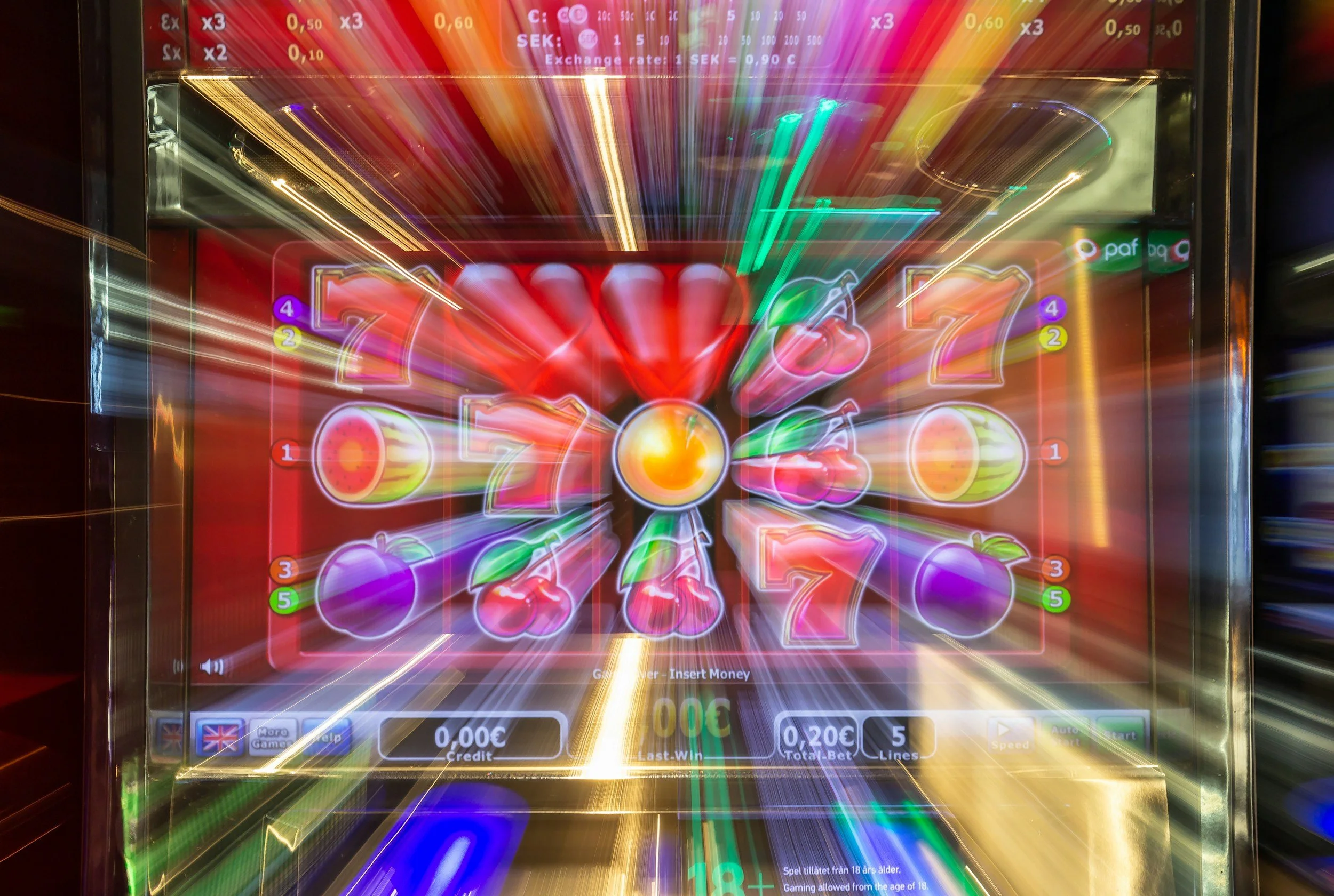
Slots are the most visually intensive category of casino games in a browser environment. Modern video slots from providers like Pragmatic Play, Hacksaw Gaming, and Games Global use heavy particle systems, 3D reel animations, and layered visual effects — all rendered through the WebGL API. On Linux, WebGL performance is handled by Mesa, the open-source graphics driver stack that supports AMD, Intel, and Nvidia GPUs. On well-maintained hardware with up-to-date Mesa versions (which ship automatically with Ubuntu 22.04+, Linux Mint 21+, and all gaming-focused distros), slot animations run at locked framerates without any special configuration.
The jackpot infrastructure is also worth understanding: progressive jackpot networks like the Games Global pool (which includes Mega Moolah, Major Millions, and Wheel of Wishes) are seeded and paid out at the software level, completely independent of the player's operating system. A Linux player and a Windows player spinning Mega Moolah at the same moment are drawing from the identical jackpot pool, with identical odds. The OS is invisible to the RNG. For Canadian players chasing progressive payouts, the Linux desktop is a fully first-class environment.
Blackjack and Table Games on Linux
Table games — RNG blackjack, roulette, baccarat, craps, and video poker — are the lightest category in terms of browser resource usage. Standard table game engines render as straightforward 2D canvas elements with minimal GPU demand, meaning they run flawlessly on virtually any Linux system. This includes older hardware on lightweight desktop environments like XFCE or LXQt. There is no WebGL flag required, no Widevine dependency, and no configuration step between opening a browser and playing a hand.
The one exception is live dealer blackjack, which streams a real human dealer via WebRTC video — and this does require the Widevine DRM fix discussed throughout this guide. Standard RNG blackjack (the computer-dealt variant found in every casino's table game section) has no such dependency and loads identically on Firefox, Chrome, and Brave across all Linux distributions. For players who want to start with the lowest barrier to entry, RNG table games are the category where Linux compatibility is completely unambiguous.
Which Browser and Which Distro
Chrome and Brave are the strongest choices for live dealer play because they ship with their media components built in. If you use Brave, lower Shields for the casino site, or the login and payment pages can break. Firefox is fine for slots and table games on any distro where it is installed through the normal package manager. The caution applies mainly to Flatpak Firefox on SteamOS and Bazzite, which needs the update and DRM steps above.
The distro itself barely matters. Ubuntu 24.04 and 26.04 LTS, Linux Mint 22.3, Pop!_OS 24.04 and Bazzite all ship a working browser and a current Mesa out of the box. Mint inherits Ubuntu's compatibility wholesale and is where most Windows 10 refugees land. Pop!_OS earns a mention for its NVIDIA ISO. It ships the proprietary driver preinstalled, so a GeForce desktop gets accurate WebGL rendering without a driver hunt. Bazzite is the outlier only because it is immutable, like SteamOS, so browsers come from Flatpak rather than apt or dnf. For any Debian-, Fedora- or Arch-based system, the casino experience is the same as on Ubuntu.
Steam Deck and SteamOS: Desktop Mode, Not Gaming Mode
One thing needs saying first, because it matters for compliance as much as for expectations. There is no real-money gambling on Steam. Titles tagged Gambling on the store are play-money social casino games like The Four Kings Casino and Slots, or games with casino-themed mechanics. Valve's developer rules bar anything that breaks local law or payment-processor standards. In 2016 Valve sent cease-and-desist letters to dozens of skin-betting sites for using Steam accounts to run gambling businesses. That restriction covers the Steam Store catalogue. It has no bearing on what the device's web browser can reach. Nothing in this guide happens inside Steam.
What the Steam Deck does give you is a full Linux PC. Like the ROG Ally or Legion Go, it is a handheld PC that happens to boot into a game-focused interface. Switching out of that interface takes about ten seconds. Hold the Power button until the menu appears, or press the Steam button and choose Power, then select Switch to Desktop. You land in a stock KDE Plasma desktop, which is how Valve's own FAQ describes it. Firefox is preinstalled and sits on the taskbar. Software installs through the Discover store as Flatpaks, so SteamOS updates never wipe your apps.
Input works. The right trackpad drives the cursor, R2 or the touchscreen clicks, and Steam + X brings up the on-screen keyboard. For anything longer than a quick session, a Bluetooth mouse or a dock with a keyboard makes a big difference. Two tips come up constantly on the Steam Deck forums. Right-click Firefox or Chrome in Desktop Mode and choose Add to Steam if you want a launcher in your Gaming Mode library. And double-click Return to Gaming Mode on the desktop when you are done. The Steam Machine runs the same SteamOS, so all of this applies there too, minus the touchscreen.
Do You Still Need WINE?
For the casinos in this guide, no. All five run entirely through HTML5 in the browser, with no client of any kind. WINE is irrelevant to reaching them on any distro.
WINE still matters for one holdout: the PokerStars desktop client. PokerStars' own support page says its developers have no plans to release a Linux version and points Linux users at Wine. The WineHQ AppDB rates the client Silver on Wine 8.17, meaning it works with minor workarounds. The cashier window is the known weak spot, so most Linux players deposit and withdraw through the PokerStars website and use the Wine client for play only. If you want to skip the whole exercise, the browser-based tables at the HTML5 casinos above are the alternative.
For the curious, WINE is not an emulator. It translates Windows API calls into Linux equivalents in real time, and Valve's Proton is the games-tuned fork of it. Neither is needed for anything in this guide, which is rather the point.
How to Check a Linux Casino Before You Sign Up
A Linux user already knows to read the fine print, so read the casino's footer. It should name the operating company, which for the brands above is Baytree Interactive Limited, and the regulator. The Kahnawake Gaming Commission publishes a list of its permit holders you can check it against. Confirm the connection is HTTPS. If the footer is vague, or a casino asks you to download anything on Linux, close the tab.
Security on an open-source desktop is not a special case. Firefox, Chrome and Brave on Linux get the same update cadence as their Windows builds. A casino session is only as safe as the licence, the encryption and the audited games behind it. Deposits are identical too. Interac e-Transfer, Visa and Mastercard run through the bank and the casino's servers, with no OS-specific component in between.
The bottom line
The HTML5 transition did for Linux casinos what Proton did for Steam. A Canadian on Ubuntu, Mint, Pop!_OS, Bazzite or a Steam Deck in Desktop Mode can open a browser and use the Baytree sites without touching WINE. The cliff notes are that slots and tables run out of the box, live dealer streams need a current browser, and PokerStars is the last client still stuck in Wine (no shaming). The only thing you cannot do is play inside Steam itself, which is exactly how Valve wants it.
Disclosure: This is a paid guest post. The author or an affiliated third party paid for its publication, and the article may contain promotional links. The views and opinions expressed are those of the author and do not necessarily reflect those of GameTyrant or its editorial staff.