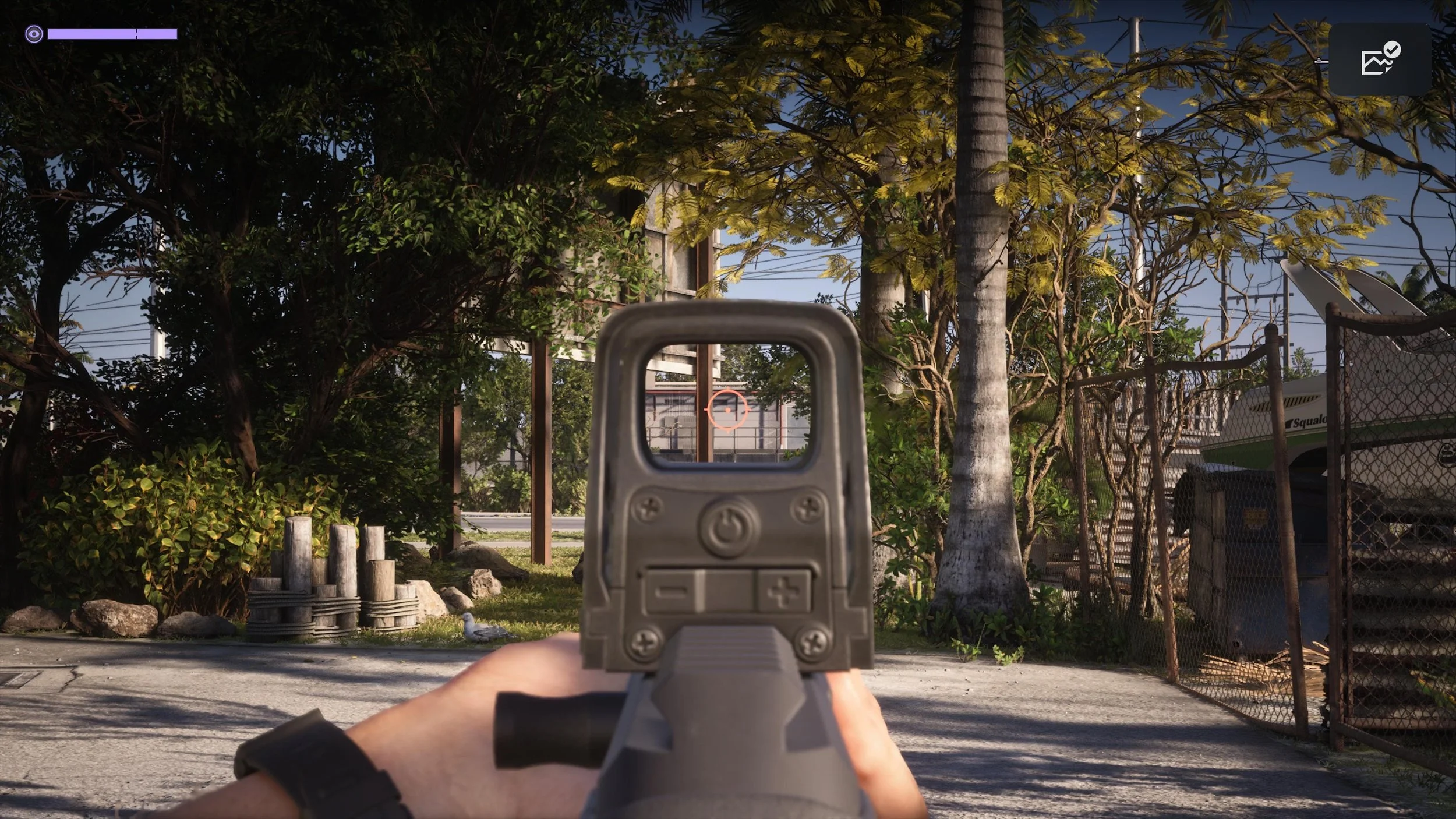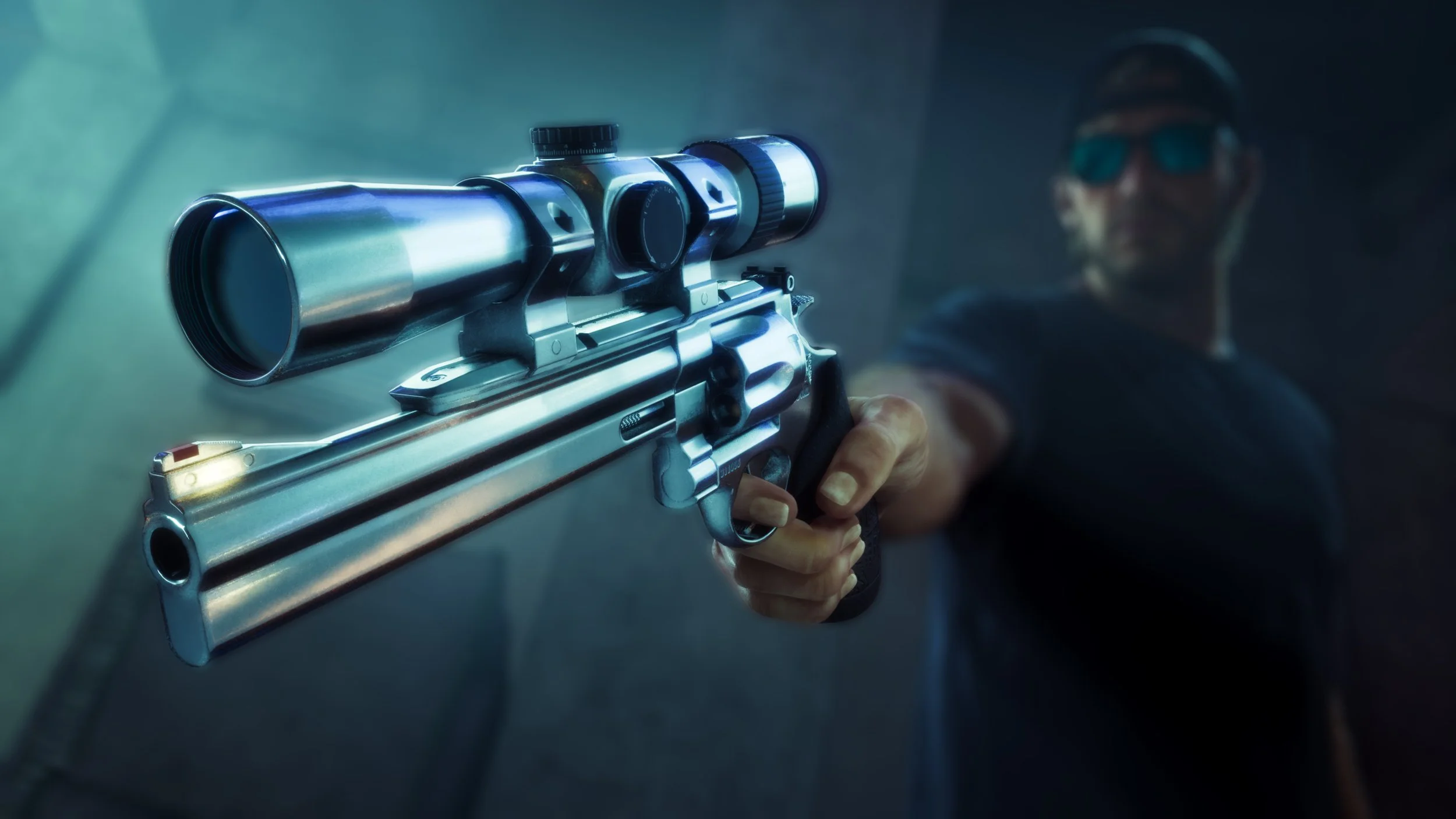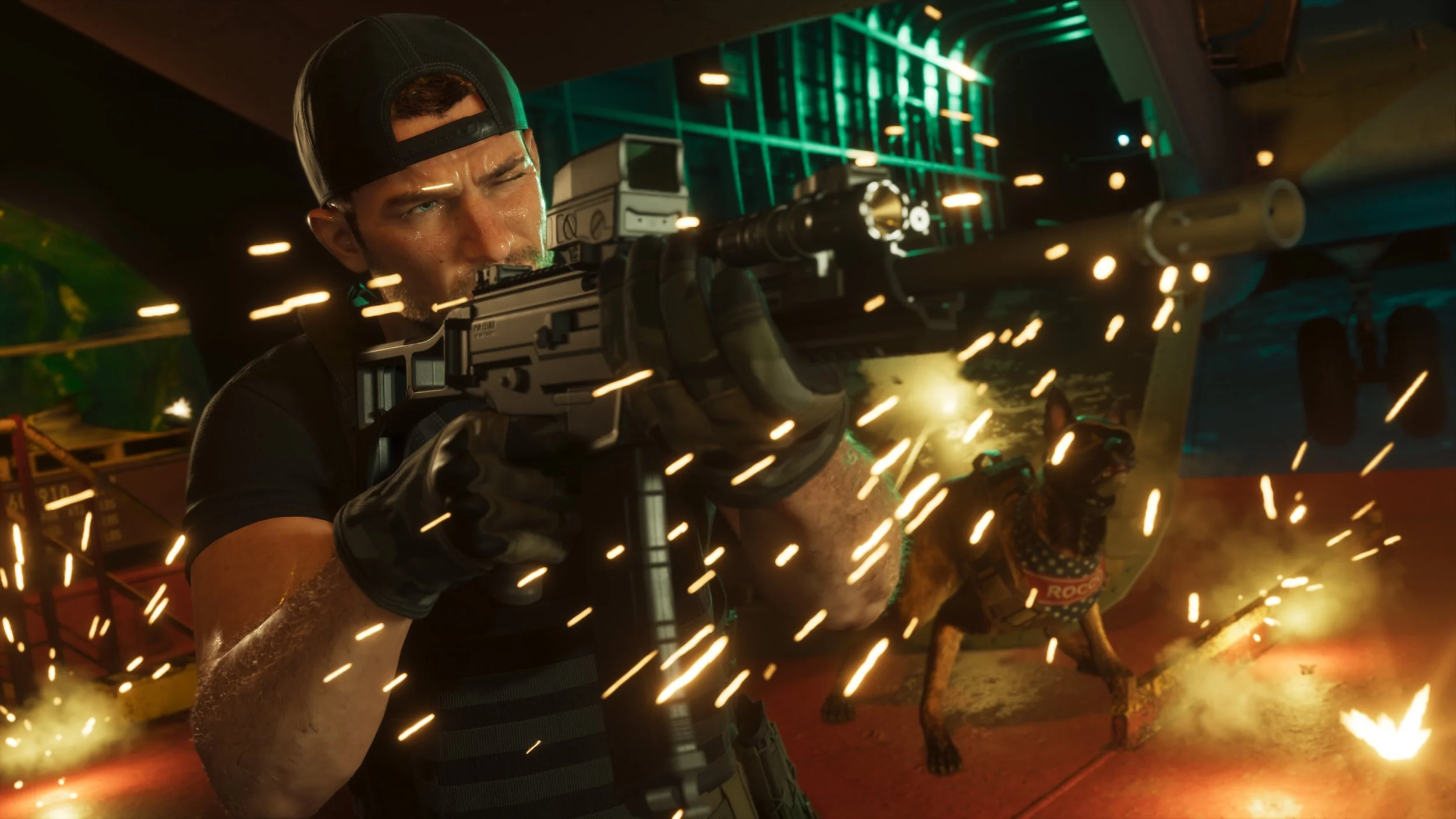
You find plenty of firearms in Grand Theft Auto VI, but unlike previous installments in the series, Jason and Lucia have a strict limit on how many guns they can carry at once. This means making sure that every weapon in your loadout needs to be in its optimal condition, perhaps with extended magazines, silencers, and performance-enhancing upgrades. Fortunately, customizing your arsenal is pretty straightforward once you know where to go and which guns qualify.
How to customize and upgrade weapons
To begin modifying your weapons, head to any of the Ammu-Nation stores spread across Leonida and walk up to an employee behind the counter. Focusing on them, press Triangle (PS5) / Y (Xbox) to open the new “Weapons & Mods” menu.
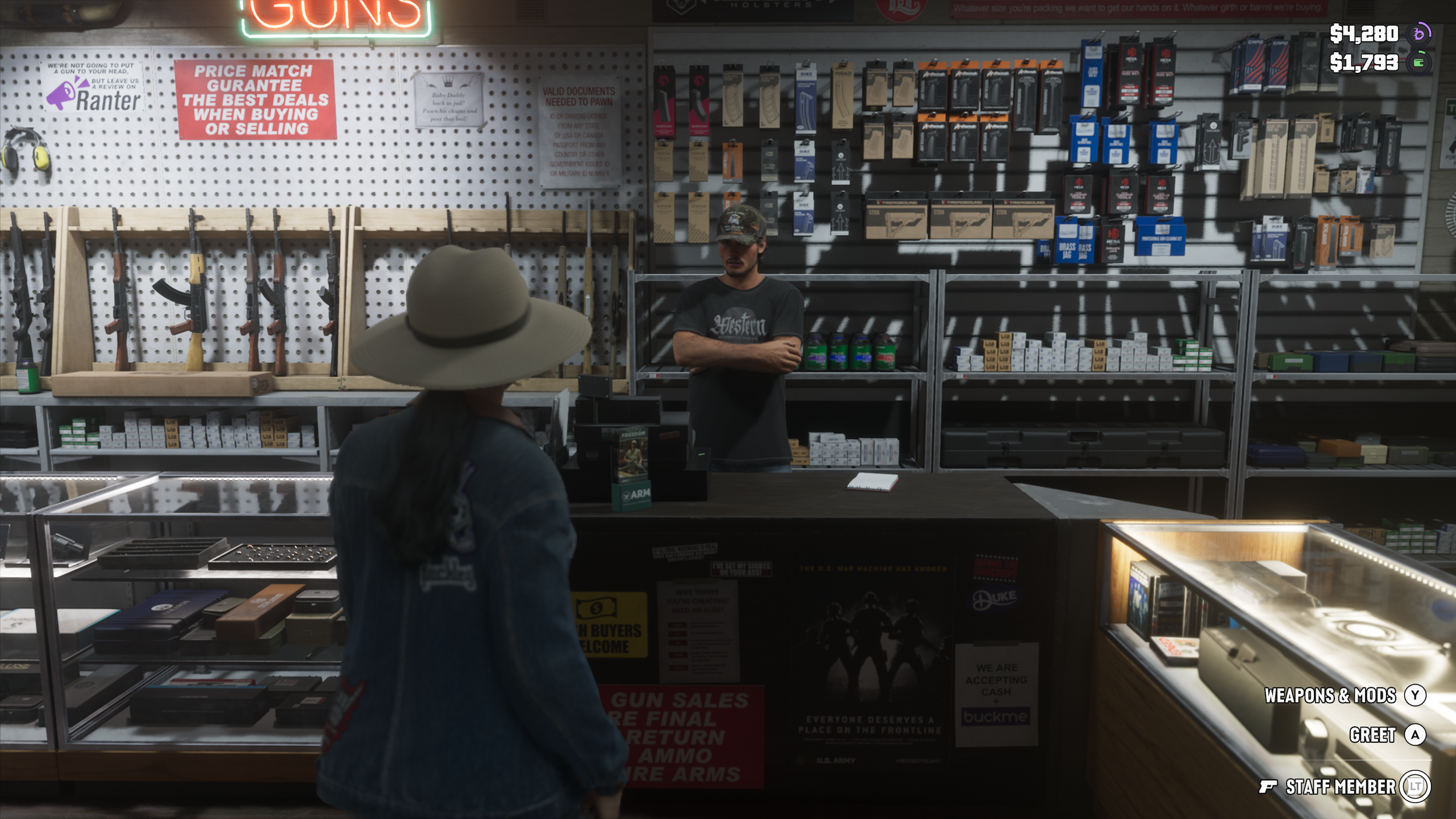
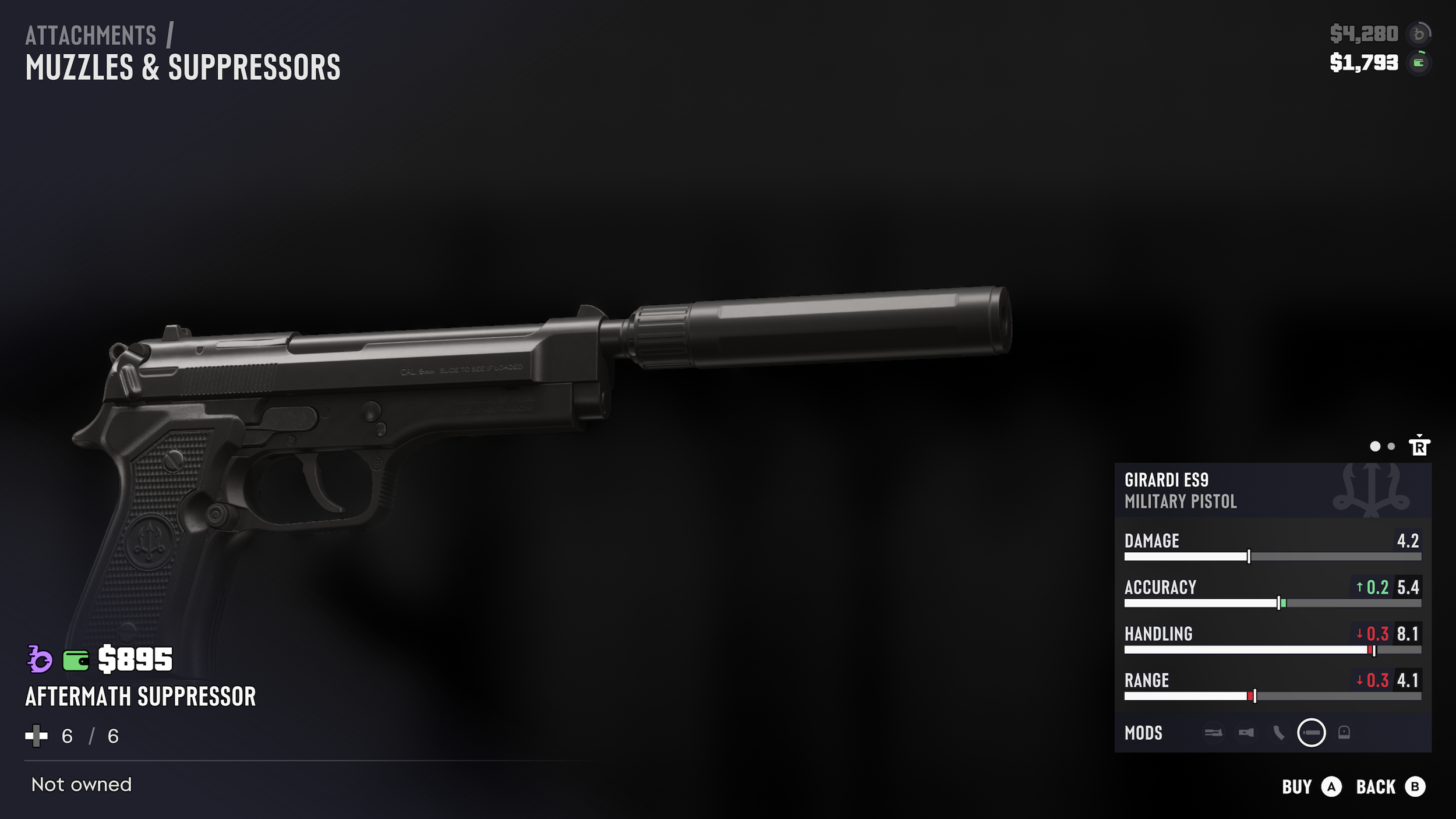
The weapons that appear in this menu can then be individually selected for customization. You can swap out the magazine for a higher-capacity one, attach a suppressor for silent operations, and slap on an upgraded sight for better target acquisition at range. The changes to how the weapon functions in the field also get reflected in the stat numbers seen on the bottom right of the screen, letting you quickly judge what upgrades are worth purchasing.
You can wrap up your customization session with some cosmetic finishes too. There are custom wraps, polymer grips, and other changes that can be applied to your arsenal.
If you are missing specific weapons you've picked up during your playtime from this menu, that's because only owned guns purchased from a shop are permanently saved here. Unowned weapons you're carrying into the Ammu-Nation store won’t show up in the menu for making upgrades, so don’t think about bringing in a light machine gun you picked up and hope to get it overhauled.
Moreover, unique weapons (gold icon drops) you have collected in your Leonida journey cannot be changed in this way either and can only be used as is.