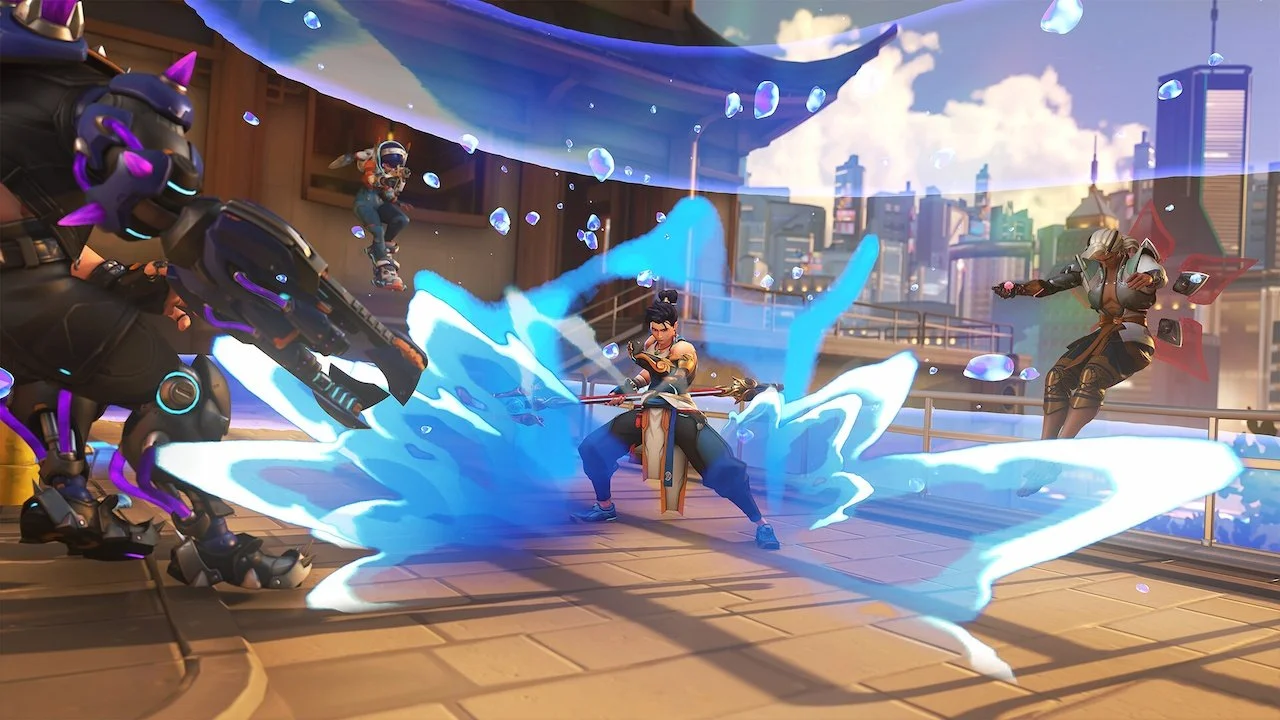
Blizzard has finally made it possible for you to use a mouse and keyboard on consoles in Overwatch 2! If you’re a console player who is sick and tired of using a controller, mouse and keyboard support is officially enabled with the release of Season 18.
Before you run to your game to enable it, there are some caveats you should know about. You may also be unaware of how to make this work, so let’s dive into how you can start using a mouse and keyboard on your console of choice when playing Overwatch 2.
How to enable mouse and keyboard support on Overwatch 2
You can start using a mouse and keyboard on console in Overwatch 2 as soon as you update your game and plug in your devices. If your PlayStation or Xbox recognizes you using them, it should prompt you to switch to the Mouse and Keyboard Pool immediately.
Make sure to accept this, or else your M+K controls won’t work in gameplay and you’ll be stuck with your controller. To manually switch between the two, go to Gameplay Options, and you’ll find the setting there.

How does matchmaking work with mouse and keyboard support on consoles?
With this new update for Season 18, the matchmaking pools are now separated into Mouse and Keyboard Pool and Controller Pool. You can switch between the two pools in Gameplay Options, but you must be aware that choosing the M+K Pool is the only way to use those peripherals in gameplay.
Luckily, if you just want to use your M+K for typing in the chat, it will work no matter which matchmaking pool you’re in. You just can’t use M+K in gameplay when in the Controller Pool.
Mouse and Keyboard Pool
In the M+K Pool, you’ll be paired with all PC platforms, as well as any console players who are also using these inputs. On top of that, your internal MMR, skill ratings, and game mode ranks will be separate from your Controller Pool statistics.
Aim assist features will also be unavailable when in the M+K Pool, even if you’re playing with a controller.
Controller Pool
If you’re playing on PC and are using a controller, you are unable to enter the Controller Pool and cannot access aim assist features. The only way to play on the Controller Pool is by playing on a console platform.
Blizzard also noted that using unauthorized peripherals to bypass Controller Pool restrictions will be considered cheating. This may affect the state of your Battle.net account, so we don’t advise you to try and bypass the restrictions.