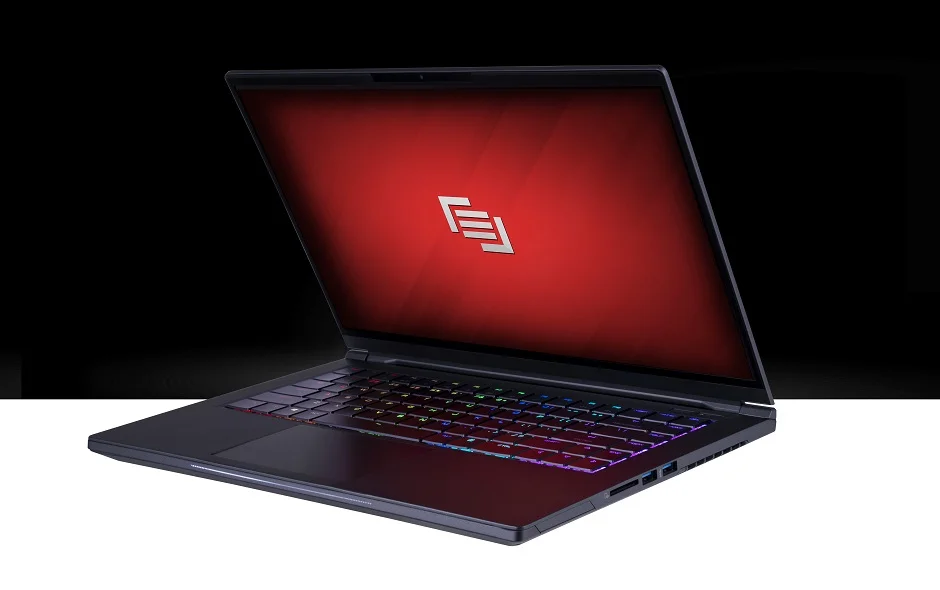
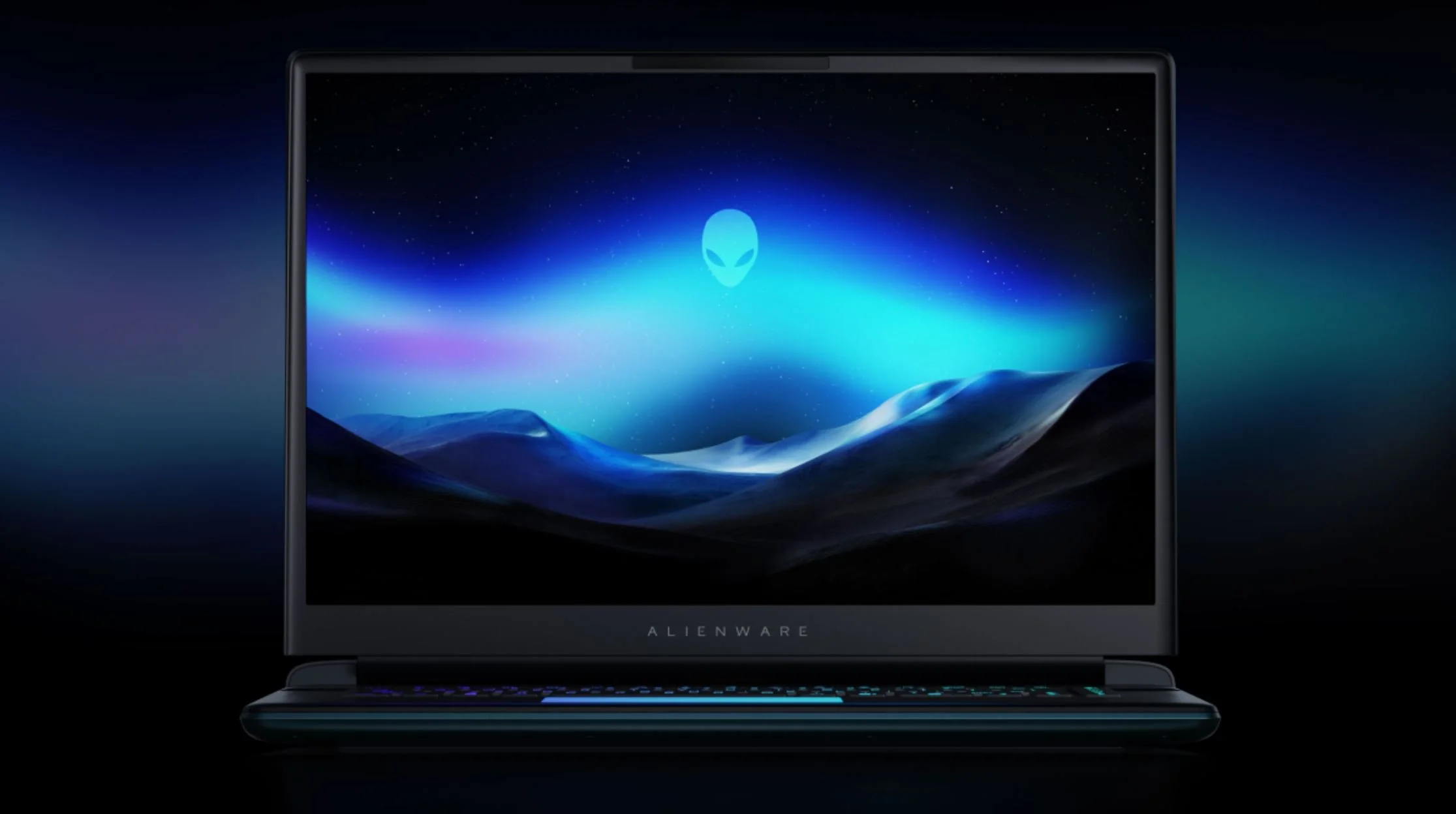
Gaming laptops juggle two completely different demands and most sacrifice one for the other. A gaming laptop built properly handles serious work like video editing, programming, and design while still crushing games. The RTX 4070 in modern gaming laptops delivers 80+ fps in demanding games at 1440p with high settings. That same RTX 4070 exports 4K video at speeds a desktop GPU would match. Choosing between work and play is a false choice if you understand what actually matters in a gaming laptop. The 2024-2025 generation fixed the heating issues that plagued earlier models, with new chassis designs keeping temperatures manageable even during 8-hour work sessions followed by gaming. This guide cuts through marketing and identifies the features that actually balance productivity and gaming without compromise.
Is screen refresh rate actually important for work?
No. A 60Hz screen works fine for work. Refresh rate matters only for gaming smoothness. For work like writing code, editing documents, or design work, 60Hz is standard and totally sufficient. The refresh rate argument is noise if gaming isn't your priority. However, buying a gaming laptop means the 144Hz or 165Hz screen comes standard anyway, and that 60Hz+ extra smoothness in games is genuinely noticeable. Whether you're editing video or gaming, the faster screen makes everything feel snappier. Higher refresh screens do eat battery life faster, so if you work off-battery constantly, 60Hz saves 2-3 hours of usage. Make the choice based on your actual setup. Plugged in most of the time? The 144Hz+ is a bonus. Always mobile? Test the battery hit before buying. The screen matters more for work comfort than most people admit, especially after 8 hours staring at it.
Should the CPU be better than the GPU or equal?
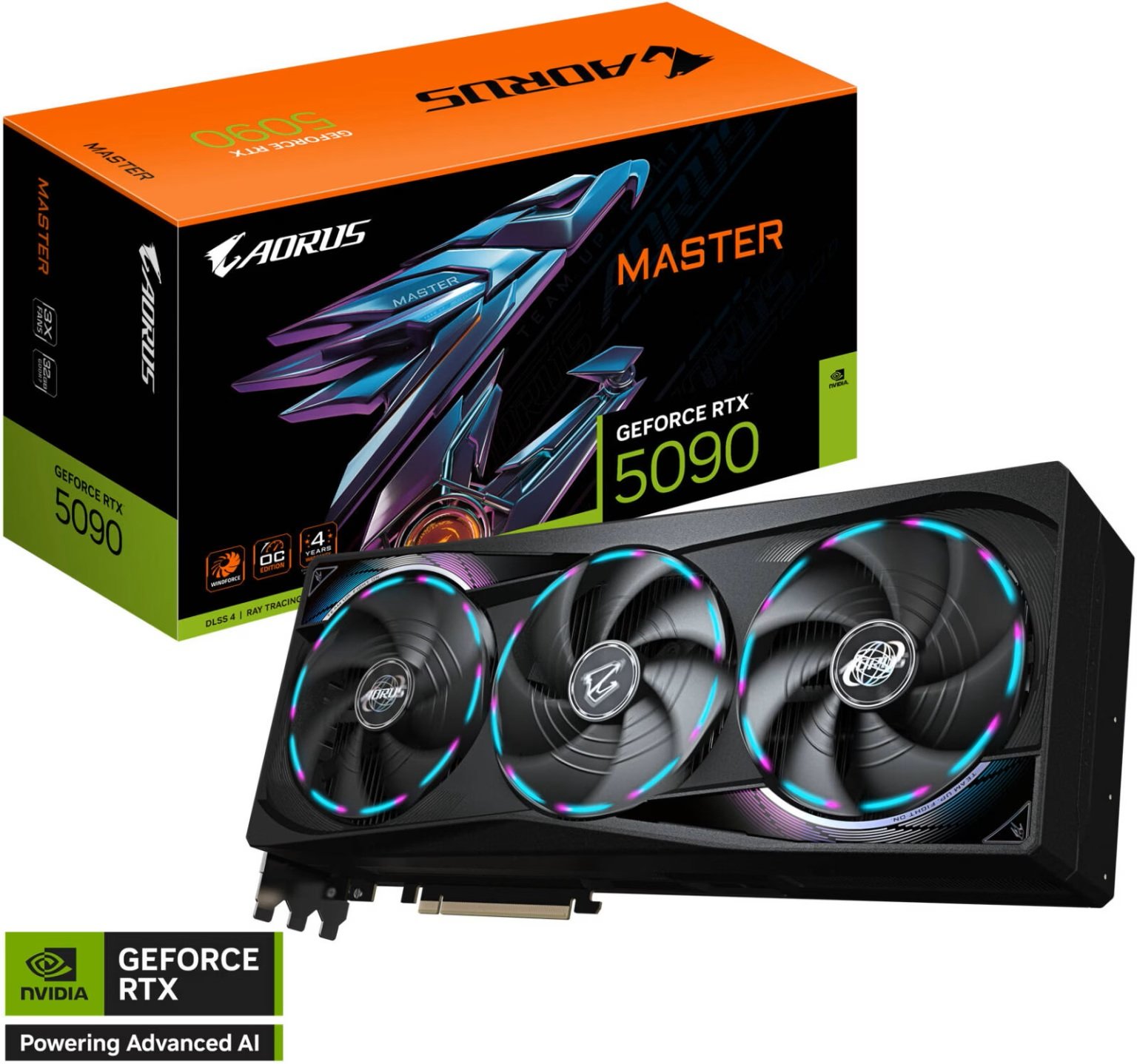
Match them equally or go GPU-heavy. A gaming laptop with a mediocre CPU and great GPU for gaming, then the gaming side works great but video rendering crawls. A balanced approach like RTX 4070 with i7-13700H works for both work and gaming without embarrassing compromise on either side. If you lean more toward work, bump the CPU slightly. An i9-13900H with RTX 4070 handles everything without question but costs more. The mistake is buying a RTX 4090 with an older i5. That sounds powerful for gaming but creative work throttles. CPUs handle multitasking and rendering speed. GPUs handle real-time gaming and parallel compute tasks. Gaming laptops need both. Check what your actual work involves. Video editors need better CPUs. Digital artists benefit from better GPUs. General work plus gaming means balanced specs.
What RAM and storage combo actually works?
32GB RAM is the floor for gaming laptops that do real work. 16GB works for gaming alone but feels tight when you're opening a browser, Discord, and a game simultaneously. Video editing needs 32GB RAM minimum. A gaming laptop with 32GB DDR5 and 1TB NVMe SSD handles editing, coding, and gaming without drama. Storage matters more than casuals think. 512GB fills fast between OS, applications, and a couple games. Most game files range from 100-200GB each. A 1TB SSD gives real flexibility. If you're gaming plus working, the 1TB baseline becomes important. Some gaming laptops offer 2TB options but cost significantly more. Buy the 1TB model at baseline. If storage gets tight later, most gaming laptops have replaceable SSD slots. Grab the 32GB RAM + 1TB SSD combination.
Does thermal design matter if you're not overclocking?
Thermal design matters more than you think, even without overclocking. A poorly designed gaming laptop heats up to 85-90°C during work and hits throttling during games. Your RTX 4070 won't perform at full power if temperatures spike. Modern gaming laptops from Asus ROG, MSI, and Lenovo Legion invested heavily in cooling solutions. Reviews from actual users matter here. Check user reviews mentioning temperature and throttling. A laptop that stays under 75°C during sustained gaming and work is solid. Above 85°C regularly means thermal issues. A chatty fan is annoying but a quiet gaming laptop is overheating. Thermal paste degrades over time, meaning a gaming laptop's thermals get worse after 2-3 years. Buying a model known for good cooling design means your laptop stays fast longer. The design difference between mediocre and great gaming laptops is often 5-10°C, which sounds small but extends component lifespan significantly.
Will a gaming laptop actually replace your desktop for work?
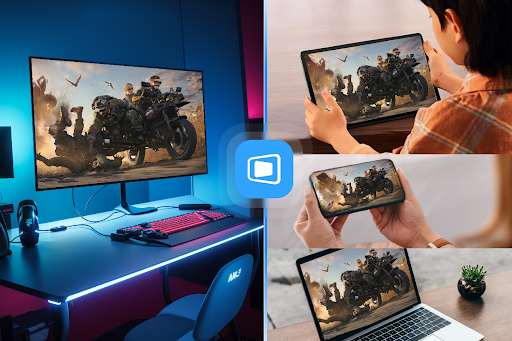
Yes, mostly, but with real caveats. The laptop screen is smaller than most desktop monitors, making long work sessions harder on eyes. Keyboard and trackpad are usually worse than dedicated peripherals. Plugging into an external monitor, keyboard, and mouse at home turns the gaming laptop into a desktop that also travels. The real limitation is only one GPU. Your gaming laptop can't run two displays at gaming performance. Most work doesn't need it, but some design or trading work does. Gaming laptops handle the bulk of productivity work fine. Rendering video or processing large files runs slower than a desktop with similar specs because of thermals. The laptop reaches thermal limits before a desktop does. Overall, gaming laptops work great for remote work, travel, and mixed use if you understand their limits. They're not full desktop replacements for heavy compute work. They're incredibly versatile for the hybrid worker.