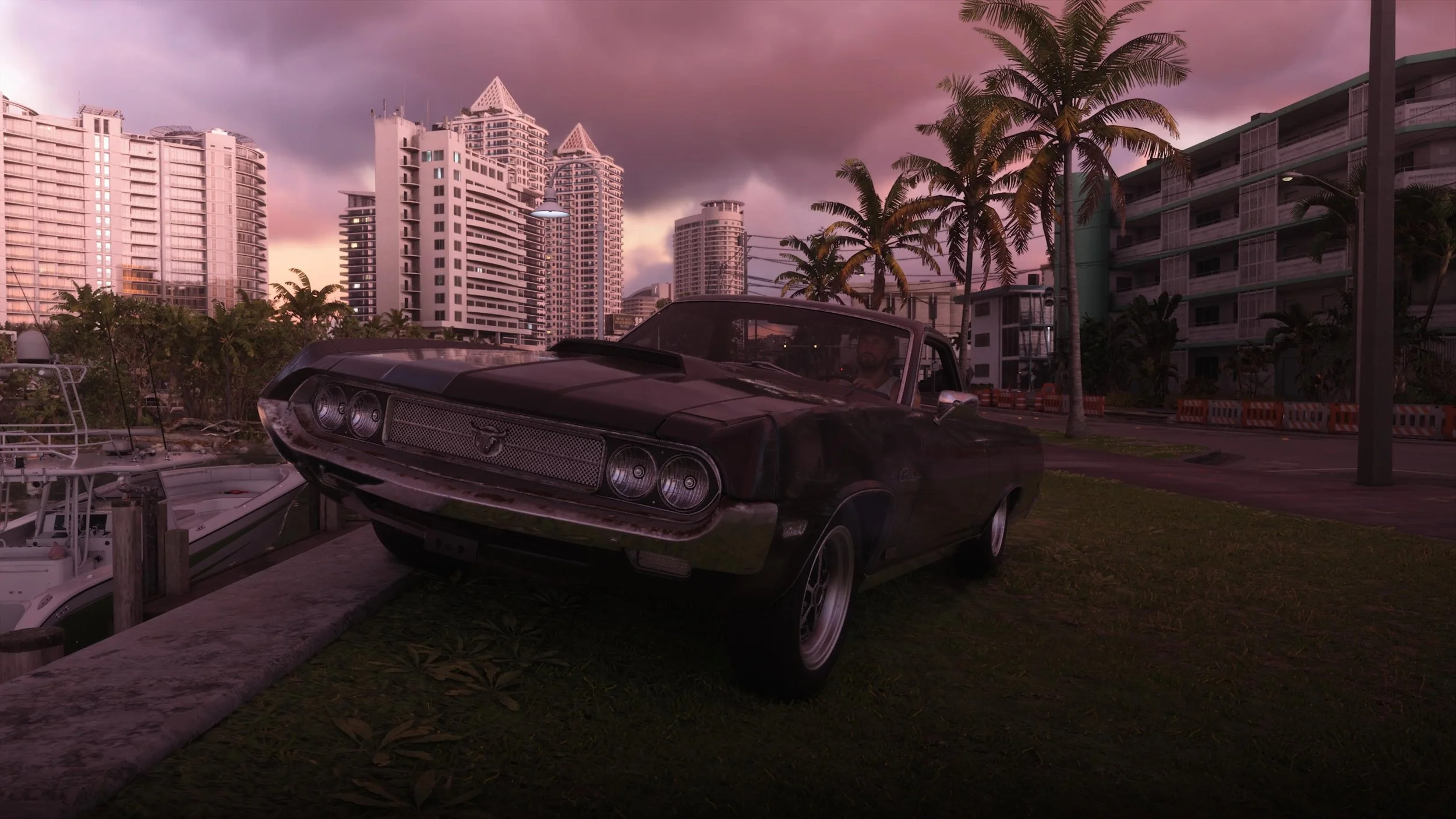
Say you’re driving down the streets of Vice City and you want to sit in perfect silence. Or maybe you want to headbang à la Wayne’s World. Perhaps you fancy some classical tunes or some reggaeton. Whatever music you want to enjoy while definitely not driving like a maniac is available for you with a couple of clicks. Here is how to change the radio station in Grand Theft Auto VI.
How to change radio stations in Grand Theft Auto VI
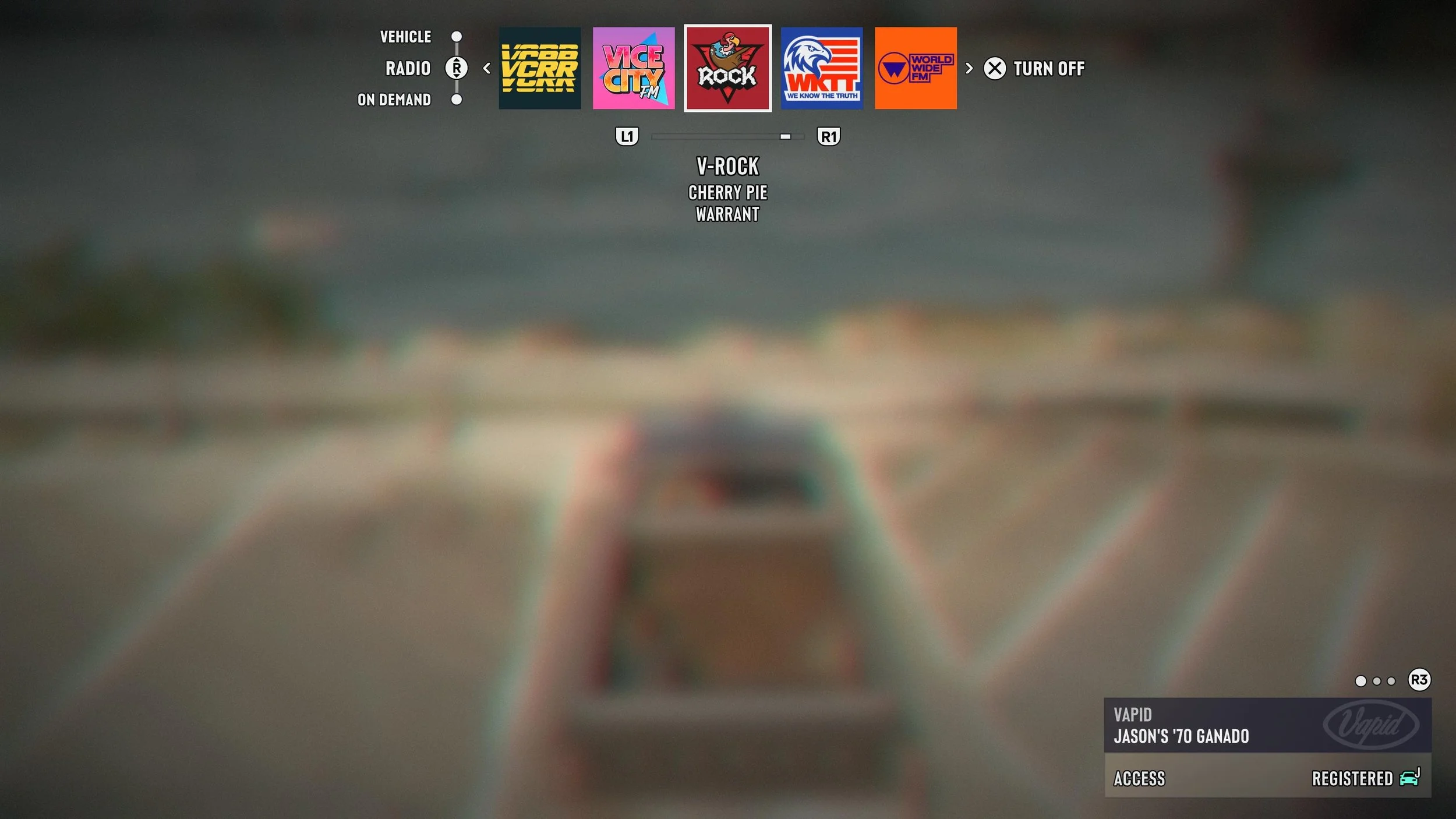
Once you jump into your vehicle, you’ll be able to access the numerous radio stations and hundreds of songs via a single button click. Press and hold the left button on the D-pad and you’ll bring out the radio station selection screen.
Time will slow down dramatically, and with the help of the L1 and R1 buttons, you’ll be able to choose the radio station that best fits your mood or genre preferences. I love living in the past and enjoying some classic rock, so V-Rock is definitely my jam.
Alternatively, you can choose to drive in complete silence. While selecting radio stations, press X and you’ll turn the radio off. Press it again to turn it on.
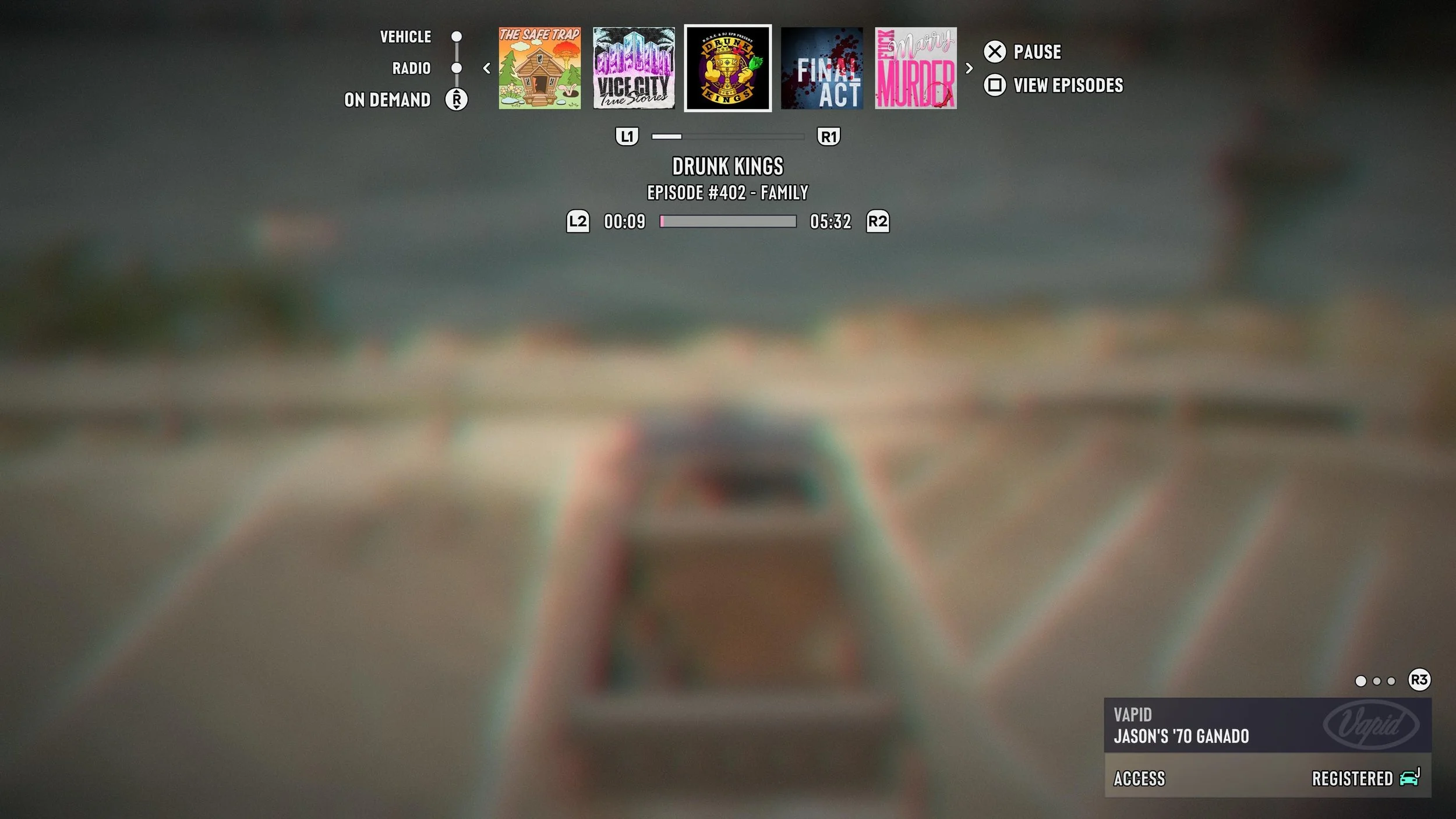
Finally, you can also drive while listening to a variety of podcast episodes. Move down with the right analog stick while selecting radio stations, and you’ll find multiple podcasts, each with various episodes available for you. You can listen to gems such as Drunk Kings, Final Act, and even F*ck, Marry, Murder. Top-notch entertainment.
Grand Theft Auto VI is available now on PlayStation 5 and Xbox Series X/S.