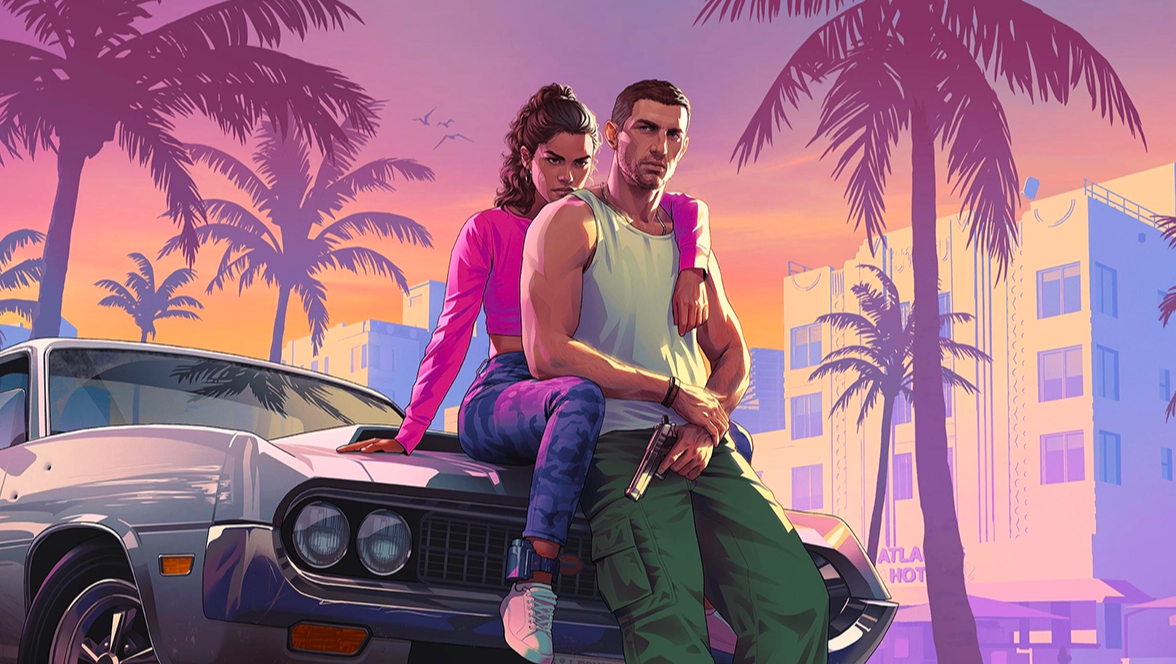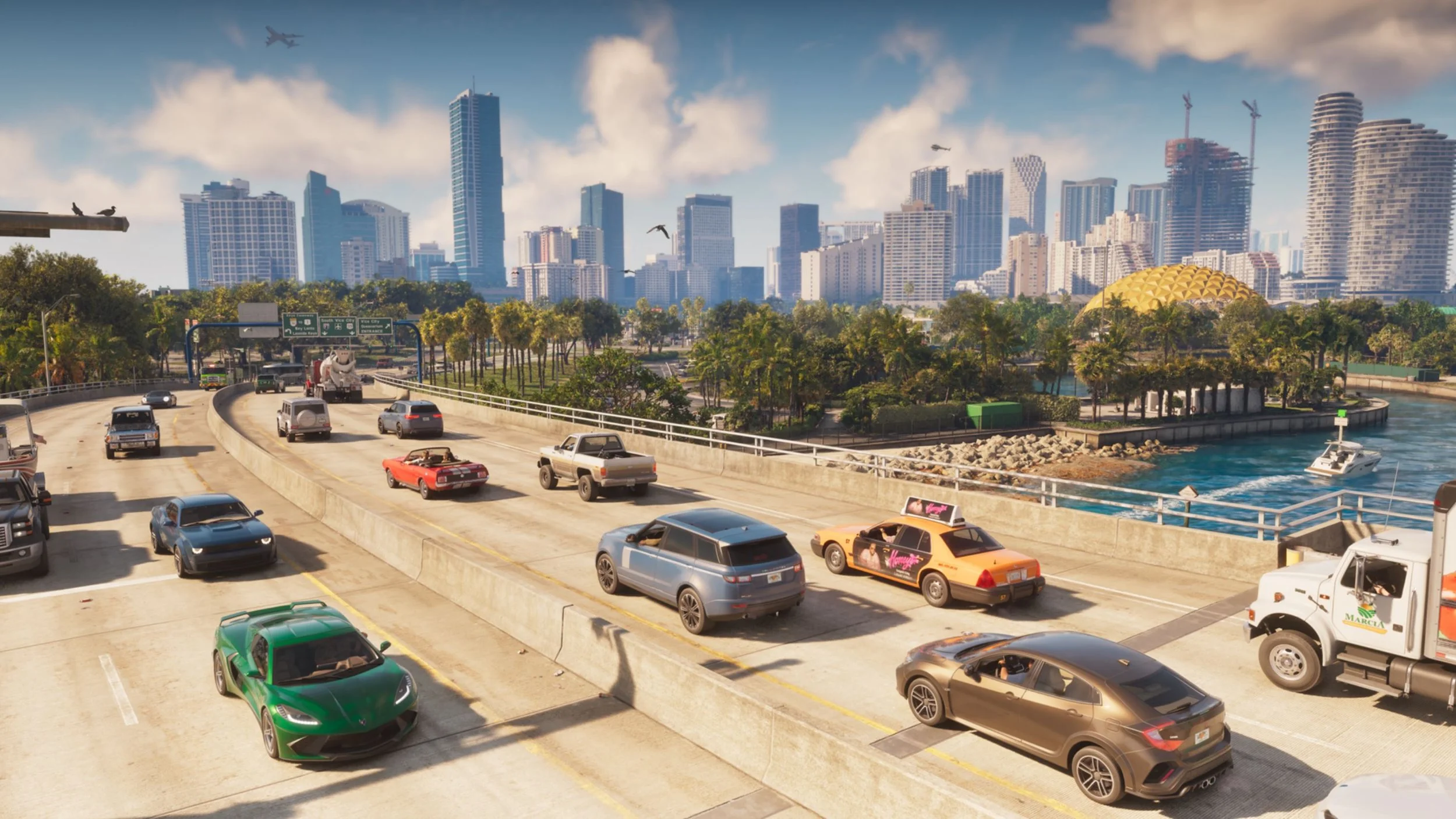
Grand Theft Auto VI's Leonida is a big place. Rockstar has never made such a dense and vast world before, so even with the best vehicles, the drive can take a long time, especially while avoiding traffic, keeping track of destination markers, and trying not to get distracted by the gorgeous scenery. Thankfully, Grand Theft Auto VI includes an Auto Drive feature that hands the wheel over to the game so you can sit back and enjoy the ride.
While the setting is available by default for players to use whenever they are in the driving seat of a vehicle, its full functionality isn't enabled unless a certain option in the Settings menu is toggled.
How to activate Auto Drive
As long as you're in control of a motorized vehicle on the ground, holding Down on the controller D-pad will bring up the Quick Navigation overlay. While still holding the button down, press the Options (PS5) / Menu (Xbox) button to trigger Cinematic mode. Once the camera switches, the option to hold Circle (PS5) / B (Xbox) will appear for enabling Auto Drive.
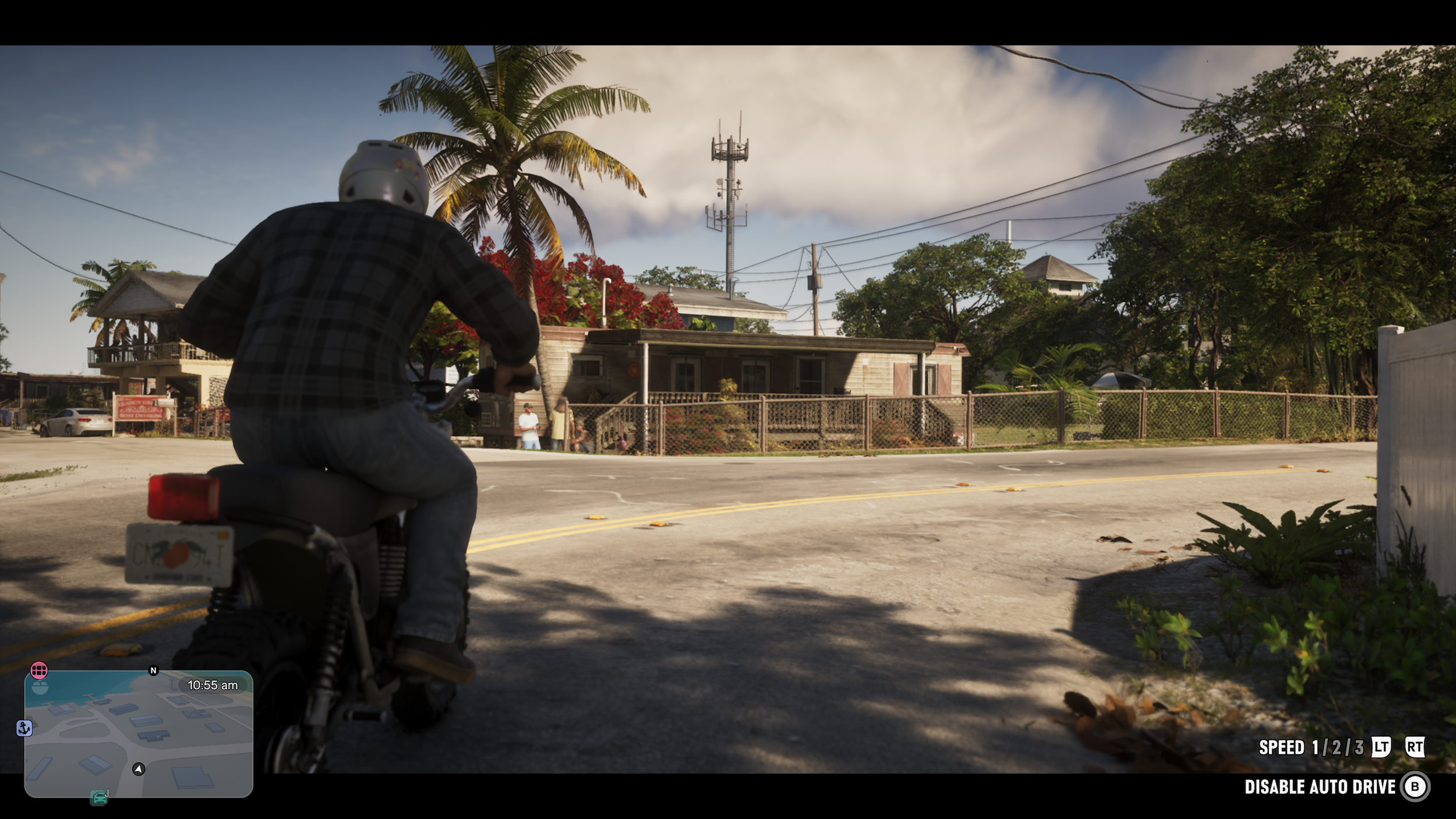
When active, Jason or Lucia will steer the vehicle along the road while obeying traffic laws as if they are a standard NPC in Grand Theft Auto VI. Increasing its usefulness, if you have a location marked on the map or a quest is active, the current protagonist will take the shortest path to that location automatically. The speed can also be changed using the triggers on the controller.
Even still, the drive will be a slow and steady one, so if you want to regain control of the vehicle at any point, hold down Circle (PS5) / B (Xbox) again.
How to enable Unrestricted Auto Drive mode
The Auto Drive feature by default only works on roads. Driving to a beach or going off-road in a vehicle will disable the prompt for enabling it entirely. However, this can be changed in the Settings.
First, pause the game and head to the Settings page. It's the Gameplay tab you want to find here, which is where the "Auto Drive" option can be seen once you scroll almost all the way down the page. Here, simply switch the feature to "Unrestricted" mode.
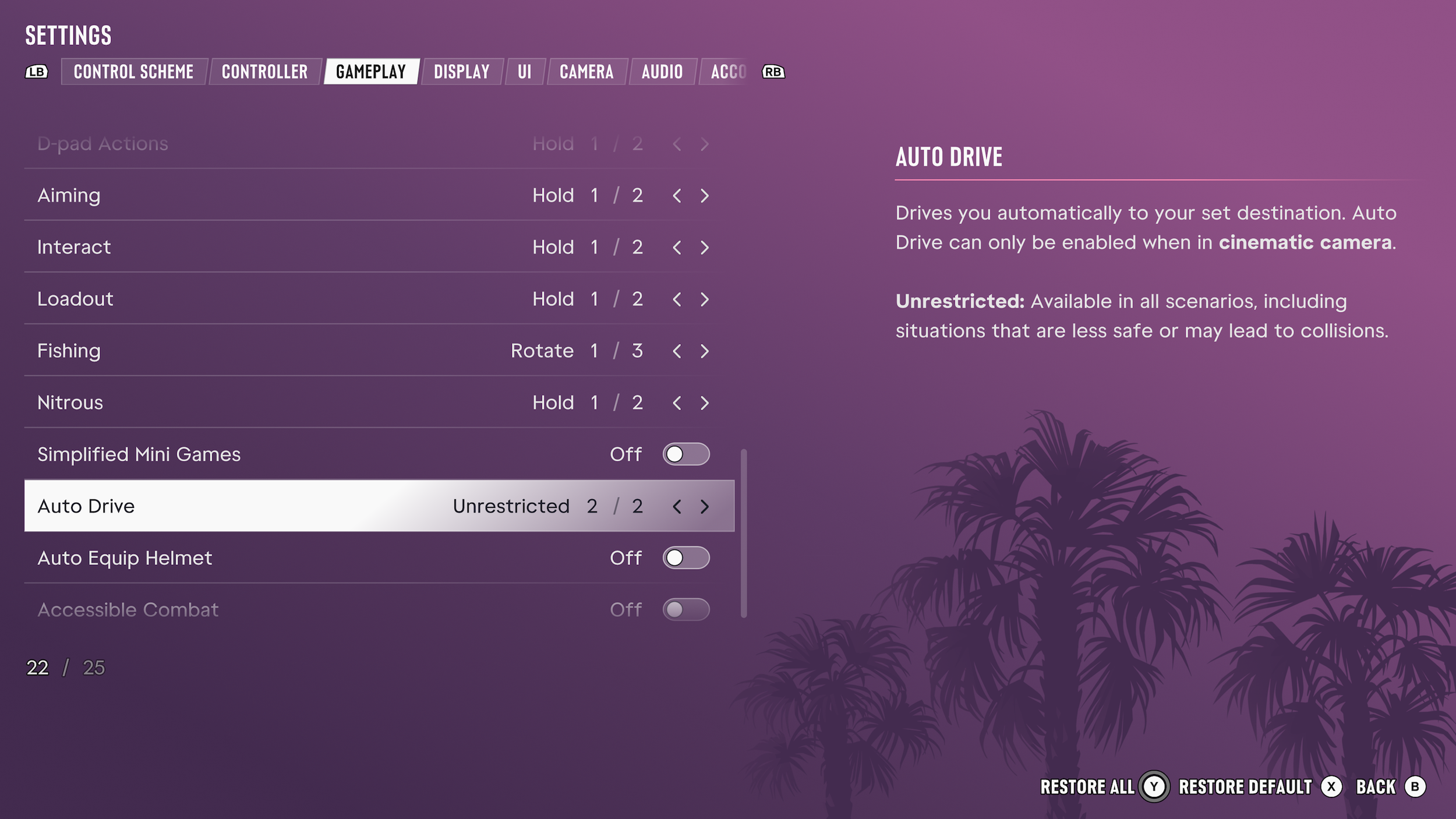
Now, Auto Drive will have no issues activating while off-road. Jason and Lucia will still try to get to the nearest road as safely as possible to continue toward your destination. However, just as Rockstar warns in the Settings menu, there may be collisions with trees, bushes, or animals that are in the way as the game tries to navigate this uncharted terrain.
Maybe you want to see the sights and listen to the radio while traveling on the highway or pay attention to the conversations between characters without worrying about crashing into a cop car. Whatever the case may be, the Auto Drive option is a useful trick to have in a game this vast.