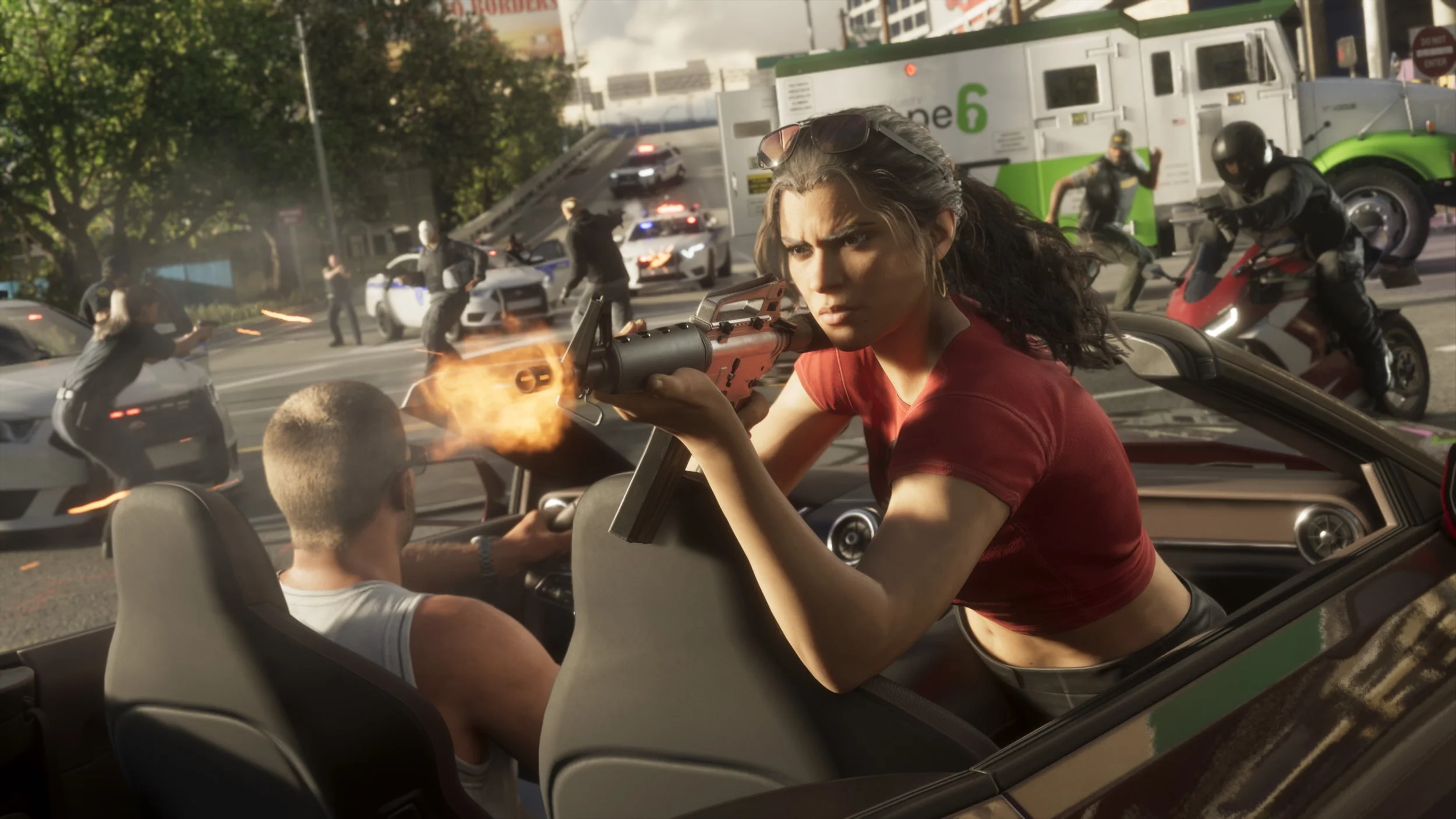
Grand Theft Auto is a series that allows for an unprecedented amount of chaos, but so far, the games haven't really allowed players to adjust just how much carnage they see on their screens. Grand Theft Auto VI has changed that. While the Rockstar title leans heavily into showing gritty injuries and even graphic limb damage, you can make things cleaner this time with a simple toggle or two.
Whether you don't like the sight of body parts flying off, are playing the game in a shared space, or want to keep things more casual on a streaming platform, this is a quick and easy way to tone down the chaos being caused by Jason and Lucia.
How to disable “Dismemberment” in Grand Theft Auto VI
To find the Dismemberment option, first pull up the pause menu and head to the Settings page. Inside it, you want to find the Display tab, which is where the brightness controls and visual effect tweaks sit. Scroll down on this page, and you'll see the Dismemberment toggle.
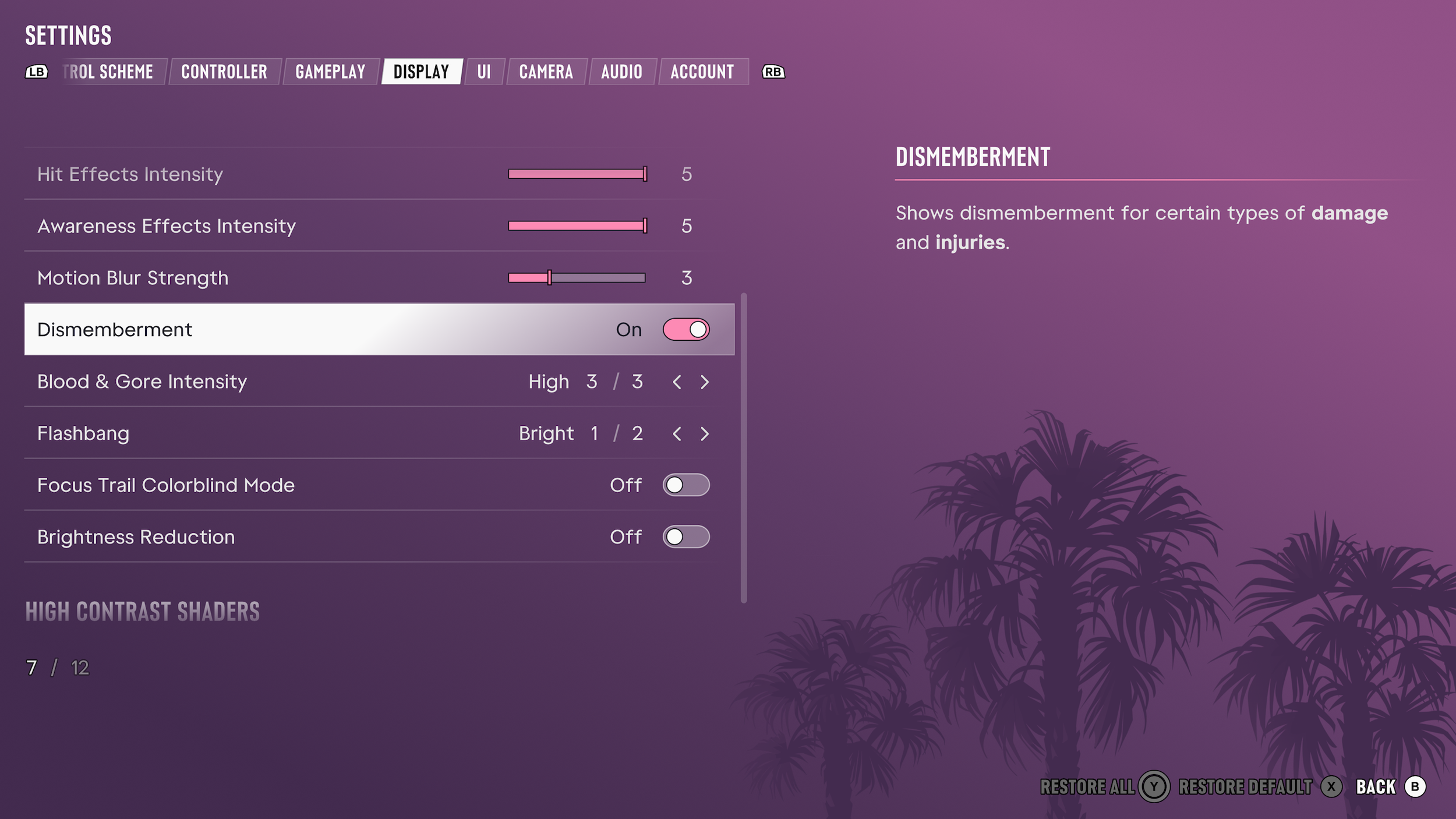
Simply switch this off, and no matter what explosive they are caught in or how heavy a hit they take from a vehicle, all body parts will remain intact from now on.
How to change "Blood & Gore Intensity" in Grand Theft Auto VI
Right below the Dismemberment toggle on the same page, you can find the "Blood & Gore Intensity" options. These come in three levels instead of being a simple on/off switch, letting you decide how much damage shows up on Jason and Lucia, as well as NPCs, when action kicks off, during a major car crash, or even an animal attack.
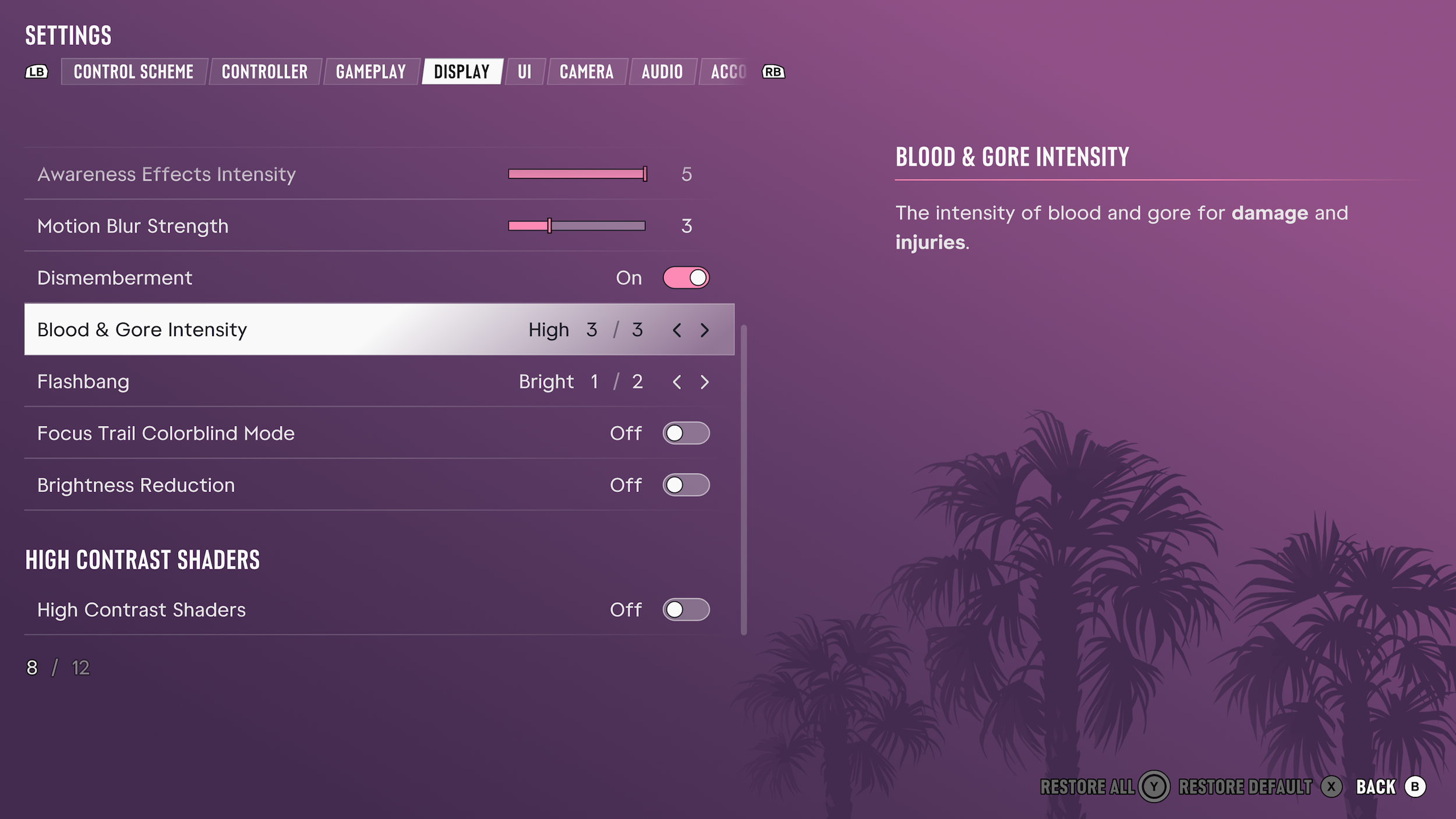
Keep in mind that disabling dismemberment and reducing gore is strictly cosmetic. Turning these settings off will not change the actual damage taken by the player or enemies. Most importantly, you can still earn PlayStation trophies and Xbox achievements without issue.
The options can even be accessed before starting the game, as Rockstar allows players to jump into the settings page during the first startup. There is no need for restarting Grand Theft Auto VI or reloading a save after changing the gore or dismemberment settings either, as the game applies the changes seamlessly on the fly, even in the middle of a mission.