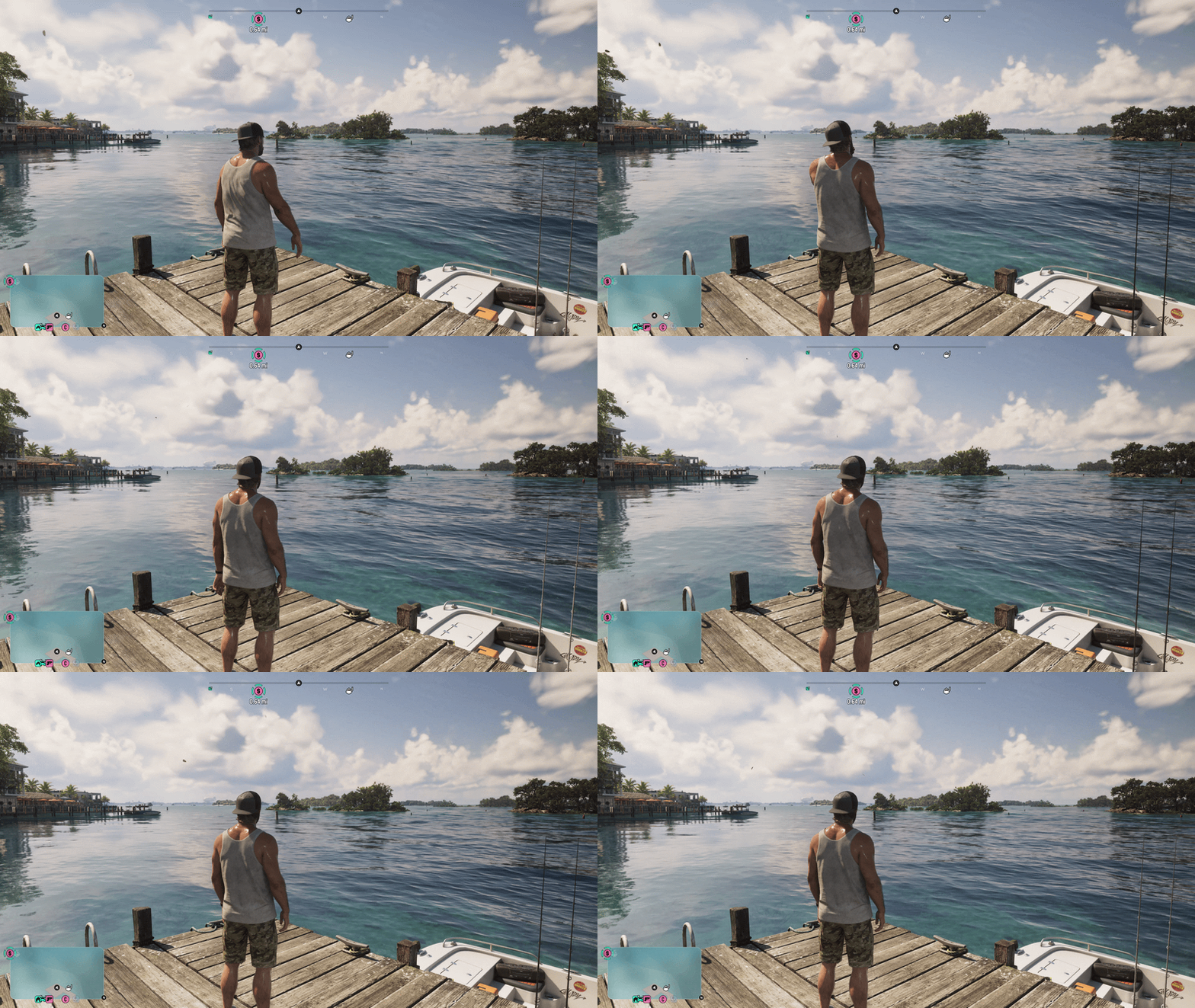
Rockstar Games' Grand Theft Auto titles, or even the Red Dead Redemption series, do not ship with traditional Easy, Normal, or Hard difficulty selectors like games from other developers. Grand Theft Auto VI keeps this tradition alive, but for the first time, the studio has quietly included two dedicated ‘Easy Mode’ toggles inside the settings menu.
If you want a more story-focused trip through Leonida, or if a lengthy police chase or a heavy shootout has you stuck, these are the options you can consider enabling.
How to turn on Accessible Combat mode
The Settings menu sits in the pause menu of Grand Theft Auto VI. From there, head to the Gameplay tab and scroll all the way to the bottom of this page. It's here you'll see the "Accessible Combat" toggle. Turn it on and save your settings to experience a version of Leonida that is much more forgiving when it comes to combat.
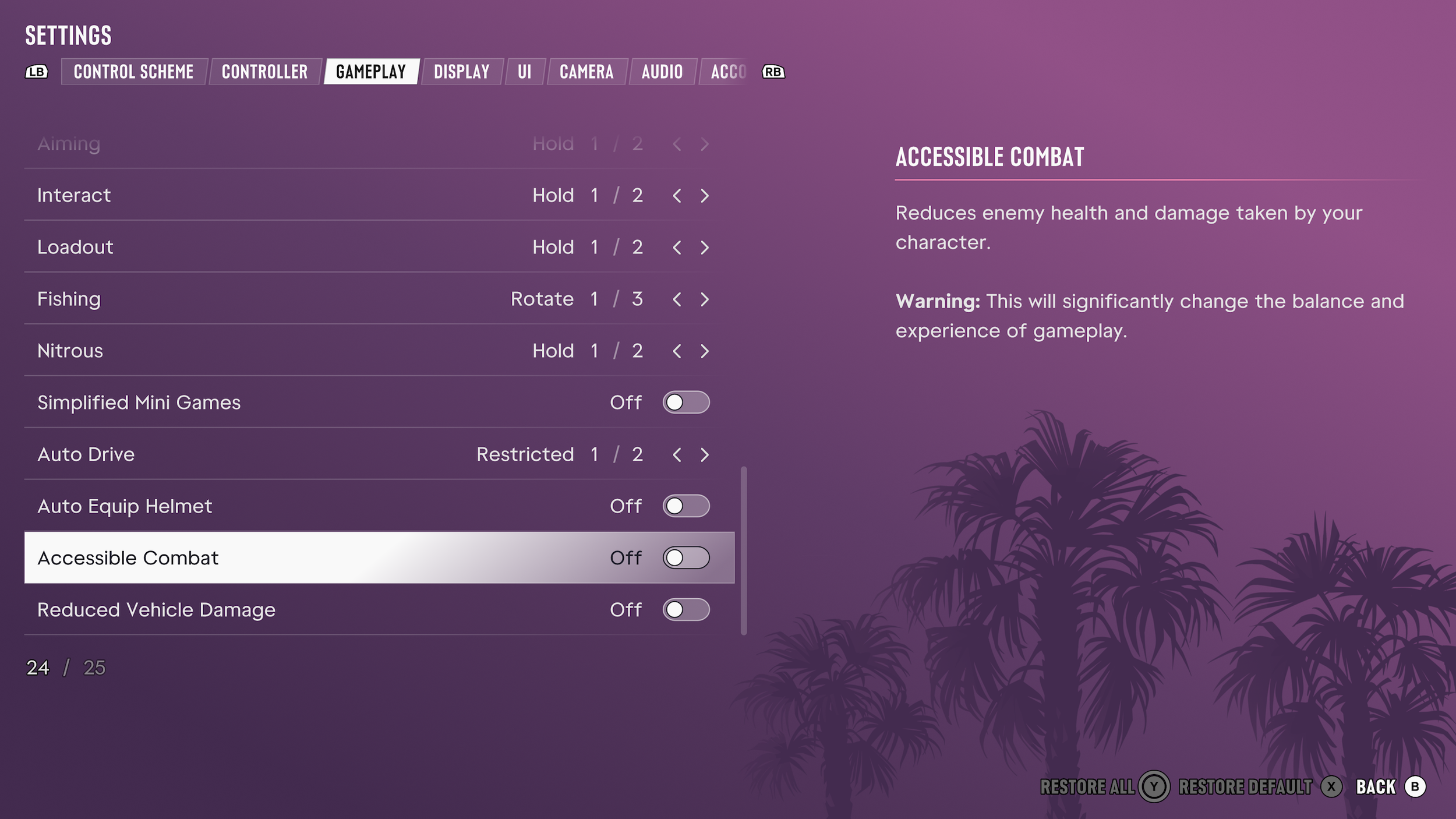
With the option enabled, the health bars of Jason and Lucia will drain much more slowly in gunfights, fistfights, or even while flying off vehicles during a messy crash. At the same time, enemies will go down much quicker, without the need to hit vital parts so often. Even if you're not a crack shot, firefights become far less punishing.
How to turn on Reduced Vehicle Damage mode
The Reduced Vehicle Damage option can be found on the same Gameplay tab in the Settings menu. You just have to scroll to the very bottom of the page again, as it's the final option available.
As the name suggests, toggling this setting will make whatever vehicle you're driving take much less punishment. This includes high-speed crashes and any gunfire being directed toward it. Usually, before coming to an explosive end, the engine will sputter out once the vehicle has taken a moderate amount of damage. With the setting enabled, your favorite ride will last much longer.
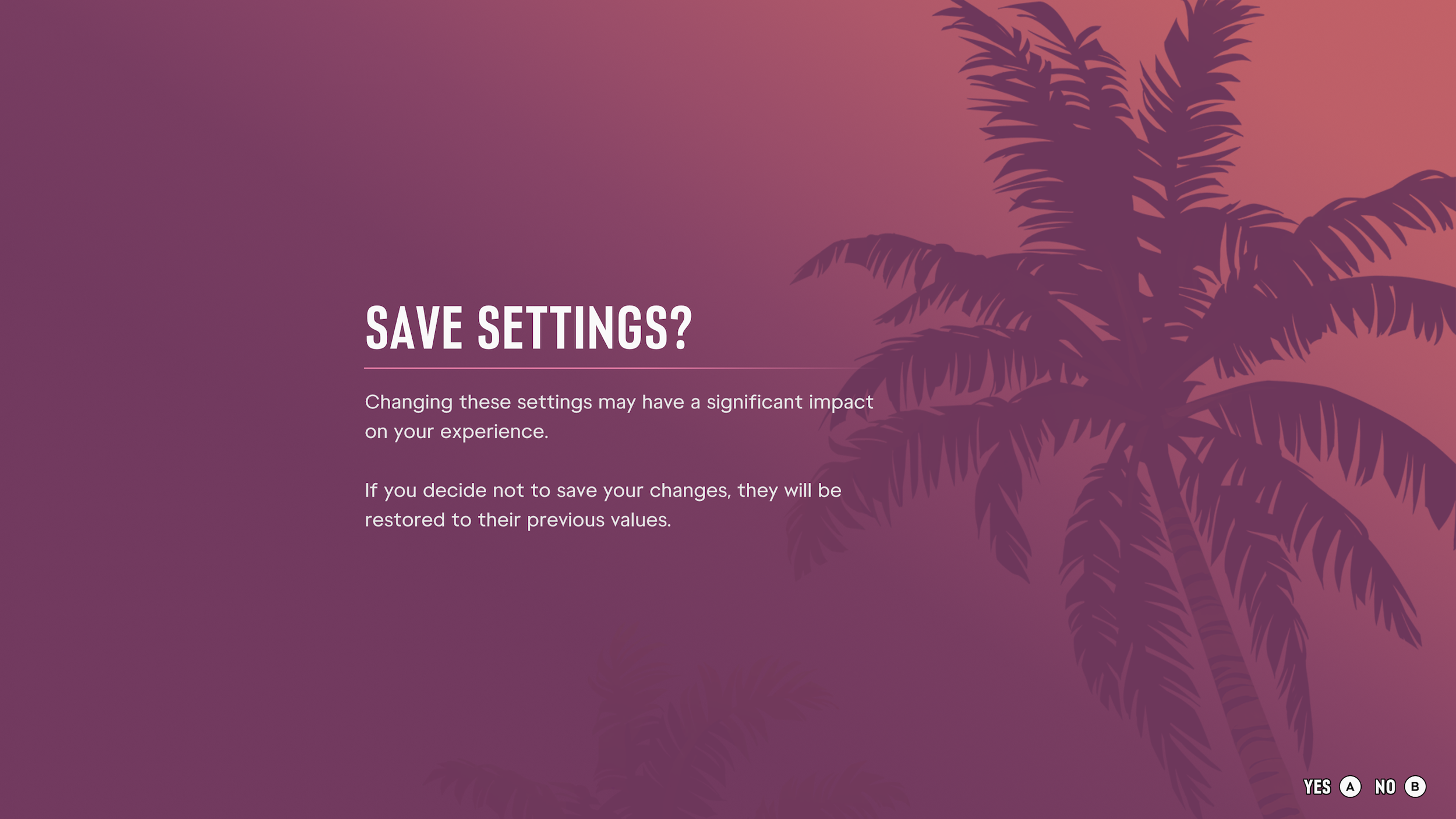
Rockstar doesn't want you to enable these accessibility options on a whim. Trying to save the Settings menu after tweaking either option brings up a warning about the changes making a "significant impact on your experience."
Of course, both options can be easily disabled again from the Settings menu if the gameplay balance feels too off afterward. PlayStation trophies and Xbox achievements won’t be affected by keeping them enabled either.