Alt accounts are necessary for testing, managing assets, and running multiple Roblox operations. But Roblox can detect and link accounts through shared device data. When one account gets flagged, the others go down with it.
This guide explains how Roblox links accounts and walks through creating fully isolated profiles by controlling your digital fingerprint. Done right, each account looks like a different person on a different device.
What are Roblox alt accounts?
Roblox alt accounts are extra profiles separate from your main one. Players use them to test new game builds, run UGC shops under different brands, or handle trades that they don't want connected to their primary account.
How to earn on Roblox
You can actually turn Roblox alt accounts into a powerful asset for monetization. The ability to manage multiple Roblox instances or test different models across various accounts gives you a serious competitive edge.
Game testing: Use alt accounts to stress-test servers and gather genuine user feedback without risking your main account.
UGC and trading: Alt accounts let you manage different User-Generated Content brands or run separate in-game shops. This is crucial for strategic diversification.
Asset management: In games with complex economies, use alt accounts to manage separate trading portfolios or diversify investment risk.
Affiliate programs: Use alt accounts to track marketing efforts and drive traffic to your main game or product.
The rule is simple: treat each alt account as a completely separate, independent user to ensure its long-term survival.
How Roblox can ban you by linking your accounts
If you think it’s easy to create multiple Roblox accounts and start earning, you’re right — but only if you use the right tools. Without proper separation, Roblox can easily detect and ban accounts that appear to be controlled by the same person.
When multiple accounts share too many of these data points, the system flags them as being controlled by one person.
Here is what they look for:
IP overlap: Multiple accounts using the same IP.
Browser fingerprint: Identical device and browser data.
Session behavior: Unstable or frequently reset sessions.
Automation signals: Repetitive or perfectly timed actions.
To stay safe, every alt account must look like a completely different person using a completely different computer, with its own history and location.
The Guide: Setting up Multilogin for Roblox
Standard VPNs and incognito tabs will not work. They do not change your digital fingerprint. You need an antidetect browser. It creates separate, persistent browser profiles, each with its own unique fingerprint and network setup. One of the most reliable antidetect solutions on the market is Multilogin.
What is Multilogin?
Multilogin is a reliable antidetect browser for managing multiple accounts.
Key Features:
55+ fingerprint parameters for realistic fingerprint.
Free residential proxies included in each plan.
Cookie robot to warm up accounts.
Mobile browser emulation
Works with Selenium, Puppeteer, Playwright, Postman, CLI.
Team collaboration: Role-based access, bulk actions.
Security & support: 2FA and 24/7 multilingual help.
User-friendly UI with Drag-and-drop dashboard
Multilogin is reliable, scalable, and beginner-friendly for solo users or large teams.
Step 1: Get started with Multilogin
This is the first step to building your isolated environment.
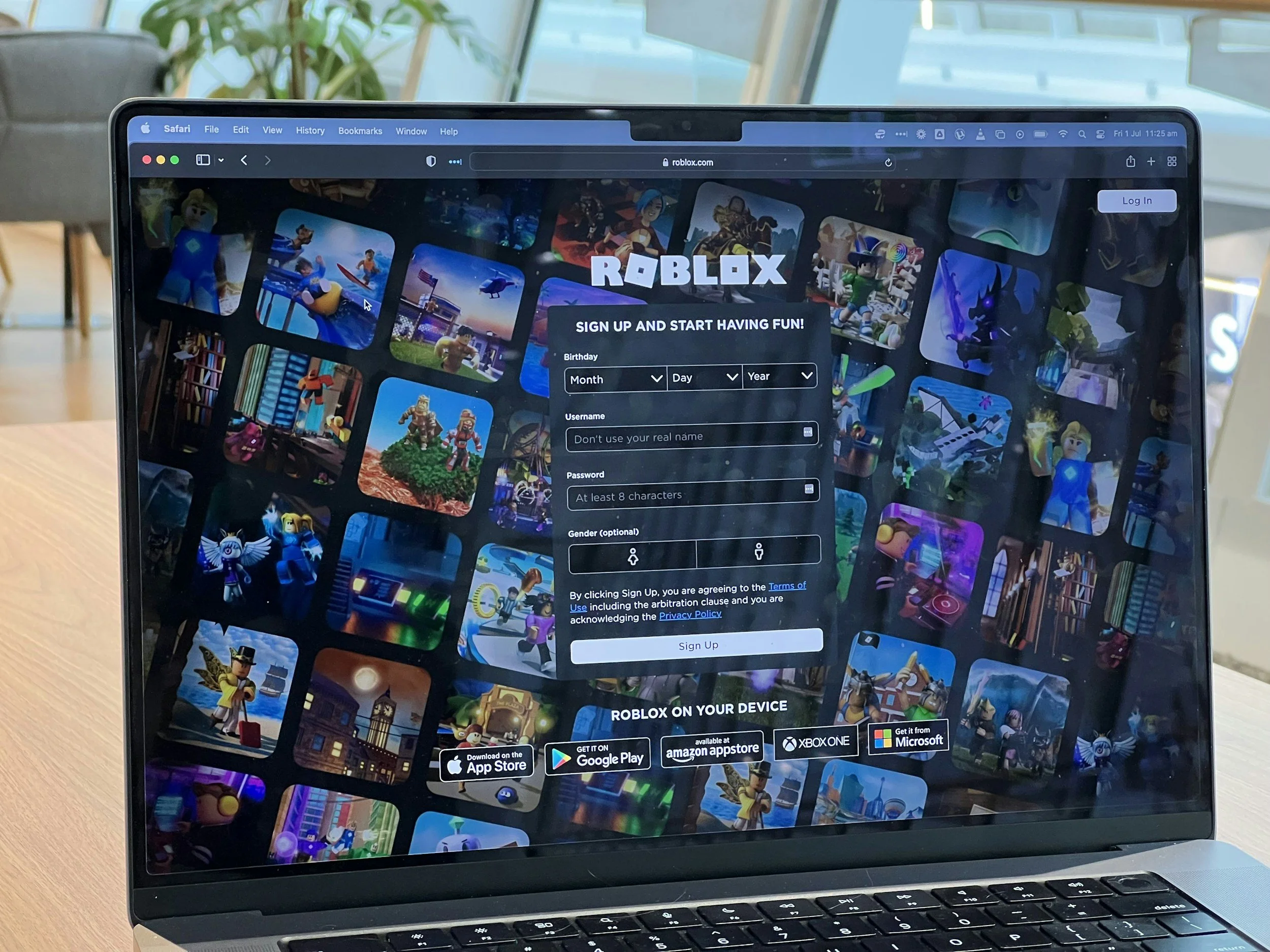
Sign up: Go to the Multilogin website and create your account.
Choose a plan: Select a subscription plan that fits your needs. Multilogin’s pricing is very accessible.
Download and install the app: Download the application for your operating system and install it on your computer.
Log In: Launch the application and log in with your new credentials.
Step 1: Create a Browser Profile
Open Multilogin, click Create, and give your profile a clear name. Add tags and notes to stay organized.
Choose the OS, browser core, and startup tab. You can easily create a realistic fingerprint, and you can customize 55+ parameters (canvas, WebGL, timezone, etc.) to match real user behavior.
Select Android as your OS to emulate a mobile browser if the account needs to appear as mobile.
Step 2: Set up proxies
Each account needs a unique residential or mobile IP. That’s why in Multilogin you can assign a built-in residential or mobile proxy directly to each browser profile.
Multilogin offers 30M+ IPs across 150+ locations, with city and ISP targeting. Assign one proxy per profile to ensure full IP isolation and avoid account linking.
Step 3: Finalize and Launch
Save the profile or create a template to reuse for scaling. Click Create to finalize, then launch the profile. Use Clone to replicate it safely for multiple accounts.
Log in to your Roblox account — each profile now runs as a fully isolated, undetectable digital identity ready for safe multi-account management.
Conclusion
Alt accounts are essential for testing, managing assets, and scaling your Roblox operations — but only if each account is fully isolated. Roblox bans happen when accounts are linked through IPs, fingerprints, or session data. Using Multilogin, you can create separate browser profiles with unique proxies and fingerprints, giving every alt account its own digital identity. This keeps your accounts safe, undetectable, and ready to operate at scale.
FAQ
Is Roblox banning alt accounts?
Roblox targets accounts that violate its Terms of Service, particularly those involved in fraud or abuse. Having alt accounts isn't the problem. The problem is failing to isolate them properly.
Roblox actively links accounts that share technical identifiers like device fingerprints, IPs, and cookies. When accounts share these markers, the platform connects them. One ban can trigger mass bans across all linked accounts.
Multilogin creates fully isolated browser profiles with unique fingerprints and IPs for each account. This isolation reduces the risk of accounts being linked together.
Does Roblox ban alt accounts if they are linked?
Yes. If multiple accounts are connected through shared IPs, device fingerprints, or login patterns, a violation on one can trigger bans across all linked accounts. Roblox doesn't ban you for having alts. It bans linked accounts that look like they're operated by the same person avoiding previous bans or violating rules.
Multilogin gives each profile a unique digital identity, using 55+ fingerprint parameters and built-in proxies to keep accounts fully isolated from Roblox tracking.
What is the risk of a Roblox alt account ban?
The risk is losing everything — Robux, in-game assets, and development progress. Bans are usually permanent and are triggered by shared IPs, identical fingerprints, or suspicious activity.
Using Multilogin mitigates this risk by isolating each alt account with its own IP, browser fingerprint, and session history.
Can I run multiple Roblox game instances on one computer?
Yes, but you need to use the proper tool, such as Multilogin. Running multiple instances from the same OS or IP is unsafe.
Multilogin lets you run multiple instances safely by creating separate browser profiles, each with its own proxy and fingerprint, so accounts remain independent.
Is Roblox banning alt accounts a new policy?
No. Roblox has long targeted fraudulent behavior, but detection methods have improved. It may seem more frequent now because safe multi-accounting requires more stringent technical isolation. Multilogin provides the tools to meet these requirements reliably.