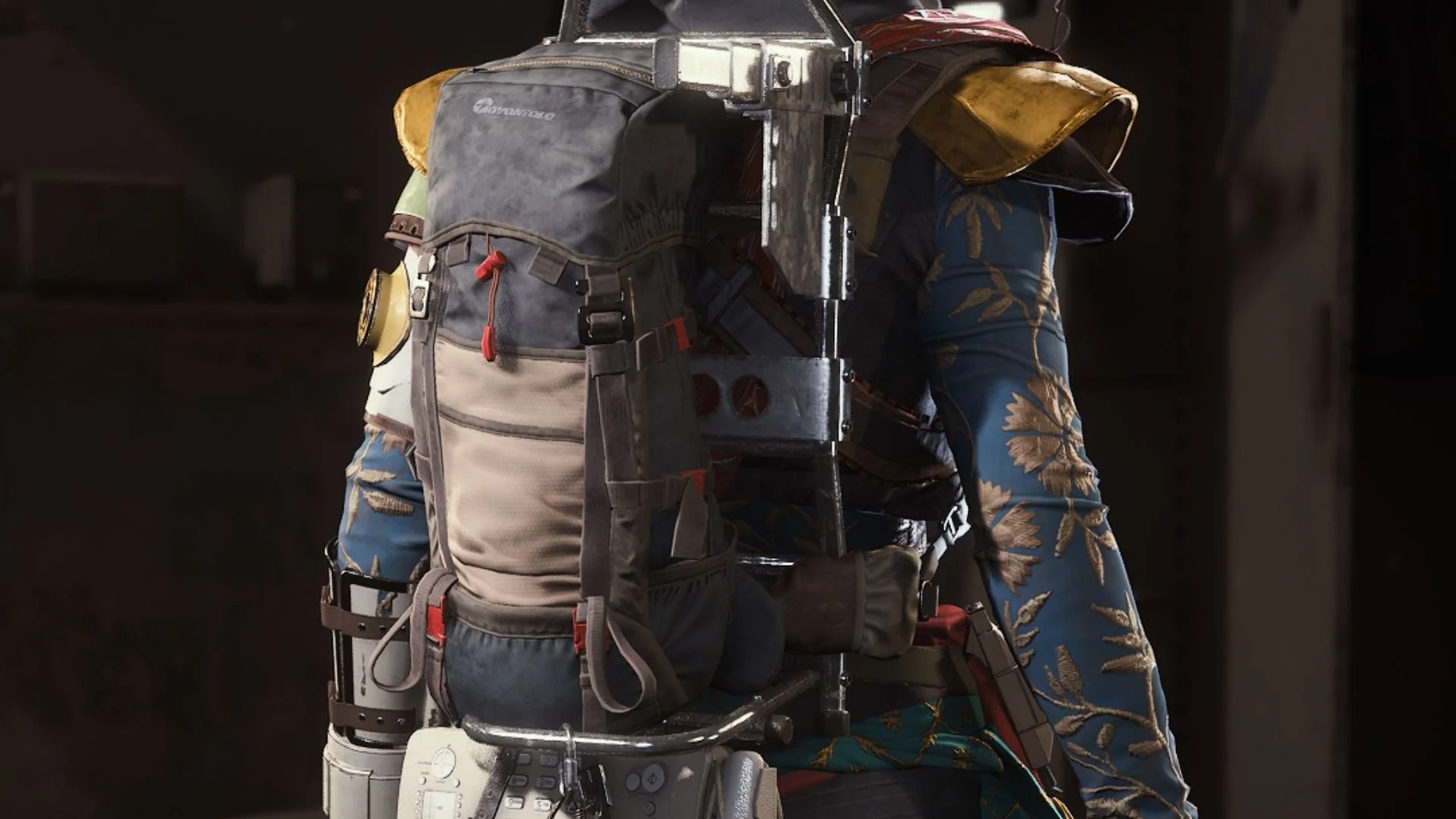
If searching through every single container you encounter in Marathon is something you are very fond of doing, then you probably have met with a terrible fate: your backpack has little to no space left for that Unstable Biomass.
Well, fortunately for every Runner out there, there are ways to ensure that you’ll have enough room to gather those valuable resources without finding yourself dropping goodies like there is no tomorrow. Here is how to increase your backpack inventory space in Marathon.
Equip higher-tier backpacks to unlock more inventory space in Marathon
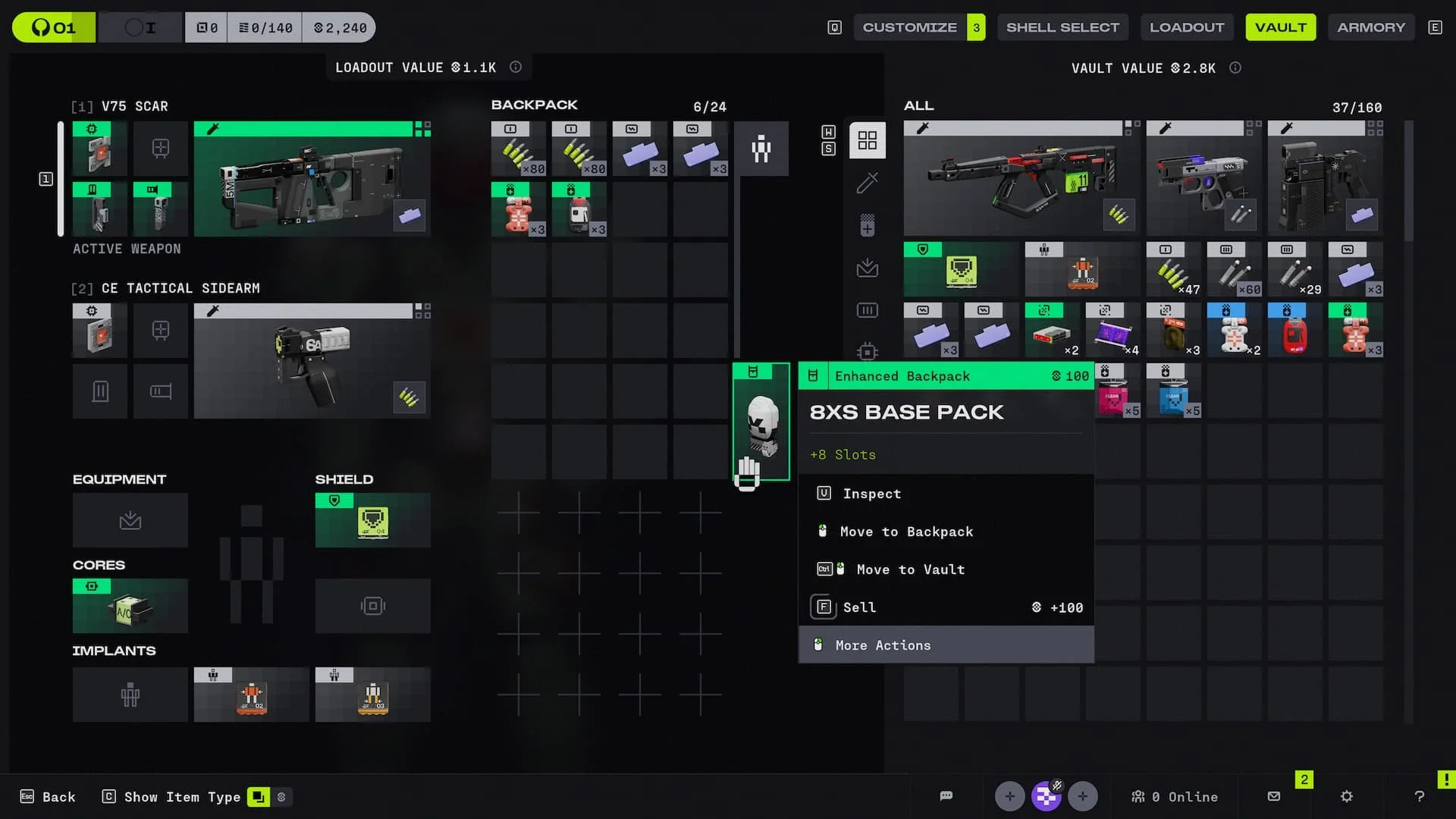
Running out of backpack inventory space? Get a new one! You see, you get a default backpack in your loadout that equips you with 16 spots. However, 24 slots are greyed out from the get-go. To enable them, you’ll need to equip, at the bare minimum, an Enhanced Backpack, which will grant you eight additional slots.
Now, where do you find these backpacks? By scavenging in the various Tau Ceti maps, you might find some of these in the wild. However, if you’re not too fond of Marathon’s RNG, you can choose to buy them directly from the Armory.
To do this, you will need to enable this option by purchasing the Carrier upgrade in CyberAcme (CyAc). This will unlock Enhanced Backpacks, making them purchasable in the Armory. Fortunately, this upgrade only requires credits, but you’ll need to level up CyAc up to Rank 5.
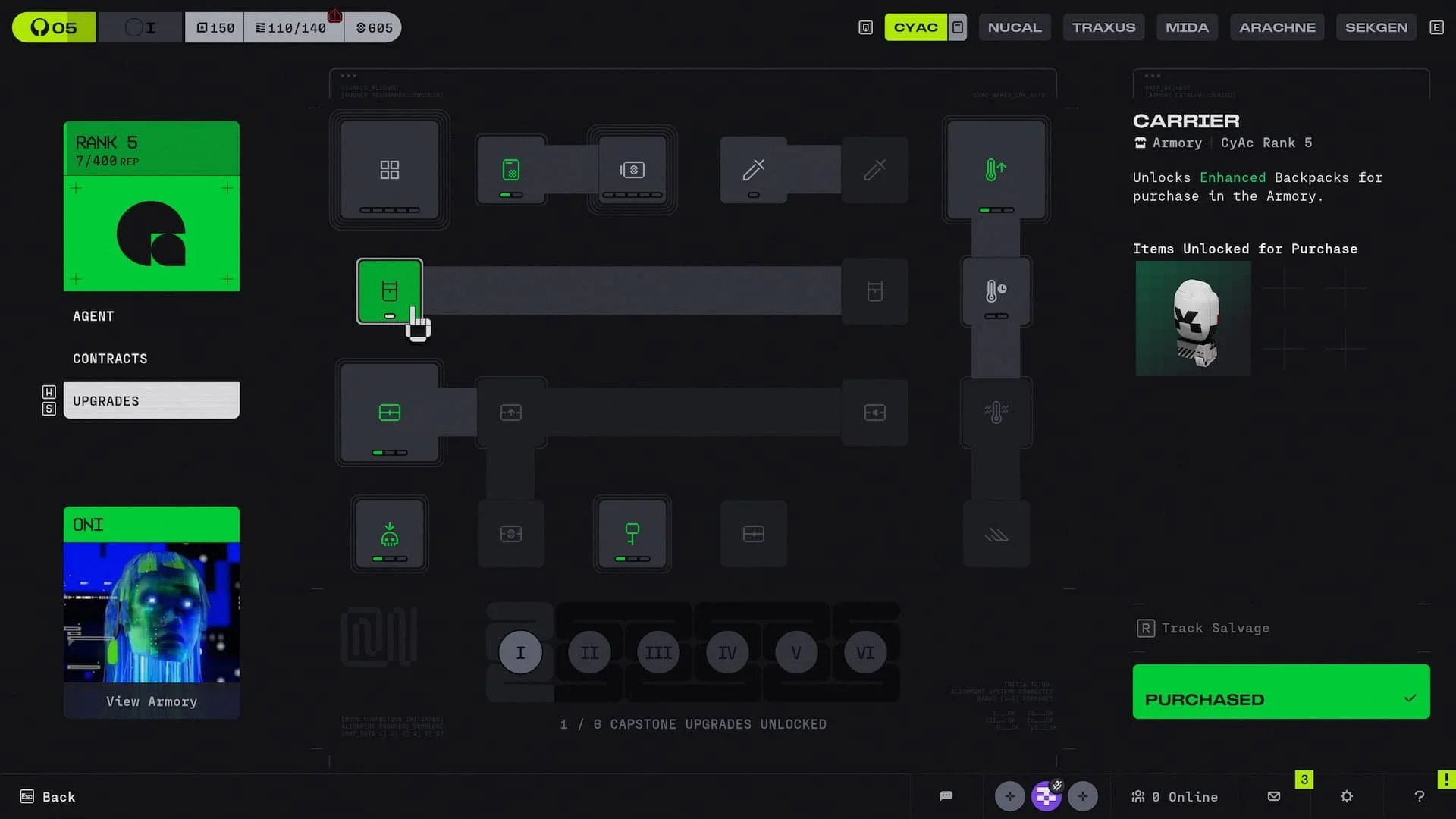
Additionally, Rank 15 opens the way to Carrier+, which unlocks Deluxe Backpacks (16 additional slots). Finally, Capstone Upgrade V (Max Looter), which requires 30 CyAc purchased upgrade nodes, will unlock Superior Backpacks in the Armory (24 additional slots).
Chances are, unless you’re a serial scavenger, that Enhanced Backpacks will do the trick. Given the amount of time the other upgrades will take to unlock, you’re better off spending your resources in other CyAc upgrade nodes.
Marathon is available now on PS5, Xbox Series X/S, and PC.