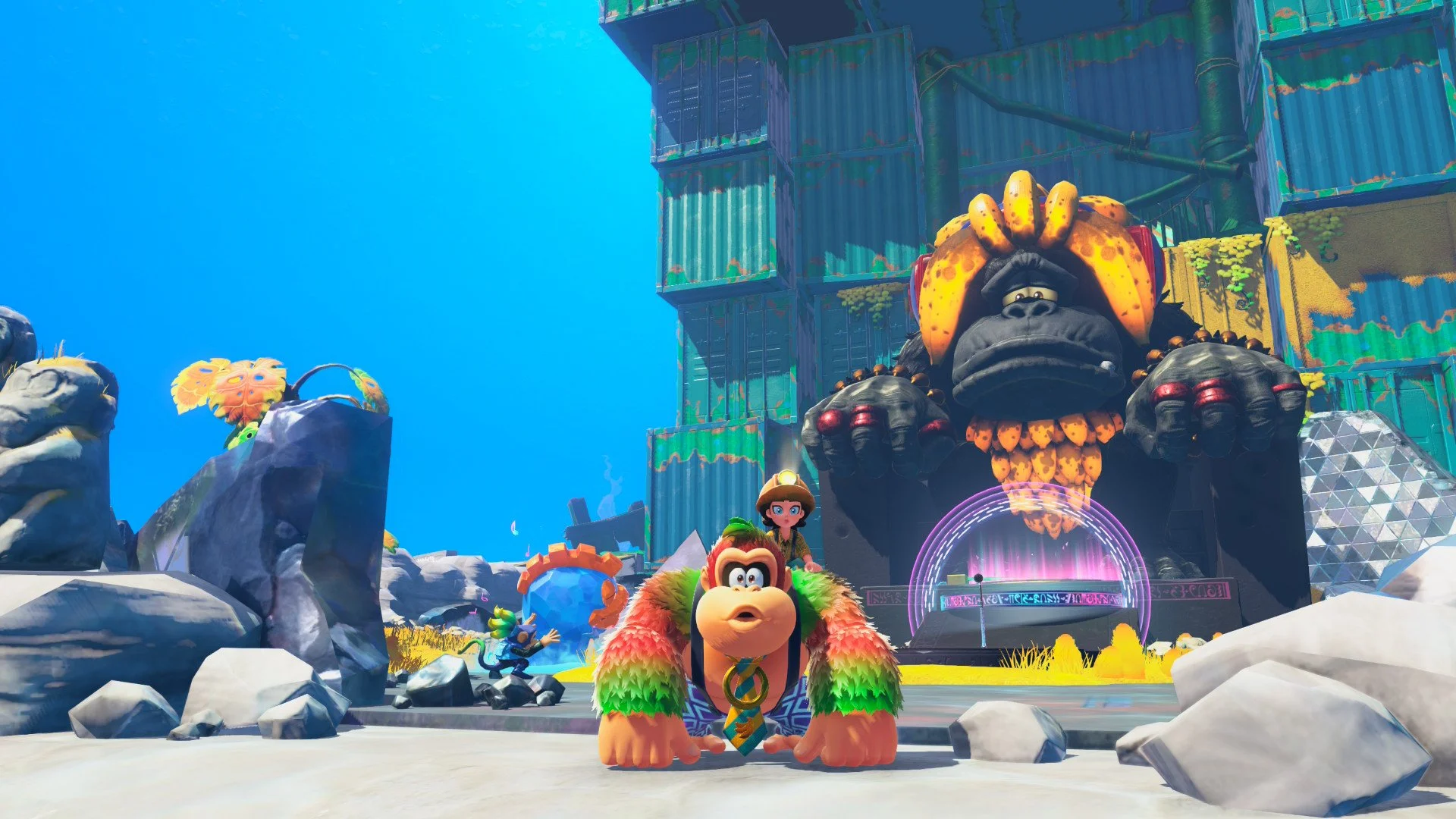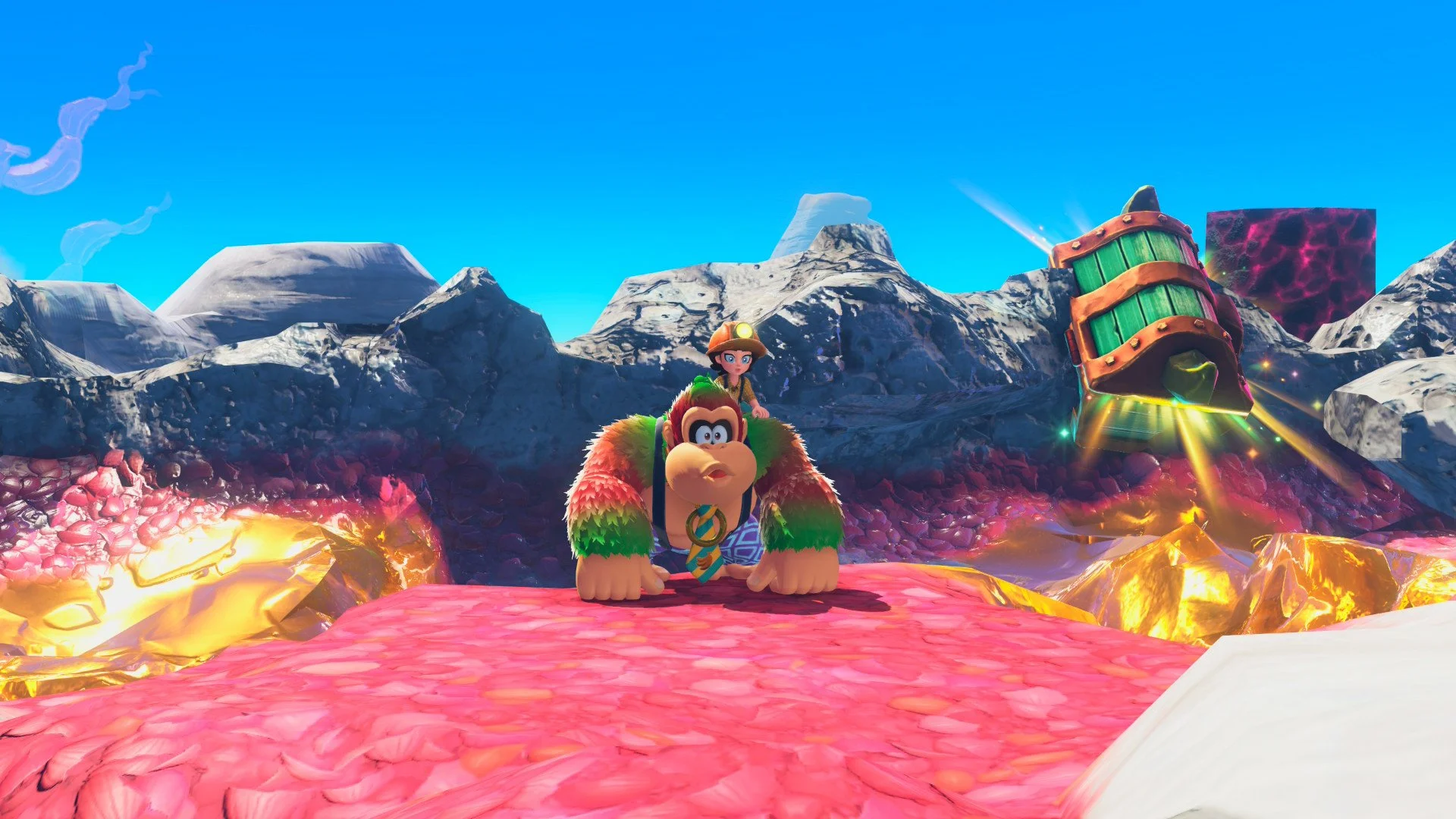
Donkey Kong Bananza is all about demolishing terrain with your fists on your quest to uncover Banandium Chips, gold, treasure chests, and more. By the end of most layers in the game, you'll have destroyed enough terrain to turn its various locations into a shell of their former selves--quite literally. But hey, all that destruction is worth it for yummy bananas.
For the most part, Donkey Kong Bananza's levels are designed in such a way that even mass destruction of terrain in an area will leave you some kind of path to nearby collectibles. Still, you may occasionally find something just out of reach, leaving you to wonder how you can possibly reach it with all of the rubble beneath your feet.
Luckily, there are a few ways you can reset the terrain in Donkey Kong Bananza, providing you with a fresh start on a layer. Let's take a look at how to do it.
The first way you can reset a layer's terrain is to simply leave it altogether via fast travel. Use the gong to travel to a different layer, then use the gong there to return to the first layer. Everything you've destroyed will be reset upon your rearrival.
That takes a lot of work, though, so it's recommended you take the easier route and simply reset the terrain from the map menu. To do this, open your map using Select (-), then press Start (+) to bring up a screen informing you that you're about to reset the terrain.
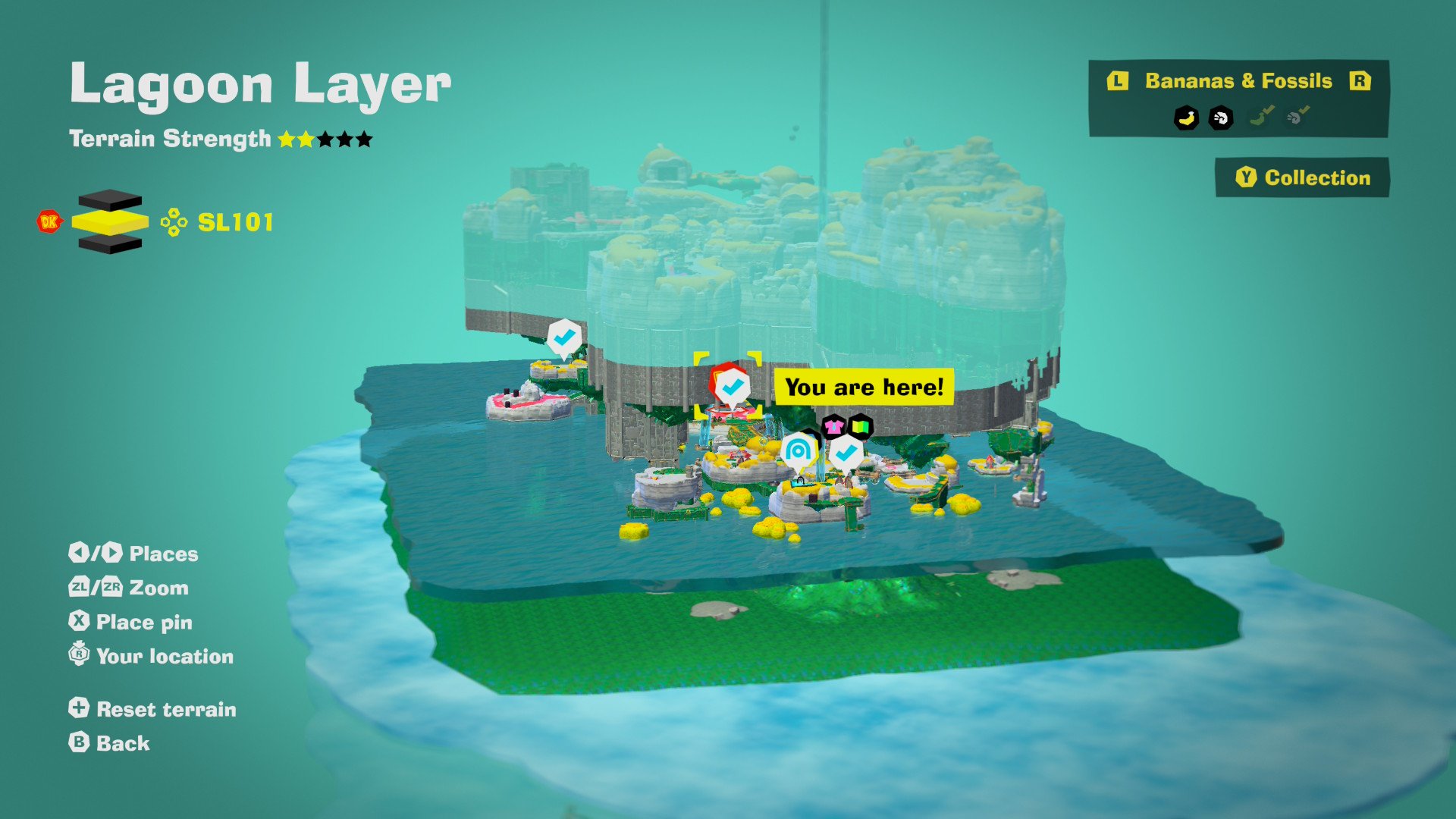
By resetting the terrain, you'll lose any progress you've made on clearing paths through the layer. Assumedly, however, that's precisely your goal for doing this, so go ahead and confirm that you'd like to reset the terrain when prompted.
When you reset the terrain, you keep any gold or collectibles you've found while exploring, but you'll be sent back to your most recent save point on the map. From there, you'll be free to get back to doing what DK does best by smashing a new path forward.
Donkey Kong Bananza is available now exclusively on Nintendo Switch 2.