Playing Mario Galaxy With an Xbox Controller is Blasphemy. Here's the Right Setup
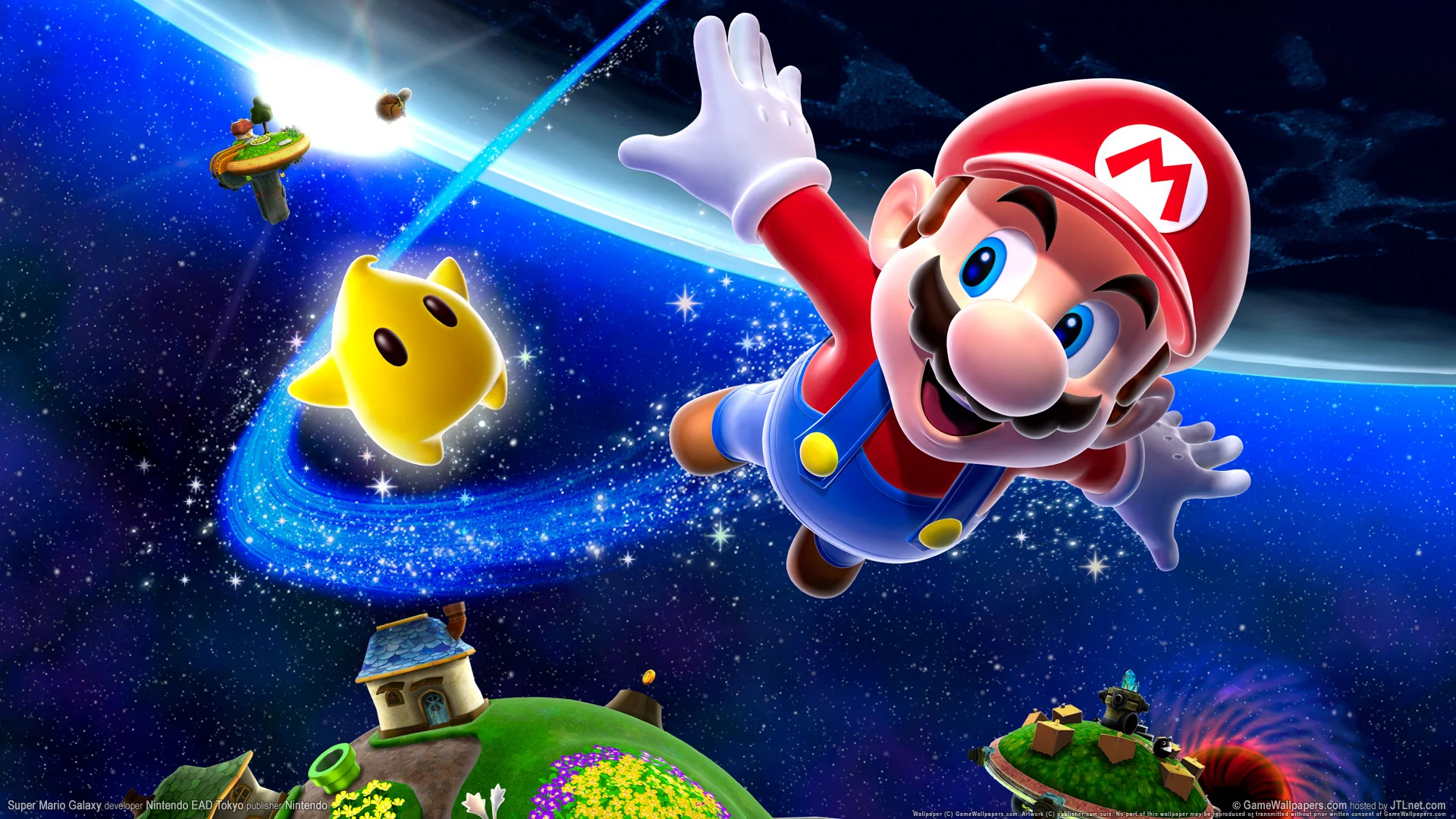
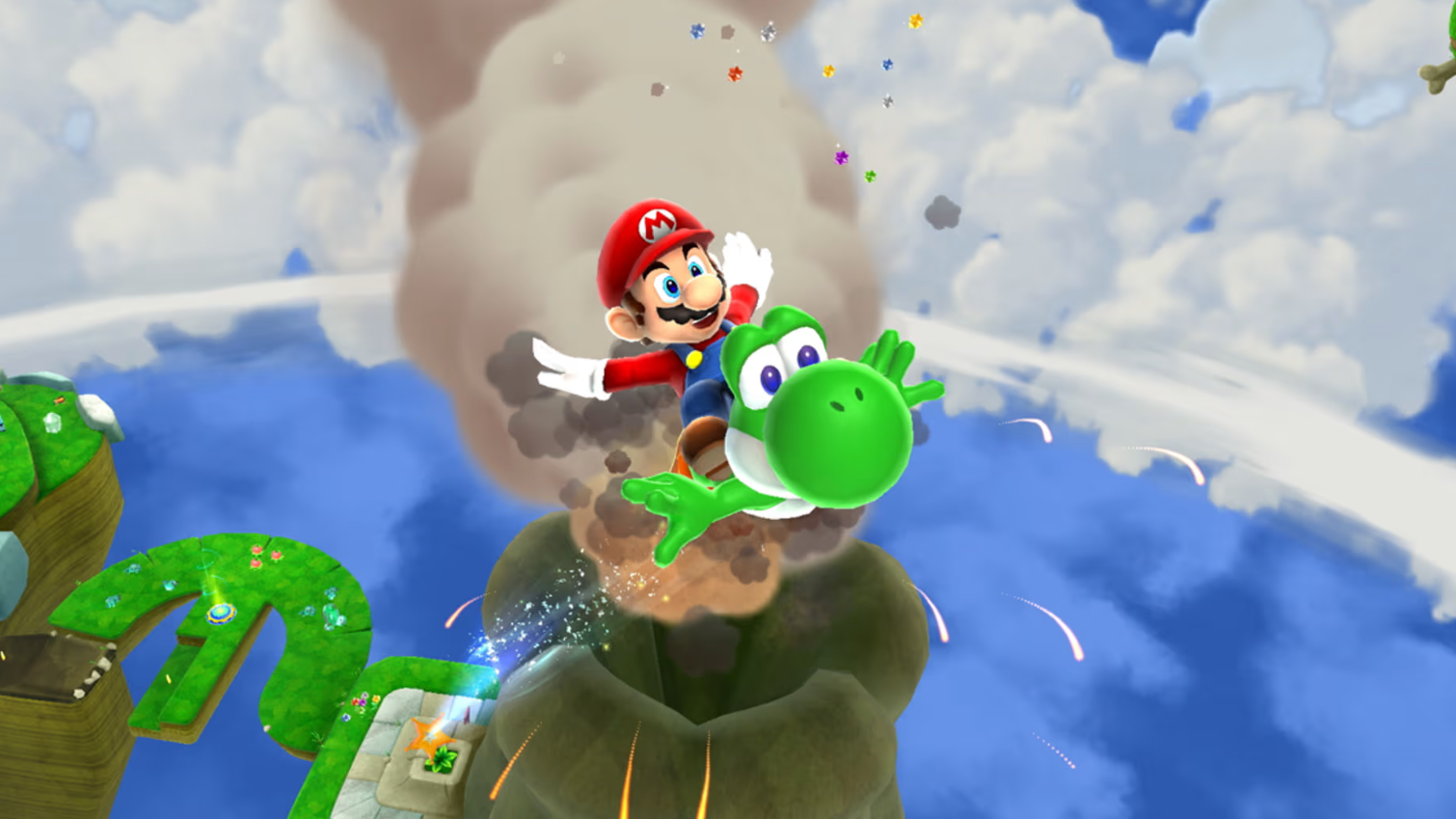
Super Mario Galaxy is a masterpiece. It's not just "a good game"—it is a 10/10, generation-defining, capital-A work of art. It's a title so perfect in its design and execution that it should be studied in universities.
And in 2025, we are witnessing a horrifying trend.
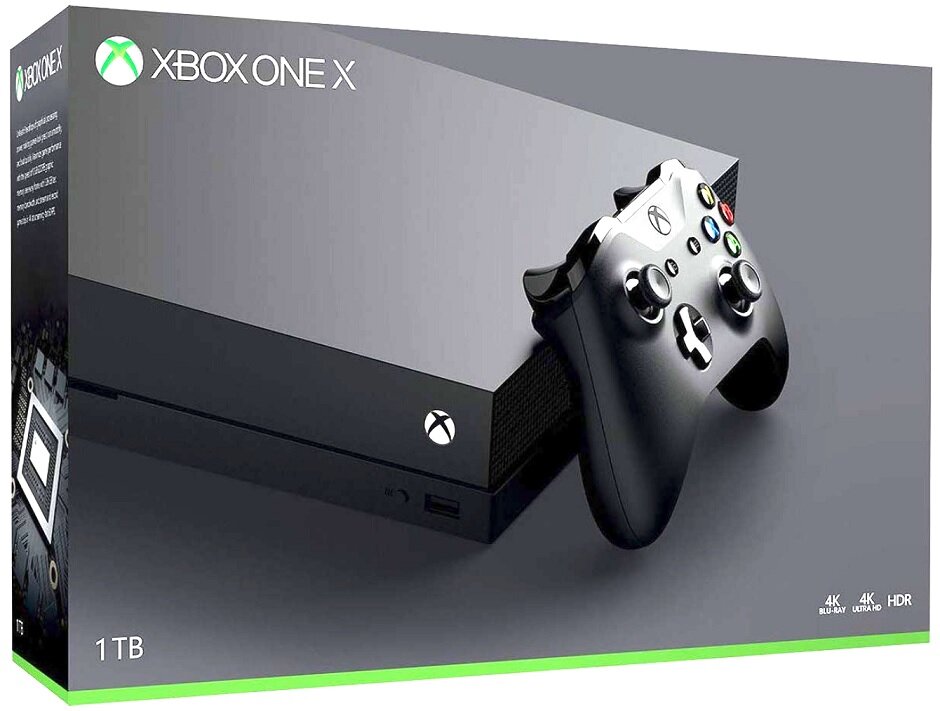
We see rookies, kids, and—frankly—people who should know better, booting up the game on a PC emulator and trying to play it with a standard Xbox controller.
Let's be absolutely, unequivocally clear: This is blasphemy.
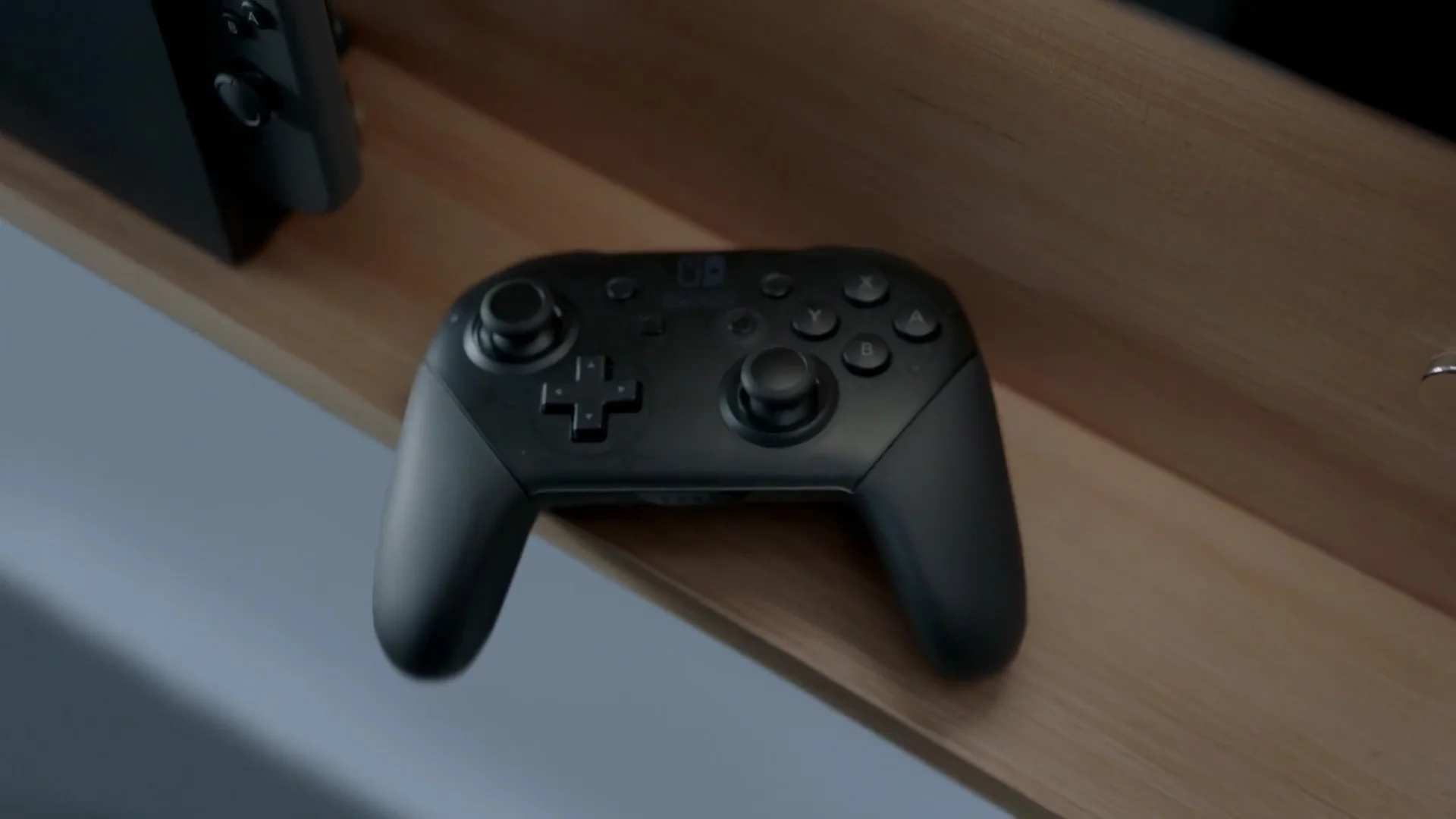
You are not "playing" Super Mario Galaxy. You are committing an act of digital violence against one of the most important games ever made. You are fundamentally misunderstanding, on a cellular level, what makes the game work. Mapping the "Shake" command to your 'X' button and forcing the "Star Pointer" onto a clunky right analog stick isn't a "preference." It’s an act of butchery.
It’s a joyless, broken, and insulting compromise. You are insulting the game, and you are insulting yourself.
Do you want to relive this masterpiece? Do you want to experience it in 4K resolution at a buttery-smooth 60 FPS, at a level of visual quality Nintendo itself still refuses to give you (RIP the limited-time, half-baked 3D All-Stars collection)?
Fine. We'll show you how. But you will do it the right way.
The "Amateur" Mistake: Why Your Xbox Controller is an Insult
To understand why the "pro" setup is necessary, you first have to understand why the "amateur" setup is such a pathetic failure. The entire game is built on two unique mechanics that an Xbox controller simply cannot replicate.
1. The "Spin": A Rhythmic Action, Not a Button Mash
The "Spin" in Galaxy (the "Shake" of the Wii Remote) is not a simple attack. It's a rhythmic extension of Mario's movement. It's your jump-extender, your enemy-stunner, your puzzle-solver. It has a feel, a timing, a weight.
When you map this to a button—say, the 'X' button—you turn this physical, rhythmic action into a mindless, repetitive-stress-inducing button mash. You lose the flow. You break the sacred chain of the triple-jump-to-spin-to-wall-kick. It feels cheap. It feels wrong.
2. The "Pointer": An Intuitive Laser, Not a Laggy Stick
This is the bigger crime. The Wii's IR "Pointer" is a 1:1, instant, intuitive laser. You point at Star Bits, and you collect them. You point at Pull-Stars, and you fly. It's a subconscious extension of your will.
Mapping this to a right analog stick is an agonizing experience. You are dragging a cursor across the screen, fighting with dead zones, acceleration curves, and over-correction. It’s slow, imprecise, and completely breaks your immersion. It turns the fluid, satisfying act of Star Bit collection into a chore.
You are not playing the game. You are playing a broken, joyless version of it with one hand tied behind your back. Stop doing this. It's pathetic.
The "Pro" Setup: The Purist's Path to 4K Perfection
So, how does a Tyrant play Mario Galaxy? You combine the power of modern hardware with the genius of the original intent.
This is the definitive, "master race" way to play.
The Software: Dolphin
This is non-negotiable. The Dolphin Emulator is the undisputed king of GameCube and Wii emulation. It is a work of art in its own right, a piece of software so good that it often runs games better than the original consoles. This is your foundation.
The Hardware: The Real Controller
This is where the men are separated from the boys. You need two things.
An official, OEM Nintendo Wii Remote. (Not some cheap, third-party knockoff with sloppy motion sensors).
A PC Bluetooth adapter.
Dolphin has flawless, native support for Wii Remotes. You sync it up, and you get 100% of the original, precise, 1:1 motion controls that Miyamoto intended.
The God-Tier Tip: If you're a true purist, you'll spend $20 on a Mayflash Dolphinbar. This is a USB sensor bar that not only provides a rock-solid Bluetooth connection for your Wiimote but also provides a perfect, 1:1 IR pointer experience, exactly like the original console. This is the setup for connoisseurs.
This is it. You have done it. You are now playing Super Mario Galaxy in 60 FPS, at 4K resolution, with the original, perfect controls. It is breathtaking.
...Until it isn't.
...But This "Perfect" Setup Has One Ancient, Fatal Flaw
You're in the zone. You're blasting through the Good Egg Galaxy, tears of nostalgic joy streaming down your face. The game is as perfect as you remember.
And then, right as you're lining up a shot at a boss, your Wii Remote disconnects.
It's dead. The battery is gone.
You suddenly, horribly, remember. You have spent hours crafting this ultimate, next-gen retro experience, only to be defeated by a problem from 2007: The Wii Remote is a battery-sucking VAMPIRE.
It chews through AA batteries with a ferocious, gluttonous appetite. Now what? You're going to pause your masterpiece, drive to the nearest convenience store like a chump, and overpay for a pack of Duracells? Your entire session, your entire flow, is shattered.
"But wait," you cry, "What about those old Nyko or Energizer charging docks from 2008?" They're all dead. Their proprietary battery packs are toxic paperweights, their lithium long since turned to dust.
This is the Achilles' heel of the perfect setup. This is the final boss.
The Final Fix: Build a Modern Power System
You modernized the graphics. Now, you must modernize the power.
Stop thinking about disposables. You are going to build a "hot-swap" system. It's the exact same winning strategy we've preached for your Xbox controller, but applied to your new retro rig.
Here is your shopping list. This is the last step.
One high-quality, 4-bay rechargeable battery charging station.
A 4-pack (or 6-pack) of high-capacity AA rechargeable batteries (e.g., Eneloop Pro or equivalent).
This is your "infinite power" cheat code. The system is simple.
Two batteries are in your Wii Remote.
The other two (or four) are in the charging station, at 100%, on hot-standby.
The moment your controller dies, you pause. You spend ten seconds swapping the dead pair for the fresh, fully-charged pair. You drop the dead ones back in the charger. You un-pause.
You have achieved ZERO DOWNTIME.
This is the pro solution. For a one-time, $30 investment, you have permanently solved the only flaw in this perfect setup. You can now play Mario Galaxy for free, forever, without a single interruption.
This is even better than a built-in battery. When a PS5 controller's internal battery degrades, the entire controller is a paperweight. When one of your rechargeable cells eventually dies after a thousand cycles? You toss that one cell and replace it for $5. It's a more resilient, more sustainable, and ultimately, more "pro" system.
Stop Insulting Your Games
If you are going to revisit a masterpiece, do it with respect. Don't you dare tarnish the legacy of Super Mario Galaxy with an Xbox controller.
Go find your old Wii Remote. Download Dolphin. Fire it up in 4K.
But for the love of God, stop buying disposable AA batteries like a peasant from 2007. Upgrade your power system.
That is how a Tyrant plays.