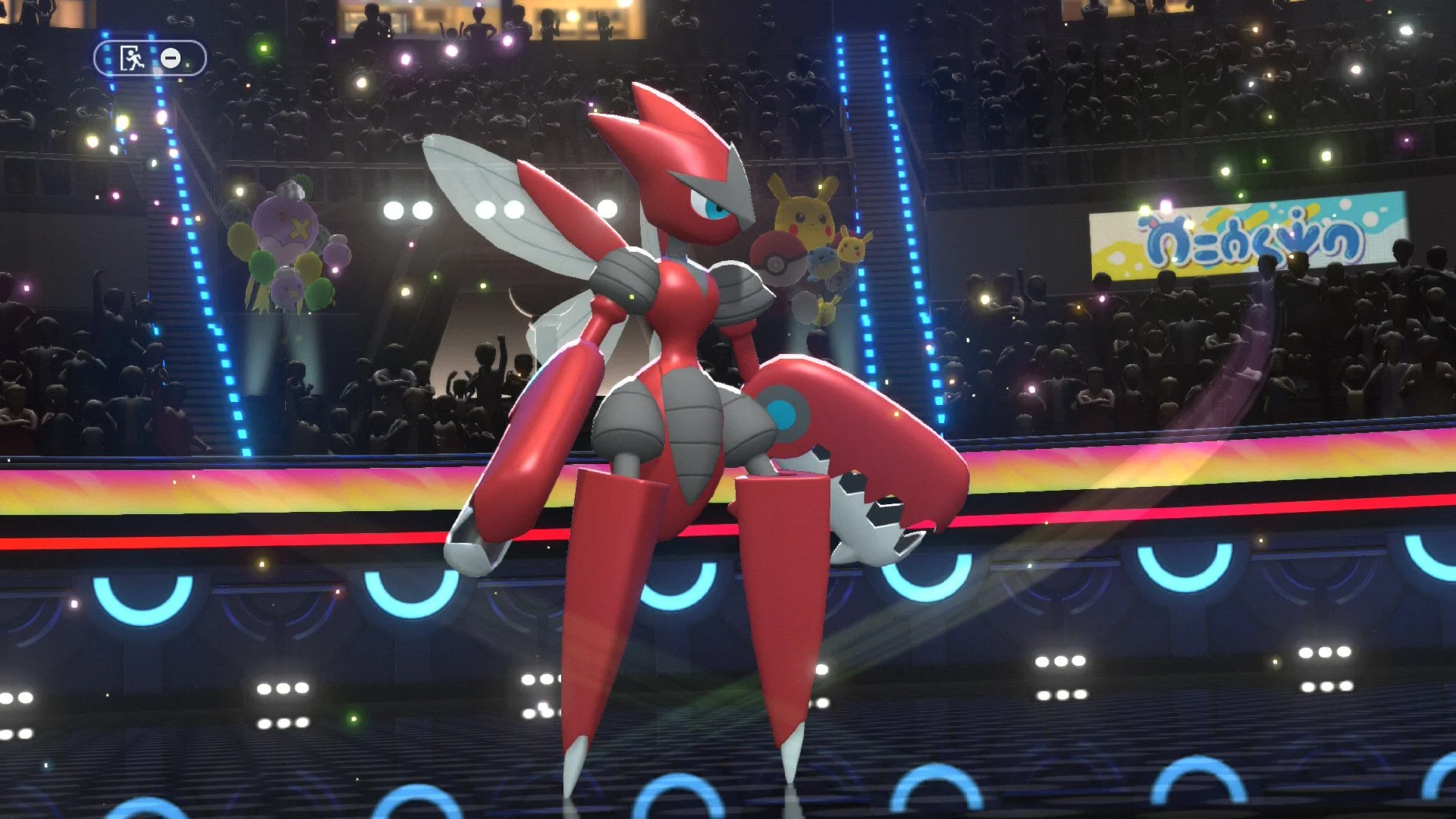
Considering that Pokémon Champions is supposed to be the supported avenue for competitive play in the franchise, it should come as no surprise that the series’ generation-specific gimmicks would come into play. With Terastallization expected later, the only one included at launch has been Mega Evolution.
One problem you might be facing is understanding how to use or even find mega stones to begin with. The UI of this game isn’t always ideal, and this is the first time in eight years that this beloved mechanic has been used in a turn-based entry. Here’s what you need to know about how to find and equip mega stones in Pokémon Champions.
Where to Find Mega Stones in Pokémon Champions
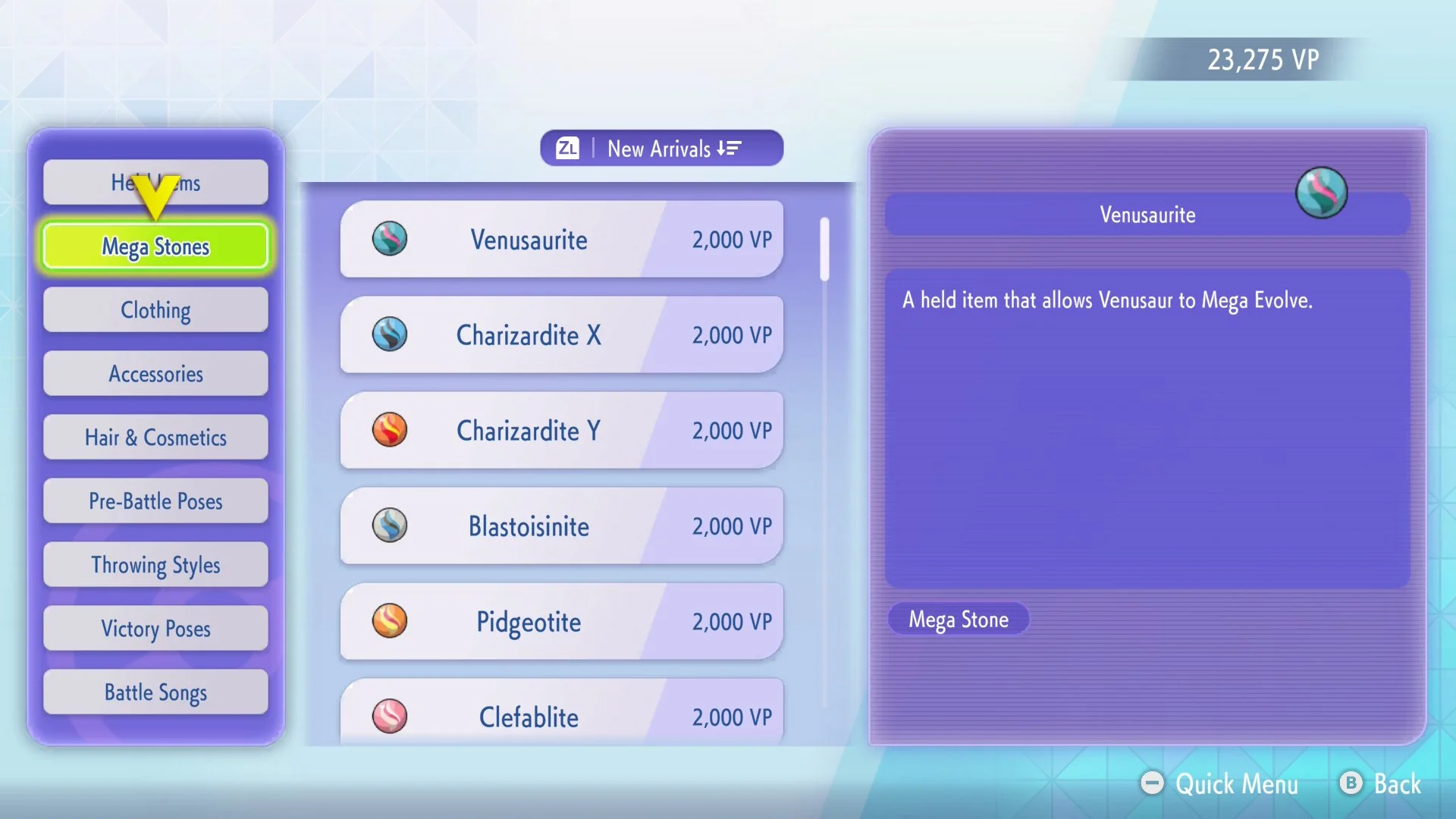
There are actually a few ways to get Mega Stones in this game. A majority of them can be found in the Frontier Shop, priced at 2,000 Victory Points each. They certainly aren’t cheap, but given that this is meant to be more of a competitive experience than a “catch ‘em all“ one, you certainly don’t need to buy them all.
Mega Stones can also be unlocked through Pokémon Champions’ battle passes. This includes unlockable rewards on both the free and paid tracks for the first season. Don’t worry if you happen to miss any of these, since they’re also available in the Frontier Shop.
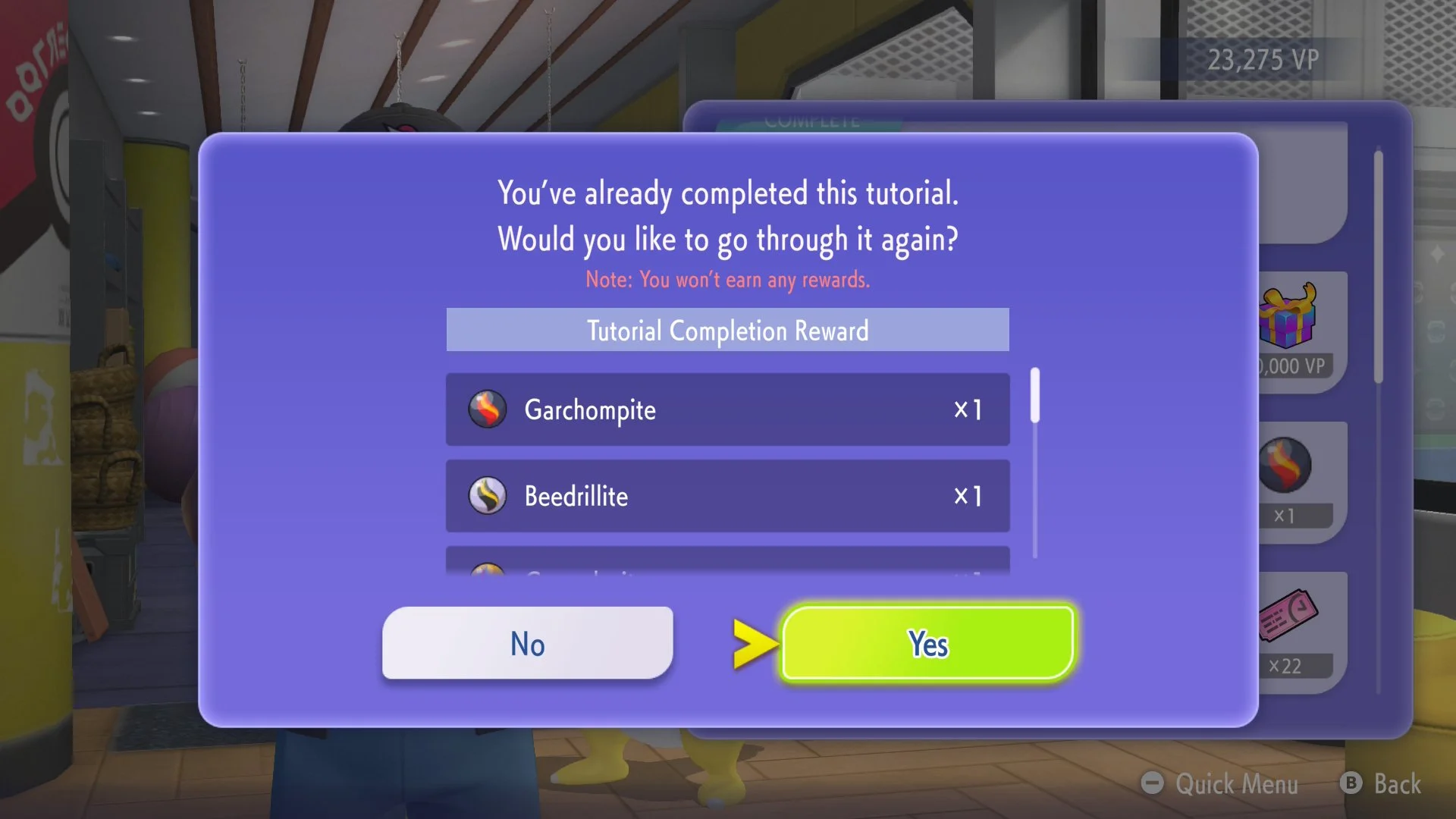
If you’re wondering if there are other ways to get free Mega Stones in Pokémon Champions, you’re in luck. You can unlock eight of them by completing the Mega Evolution tutorial in the Train menu.
A few more are available by using Pokémon Home. Sending over Chesnaught, Delphox, Greninja, and Eternal Flower Floette from Pokémon Legends: Z-A will unlock their respective stones. These can currently only be unlocked this way, although that might change in the future.
How to Equip Mega Stones in Pokémon Champions
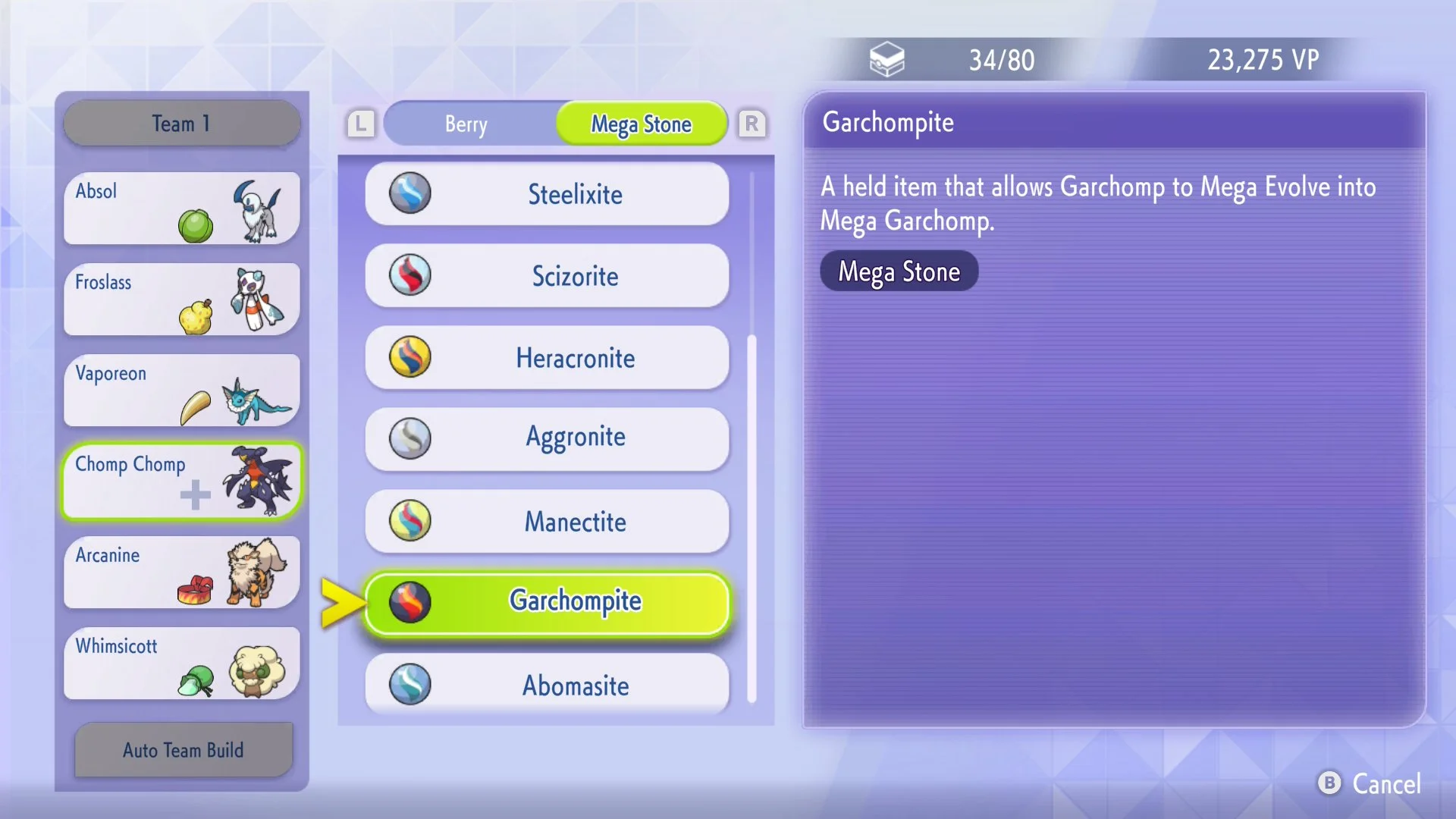
There is a good chance you know exactly how to give your pals the right stone to mega evolve, but are being confused by some questionable UI. These are the steps to equip Mega Stones in Pokémon Champions:
Go to the Box menu (either from the main menu or by editing a team before a battle)
Press the X button to bring up the Held Items screen
Highlight the Pokémon you want to give a Mega Stone and press A
Press L or R to cycle through the Held Item categories until you reach the Mega Stone list
Highlight the appropriate Mega Stone and press A to give it to them
Most people seem to get lost when it comes to cycling through the categories. I can’t deny that I also incorrectly assumed that only the Recent and Stat boost categories were initially available. Turns out there is a solid selection of items to equip, as long as you keep pressing those shoulder buttons.
You’re now set to head into battle and Mega Evolve a Pokémon. Keep in mind that you’re limited to Mega Evolution once per battle. Consider using only one or two stones at most. If you want your Mega Evolved pals to look even cooler, check out our guides on how to get shinies in Pokémon Champions.
Pokémon Champions is available now on Nintendo Switch and Nintendo Switch 2.