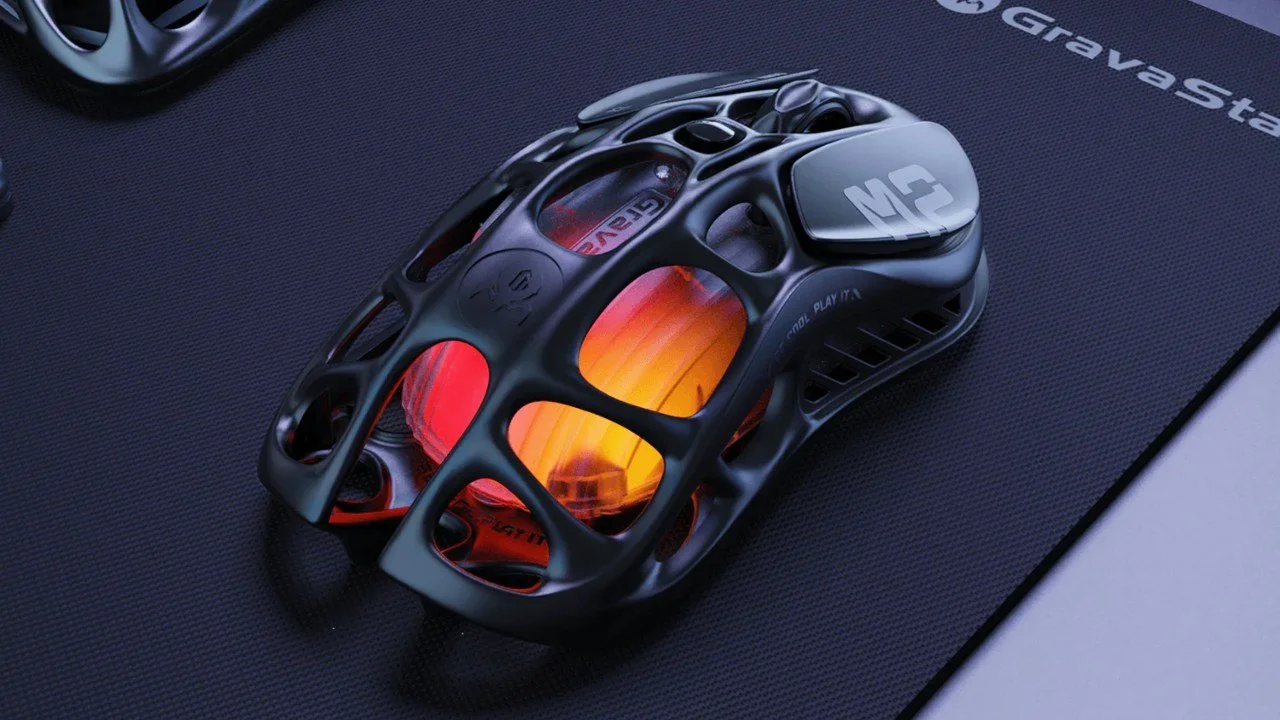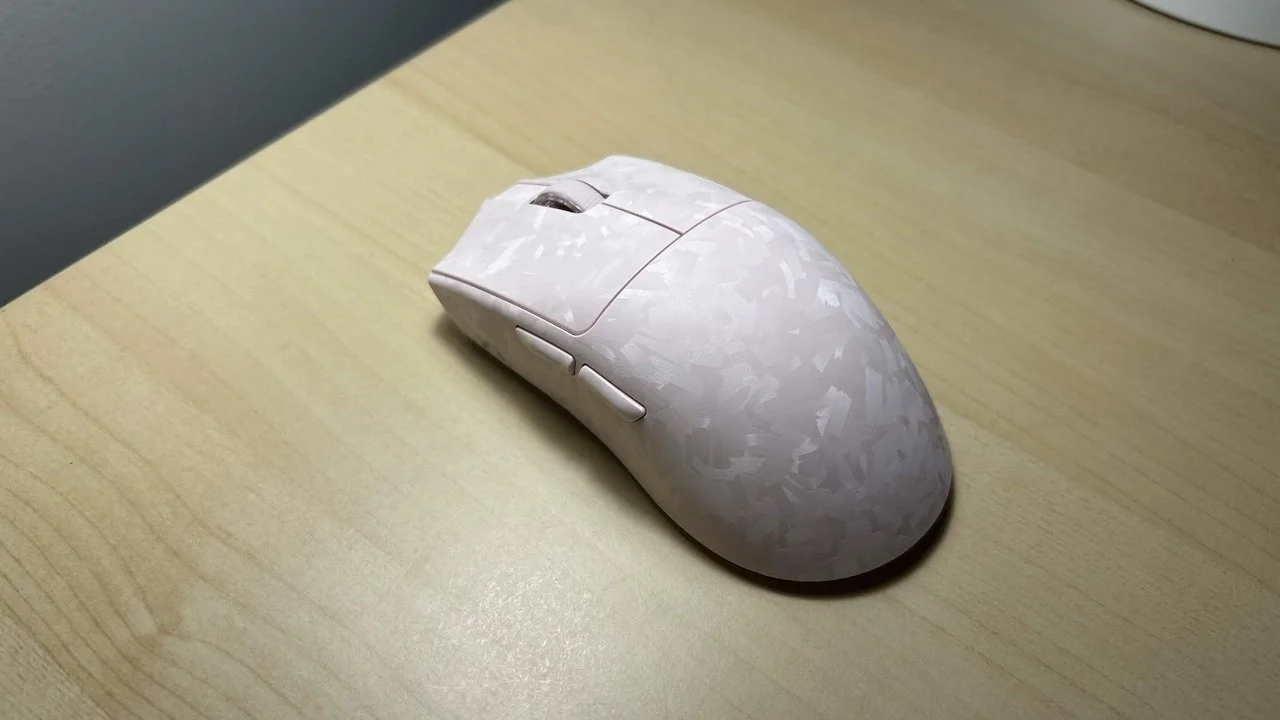
High-performance meets cost-effectiveness with the YUNZII M2 Dual 8K Wireless Gaming Mouse. This four-colored mouse focuses on having a lightweight feel and being versatile by working with Mac, Windows, and Linux while connecting via Bluetooth, 2.4G wireless, and wired. I’ve had the chance to review and use this new YUNZII mouse for over a week now, and I have a lot to say about it.
Initial thoughts
If you know YUNZII, you probably know them best for their mechanical keyboards. So how does their mouse hold up for a company that’s more focused on making a different peripheral? Luckily, I’ve slowly fallen for my pink M2 mouse and may even replace my current Logitech mouse with it.
The M2 8K Gaming Mouse works swimmingly as a gaming mouse, giving me high DPI options while also feeling surprisingly lightweight for such a powerful accessory. Despite there only being four available colors, the M2 mouse has a sleek design and a unique pattern that stands out against most mice on the market. It’s also quite affordable, selling for $59.99 USD as a 30,000 DPI mouse.
Package Contents
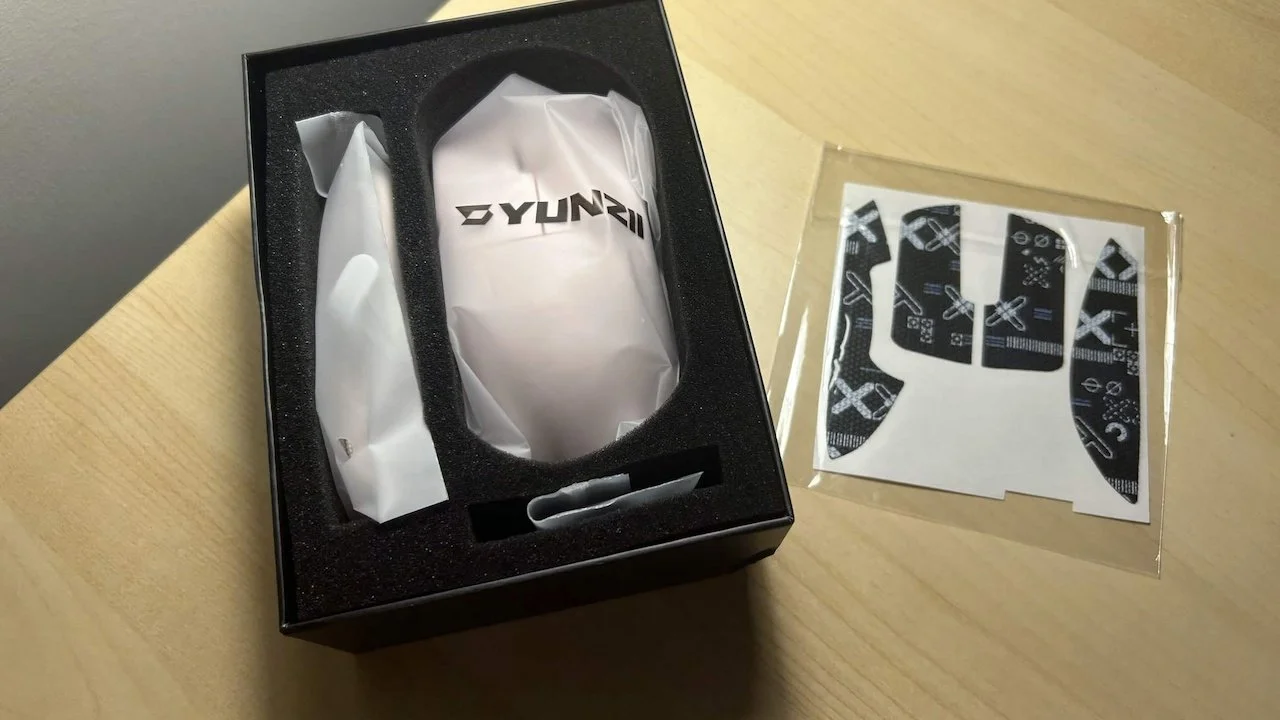
Inside the box, these are the accessories and contents you’ll find:
M2 Mouse
USB Cable for Type-C
2.4G Dongle
Manual
Caution Card
Mouse Grip Tape
Despite one corner of the box arriving slightly smushed, nothing in the box’s contents was harmed. I primarily tested this mouse using it on Bluetooth, and while at first I felt an uneasy difference between this mouse and my 2.4G Logitech mouse, I soon became accustomed to the feel both in and out of games. I then swapped to 2.4G and felt an almost unnoticeable decrease in latency, which made me stick with the dongle connection.
Only while writing this review did I realize I still had protective stickers attached to the bottom, which has made its glide against my desk even better than it was previously. It’s also incredibly light, which took some time to get used to.
DPI & grip
Despite not having a monitor with the recommended refresh rate of 240Hz or higher, I haven’t felt anything lacking with my 144Hz LG monitor. I wouldn’t worry about having a monitor with a high refresh rate, as I haven’t noticed anything wrong.
There’s a button on the bottom of the mouse that has 6 different adjustable levels, but I wanted a way to change the DPI to my liking, and the instructions didn’t give me a clear guideline on where to find the software that can allow me to do so. After some Googling, I could only find YUNZII keyboard software, and nothing for the mouse itself.

Otherwise, the grip is comfortable for someone like me who has small hands, and my fingers and thumb snugly rest around the mouse. I was initially worried that the carbon fiber texture on the mouse would be uncomfortable, but it’s surprisingly smooth and unnoticeable. The scroll button is also just as seamless and easy to press, which is a big issue for me with certain mice, as many games I play require me to press the scroll button often.
Additionally, it was hard to figure out how to open the dongle holder. Initially, the sticker helped me open the dongle holder at the base of the mouse. But after I forgot about it, I struggled to open it until I realized I simply had to push to pop it open. It’s a small thing, but an annoyance nonetheless.
Verdict
After using the M2 mouse daily for nearly 2 weeks, I have yet to find any major complaints about this mouse. Every click, scroll, and drag feels as smooth as can be. I’ve gamed for hours and so far haven’t noticed it blink for low battery, as the mouse promises 50 hours of use.
Despite a few frustrations, the M2 mouse has a frictionless setup and near instant comfort. It did take me a while to get used to such a lightweight mouse and find the right DPI for me, but once I did, I was happy to play around with it. I think I may be sticking with this one for the foreseeable future.