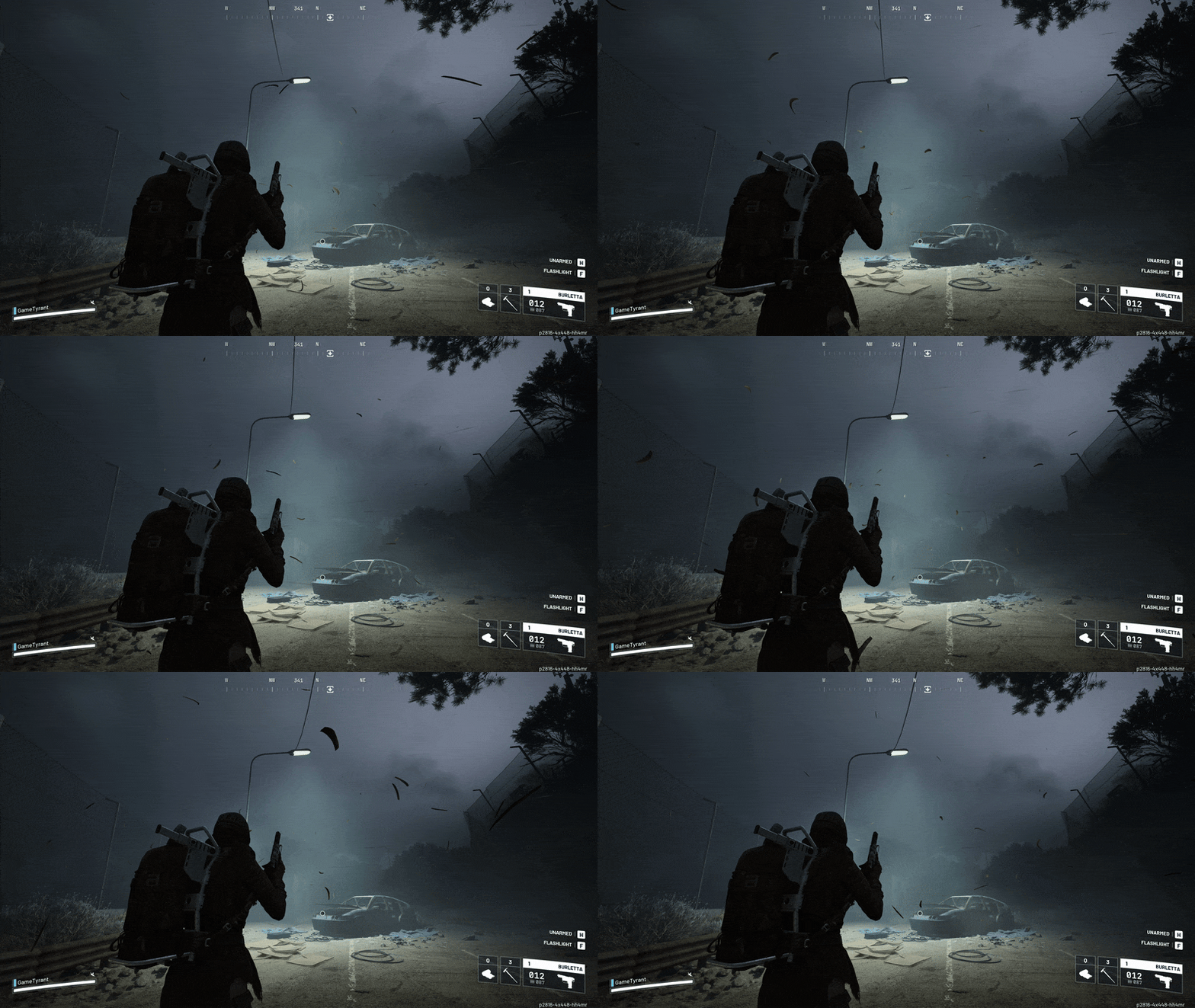
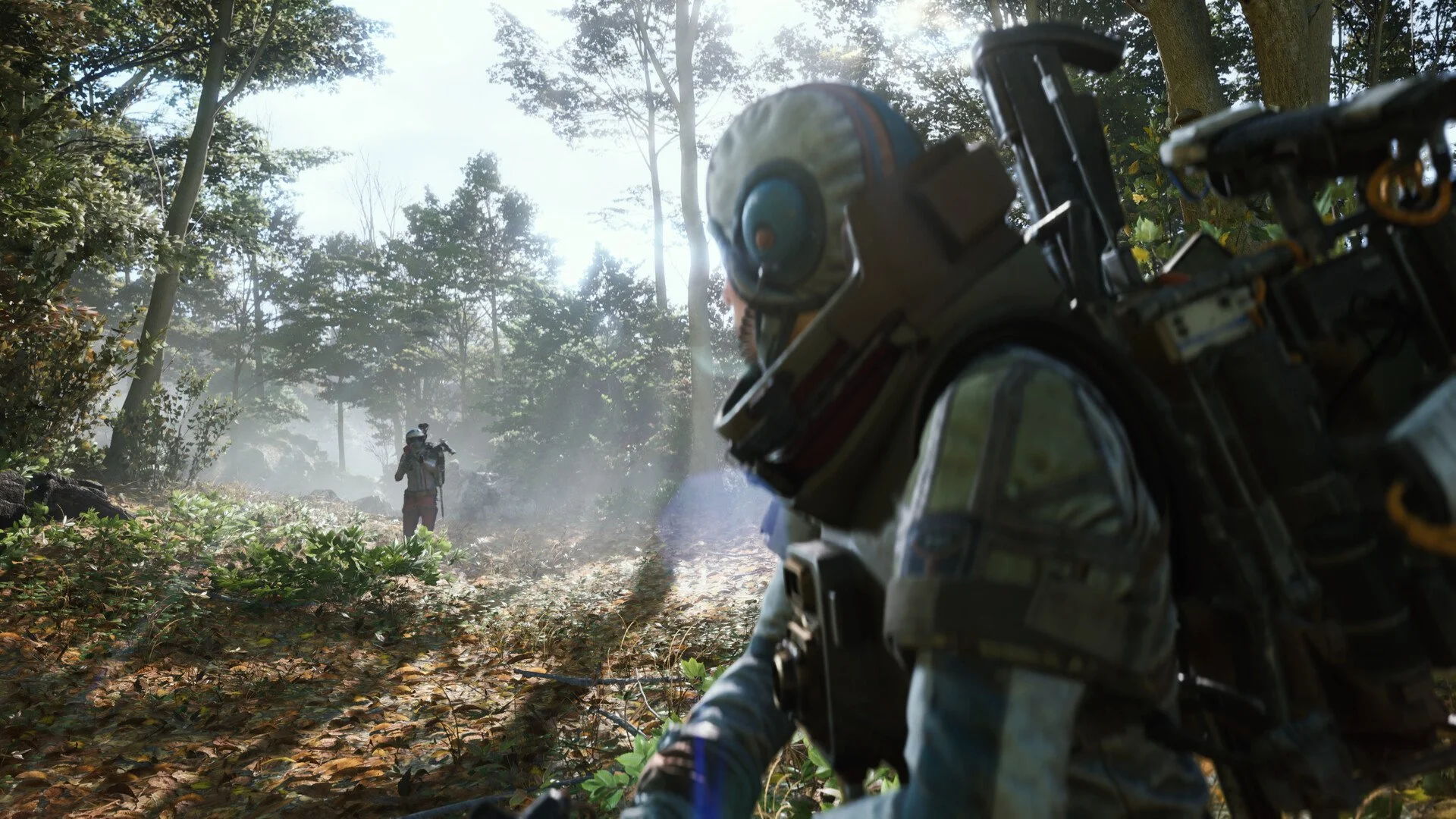
If you are looking for the best FPS settings for Arc Raiders, you are really trying to fix two things at once: raw FPS and the stutters that make 120 FPS feel like 45.
Arc Raiders is a modern Unreal Engine shooter with a lot of streaming, effects, and lighting tricks, so the right settings are the ones that keep your frame times calm when you spin, sprint, and fight.
Build A Baseline Before You Touch Graphics
The easiest “graphics win” is often not a graphics setting at all. Put the game on an SSD, update your GPU driver, and close anything that fights for VRAM or overlays your screen, because those are the usual causes of random hitches in firefights.
When you test changes, use one repeatable route and watch the feel during the worst moment, not the calm moment. Your goal is stable aim and stable tracking, which means you should care more about 1% lows than the highest number you see in a quiet corner.
If you want official updates and support info straight from the source, the ARC Raiders official site is the safest reference.
Use Borderless Fullscreen And Lock Your FPS Cap
A stable FPS cap usually beats uncapped FPS in Arc Raiders, because the swings create uneven input feel.
Recommended:
Window Mode: Borderless Fullscreen
Resolution: Native
FPS Cap: 3 to 5 FPS below refresh rate
Common caps that feel good:
144Hz: 141 FPS
165Hz: 160 FPS
240Hz: 237 FPS
The V-Sync off plus sensible cap approach is a classic shooter move, and it shows up in plenty of practical tuning checklists like these quick PC tweaks where the priority is consistency over pretty graphs.
Turn Off V-Sync And Use VRR Correctly
If you play competitive, V-Sync is almost always the wrong trade because it adds input lag. If your monitor supports G-Sync or FreeSync, turn VRR on and let the FPS cap do the smoothing work instead of letting V-Sync queue frames.
Recommended:
V-Sync: Off
VRR (G-Sync/FreeSync): On
FPS Cap: Refresh minus 3 to 5
This combo keeps motion clean without making your mouse feel heavy.
Choose Upscaling First, Then Sharpen For Clarity
Arc Raiders-style temporal rendering can look soft in motion, so upscaling often gives you a better clarity-to-performance trade than brute forcing native at lower FPS.
Good starting points:
1080p: DLSS Quality or FSR Quality
1440p: DLSS Balanced or FSR Balanced
If you are still dipping hard: drop one step more aggressive
If the image still feels a little smeared during fast turns, a small amount of sharpening can bring back edge definition without paying a big FPS cost, which is the same basic idea behind common image sharpening tuning across other PC titles.
Enable Reflex Or Anti-Lag, But Be Careful With Frame Generation
Latency tools are worth it because they improve how the game feels, not just what the counter shows.
Recommended:
NVIDIA Reflex: On + Boost (if available)
AMD Anti-Lag: On (if available)
Frame Generation is different. It can raise the FPS number while making aim feel floaty, especially if your base FPS is already struggling. Treat it like a “motion smoothness” option, not a competitive advantage option.
Rule of thumb:
Base FPS under 100: Frame Generation Off
Base FPS 120+: test it, then keep it only if aim still feels crisp
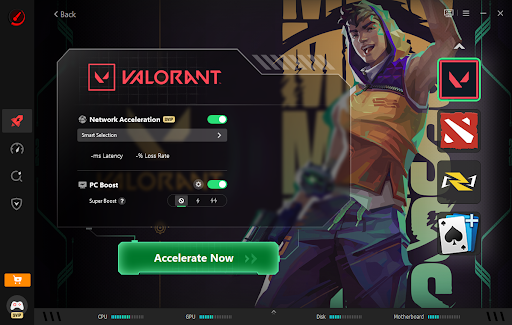
If you would rather not spend an hour benchmarking every slider and Windows toggle, automatic in-game and PC settings optimization can handle the calibration layer so you can focus on whether the game actually feels stable in fights.
Disable Ray Tracing And Lower Shadows For The Biggest FPS Gain
If Arc Raiders exposes ray tracing, it is usually the first thing to kill because it is expensive and rarely helps you win fights. Shadows are the next big lever, because they hit both GPU load and CPU draw calls.
Recommended:
Ray Tracing: Off
Global Illumination: Low or Static (if Static exists)
Shadows: Low (Medium only if you have headroom)
Lower shadows also tend to brighten interiors and corners, which helps you see movement instead of staring into a dark pocket.
Set Foliage Low And Keep View Distance Sensible
Foliage is both performance cost and visual clutter, and low foliage is the competitive standard because it reduces the “I swear he was invisible” moments in grass-heavy sightlines.
Recommended:
Foliage: Low
View Distance: Medium to High
Do not tank view distance too far just for FPS, because pop-in can break your reads during rotations. Medium or High usually keeps the world consistent while still saving CPU overhead compared to max settings.
Drop Effects And Post Processing To Stabilize Gunfights
Effects and post processing are where your FPS likes to die exactly when the screen gets loud.
Recommended:
Effects: Low
Post Processing: Low
Motion Blur: Off
Depth of Field: Off
Film Grain / Chromatic Aberration: Off
This improves both FPS stability and target tracking, because you remove a lot of extra haze, bloom, and motion smearing.
Match Texture Quality To Your VRAM
Textures are mostly a VRAM decision. If you overrun VRAM, you get stutter and texture thrashing, which feels worse than a slightly lower texture setting.
Recommended:
6GB VRAM: Low to Medium textures
8GB VRAM: Medium to High textures
10GB to 12GB+ VRAM: High textures
If textures start sharp and become blurry mid-session, that is often streaming pressure or VRAM saturation, not your anti-aliasing choice.
Optional Unreal-Style Tweaks For Stutter And Clarity
If your average FPS is fine but traversal hitching still shows up, the usual culprits are shader compilation, asset streaming, and background overlays. The practical fixes tend to look the same across modern PC releases, and you will see that pattern reflected in setups like these no-stuttering PC settings where the real win is stable frame pacing.
If you are comfortable with config files, Unreal titles often respond well to conservative clarity tweaks like disabling fringe and grain, plus mild sharpening. Always back up files before changing anything.
FAQs
What Are The Best FPS Settings For Arc Raiders To Boost FPS?
Use a stable FPS cap slightly below your refresh rate, turn V-Sync off, enable Reflex or Anti-Lag, use DLSS or FSR on Quality or Balanced, set shadows and foliage to low, keep effects and post processing low, and match textures to your VRAM.
What Is The Best FPS Booster Software To Increase Performance In Arc Raiders?
If you want a tool that targets both in-game settings and PC-level performance toggles, Hone is a strong option because it focuses on consistent frame pacing and lower latency, not just chasing a bigger FPS number.
Should I Use Frame Generation In Arc Raiders?
Only if your base FPS is already strong. If your base FPS is low or unstable, Frame Generation can make aim feel delayed even if the FPS counter looks higher.
Why Does Arc Raiders Stutter Even When FPS Looks High?
Because stutter is usually a frame time spike caused by shader compilation, streaming, VRAM pressure, or overlays. Lower shadows, foliage, effects, and post processing first, keep textures appropriate for your VRAM, and cut background apps that compete for GPU resources.