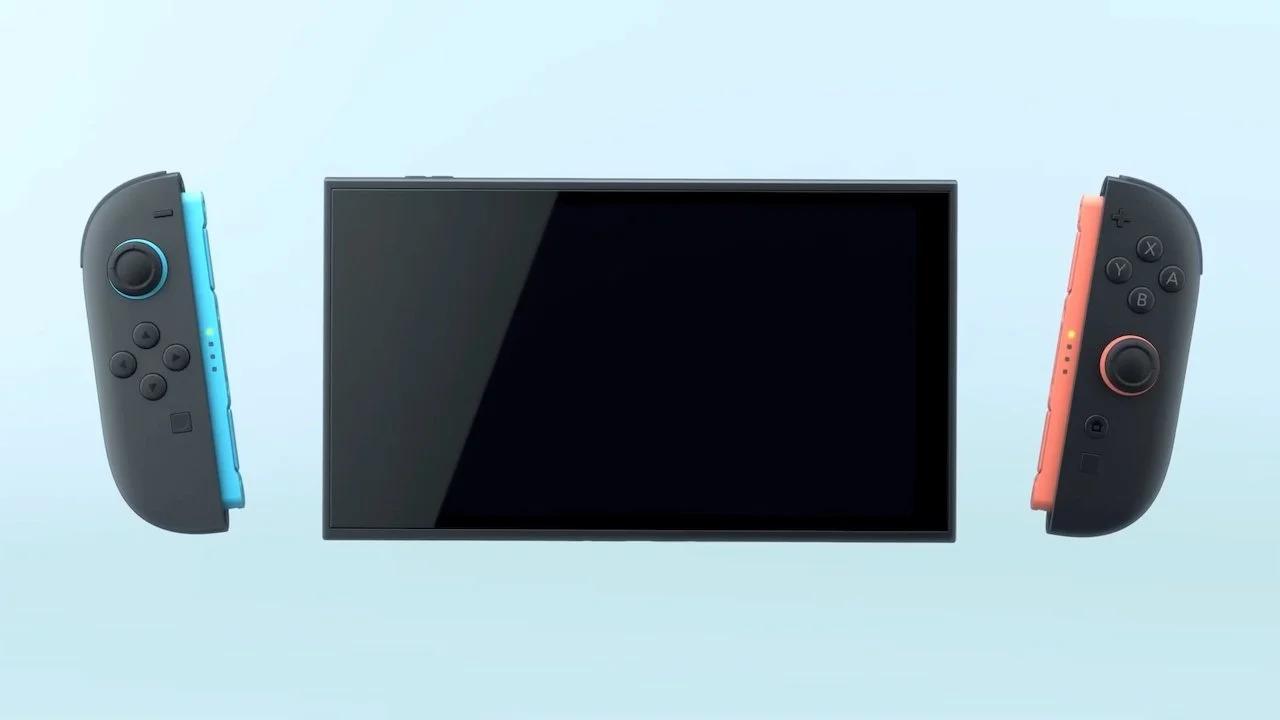
Nintendo has just released a surprise update for the Switch 2 that basically improves the quality of the majority of games while playing on handheld. Version 22.0.0 includes a feature called Handheld Boost Mode, but how does it actually work? We’ll explain how to use Handheld Boost Mode on your Nintendo Switch 2.
What is Handheld Boost Mode on Nintendo Switch 2?
Handheld Boost Mode essentially makes original Nintendo Switch software run as if it were docked in TV mode while in handheld mode on your Switch 2. This does not affect Nintendo Switch 2 games, only software released on the Switch.
Although some Switch games are unaffected, after gamers have tested out this feature, it seems it works with the majority of popular Switch titles. Despite this being an incredible new feature for players who often play in handheld mode, here are some caveats:
Enabling Handheld Boost Mode will likely make your Switch 2’s battery drain faster.
Some instructions may be incorrect due to your device thinking it’s in TV mode and not handheld mode.
You will be unable to use the device’s touchscreen while in this mode.
Your Joy-Con 2 controllers will be treated as a Nintendo Switch 2 Pro Controller.
How to enable Handheld Boost Mode
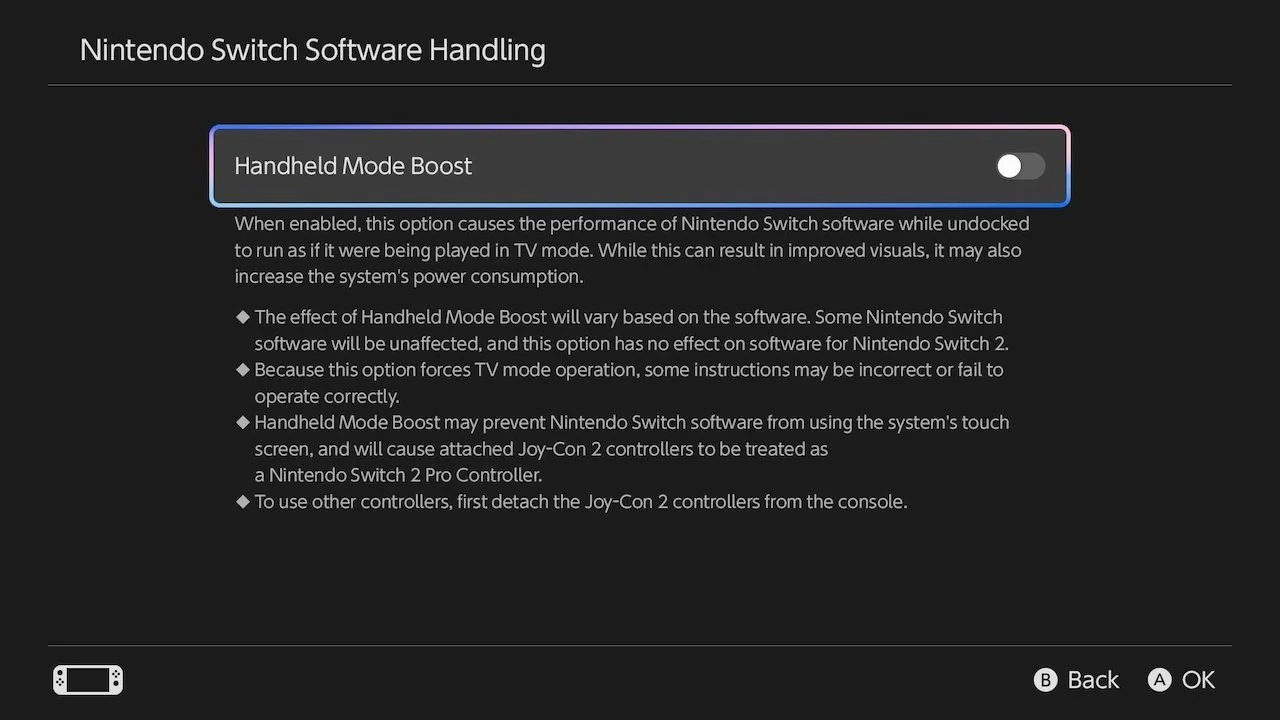
Enabling Handheld Boost Mode is as easy as a few clicks, so here’s how to turn it on for your Switch 2:
Select System Settings from your home menu.
Scroll down and select System.
Scroll down and select Nintendo Switch Software Handling.
Select Handheld Mode Boost to enable/disable.
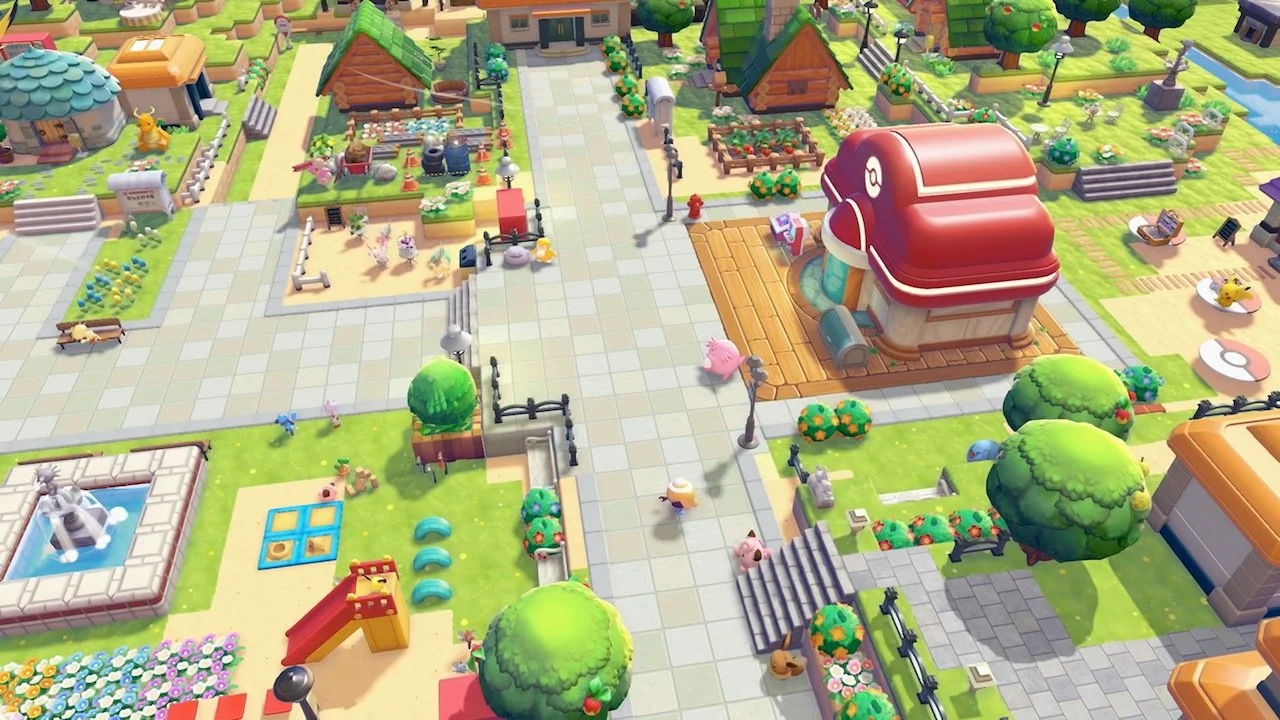
That’s all it takes to enable Handheld Boost Mode on your Nintendo Switch 2! For now, this won’t affect titles like Pokémon Pokopia as it’s a Switch 2 title, but try it out on your other original Switch games and see the difference in performance and graphics!