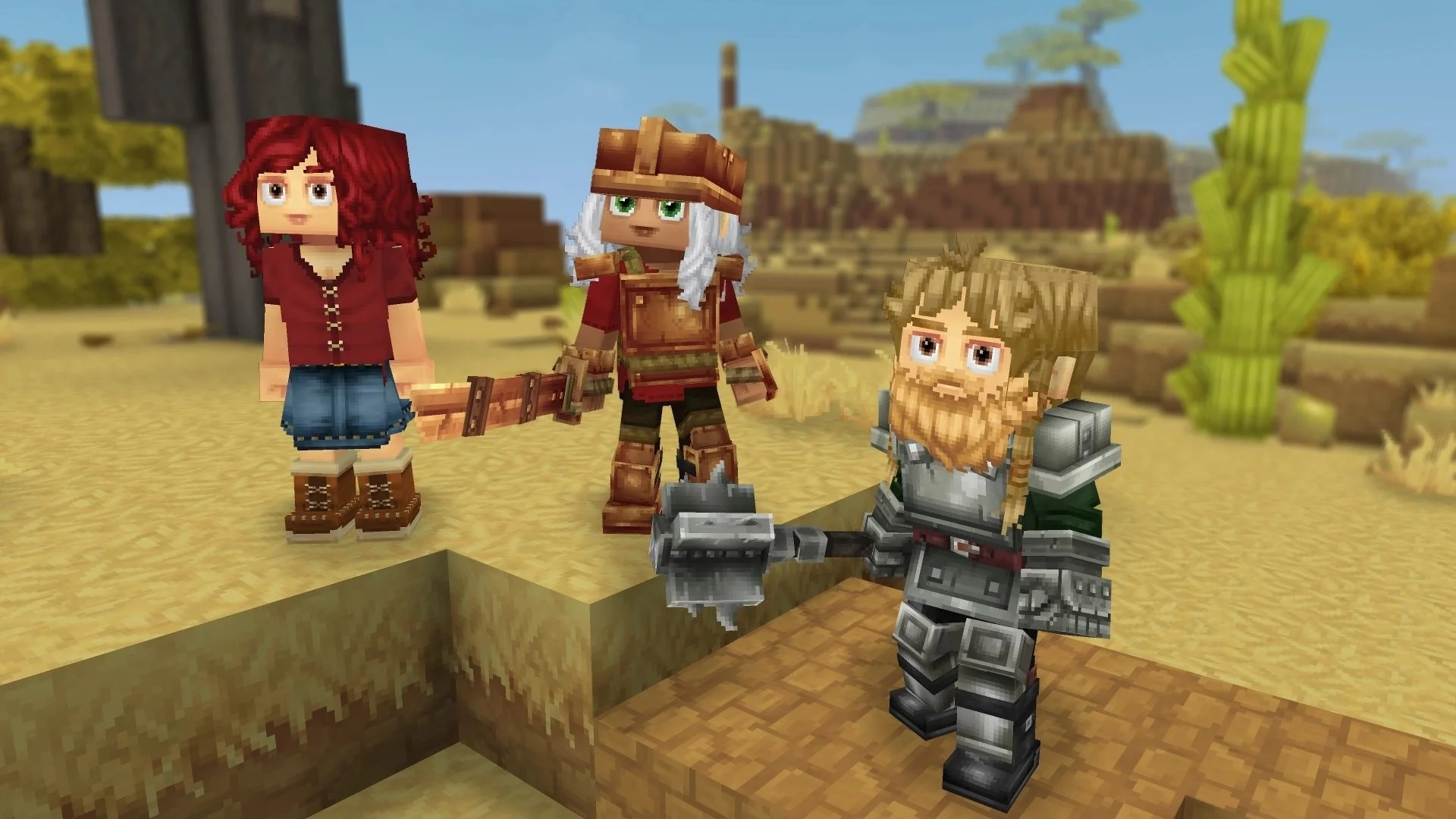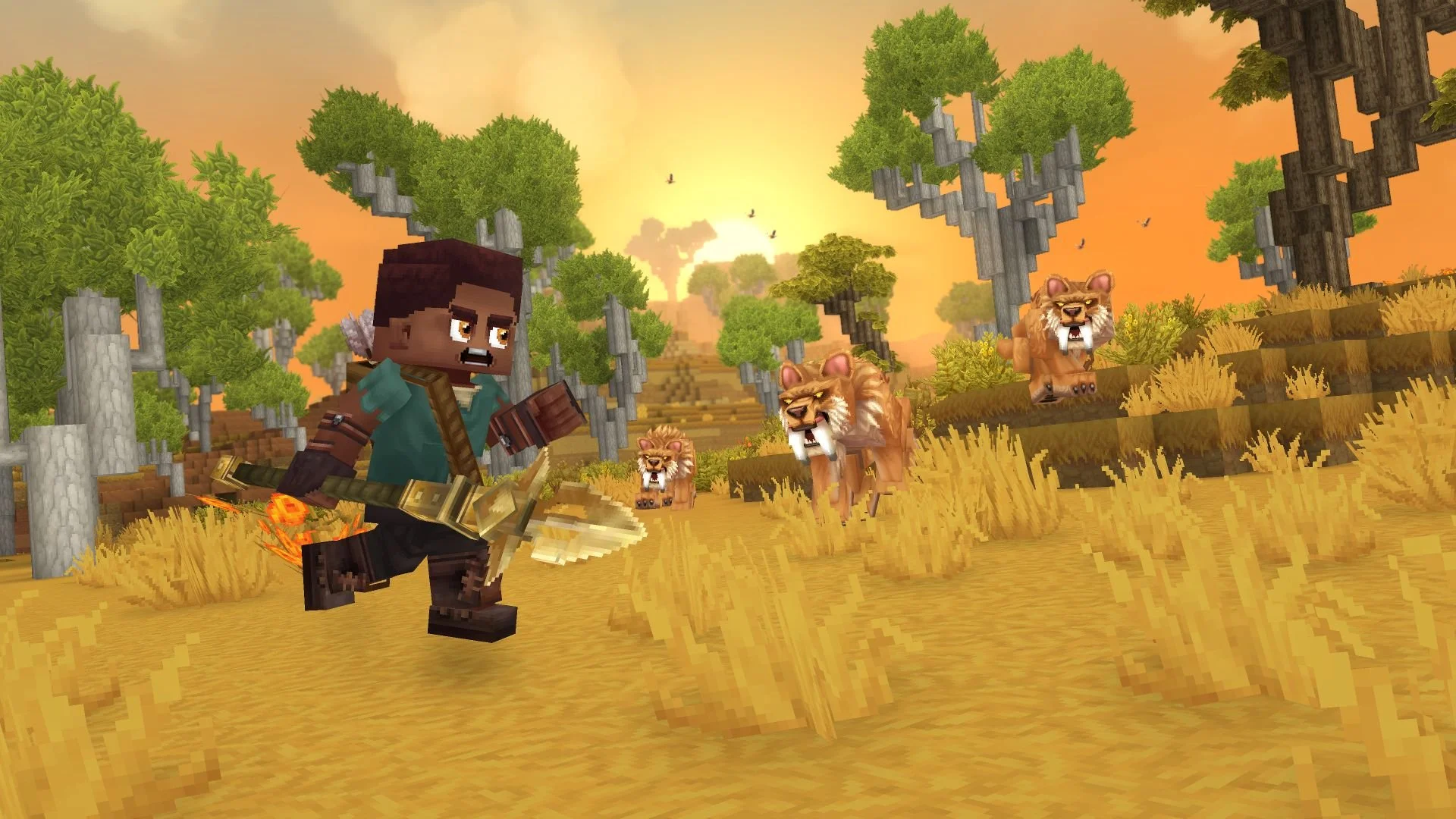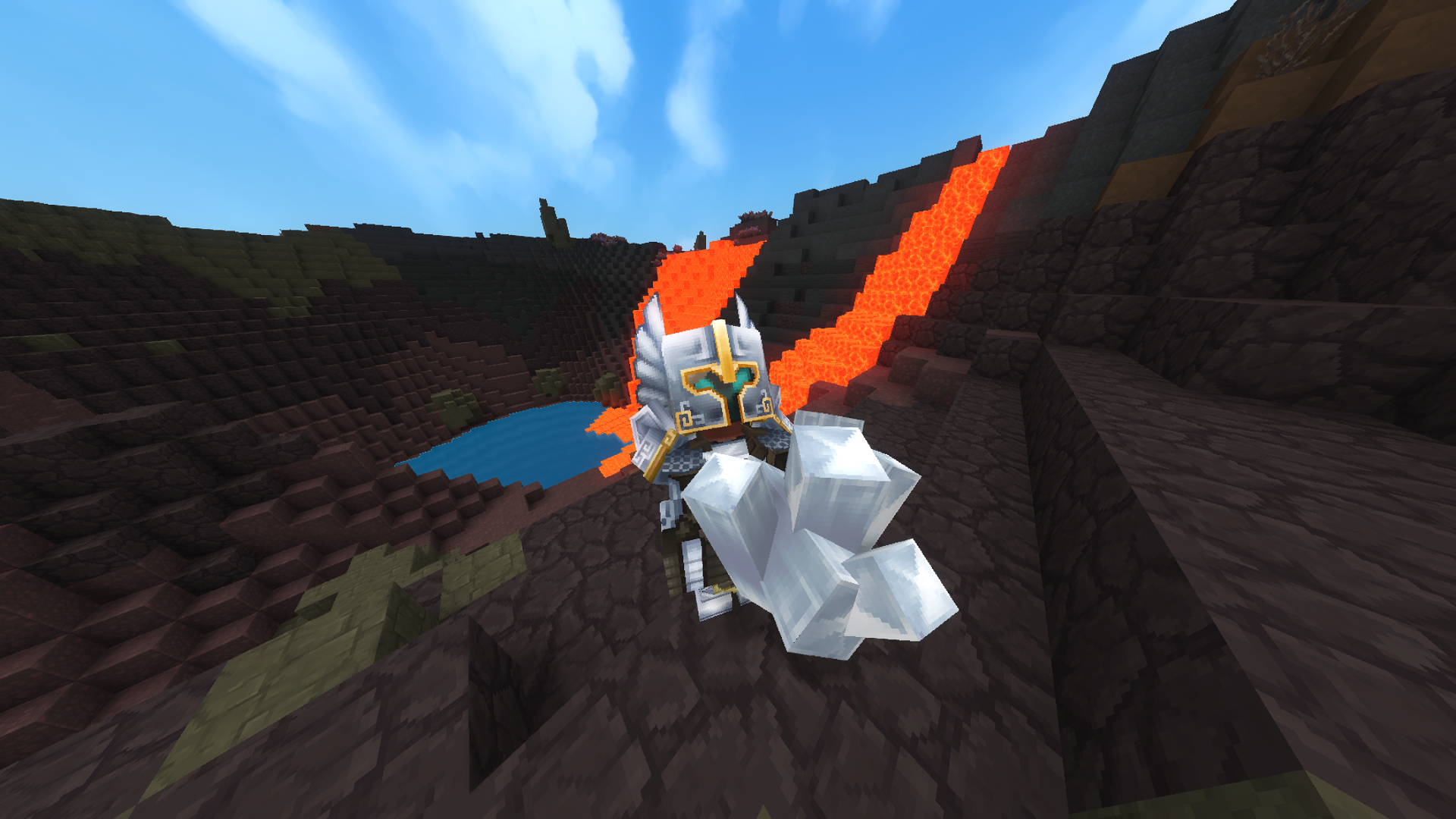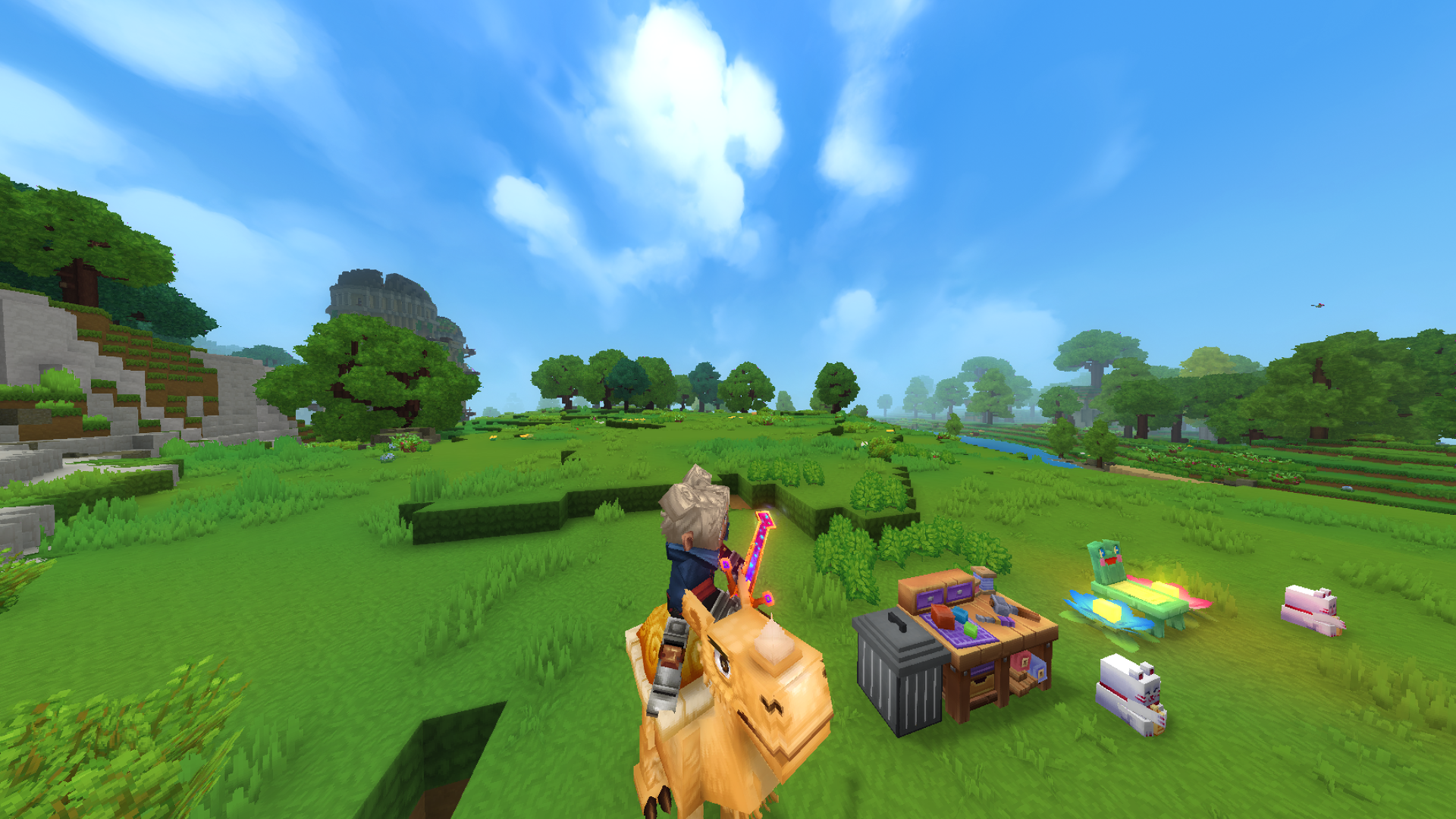
After a lengthy period of development and a recent change in ownership, Hytale is out for everyone to play. Before you jump into this voxel-based title and get to work breaking trees into blocks of wood and surviving with your friends, it might help to know how to change the camera view.
We’ve got a quick explanation below for how to change the camera view and tweak some of its settings as well.
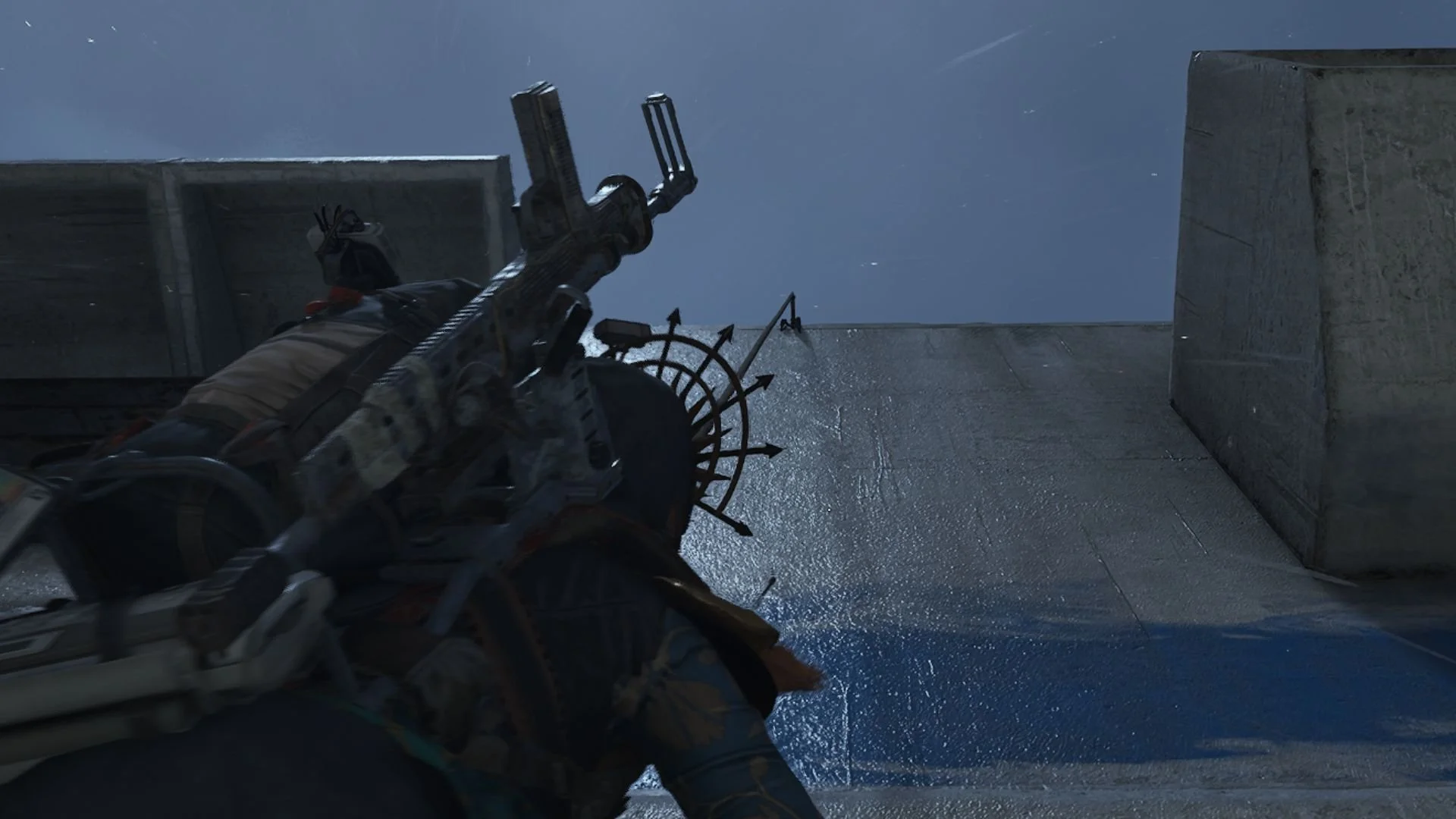
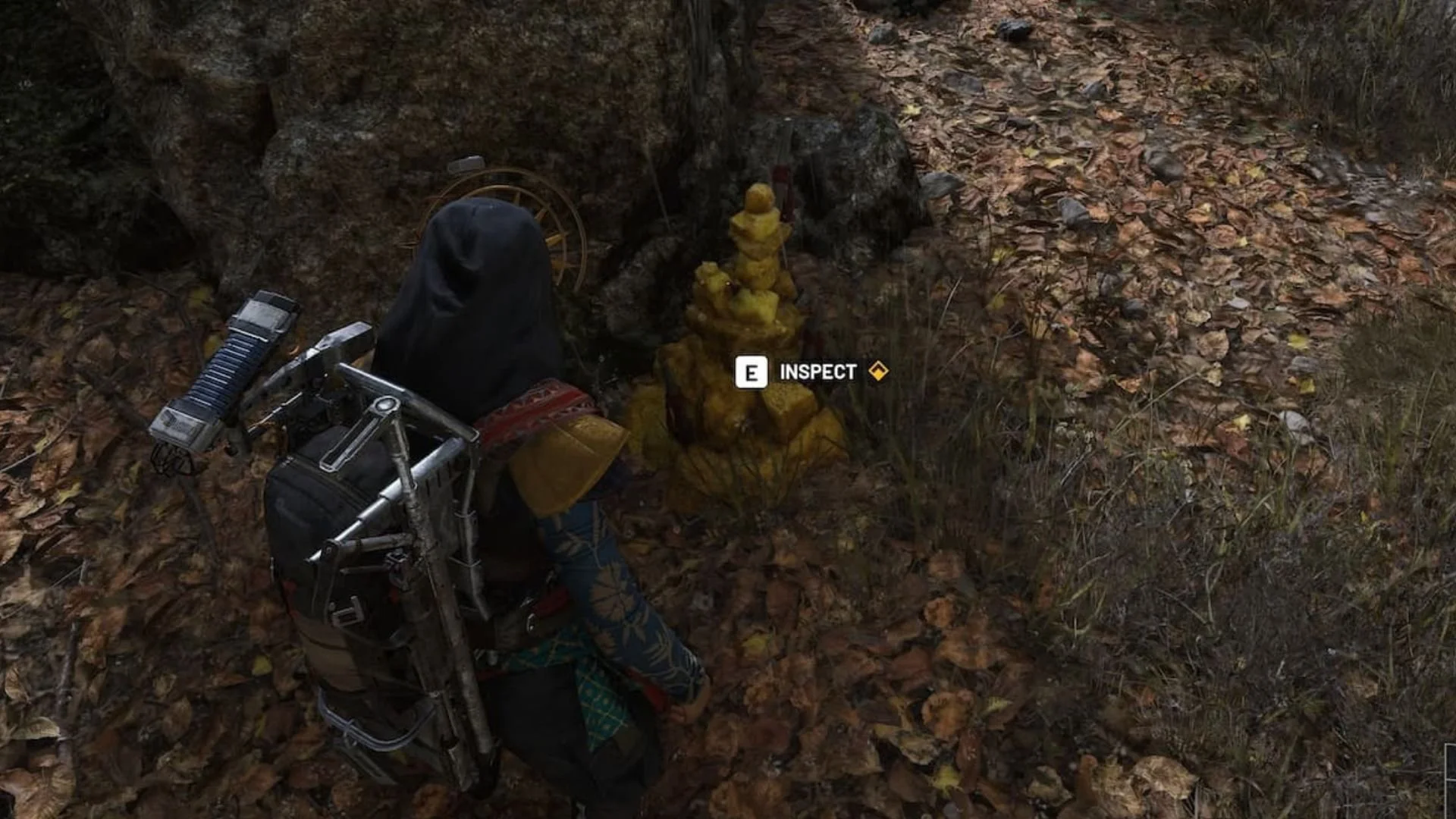
How to switch to a third-person camera in Hytale
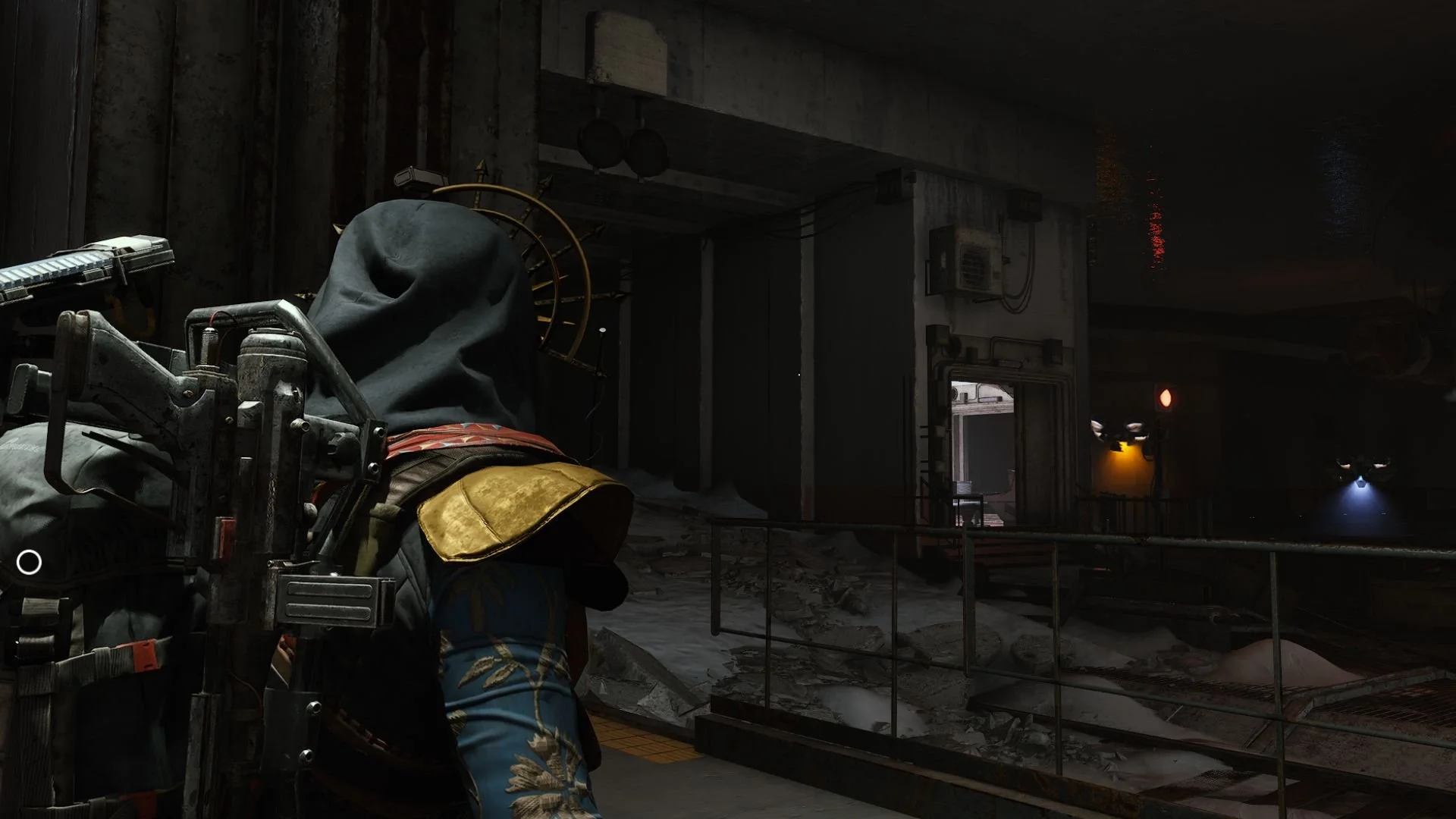
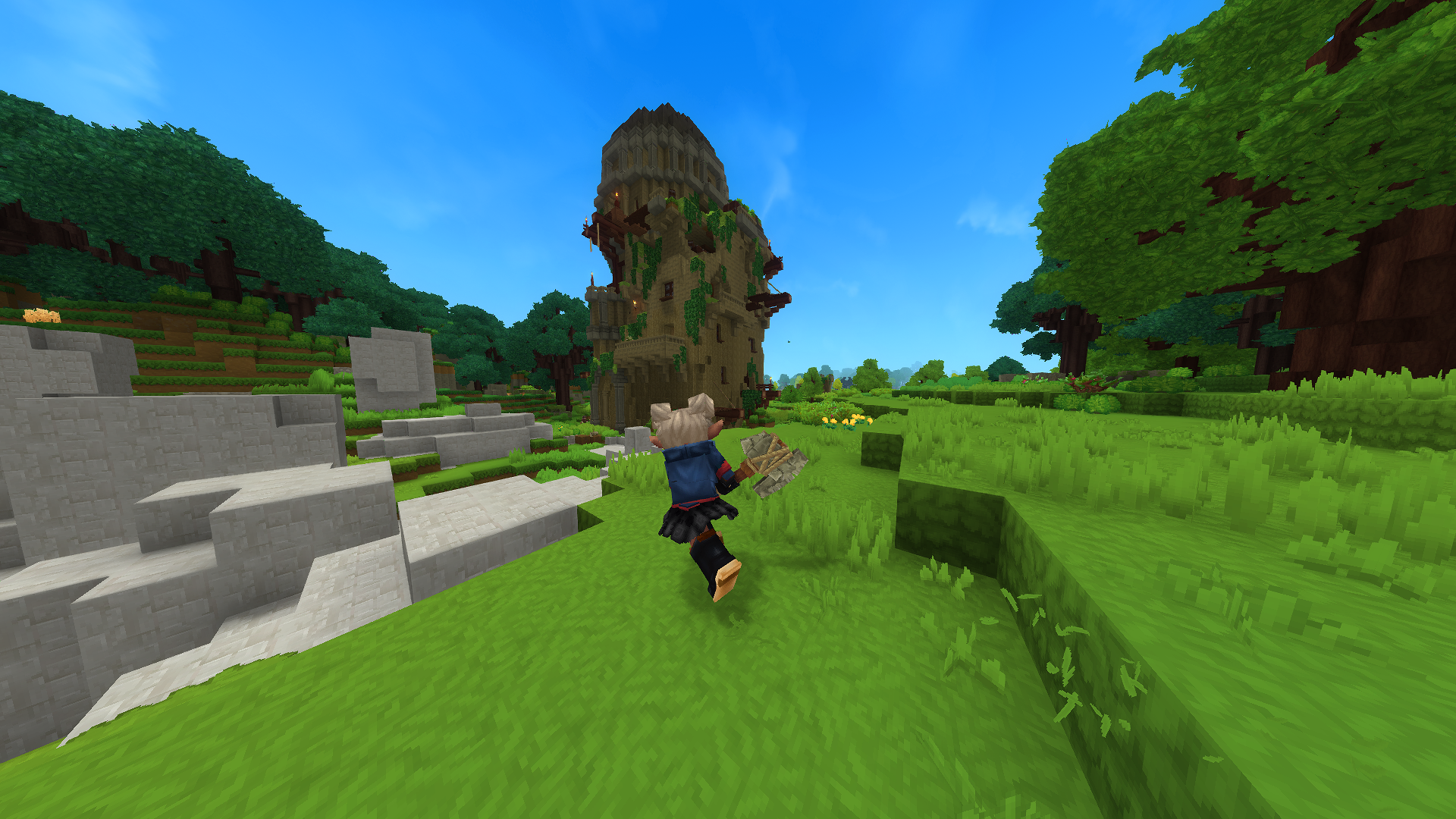
Hytale makes great use of the keys on your keyboard, and thankfully, there is one set by default to change the camera. All you need to do is press “V” to instantly switch between first-person and third-person views.
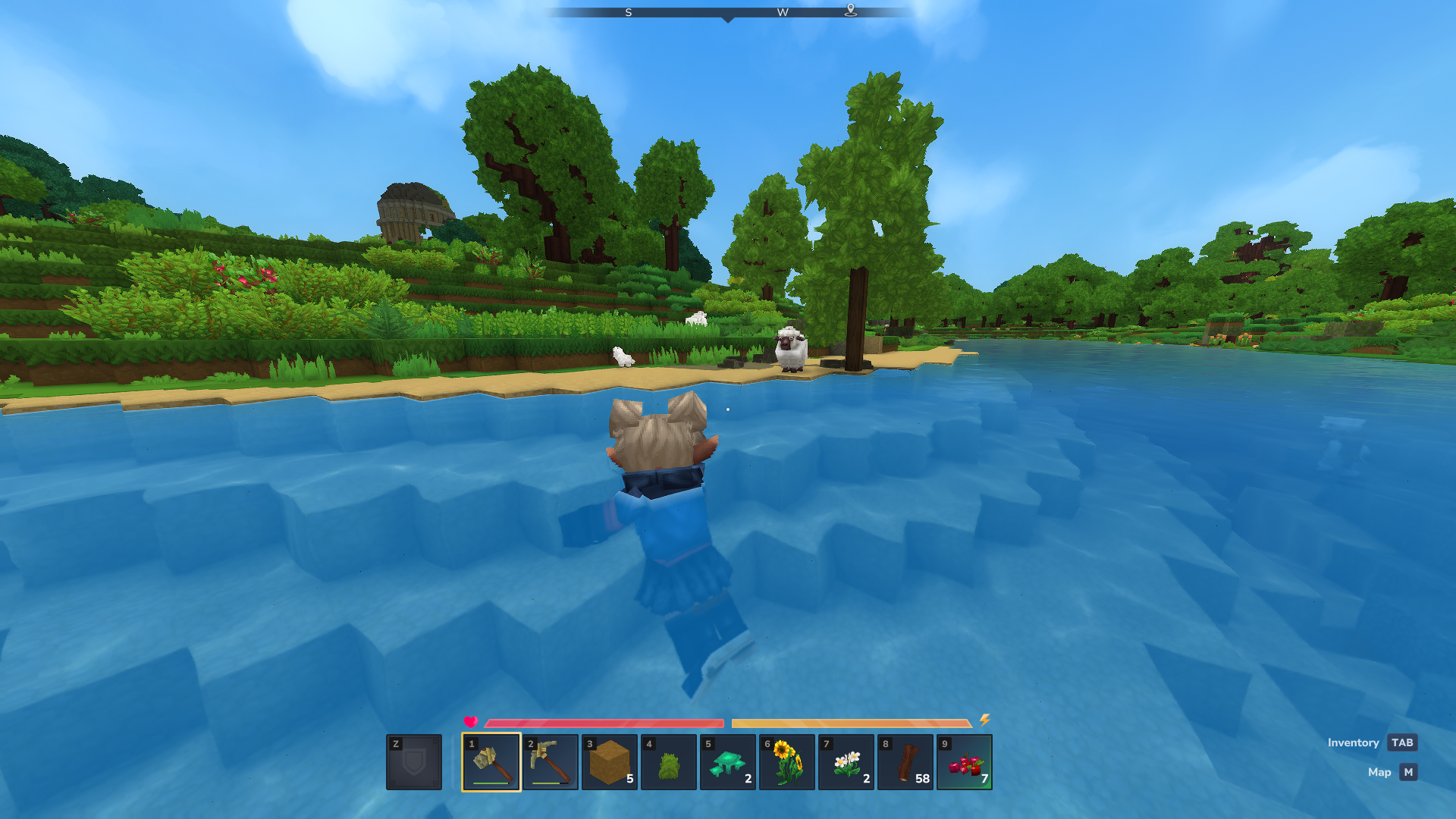
It’s worth pointing out that you’re limited to first-person whenever there is a block above your head. You might experience some awkward camera changes while mining underground or if your first house is just a dug-in cave with a low ceiling. Step out into a space with more room above to revert to third-person.
How to change camera settings in Hytale
It may take more than a single key press to provide the most comfortable view. Hytale features a few camera-related settings to better customize how you view everything, but they’re awkwardly split up. Both are located in the Settings menu, which is accessible from the main menu or while pausing the game.
The first couple of options to look out for are listed under Camera in the General tab. This is where you can adjust your Field of View as well as which shoulder the third-person camera should rest on. Hytale doesn’t currently feature separate FOV sliders for first-person and third-person views, so you’ll need to make do with just one for now.
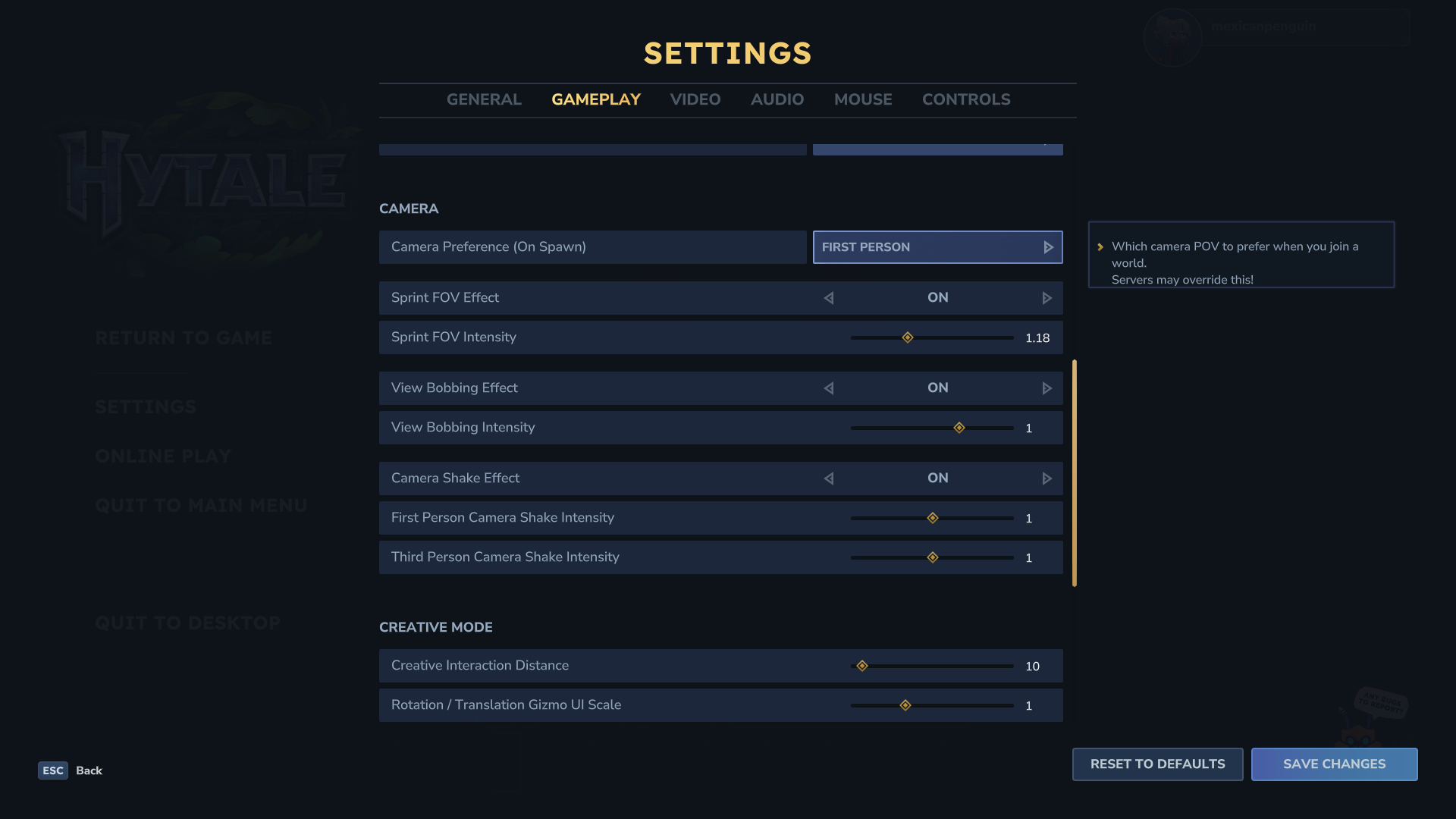
Another set of options is listed under Camera in the Gameplay tab. This is where you’ll find the various toggles and intensity values for the Sprint FOV Effect, View Bobbing, and Camera Shake.
One of the more convenient options is Camera Preference (On Spawn) at the top of the list. Changing this will let you choose the POV you start with when joining a world. The default option is first-person, so it’s worth changing if you prefer adventuring with the camera set behind you.
Keep in mind that servers can override your preferences and limit the experience to one type of view. If you’re unable to change it the next time you join a Hytale server, this could be the reason why!