Modding has been a huge selling point for Hytale since its announcement trailer was released seven years ago. The game may have launched in early access, with some things promised for later and other elements like Mithril gear not being fully implemented, but its modding scene is already available and being supported.
Even if you’ve never installed mods before, the whole process can be surprisingly easy. Here’s a breakdown of how to start adding mods to your worlds.
Where to Find Mods for Hytale

The best place to download Hytale mods is through CurseForge. It’s thanks to a partnership between the two that the game launched with 85 mods already available through CurseForge. That number has since risen to over 2,000 beyond the first week.
Some creators will upload mods through other platforms, and the development team has made it clear that there is no exclusivity with one particular platform. Still, it seems likely that CurseForge is going to be the de facto place to download and install them.
How to Install Hytale Mods
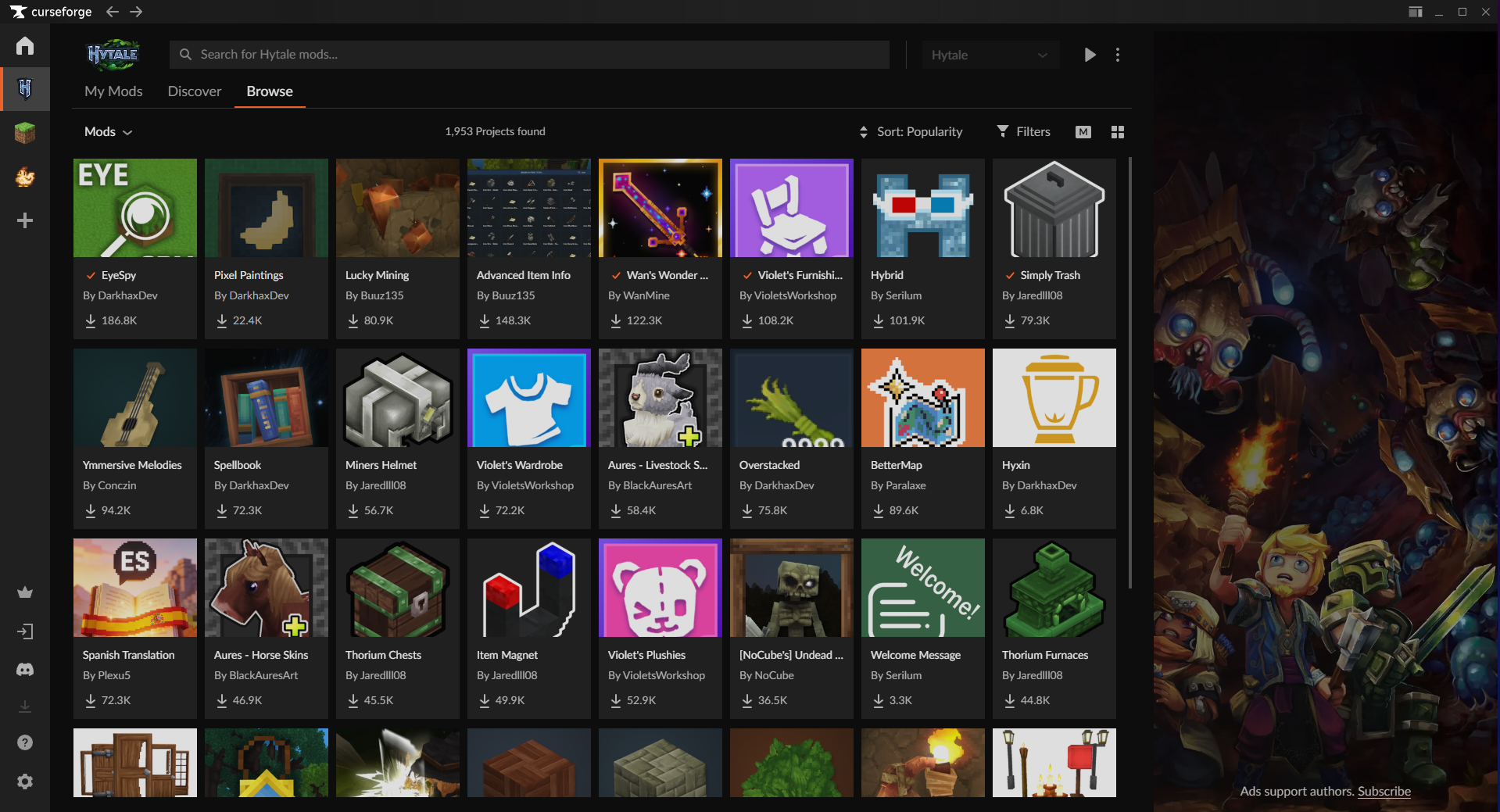
If you want the most seamless process, we recommend downloading the CurseForge App. This is their third-party mod manager program that will handle all the downloading and installing for you. We’ve been able to enjoy multiple mods without needing to dig through any folders or move any files.
Once you’ve downloaded and opened the app, click the “Add a Game” option represented as a plus icon on the left side. From here, you can scan an entire drive for compatible games or manually add Hytale’s folders.
Select the Hytale tile that’s been added to the Choose a Game section menu and click on Discover or Browse to peruse all of the mods that have been uploaded. When you find some that catch your eye, all you need to do is click their orange “Install” button. Each one that you’ve installed can be seen under the My Mods tab.
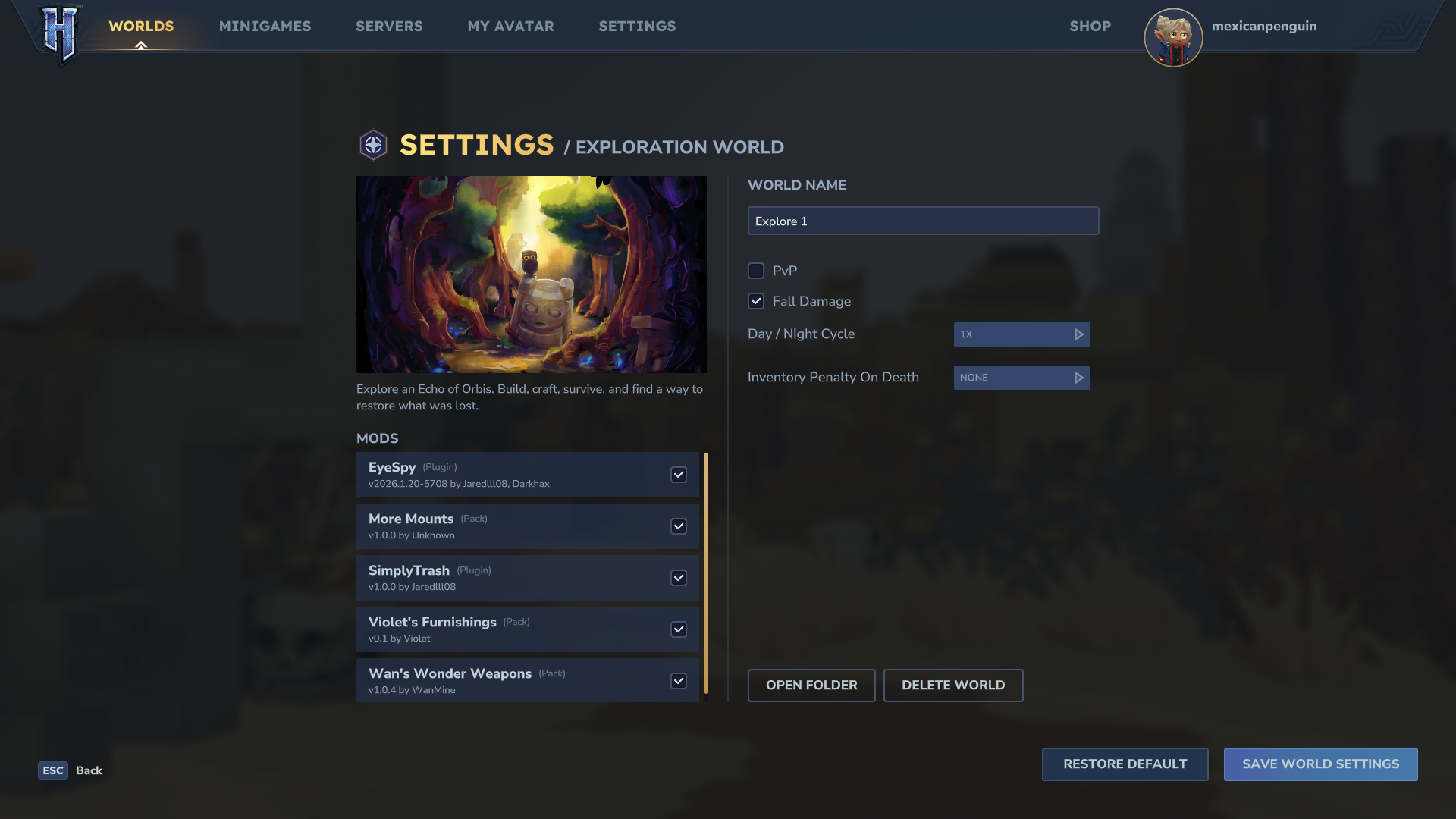
The last step is to enable these in-game. Each of these should appear as selectable checkboxes whenever you create a new world, but they can also be applied to existing ones as well.
When selecting a World in Hytale’s main menu, right-click on one to enter its Settings page. Check off which mods you want to apply from the left list and then click “Save World Settings” to enable them.
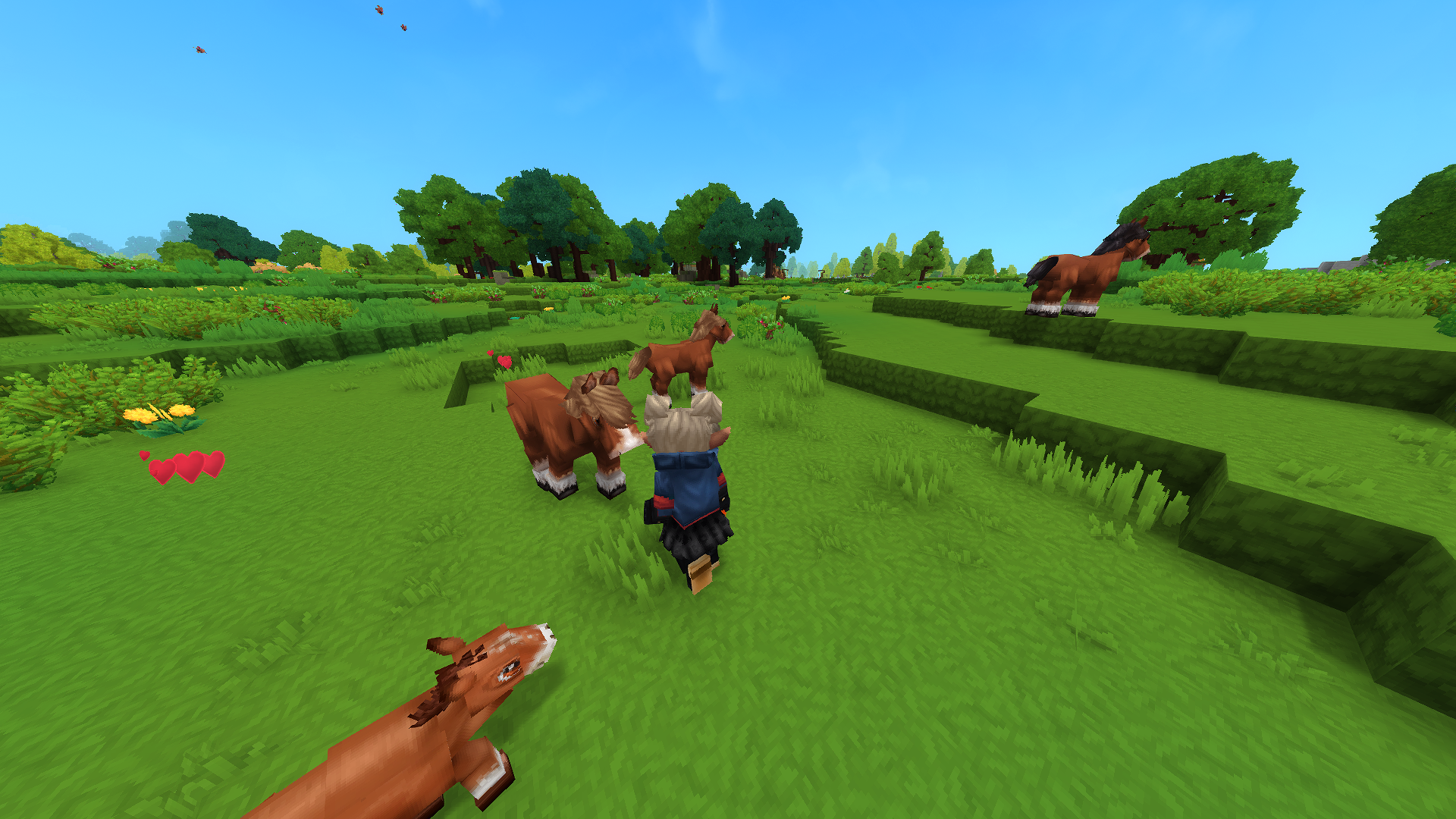
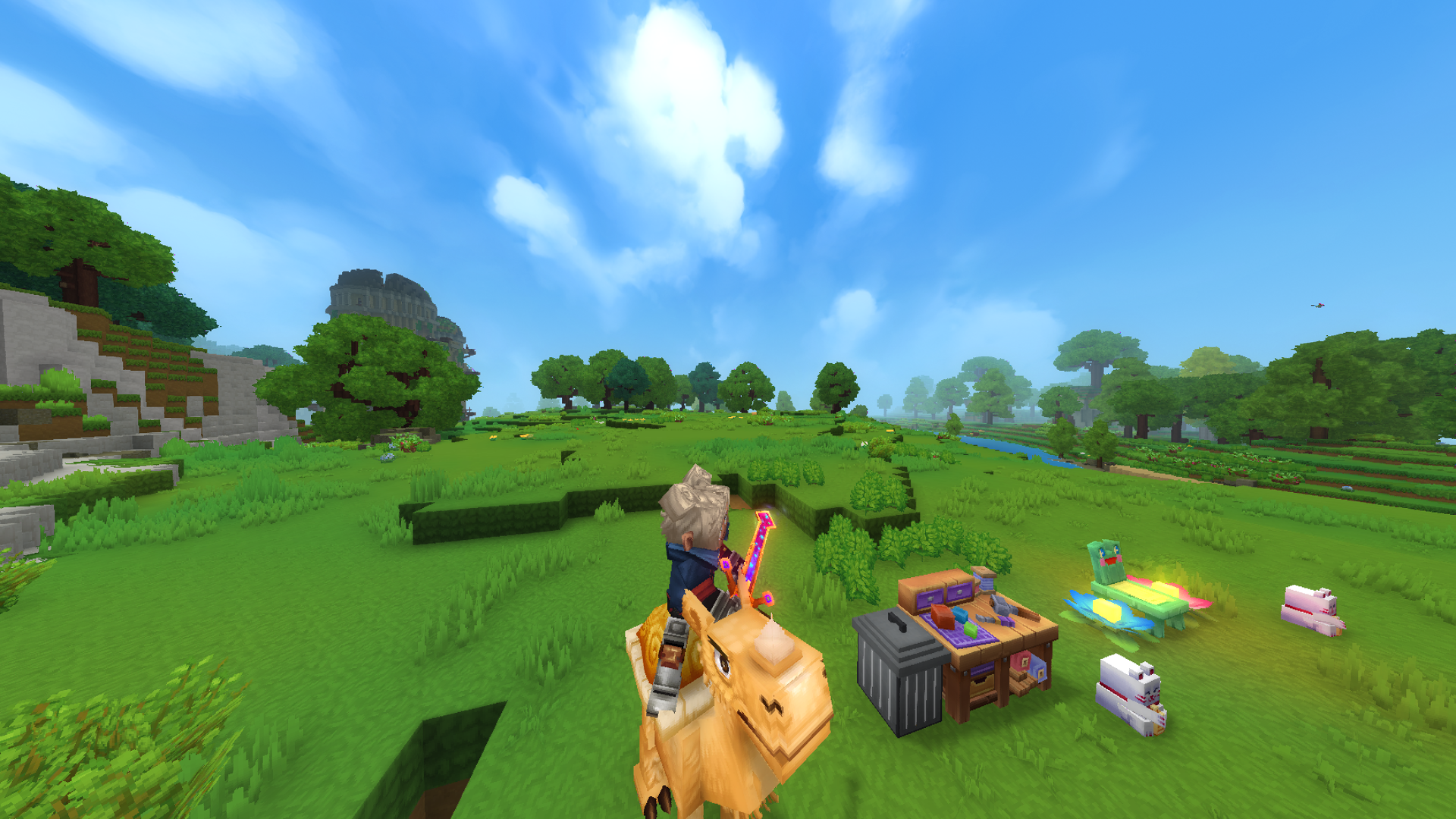
This process has let us install and play with player-created content seamlessly. From mods that add new furniture and weapons, to those that implement UI changes, and even some that extend the current horse riding mechanics to a few other animals, it’s all been handled pretty painlessly.
Hytale is available now on PC, with three editions to choose from.