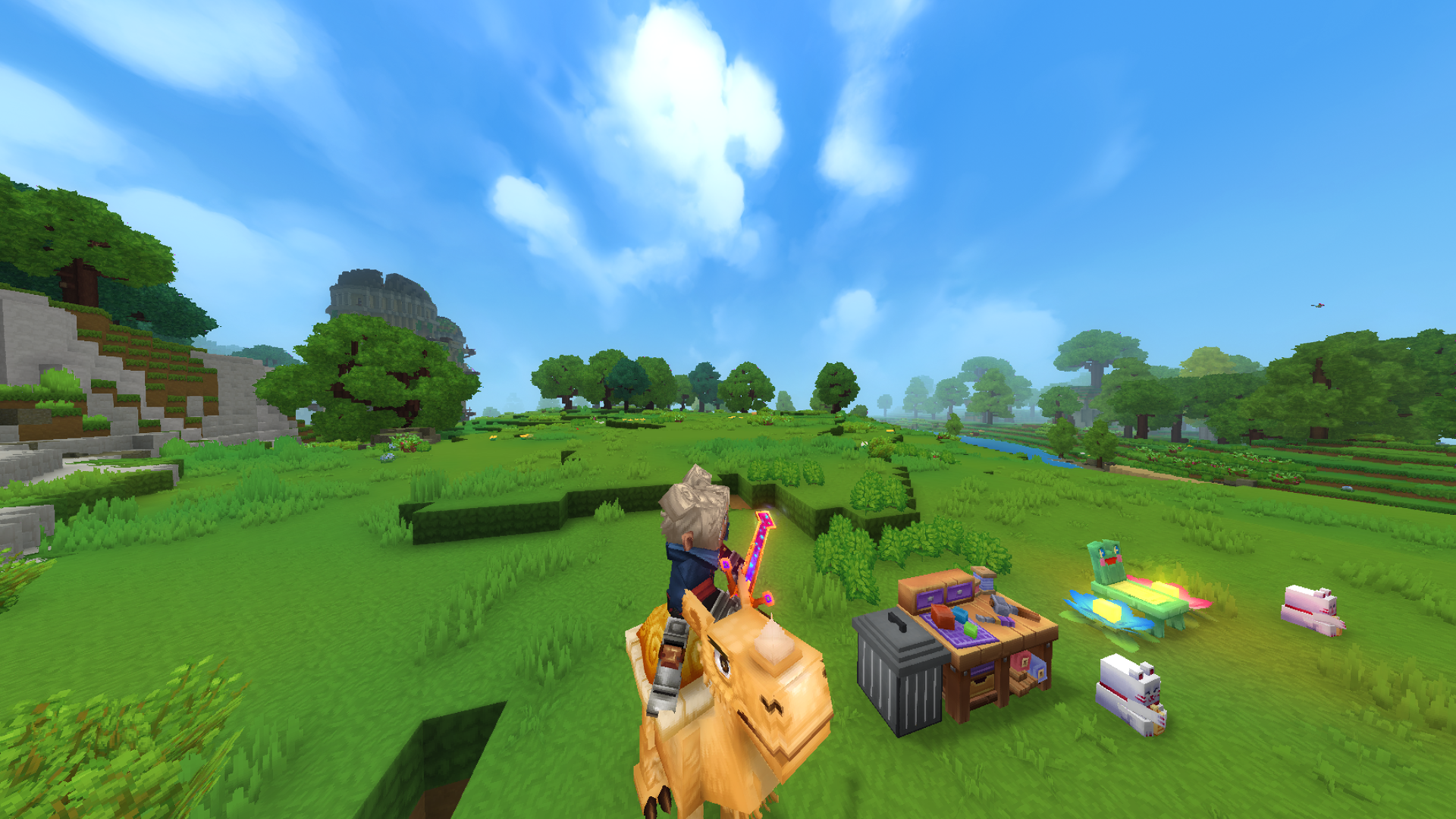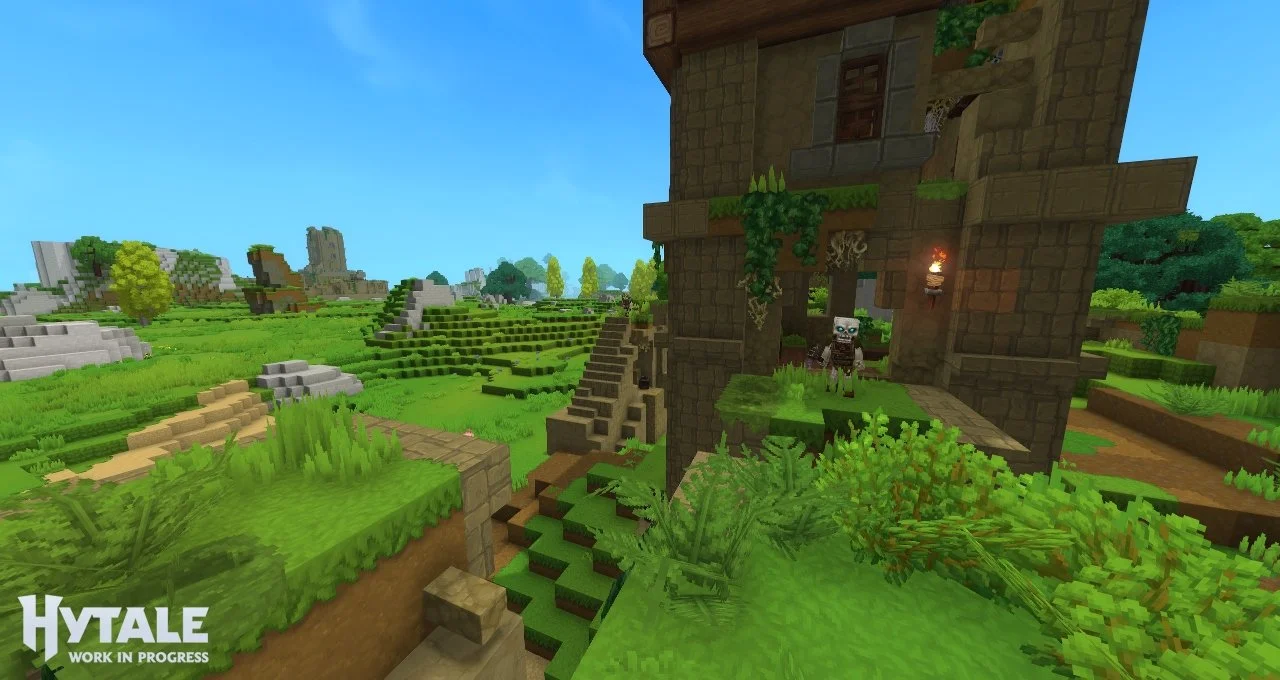
With an astonishing number of players already diving deep into the game, thanks in part to seven years of development, it is quite clear that Hytale is slowly taking the world by storm. And while this Minecraft competitor has yet to offer its final version, many are excited to play it with friends, even if it is just in Early Access.
If you expect to boot up Steam and purchase a copy, then you might be confused as to why it is nowhere to be found. No worries, though — keep reading to know how to play Hytale and the differences between each edition available for purchase.
How to install and buy Hytale
To install the game, you will have to visit its official website to download its launcher. Choose the correct platform to download the appropriate launcher version (Windows, macOS, or Linux) and install it. Boot up the launcher, and you’ll be prompted to create an account or sign in to an existing one.
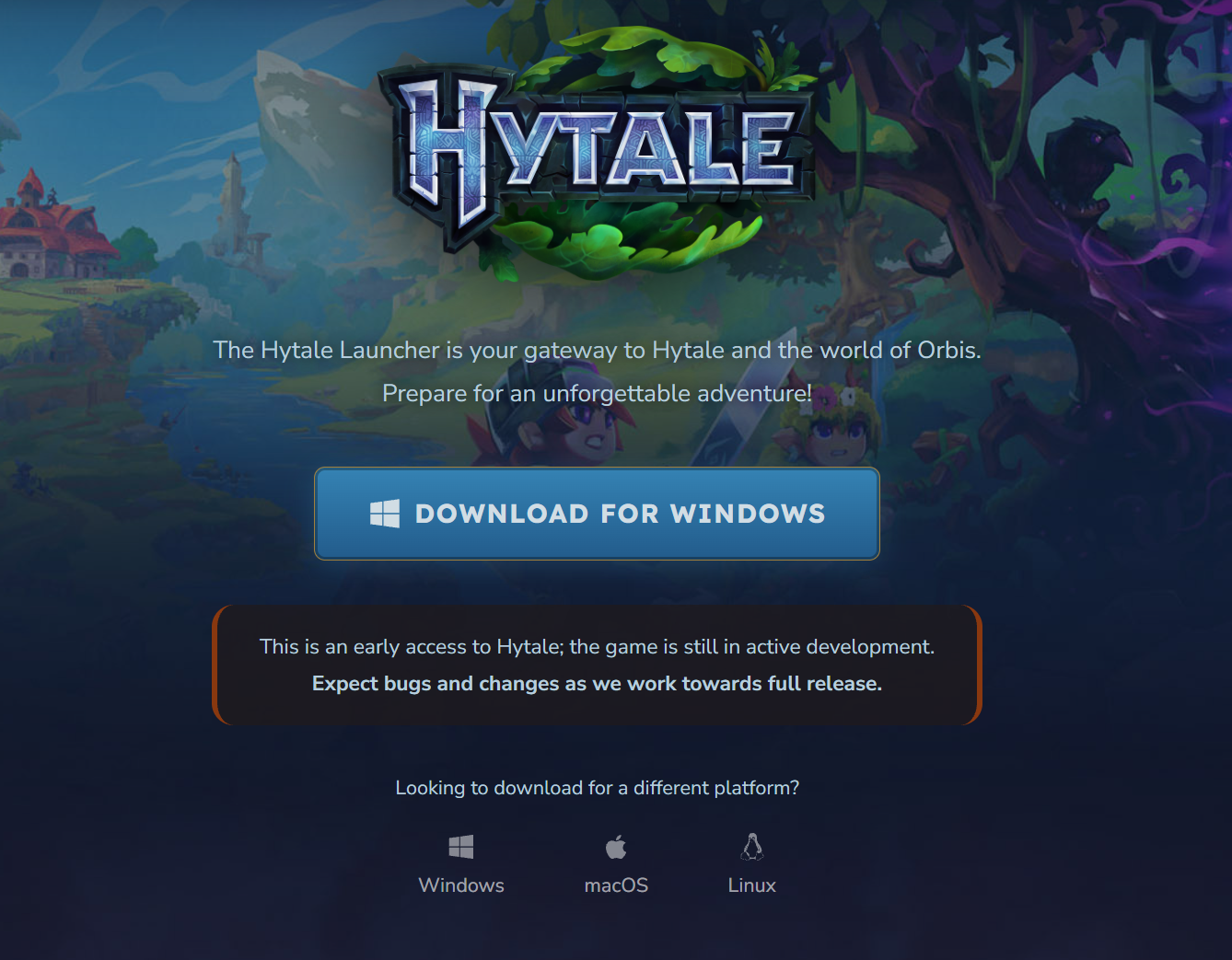
While you can download Hytale’s launcher for free and creating an account will not cost you a single penny, players interested in customizing their own experience, including Hytale server hosting, will still need to purchase one of the three available editions. Hytale is not free-to-play and does not offer a free demo for players to try and see if the game is their cup of tea, after all.
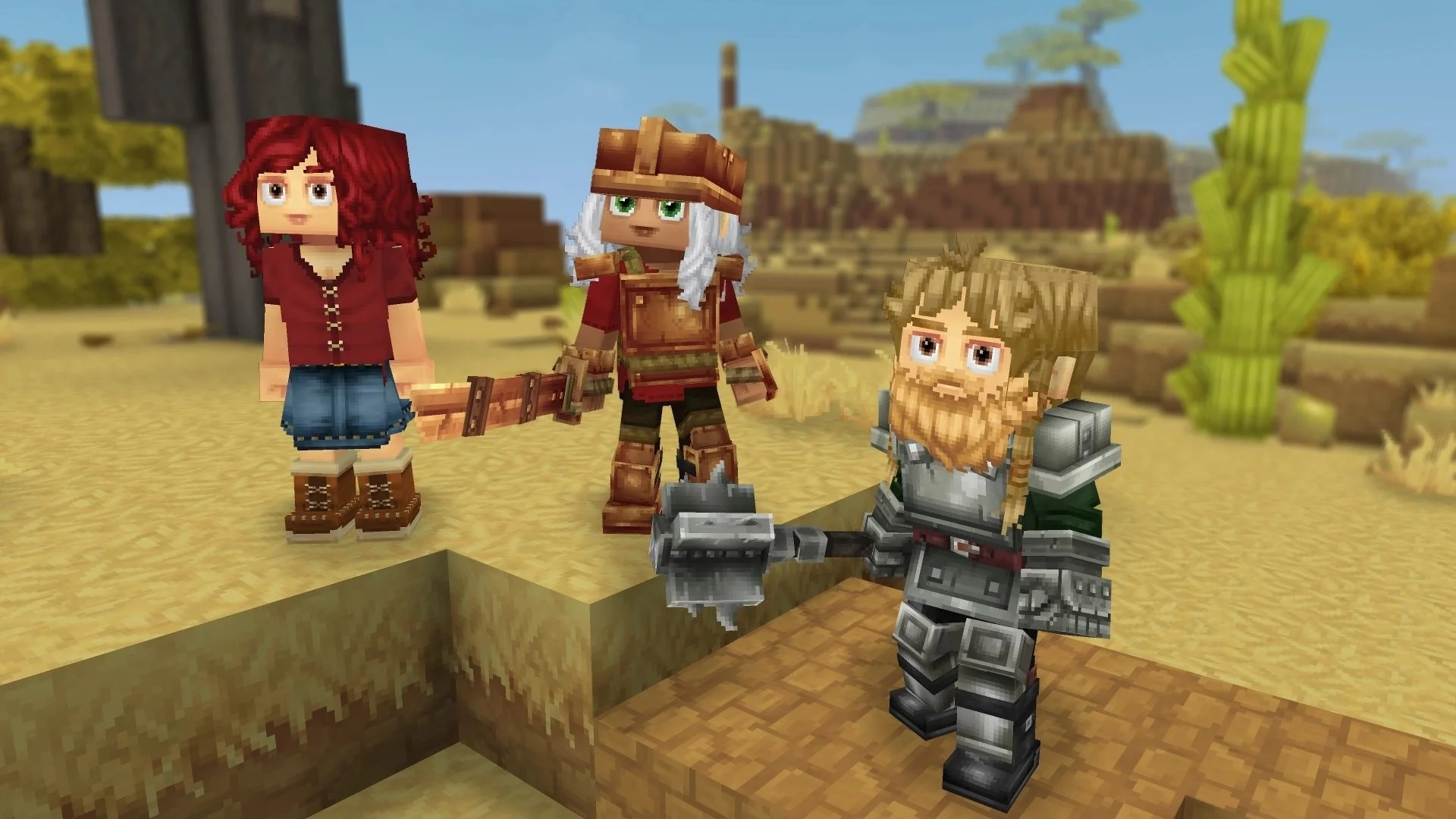
The main difference between all three editions is the number of cosmetics you will receive from the get-go, and none of them provide any gameplay advantages. These are limited editions, as they are only available during Early Access.
You’ll be able to purchase them on Hytale’s website, and here is what each edition includes:
Standard ($19.99)
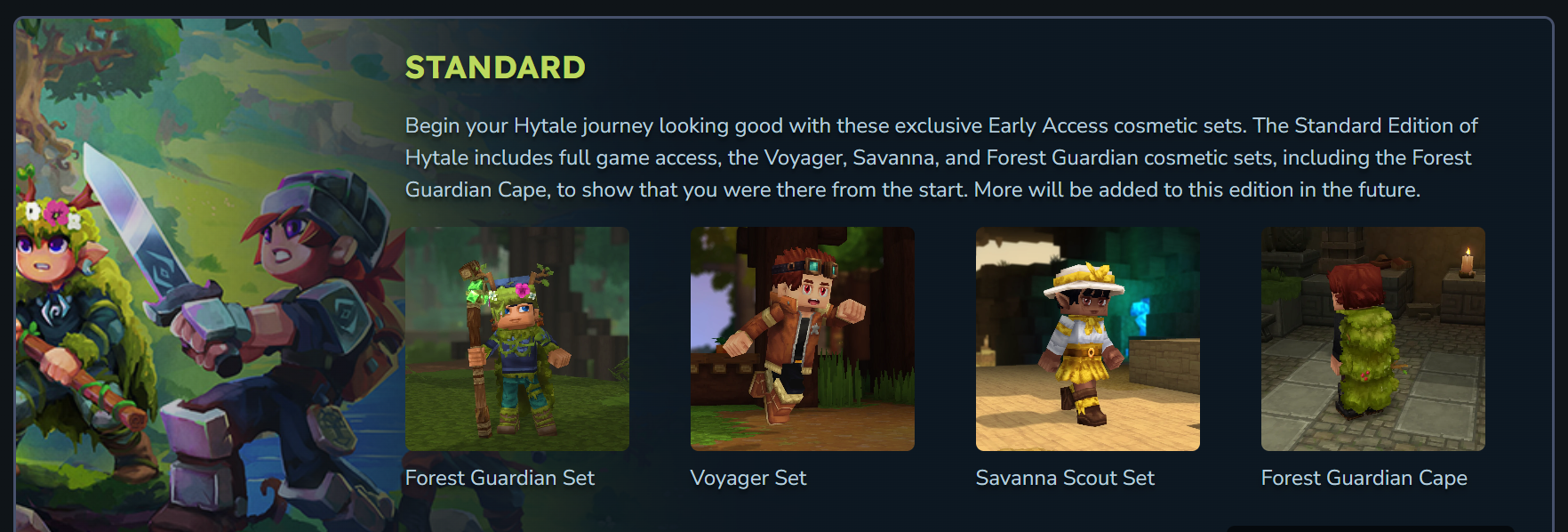
Exclusive Standard Cape
Forest Guardian Set
Voyager Set
Savanna Scout Set
Supporter ($34.99)
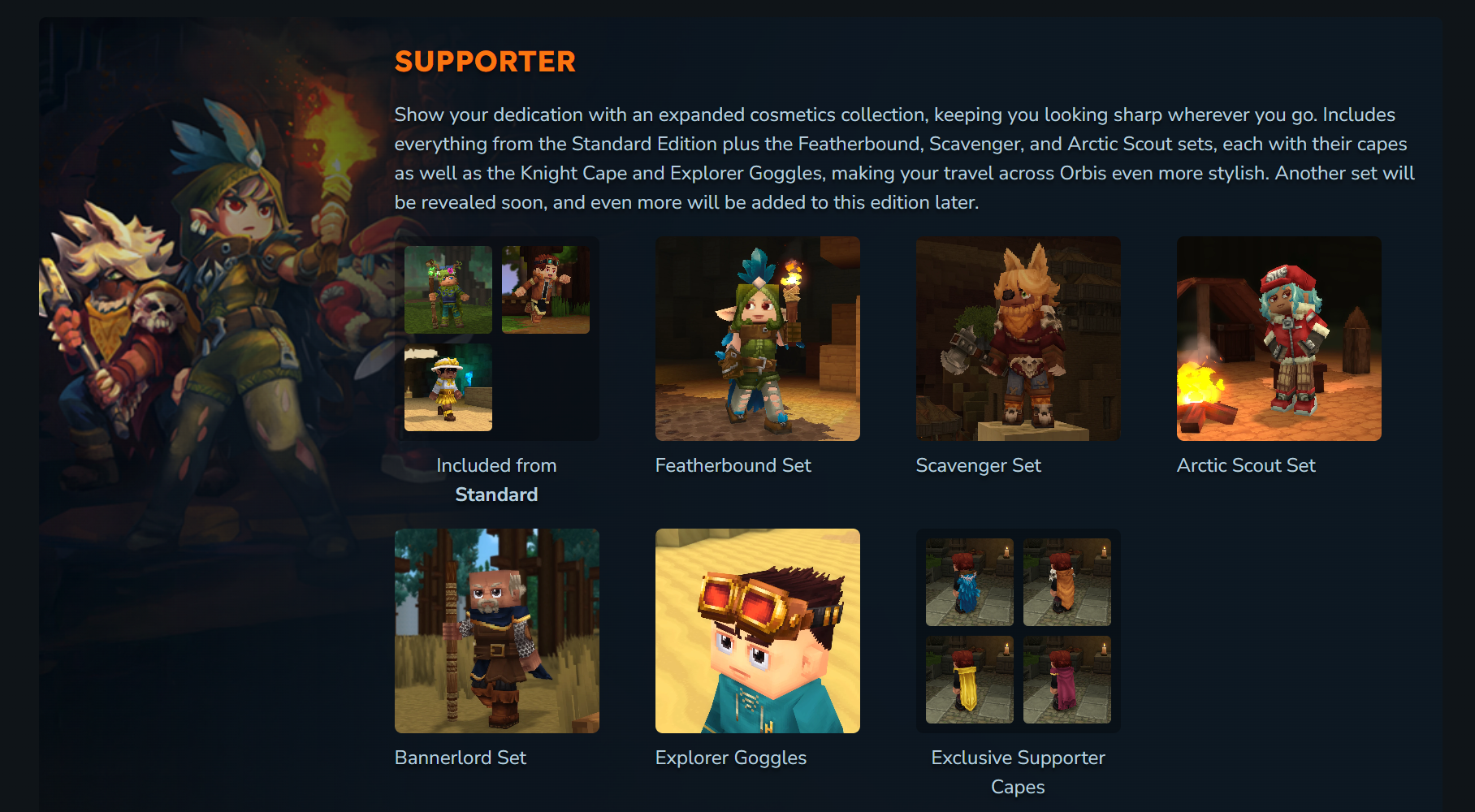
Everything from Standard
Exclusive Supporter Capes
Featherbound Set
Scavenger Set
Arctic Scout Set
Bannerlord Set
Explorer Goggles
Cursebreaker ($69.99)
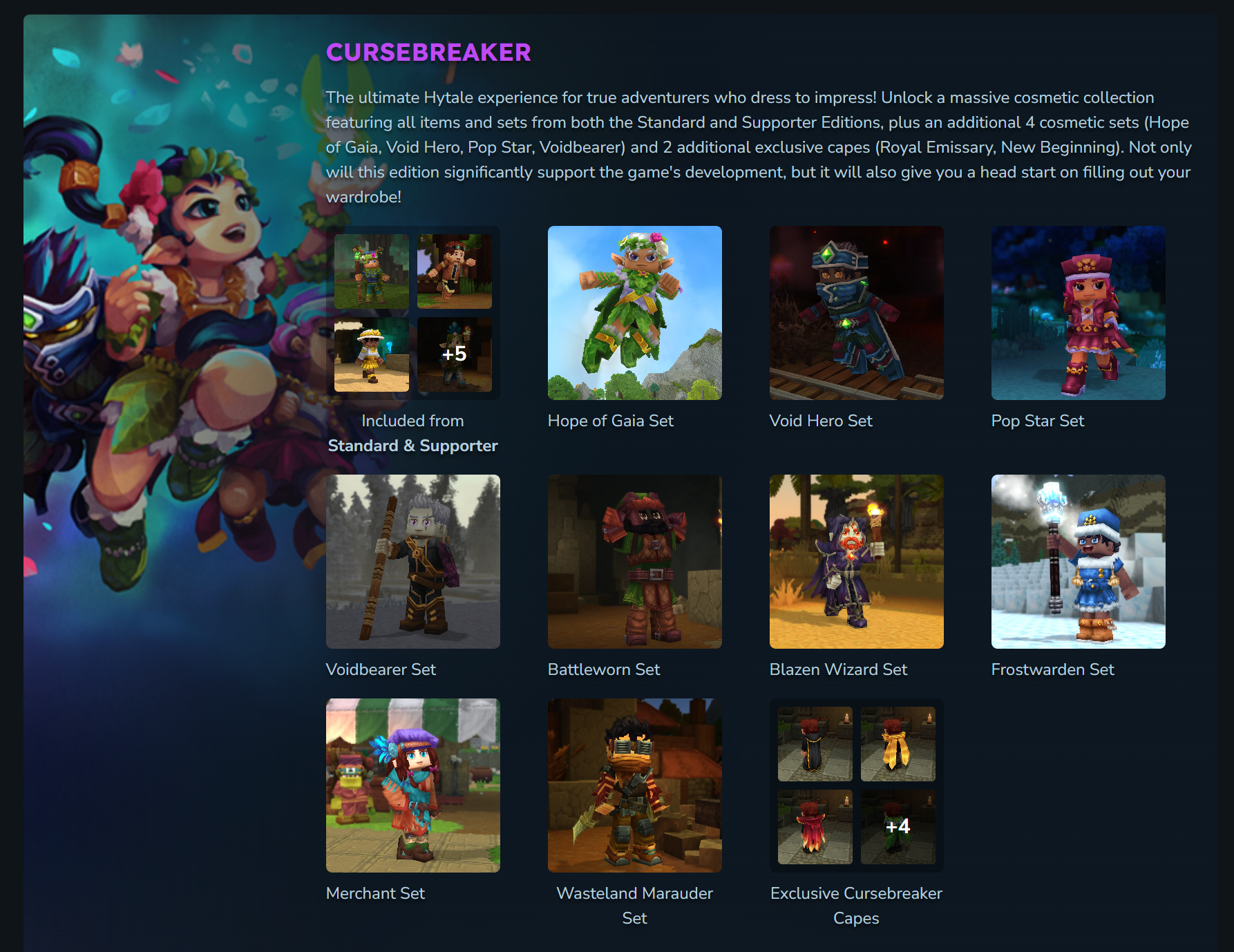
Everything from Standard and Supporter
Exclusive Cursebreaker Capes
Hope of Gaia Set
Void Hero Set
Pop Star Set
Voidbearer Set
Battleworn Set
Blazen Wizard Set
Frostwarden Set
Merchant Set
Wasteland Marauder Set
Hypixel Studios has promised that more items will become available for all players who purchase the game in Early Access, regardless of the edition of their choice. Please note that prices change depending on your region, so they might be slightly different from the ones shown above. Additionally, you can upgrade your Hytale edition by only paying the price difference.
Once you purchase the game, you’re good to go! If you require assistance during your sessions, be sure to check out our guides on how to repair items or how to increase inventory size in Hytale.