With the Animal Crossing: New Horizons 3.0 update finally upon us, we can finally design our Resort Hotel and create Slumber Islands.
Slumber Islands allow you to create entirely new islands, completely separate from your own island. You can even invite friends to visit! But where do you even start? Below, we’ll explain how you can unlock and start building Slumber Islands in Animal Crossing: New Horizons.
How to create a Slumber Island in Animal Crossing: New Horizons
You can unlock the ability to create Slumber Islands in Animal Crossing: New Horizons as long as you’ve already unlocked Luna and updated your game to the 3.0 version. If you’re jumping into an old save file where you’ve already unlocked Luna, you should get a letter from Luna in the mail letting you know about the new feature.
If you’re on a newer save file and don’t have Luna yet, you must be connected to the internet with an active Nintendo Switch Online membership, your tent must have been upgraded to a house, and you need at least five villagers in your town.
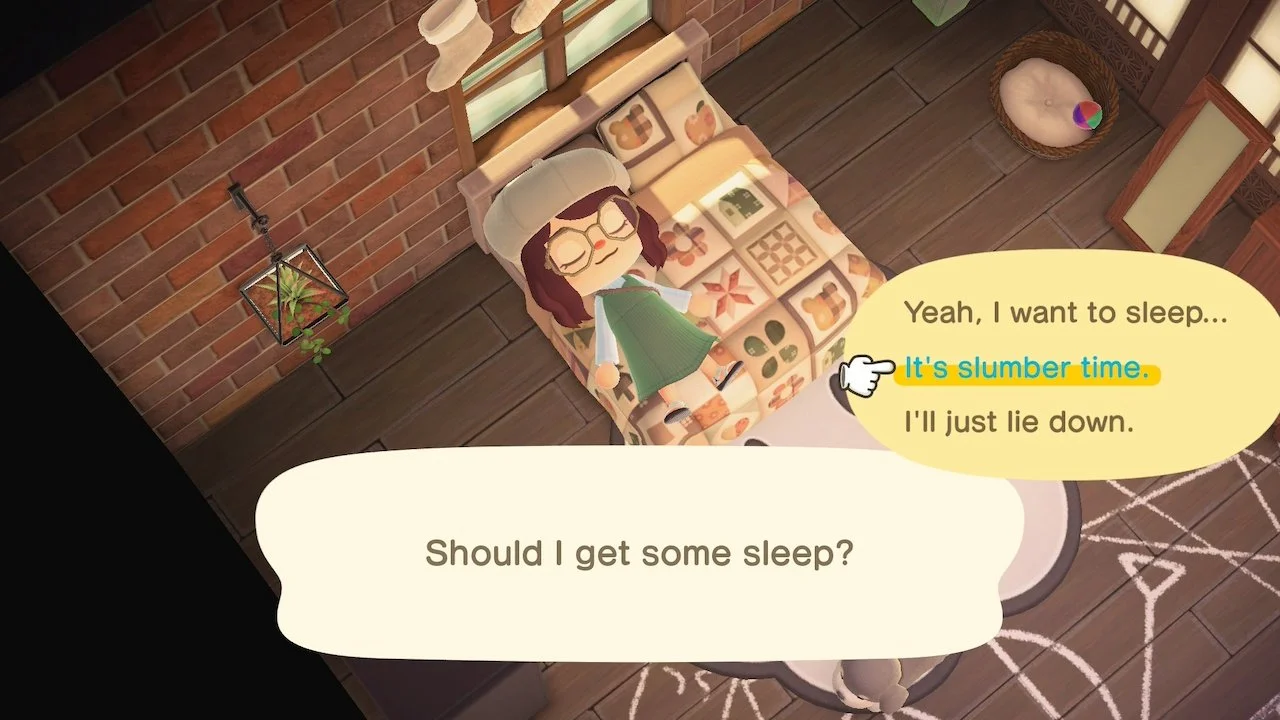
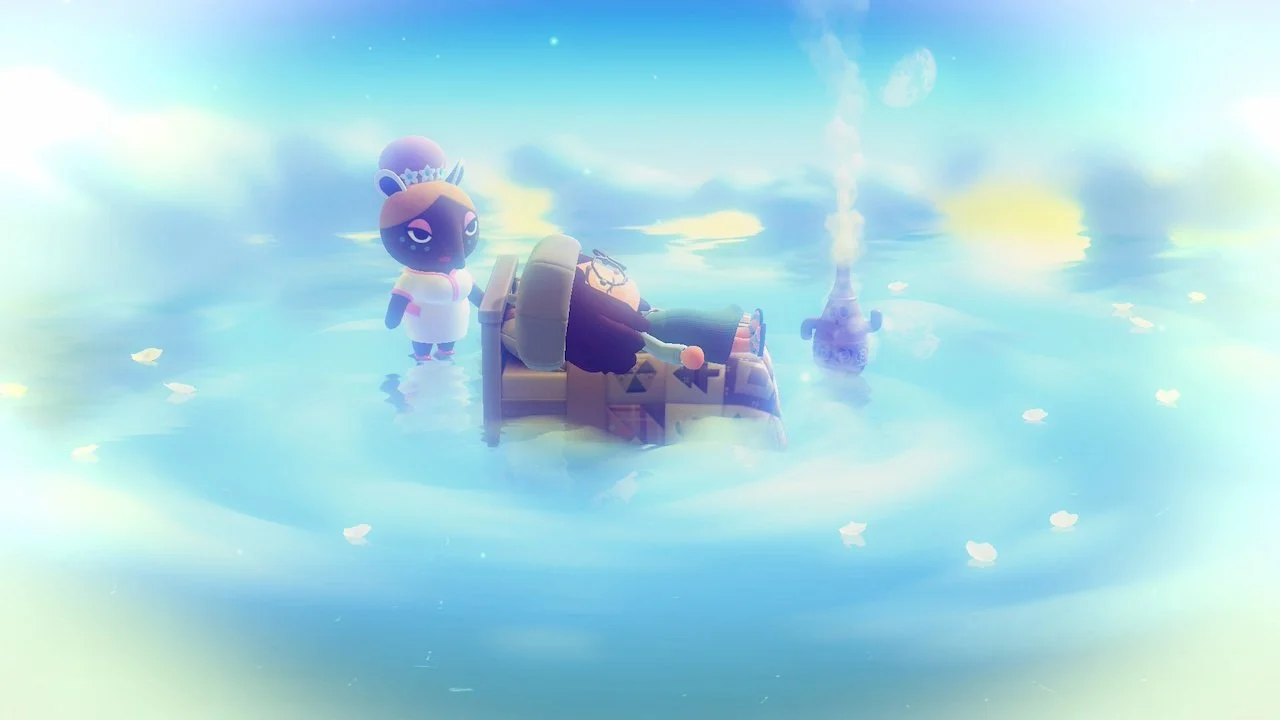
Once you can visit Luna, simply lie down in any bed, and you’ll be prompted to either sleep or enter a slumber. Choose to go into a slumber, and Luna will go over all the details surrounding a Slumber Island. If you’re still confused, once you choose what your island should look like, talk to Luna again and she can answer more questions.
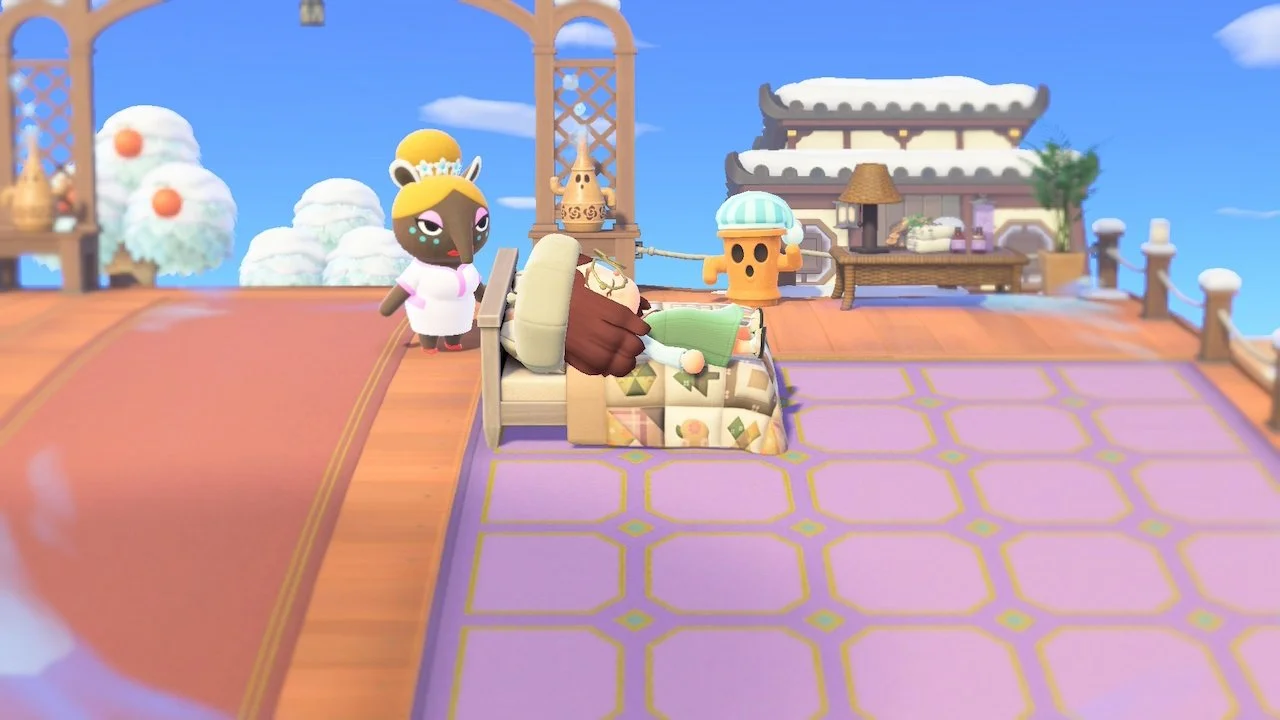
You can create a total of three Slumber Islands and fully customize them using terraforming, pathing, custom designs, furniture, and more. Not only that, but you’ll notice that your home is completely empty and ready for a redesign.
If you want to invite your friends to visit, that’s also possible. Your friends are also allowed to edit and terraform your island with you, so you can collaborate on an island together!
Animal Crossing: New Horizons is available now on Nintendo Switch and Nintendo Switch 2.