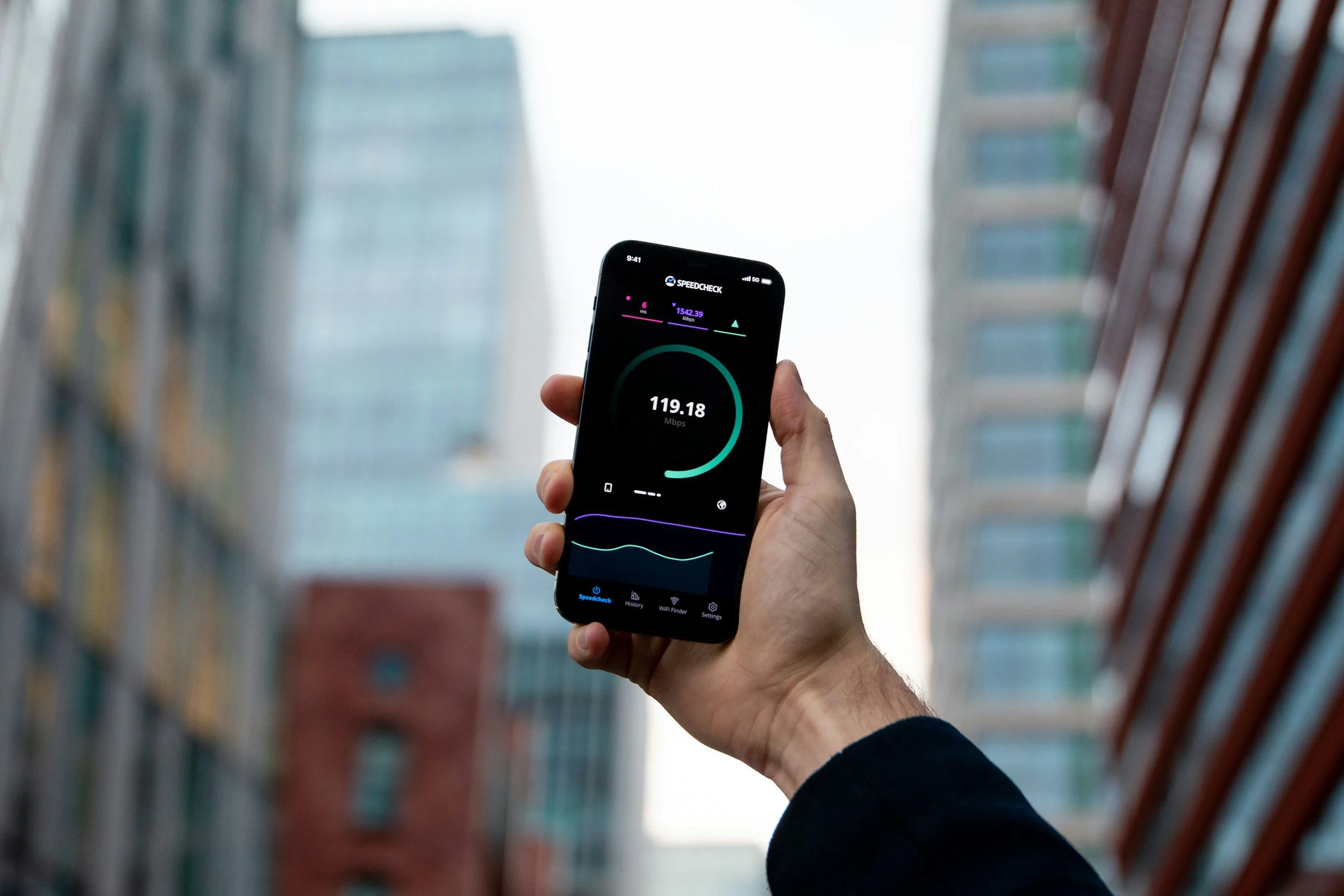
A speed test can show hundreds of megabits per second while an online match still feels sluggish. For multiplayer gaming, bandwidth only tells part of the story. The time each packet spends traveling between your system and the game server often matters more.
That trip can also change when a VPN enters the connection. Instead of heading toward the game server through the route chosen by your internet provider, traffic first travels through a VPN server. Depending on where that server sits and how the networks connect, ping can rise, stay close to normal or occasionally improve.
Ping Measures the Trip Your Packets Take
Ping is usually expressed in milliseconds and gives players a practical indication of round-trip delay. Lower numbers generally mean the game can receive an action and return updated information more quickly.
Server location matters because packets have physical distance to cover. Congestion, wireless interference and networking equipment can add more delay along the way. Our guide to reducing gaming latency covers several local fixes, including using Ethernet and selecting a nearby game server.
Those steps are worth checking before blaming a distant network route. A poor Wi-Fi signal inside the house can create lag regardless of what happens farther across the internet.
A VPN Gives the Traffic a Different Route
Without a VPN, the simplified path looks something like this:
Gaming device → ISP network → Game server
With a VPN connected, another destination enters the journey:
Gaming device → ISP network → VPN server → Game server
Traffic between the device and VPN server also travels through an encrypted tunnel. The practical effect is that the route seen by the game can differ from the one your ISP would normally use.
Mac players who want to compare those paths can download PIA for Mac and test a VPN server against the same game region using their regular connection. The Mac app supports both WireGuard and OpenVPN, so protocol choice can be kept consistent while comparing routes.
For a useful test, change one variable at a time. Do note that switching the VPN server, game region and protocol together makes it difficult to tell which change affected the final ping.
Why the Extra Route Usually Adds Latency
Adding another destination usually gives packets more work to do. A VPN server farther away from the player can increase the physical distance traveled, while the tunnel adds processing before traffic continues toward the game server.
The location of the VPN server relative to the game server matters as well. A player in Chicago connecting through a VPN server in Los Angeles to reach a game server in New York has created a long detour. Choosing a server geographically closer to either the player or the game's infrastructure can produce a very different result.
IBM's explanation of network latency identifies distance, network congestion and the number of network hops among the factors that influence delay. IBM also distinguishes latency from bandwidth, which helps explain why buying a faster internet package won't automatically fix a poor route.
A Different Route Can Occasionally Be Faster
Internet traffic doesn't always follow the geographically shortest path. ISPs exchange traffic through different networks, and routing decisions can send packets through congested or inefficient paths before they reach a game's infrastructure.
A VPN changes where the ISP initially sends that traffic. If the VPN provider's onward route happens to avoid congestion or an inefficient connection between networks, the measured ping to the game can sometimes fall.
That outcome depends heavily on location, ISP, VPN server and game server. A route that works well for one player may perform worse for somebody living a few blocks away on another provider.
Test More Than One Match
A single ping reading can be misleading because network conditions change throughout the day. A better comparison uses the same game region at roughly the same time and repeats each setup several times.
Track four things:
Normal route: Record ping without the VPN.
Nearby VPN server: Repeat the test without changing the game region.
Consistency: Watch for spikes and packet loss, rather than focusing entirely on the lowest number.
Busy hours: Repeat the comparison when your connection normally performs worst.
An average ping of 35 ms with frequent jumps to 120 ms may feel worse than a connection sitting steadily around 45 ms. Consistency matters during competitive play because sudden delay is harder to adapt to than a small, predictable increase.
Let the Route Decide
There isn't a universal rule that a VPN will improve gaming ping. In many cases, the additional route adds latency. Under certain routing conditions, the alternative path can perform better than the ISP's normal one.
The useful approach is actually measurement. Keep the game server fixed, compare several runs and pay attention to both average ping and stability. Once you can see what each route actually does, choosing the better connection becomes much easier than relying on a speed test or a blanket claim about VPN performance.
Disclaimer info