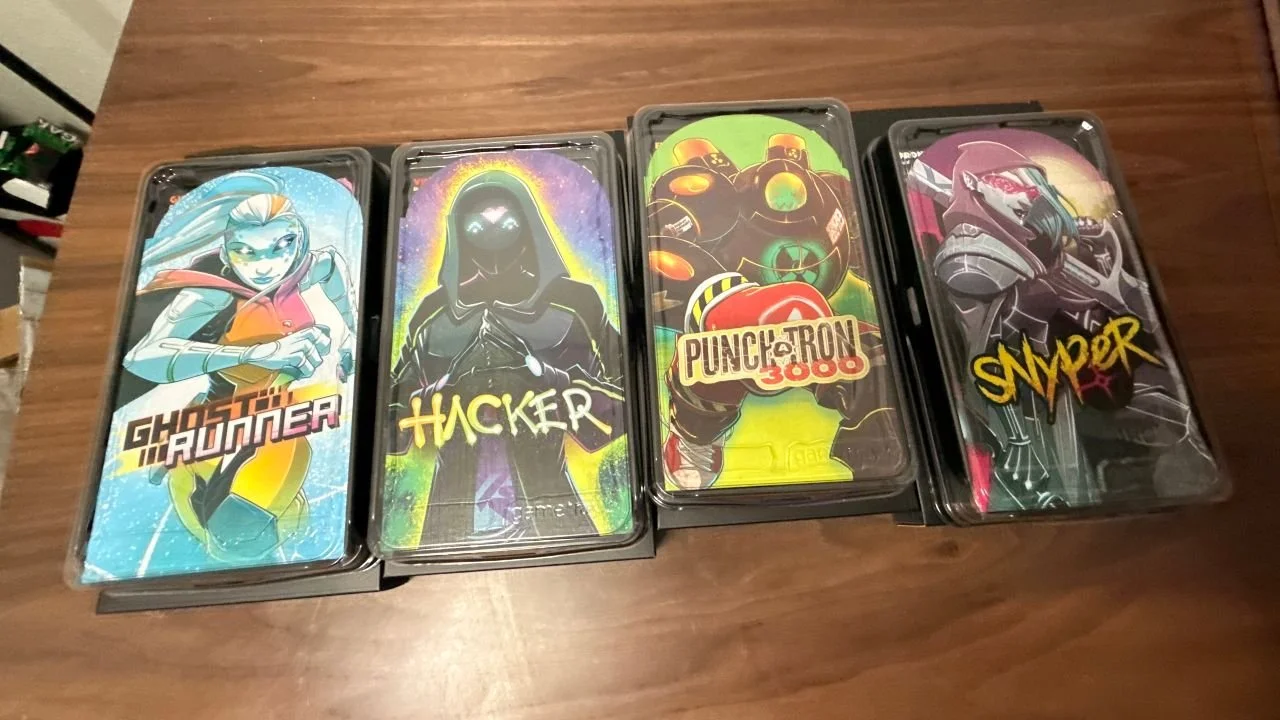
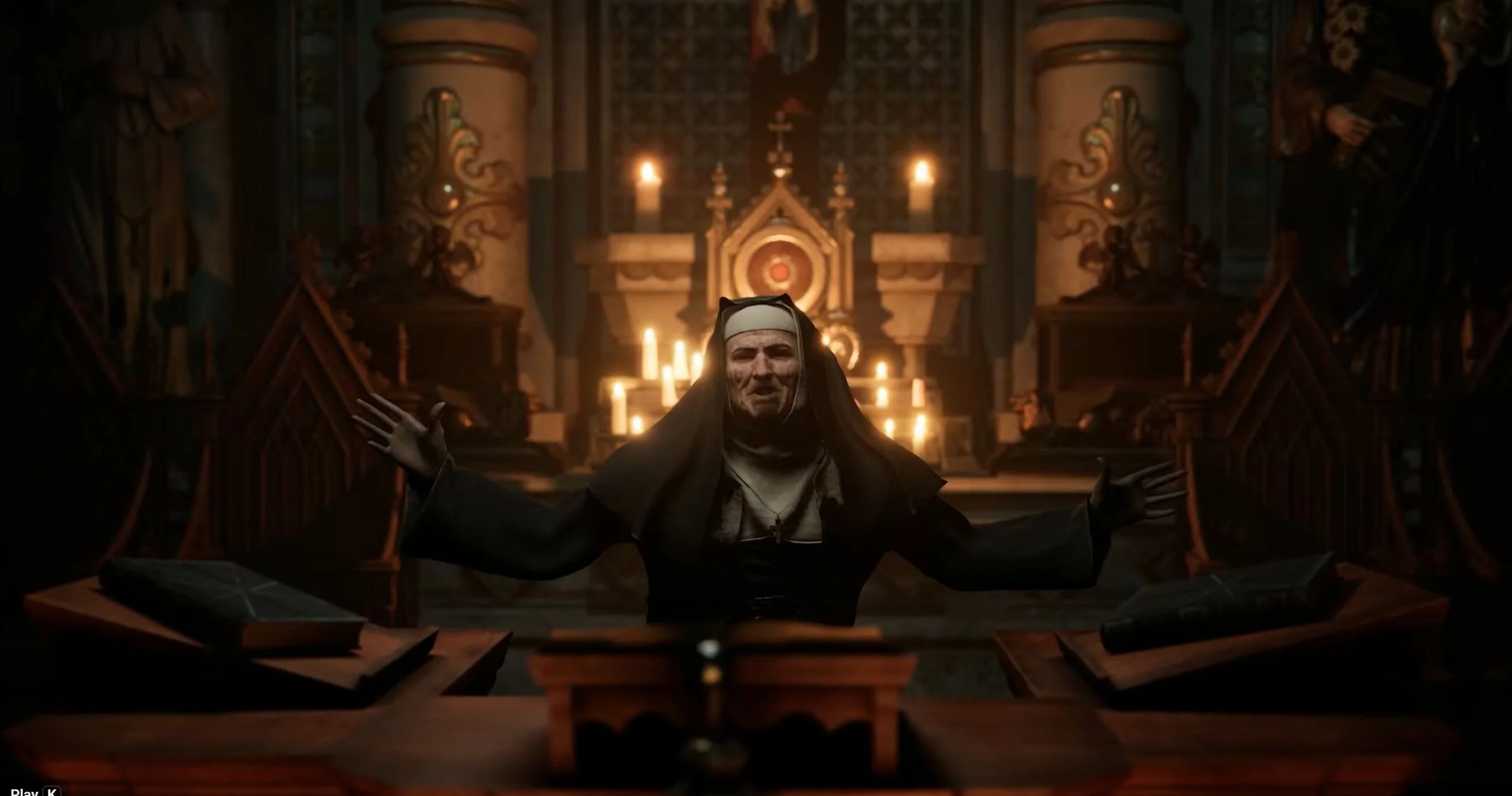
The bar for visual content quality keeps rising, but the tools to meet it have never been more accessible. Whether you're building a brand, running a content channel, or just bringing a creative idea to life, the ability to generate polished imagery on demand changes what's possible. Nano Banana Pro makes professional-grade AI image generation available to anyone — no design background, no expensive software, no learning curve. If you've been curious about AI image generation but unsure where to start, this guide walks you through everything from the basics to your first finished image.
What Is Nano Banana Pro?
Nano Banana Pro is a high-performance AI image generation model available on SuperMaker, an all-in-one AI creative platform. It sits at the stylized, expressive end of SuperMaker's model lineup — optimized for producing visuals with strong aesthetic character, whether that's editorial illustration, concept art, stylized portraits, or bold social media graphics.
Unlike photorealistic models that prioritize accuracy above all else, Nano Banana Pro is tuned for creative output with a distinctive visual voice. It responds well to artistic direction in prompts — mood, color palette, composition style, and genre all translate reliably into the generated image. For creators who want visuals that stand out rather than blend in, this model consistently delivers results that feel intentional and crafted rather than generic.
Nano Banana Pro is one of several models on SuperMaker's platform, which also includes GPT Image 2 for photorealism, Seedream 5.0 for balanced output, and Z-Image Turbo for rapid iteration. Having all of these available in one workspace means you can choose the right tool for each project without managing multiple accounts or subscriptions.
What Nano Banana Pro Can Do
SuperMaker's platform gives Nano Banana Pro access to a full set of tools that go well beyond basic image generation. Here's what the model can do within the SuperMaker ecosystem.
Stylized Text-to-Image Generation
The core capability is Text-to-Image generation: describe what you want in plain language and the model produces it. Nano Banana Pro is particularly responsive to descriptive, style-forward prompts. Specifying a visual mood ("cinematic", "flat design", "painterly"), a color direction ("warm earth tones", "high contrast monochrome"), or a genre reference ("1970s magazine cover", "concept art for a fantasy game") reliably shapes the output in the intended direction. The model's sensitivity to artistic prompting is what makes it the preferred choice for creators who have a clear visual identity they want to express.
Integration with SuperMaker's Editing Suite
Once an image is generated, SuperMaker's editing tools let you refine it into a production-ready asset without leaving the platform. Key tools include magic erase for removing unwanted elements, smart uncrop for extending image borders to different aspect ratios, photo restoration for recovering detail, and the AI Image Combiner for merging visual elements across multiple generated images. The 2D to 3D Converter can also be applied to Nano Banana Pro outputs to add dimensional depth — useful for product visualization or motion content.
Direct Path into Video and Multi-Media Projects
Images generated with Nano Banana Pro don't have to stay as stills. SuperMaker's Draw to Video and Image-to-Videofeatures let you animate any generated image directly into a video scene, extending a single asset across formats. All generated images are stored in the Assets Library, where they can be versioned, reused, and pulled into video, voice, or music projects within the same platform. The ability to move seamlessly from image generation to full video production within one workspace is what sets SuperMaker apart from standalone image tools.
How to Use Nano Banana Pro
No prior experience needed. Follow these steps to generate your first image:
Visit supermaker.ai and create a free account — no credit card required to get started.
Navigate to the AI Image Maker section from the main menu.
Select Nano Banana Pro from the model options — look for it in the image model list alongside GPT Image 2 and Seedream 5.0.
Write your prompt — describe your subject, style, mood, and any specific visual details. Be specific: "a stylized portrait of a woman in a 1960s fashion editorial style, warm amber tones, high contrast lighting" will outperform "a woman portrait."
Generate — the model produces your image within seconds. Review the result and adjust your prompt if needed.
Enhance — use magic erase, smart uncrop, or the AI Image Combiner to refine the output.
Save to your Assets Library — your image is stored for reuse in future image or video projects.
Tips for Better Results with Nano Banana Pro
Lead with style descriptors — Nano Banana Pro responds strongly to words like "editorial", "cinematic", "flat illustration", or "concept art"
Specify color early in the prompt — color direction placed near the beginning of a prompt has more influence on the output
Iterate rather than over-engineer — generate a first version, then refine the prompt based on what's close vs. what's off
Use the Assets Library to save strong prompt configurations alongside their outputs for reuse
Frequently Asked Questions About Nano Banana Pro
How does Nano Banana Pro differ from Nano Banana 2?
Nano Banana Pro is the more capable tier, offering higher visual quality and stronger response to detailed artistic prompting. Nano Banana 2 is suited to faster, lighter generation tasks. For creators prioritizing output quality over speed, Pro is the recommended choice.
Is Nano Banana Pro available on the free plan?
SuperMaker's free plan includes access to core image generation features. Availability of specific models including Nano Banana Pro may vary by plan tier. Check the current pricing page for the latest model access details.
Can I use images generated with Nano Banana Pro commercially?
With a paid SuperMaker subscription, you receive commercial rights to your generated content. Review SuperMaker's terms of service for complete licensing details before using images in client or monetized work.
What kinds of images does Nano Banana Pro produce best?
The model excels at stylized, artistic output — editorial illustrations, concept art, character design, bold social graphics, and any use case where visual distinctiveness matters more than strict photorealism. For photorealistic product photography, GPT Image 2 on the same platform is the stronger choice.
Conclusion
AI image generation has lowered the barrier to professional visual content — and Nano Banana Pro takes that a step further by delivering output with genuine artistic character, not just technical accuracy. Paired with SuperMaker's full editing suite and multi-media workflow, it's a capable starting point for beginners and a reliable tool for experienced creators.
If you're ready to see what expressive AI image generation looks like in practice, try Nano Banana Pro on SuperMaker for free — your first image is seconds away.