You can feel the competitive fun of Pokémon Champions within your first couple of hours playing. However, that doesn’t change the initial limits this free-to-play game has. One of the most notable is that you're seemingly restricted to three team slots unless you pay for a membership to unlock the remaining 15 slots.
The good news is that there is a workaround to use more preset teams without purchasing a membership. The bad news is that it’s a rather clunky solution. If you’re willing to deal with some inconvenience to save money, read below as we cover how to use more team slots for free in Pokémon Champions.
How to use Replica Teams to Increase your Team Slots in Pokémon Champions
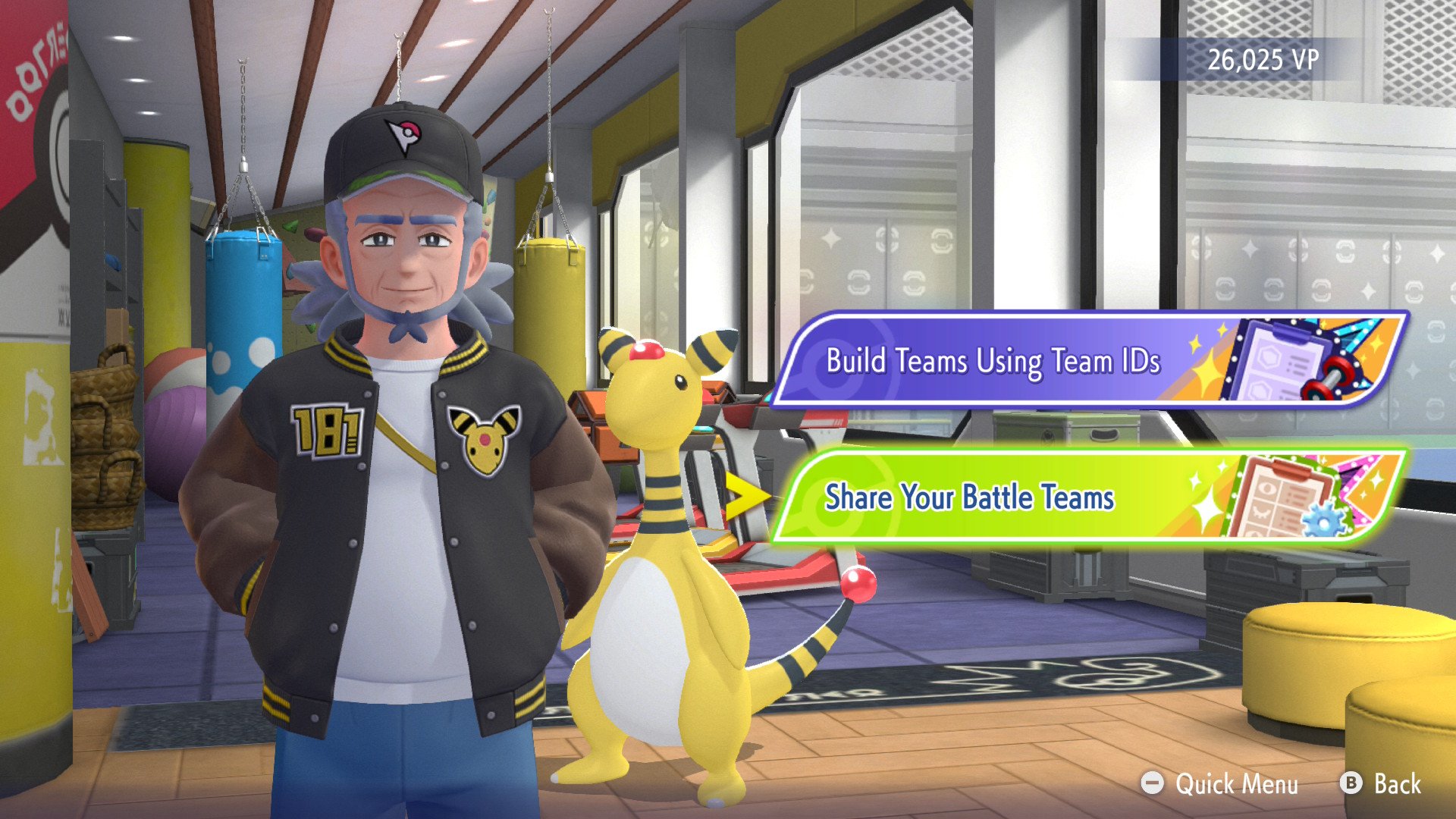
The trick to get around this limit and have more than three preset teams for free is using the Replica Teams feature. While it’s meant to be used for players to share their teams with other players to try out, it’s also possible for you to share it with yourself.
Let’s go over how it all works. This first set of steps is for generating a Replica Team ID:
Make sure you’ve already made a battle-ready team within the Box menu.
From the main menu, head into the Train screen.
Select “Replica Teams” and then select the “Share your Battle Teams“ option.
At the Manage Battle Team Sharing screen, choose an Empty Slot and select the Share a Team option.
Choose one of your three teams, then confirm it on the next screen.
Take a picture or screenshot of the generated Team ID that shows up.
You’ll then return to the Manage Battle Team Sharing screen and see the empty slot filled by your chosen team. If you ever lose the picture of the Team ID, head back here and select View Details to see the Team ID again. Take note that a new empty slot (there are ten total) will also be open for sharing next to it.
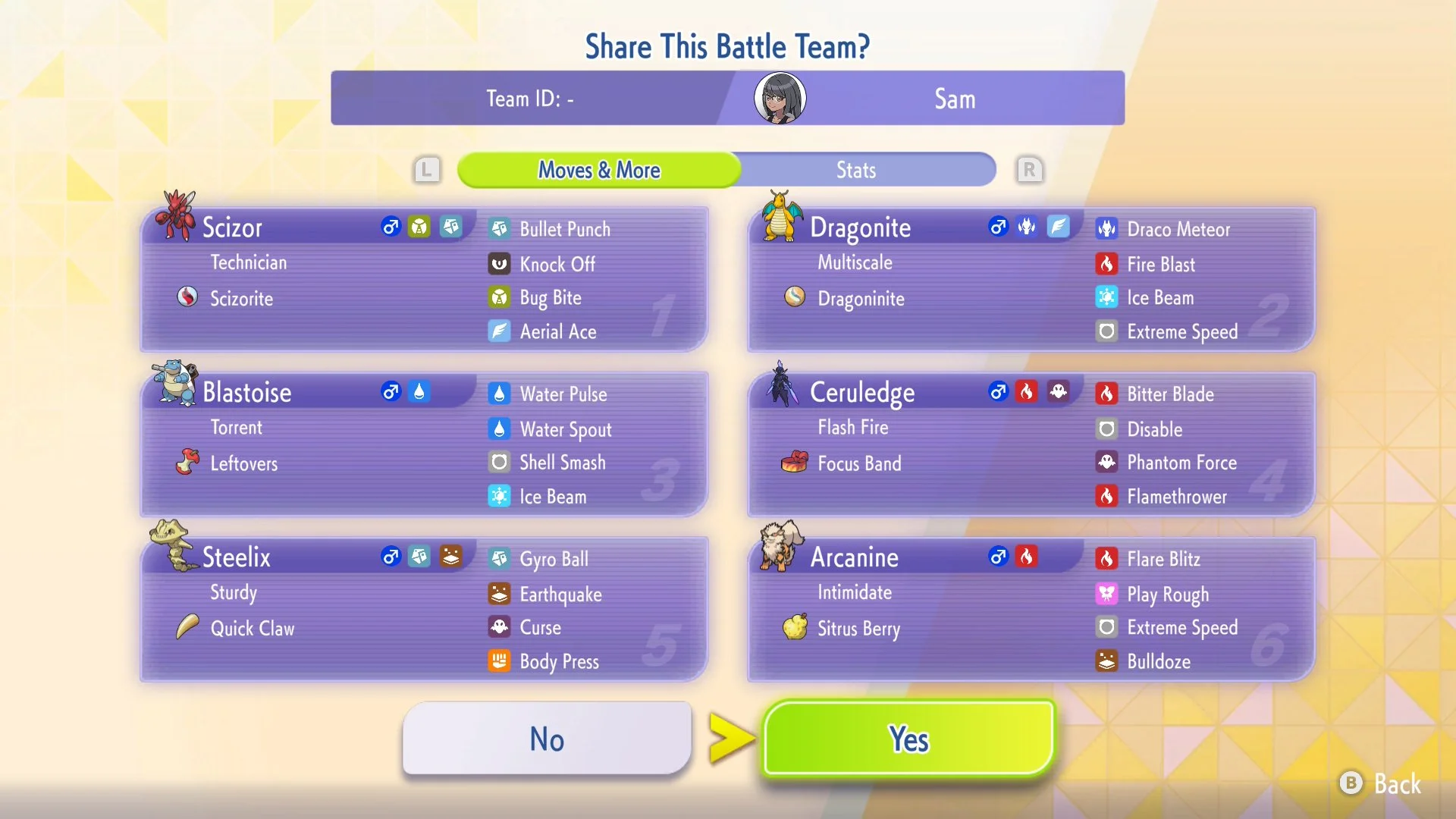
The general idea here is that you can set up some fun teams and generate a Replica version with a Team ID. Then you can safely fill up your three team slots with other configurations, until you use the code to overwrite the slot with your Replica team.
Bringing out a Replica team isn’t quite as smooth as switching between your main three teams. Here’s how to utilize the Replica team(s) you made:
At the Train menu, select “Replica Teams” and then the “Build Teams using Team IDs” option
Select which of your three Team slots you want to overwrite (if you don’t want to lose one, consider making a Replica version of them first!)
Confirm your decision and then enter a Team ID you’ve generated before.
Confirm again at the following overview screen that shows the team and all their stats.
You’ll have the option to train the team, in case any Pokémon have been modified since the Replica Team was generated.
Confirm your choice to bring out this Replica Team one more time to add them to your rotation.
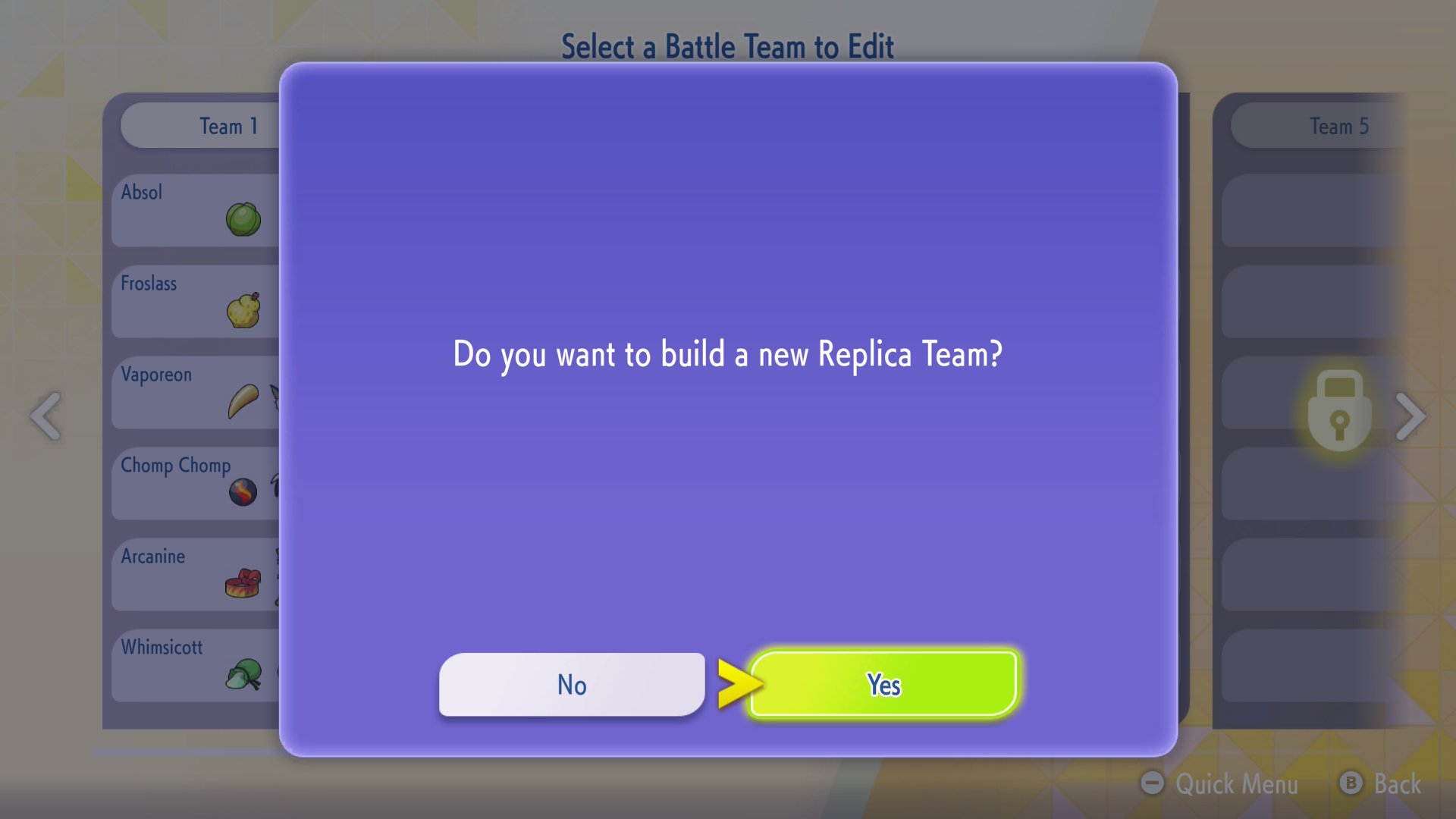
Obviously, this has drawbacks. It can take 20-30 seconds to bring a Replica Team into the fold. Having to retrain commonly used Pokémon is also a pain, so it might be better to have duplicates. Lastly, you may have to juggle with ten Team IDs if you use up every Replica Team slot.
The trouble is worth it if you really want free team slots in Pokémon Champions though. Whether you need some extra space for a competitive team or just want to make a team of your favorite shiny Pokémon for casual play, having them be just a Team ID code away isn’t that big of a hurdle.
Pokémon Champions is available now on Nintendo Switch and Nintendo Switch 2.