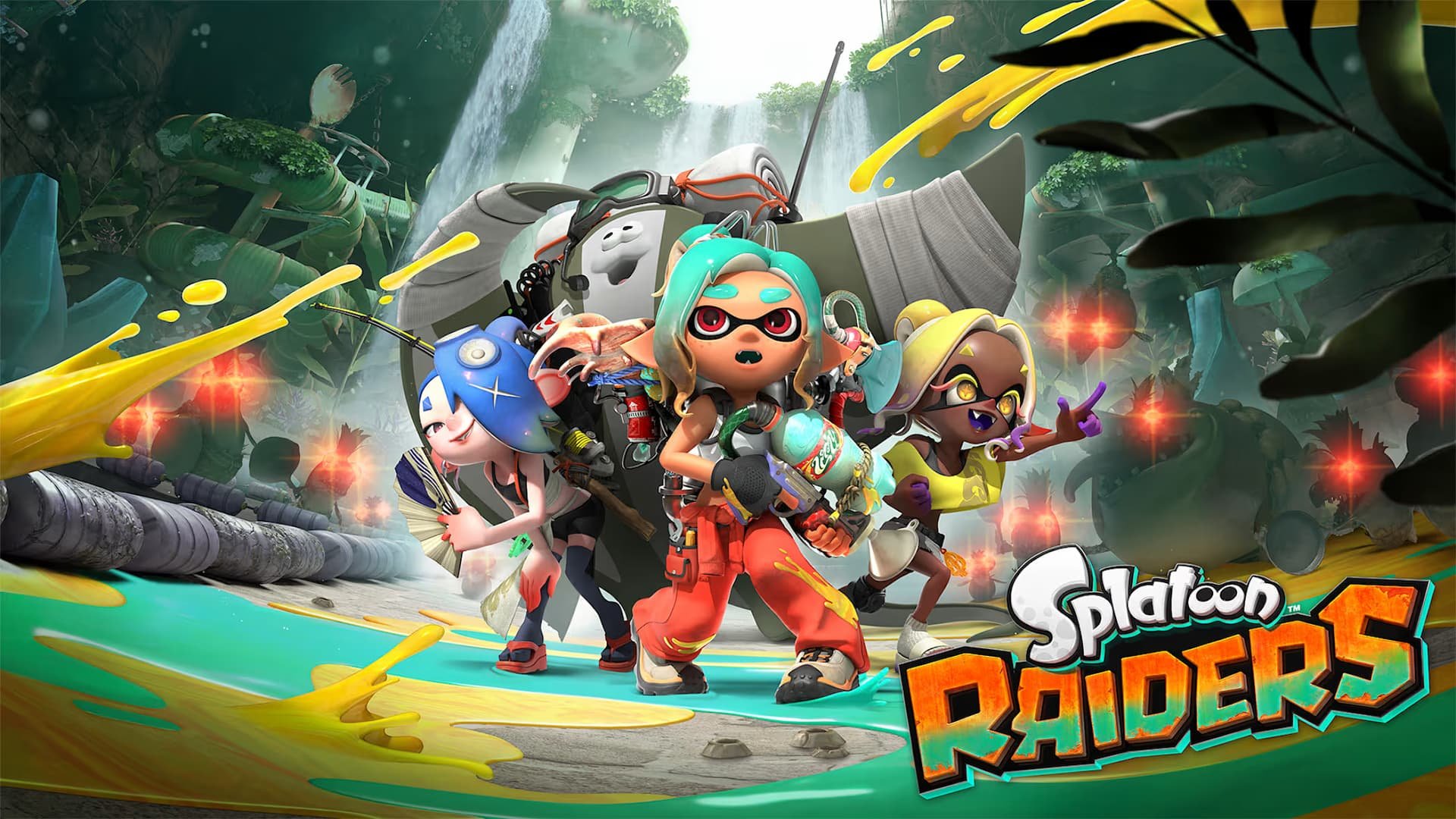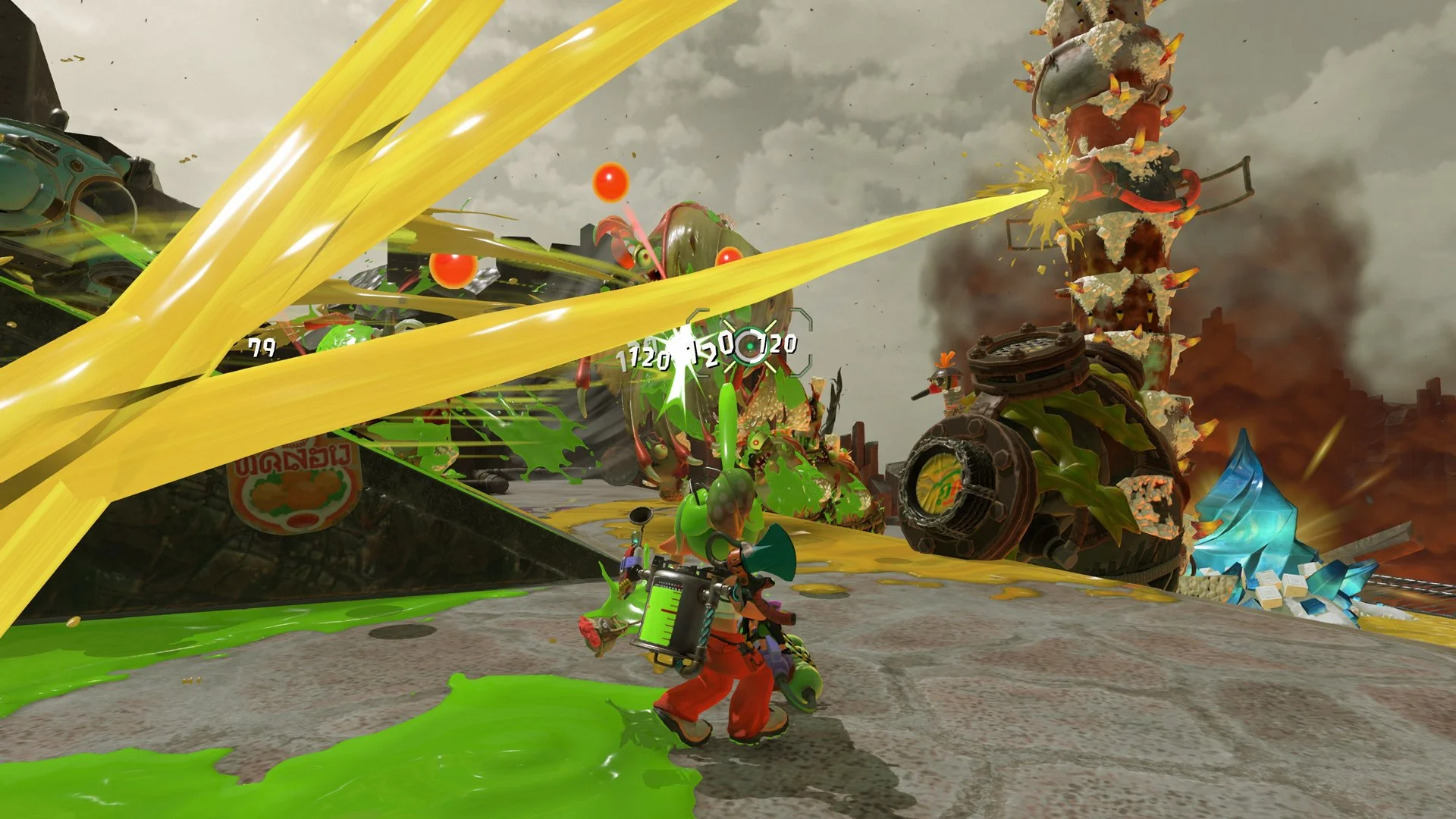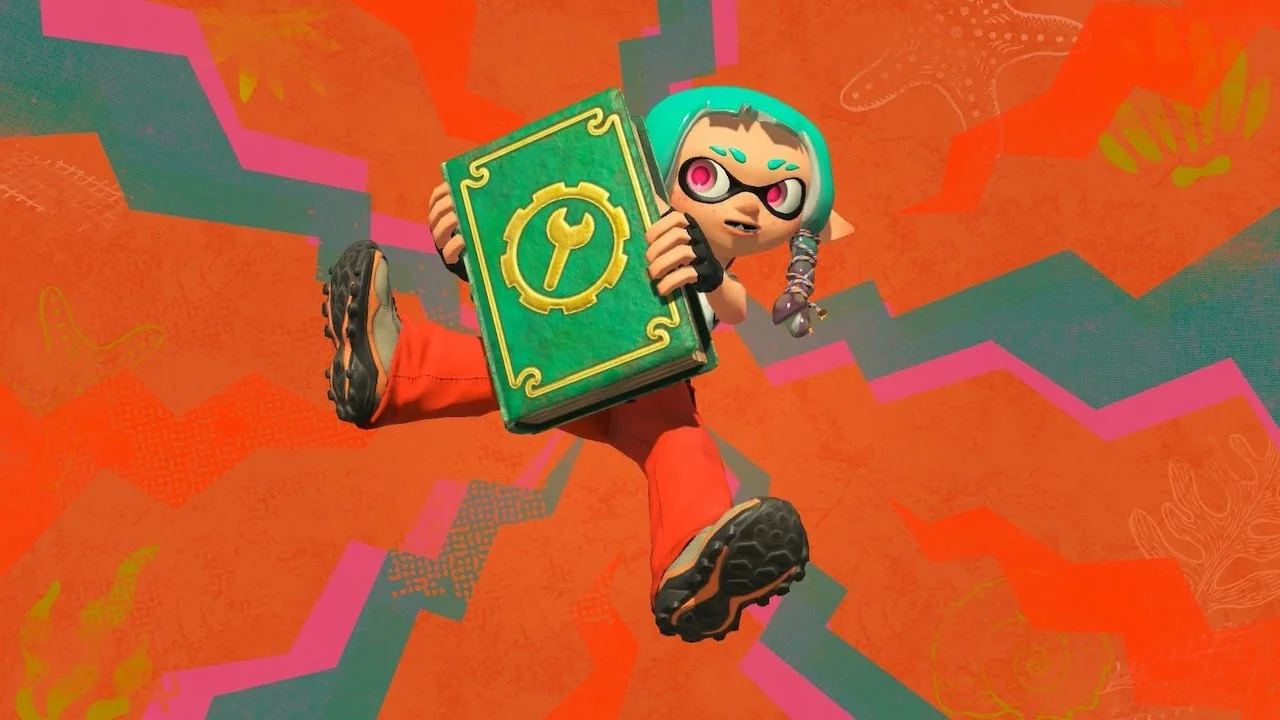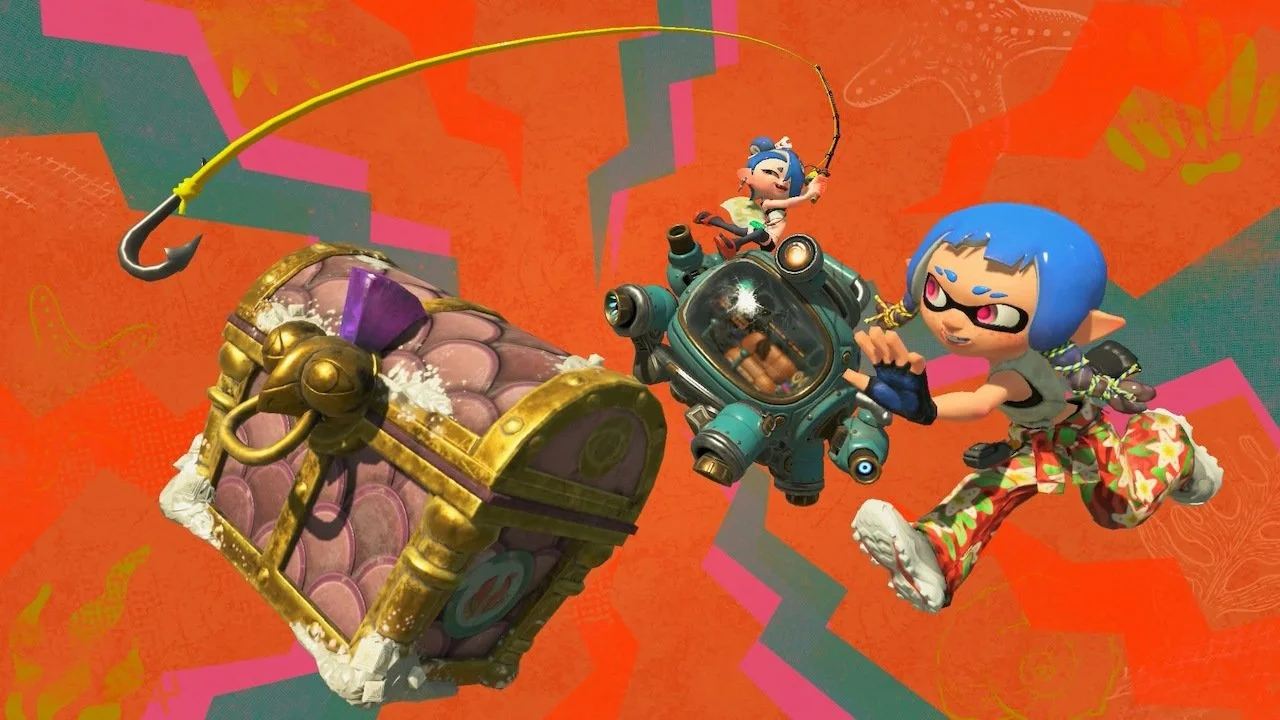
Although Splatoon Raiders is mainly a single-player-focused game, you’re still allowed to bring up to three other friends along with you for the ride. If you’re struggling in some levels and need some help, or if you just don’t want to be alone, we can help you. We’ll explain how you can start an online multiplayer or a local co-op game in Splatoon Raiders.
How to unlock multiplayer in Splatoon Raiders
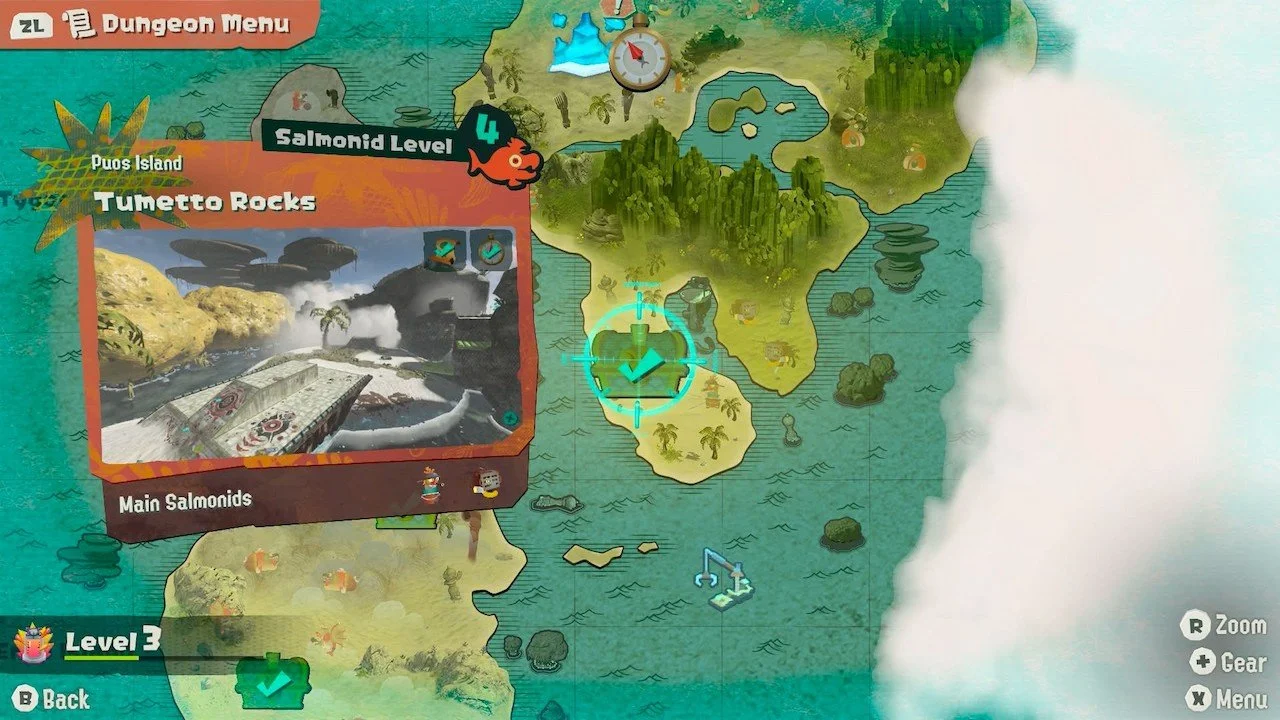
You unlock the ability to play online or local multiplayer in Splatoon Raiders after completing the level Tumetto Rocks on Puos Island. This is the fifth dungeon you unlock, and you’ll probably complete it within the first hour of the main campaign.
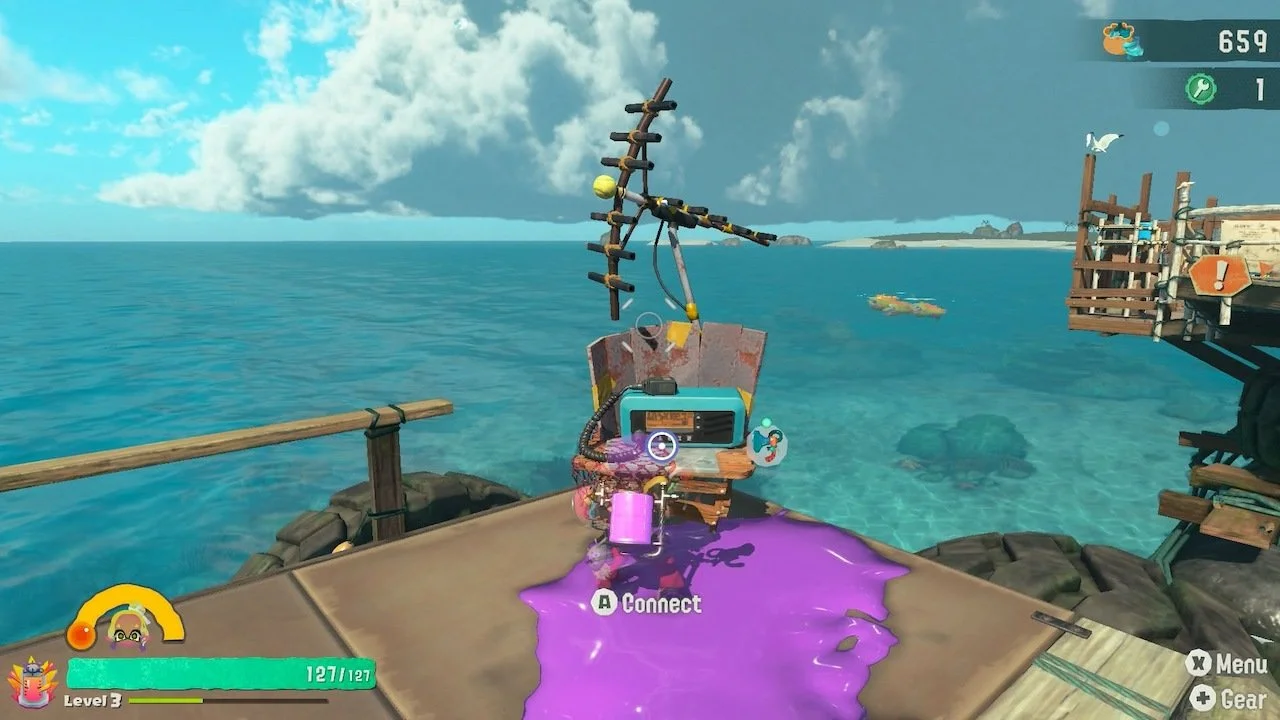
Once you get back to the Hideout Ship after finishing this dungeon, you’ll notice a new radio at the hideout that allows you to connect with other players online or locally.
How to play online
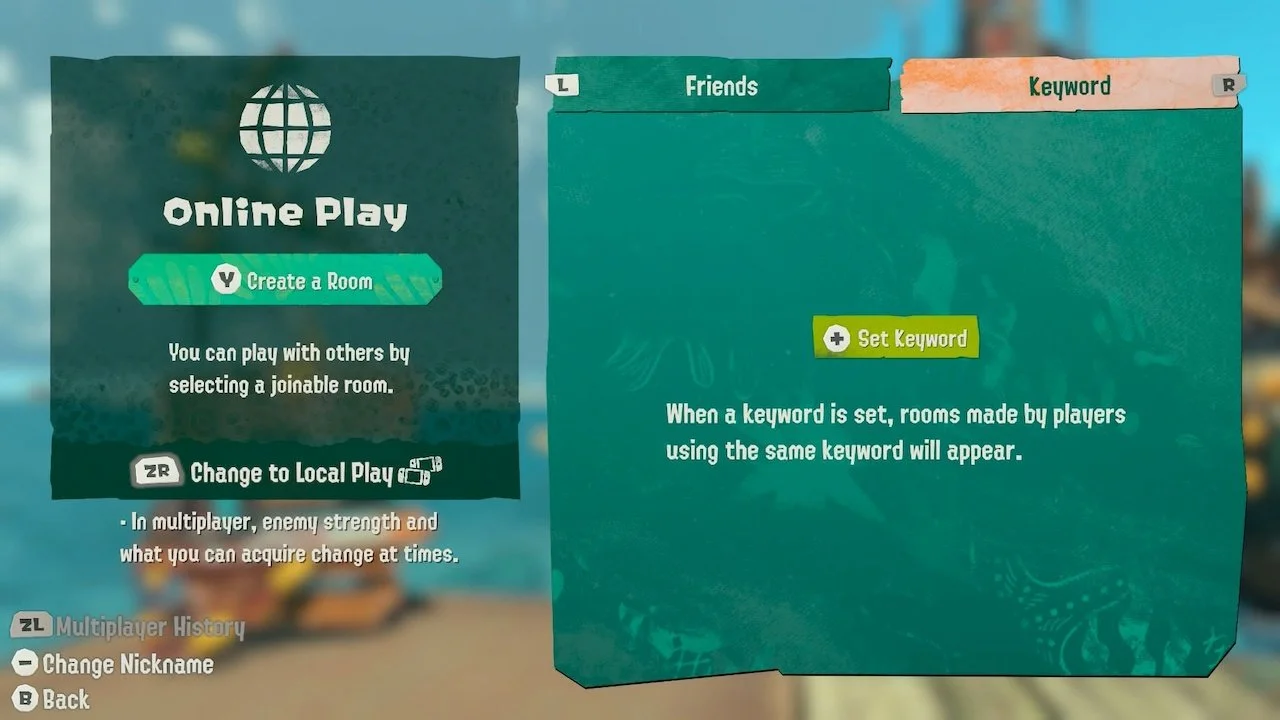
If you have a Nintendo Switch Subscription, you can play online with any of your friends who also have a membership. To do this, interact with the radio at your base and select Online Play.
You will then have the option to either create your own room or enter a joinable room that your friend has made. When you create a room, you can then input a four-digit password so only certain friends can join.
How to play local co-op
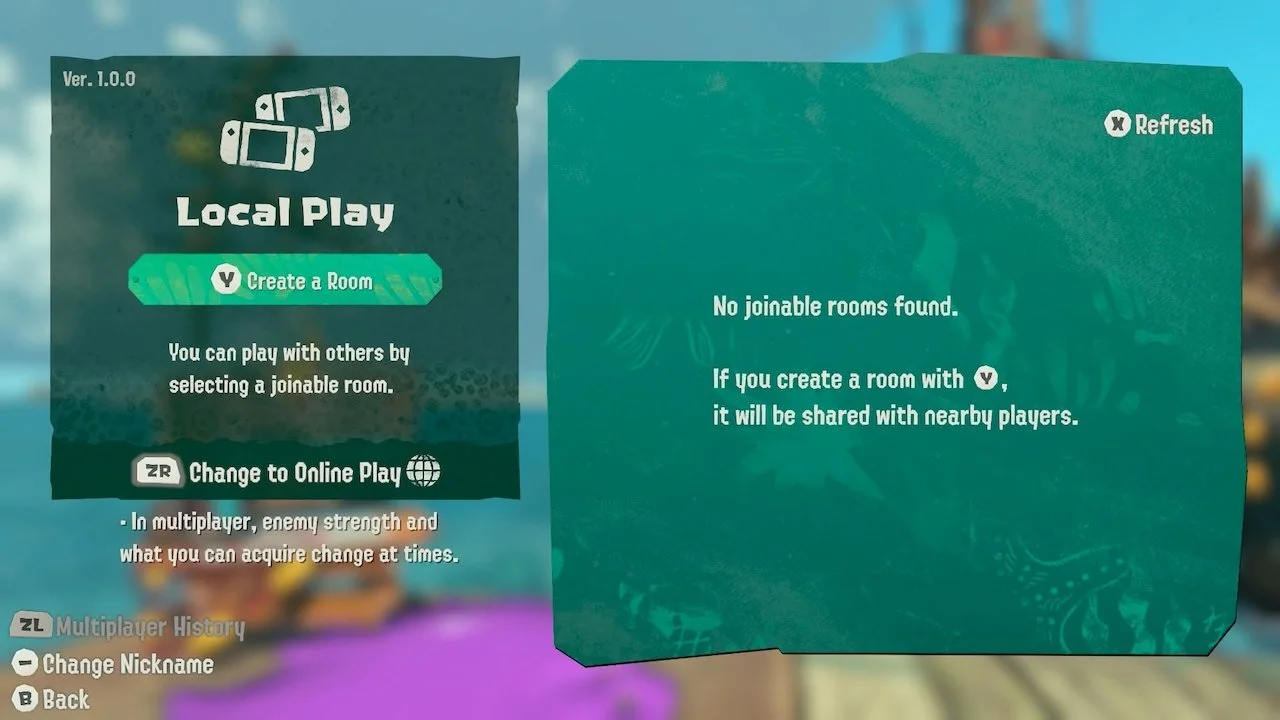
If you’d rather play locally with a nearby friend, you can do this by selecting Local Play from the multiplayer menu. This doesn’t require a Nintendo Switch Subscription, and all you have to do is create or join a room.
As a reminder, you will only be able to spot rooms from other players within your radius. Splatoon Raiders also doesn’t support split-screen co-op, so you’ll have to stick with local or online play.
How to call for help in Splatoon Raiders
There’s one more unique way to play online, and it’s with strangers online who want to help you during a crisis! If you’re about to tackle a difficult dungeon but don’t know if you can do it alone, you will eventually unlock the ability to call for help.
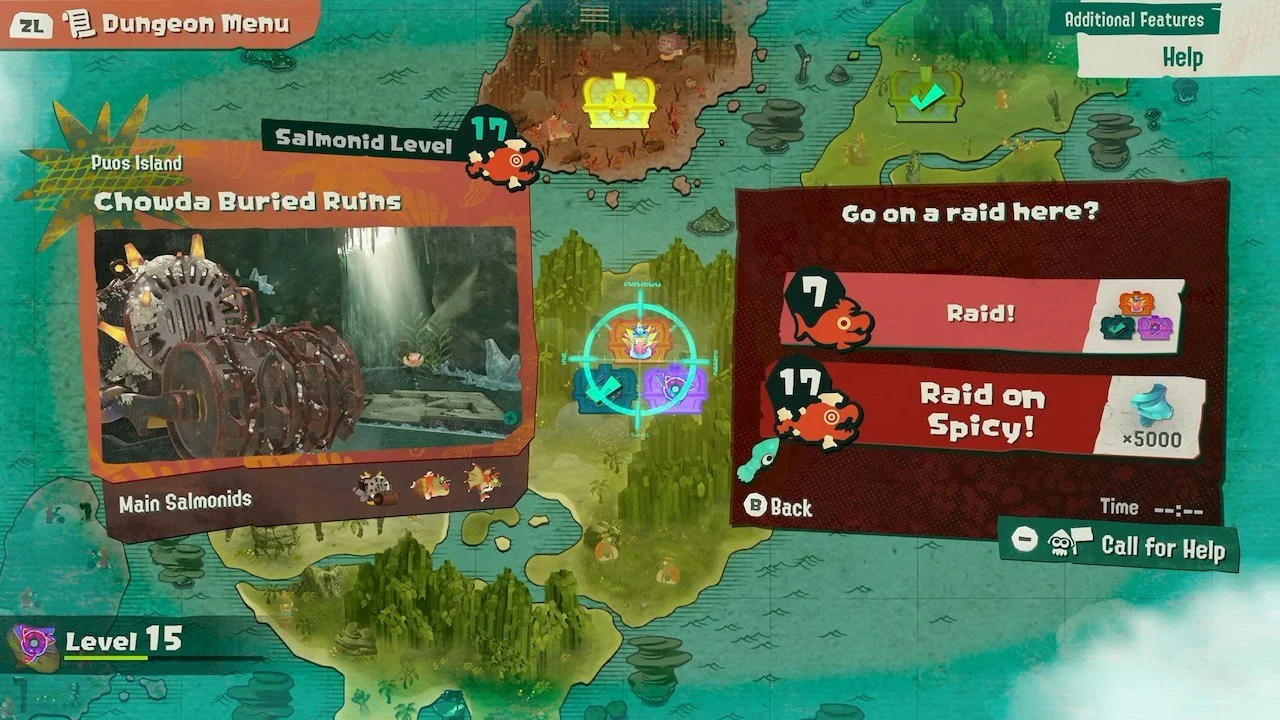
Press the minus button when given the prompt while looking at the dungeon on your map, and you can get help from strangers online. Just know that after calling for help, you won’t be able to do it again for a while, so don’t abuse the feature.
You can also choose to help strangers online in need of aid with a dungeon. While looking at the map, press the minus button to go online and answer a help request. Doing so will unlock special rewards for your heroic duties!
Now that you know how to play with your friends, you may also want to find out how long it’ll take you to beat Splatoon Raiders.