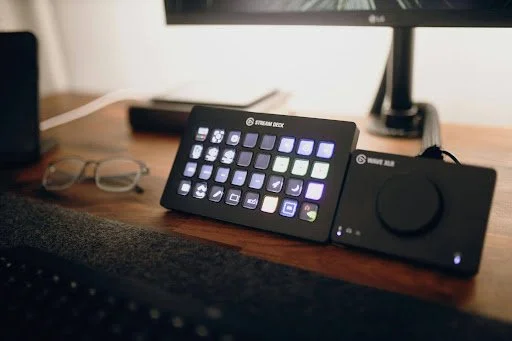
Streaming gear has a habit of becoming complicated fast. One camera turns into two. A simple mic setup turns into audio routing. A quick gaming stream suddenly needs overlays, chat commands, clips, alerts, music controls, lighting changes, and scene switches.
That is where the Elgato Stream Deck Neo makes sense. It is not the biggest Stream Deck in Elgato’s lineup, and that is part of its appeal. It gives streamers eight customisable LCD keys, an Infobar, and two touch points for moving between layouts, which makes it compact enough for everyday use without turning the desk into a control room.
For most streamers, the real value is not having dozens of buttons. It is having the right shortcuts ready at the exact moment they are needed.
Why Stream Deck Neo Fits Everyday Streaming
The Stream Deck Neo is built for quick actions. You press one key, and something happens. That may sound basic, but during a live stream, it removes a lot of small interruptions.
A streamer does not want to pause mid-game to drag a window around. They do not want to alt-tab just to mute Discord. They do not want to dig through OBS settings while chat is watching. Stream Deck Neo helps turn those small tasks into one-tap actions.
It also works well for creators who do not need the larger 15-key or 32-key models. Tom’s Hardware described the Neo as a smaller, simpler Stream Deck with eight tactile LCD keys, an info bar, and touch-sensitive buttons for scrolling through pages. That makes it practical for streamers who want cleaner control without overbuilding their setup.
Scene Switching Without Breaking the Flow
One of the most common Stream Deck Neo uses is scene switching.
A streamer may have a starting screen, gameplay screen, full webcam screen, break screen, and ending screen. Without shortcuts, moving between those scenes usually means clicking around inside streaming software. That looks clumsy on camera and feels worse during a live moment.
With Stream Deck Neo, each scene can sit behind one button. A creator can move from “Starting Soon” to gameplay in one tap. They can switch to a face cam scene while reacting to chat. They can hit a break screen before stepping away.
It feels small, but it makes a stream look far more polished.
Audio Control Is the Shortcut Everyone Ends Up Using
Audio problems are one of the fastest ways to make a stream feel messy. Game audio may get too loud. Music may clash with voice chat. A Discord call may need to be muted instantly.
This is where Stream Deck Neo becomes more than a visual tool. Streamers often map buttons for:
muting the mic
muting Discord
lowering music
switching audio sources
The point is not to create a fancy setup. It is to avoid panic-clicking during a live stream. A single mute button can save a moment from becoming awkward.
Wired has noted that Stream Deck devices can be used beyond streaming too, including app controls, automated scripts, Discord, Zoom, music, and workflow management. That crossover matters because many streamers also edit, record, host calls, and manage community spaces from the same desk.
Clip, Replay, and Marker Buttons
Streamers miss good moments all the time. A funny reaction happens. A clutch play lands. Chat says something perfect. Then the moment disappears because nobody clipped it.
A dedicated clip button fixes that.
Many streamers use Stream Deck Neo to trigger instant clips, add stream markers, or save replay moments. This works especially well for gaming channels, sports reaction streams, and live commentary formats where timing matters.
It also helps later. Instead of scrubbing through two hours of footage, the creator already has markers for the best parts.
Chat Commands Without Typing Mid-Stream
A good stream feels active, but no streamer wants to type commands every five minutes.
Stream Deck Neo can handle repeated chat actions. A creator can set up buttons for posting social links, reminding viewers about the schedule, sharing community rules, or dropping a pinned message.
This is useful for smaller creators too. Not everyone has a moderator available every stream. A few well-planned shortcuts can keep the chat organised without making the streamer look distracted.
Lighting and Camera Controls
Streamers care about how the stream looks, but nobody wants to adjust lights manually while live.
Stream Deck Neo can help manage smart lights, camera scenes, or software presets. A creator can use one layout for streaming and another for recording. One button can move the setup into “live mode,” while another can shift it back to normal desk lighting.
This is especially useful for creators who stream in multipurpose rooms. The same desk may be used for gaming, remote work, editing, and recording. Stream Deck Neo helps separate those modes without rearranging everything each time.
Running a Home Game-Night Smoothly
The Stream Deck Neo is not only useful for Twitch or YouTube. It can also work as a small control panel for a home game-night setup, especially when the evening involves sports, party games, music, lighting, and a shared screen.
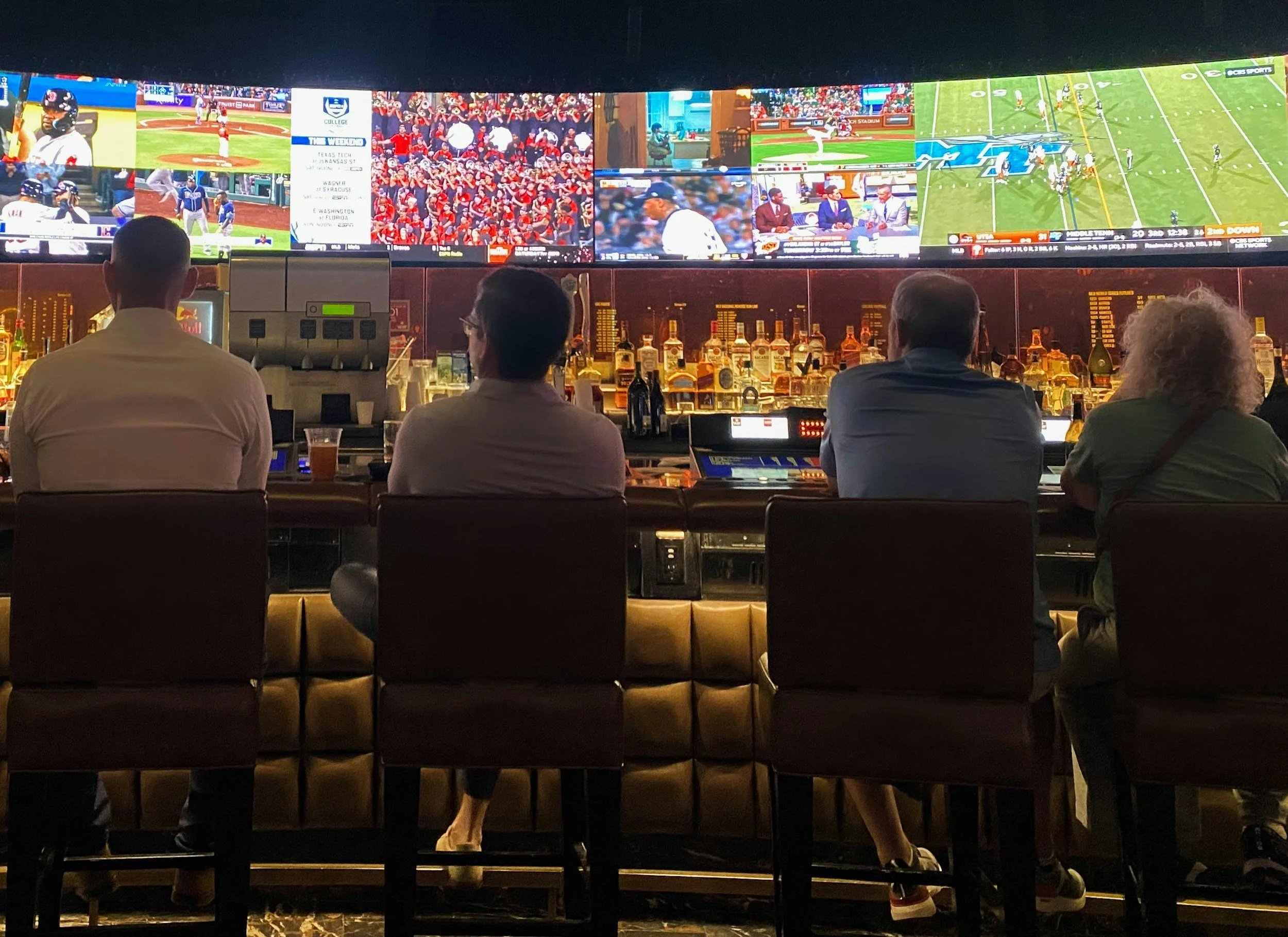
Picture a football watch-party where the host is switching between a live score page, background music before kickoff, a trivia round during halftime, and lighting presets for the room. Instead of grabbing three remotes and a laptop every few minutes, the Stream Deck Neo can keep the night moving with simple buttons.
The same setup can also work for a casino-themed game night. A host might use the Neo to trigger music cues, switch display graphics, or change lighting between rounds, keeping the space organised without breaking the flow of the evening. For people planning that kind of theme, casino-centric LuckyCircus Bonuses can sit alongside card-table ideas, scoreboard layouts, and lounge-style visual inspiration as part of the broader setup.
Shortcuts for Sports Streamers
Sports streamers have slightly different needs from traditional gaming creators. Their streams may involve live reactions, stat overlays, score graphics, browser tabs, video calls, and chat debates.
A Stream Deck Neo can help keep that structure clean. A sports creator may set buttons for:
opening a live scoreboard
switching to a discussion scene
muting background audio during commentary
launching a browser source
saving a highlight marker
For a sports channel, speed matters. When a goal, knockout, overtake, touchdown, or controversial call happens, the creator needs to react instantly. The last thing they need is a messy desktop.
Why Eight Keys Are Often Enough
A lot of creators assume they need the biggest control surface possible. In reality, many use the same handful of shortcuts every day.
Eight keys can cover the essentials. The touch points and layouts help extend the setup when needed, while still keeping the physical device small.
That makes Stream Deck Neo a good fit for streamers who want order, not clutter. It can sit beside a keyboard, under a monitor, or near a mic arm without demanding much space.
The better approach is to build shortcuts around real habits. Start with the actions used every stream. Add more only when there is a clear need.
The Best Everyday Stream Deck Neo Layout
A practical first layout could look something like this:
Top row: Start stream, switch to gameplay, switch to face cam, break screen.
Bottom row: Mute mic, mute Discord, clip moment, post chat message.
That setup may sound simple, but it covers most live situations. Once the creator gets used to it, they can add secondary pages for lighting, editing, music, sports watch-party controls, or recording workflows.
The goal is not to fill every page immediately. The goal is to stop repeating the same annoying actions manually.
Stream Deck Neo Beyond Streaming
The interesting thing about Stream Deck Neo is that it often becomes useful outside live content.
A creator can use it to open editing software, launch folders, control music, manage meetings, paste repeated text, or trigger shortcuts inside creative apps. Elgato also positions Stream Deck as a broader workflow tool for controlling apps, hardware, and daily tasks.
That makes the Neo feel less like a streaming accessory and more like a desk shortcut hub. For creators who spend most of their time planning, editing, publishing, and replying to communities, that matters.
Where Stream Deck Neo Fits in a Modern Streaming Setup
The Stream Deck Neo works because it focuses on what streamers actually do every day. It is not about having the most buttons. It is about having the right controls close enough to use without thinking.
Scene switching, audio control, chat commands, clip buttons, lighting presets, sports stream tools, and home game-night shortcuts all fit naturally into its purpose. It helps creators stay present instead of constantly managing the background work.
For streamers who want a cleaner setup without going overboard, the Stream Deck Neo hits a useful middle ground. It keeps the desk simple, the stream smoother, and the creator focused on the moment.