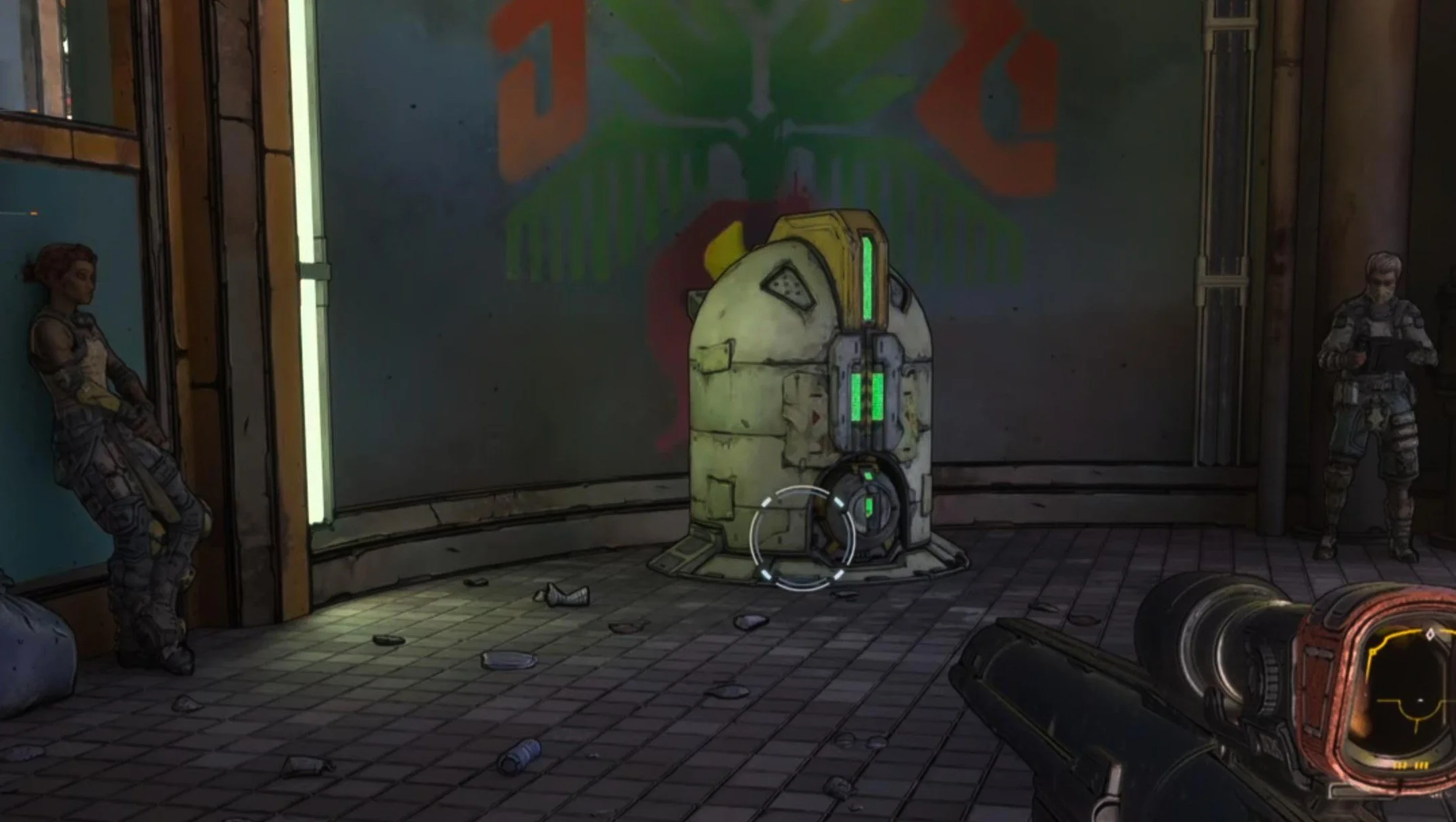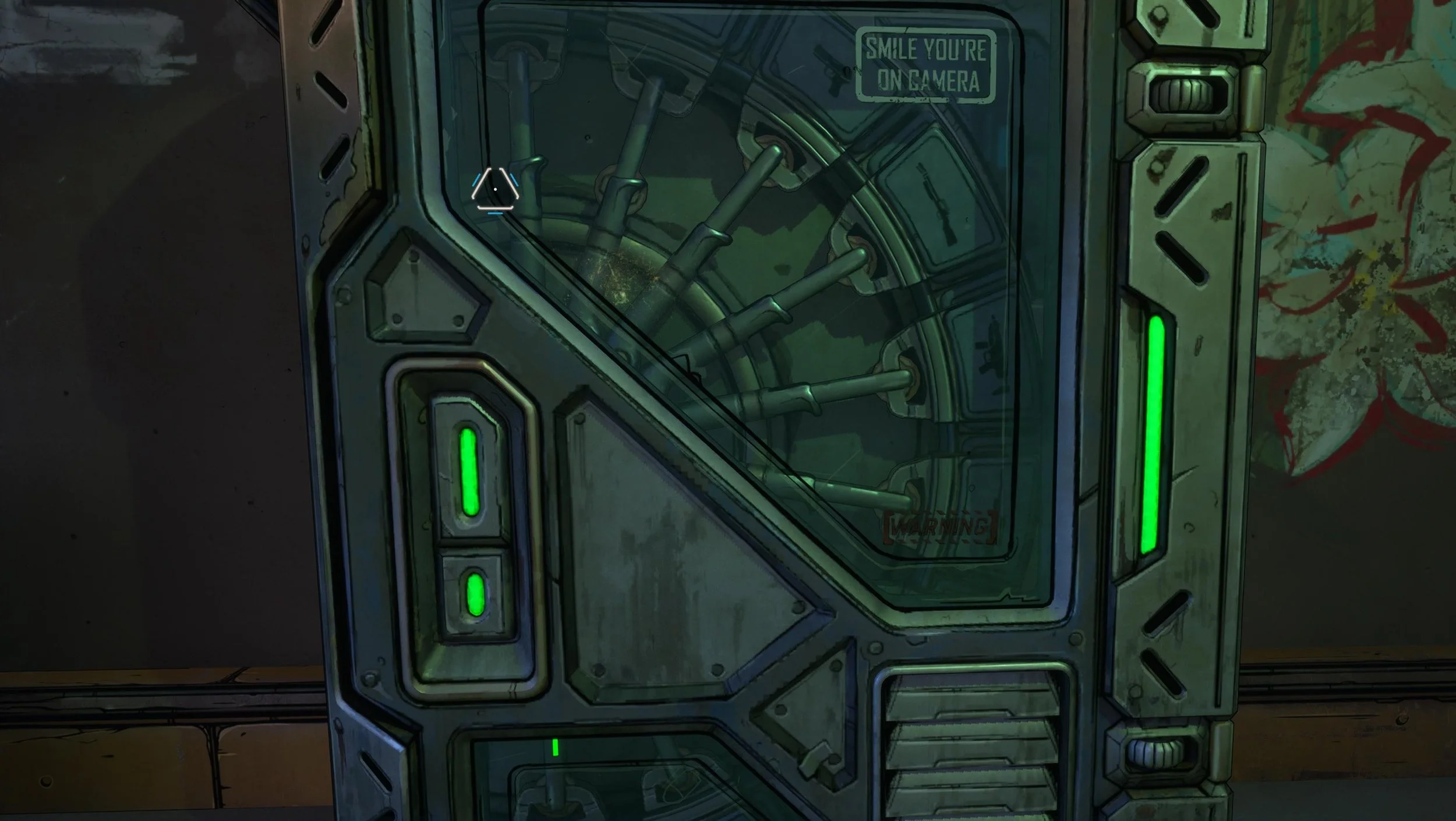
Looting is the name of the game in Borderlands 4, and you can rest assured that you’ll have no shortage of guns and other equipment filling up your inventory spots in no time. When you’ve a heaping pile of stuff you want to keep, you’ll need to toss it in a Bank Vault. But these aren’t available immediately, so here’s how to unlock Bank Vaults and store items in Borderlands 4.
How to unlock Bank Vaults and store items in Borderlands 4
Similarly to unlocking the ability to respec, gaining access to a bank requires you to first complete the third main mission of the Borderlands 4 campaign, “Down and Outbound.” Afterward, restrictions will be lifted at The Launchpad, allowing you to access the game’s first Bank Vault. It looks like this:
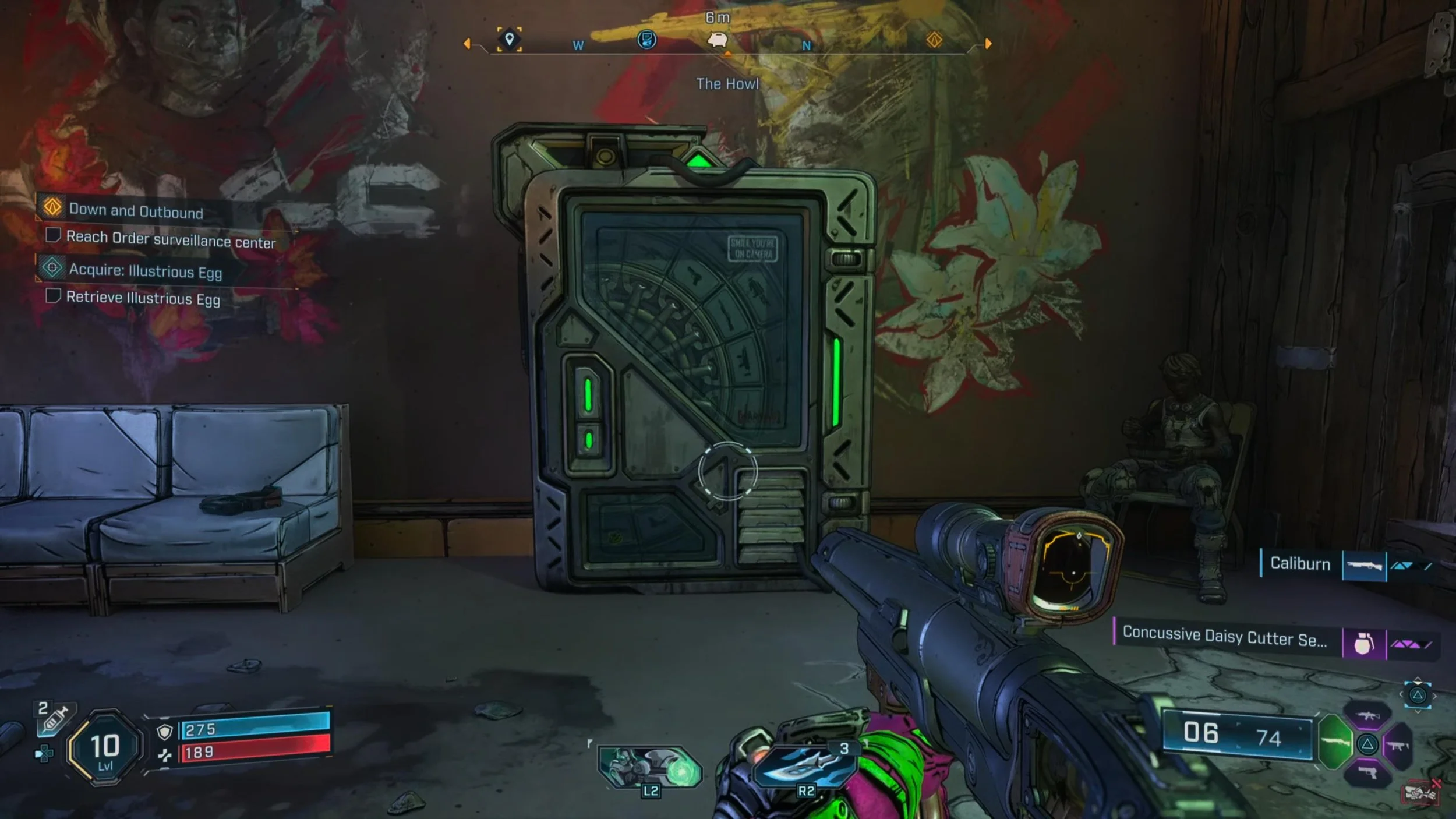
Simply approach the Bank Vault and place any items you’d like to save within it. You can return at any time to take them back out. Alternatively, you can go into your backpack and click on items there, then select “Bank” to automatically send them to the Bank Vault without ever needing to visit one physically. Awesome.
Don’t forget to upgrade your bank space using SDU tokens you obtain by completing objectives in the game, too. The more space you have to store items, the better.
You’ll unlock additional Bank Vaults in major towns as the game progresses, giving you multiple locations to store your items. However, note that all Bank Vaults share the same inventory, so no need to return to a specific one for your items.
How to trade items between different characters in Borderlands 4
Bank Vault inventory is shared across your entire account. Once you place an item in a Bank Vault, you can access it on any character you’ve made. But while you can visit any Bank Vault to see your entire stash, it’s still worth noting that a lower-level character still won’t be able to use any of the higher-level loot you’ve dropped within. No bypassing the rules, Vault Hunter.
For more about Borderlands 4, check out all SHiFT codes currently available and how to redeem them.