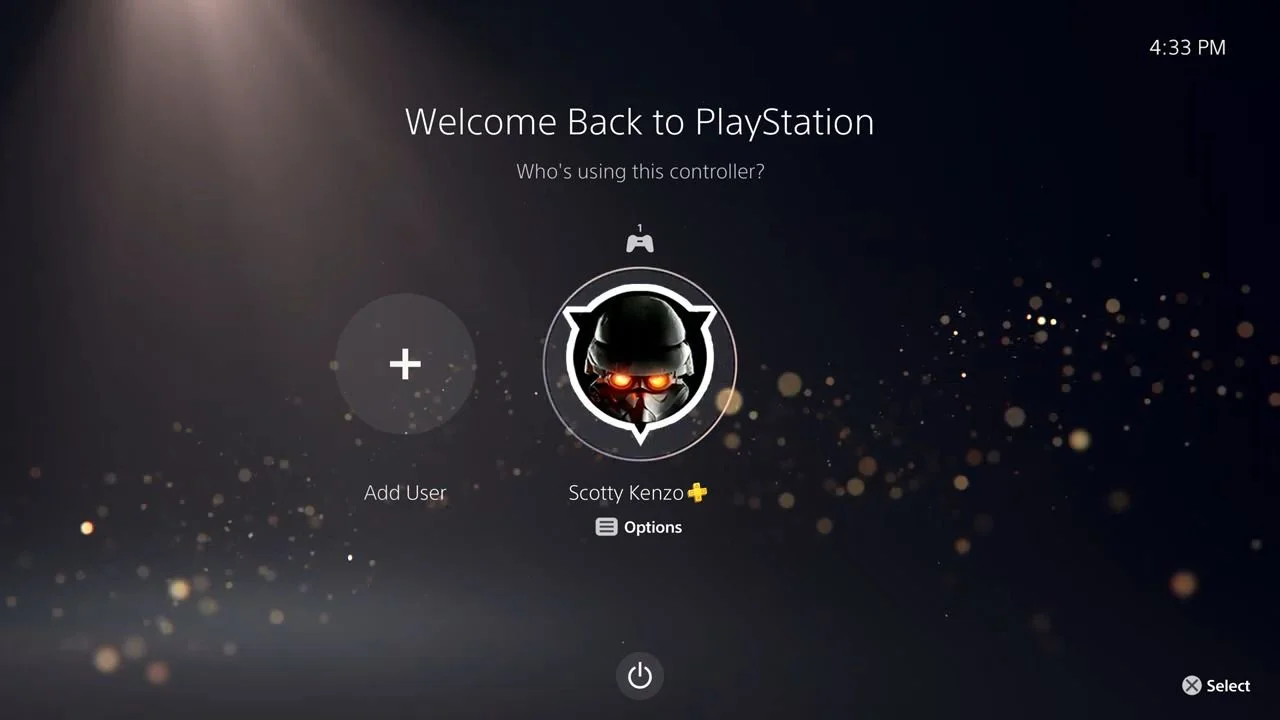
One of the best features of new consoles, like the PlayStation 5, is the ability to have multiple users. You don’t have to share your account with your sibling or significant other, like in the olden days. Now, you can make your own progress in Ghost of Yotei or buy your own games.
However, should you want to remove one’s account from your console, it can be a bit confusing. So, how do you delete a user from a PlayStation 5? We have the answers you need and more below.
How do you delete a user account from a PS5?
To delete a user from your PS5, you need to go to Settings, which can be found by clicking on the PlayStation icon on your controller and then clicking the Gear icon. It can also be found on the top right of the screen next to your account. Once there, look for the User and Account section and click on it. Then, go all the way to the bottom and select Delete Users. A list of users on your PlayStation 5 will show up, so select the desired account for deletion.
It will then ask if you want to delete everything from their account, like save data, screenshots, and video clips. If you do want to save them, go onto their account and download the data you want to keep onto a USB Drive or, if you have PlayStation Plus, onto the Cloud. Once all is set, click Yes, and the account will be deleted.
Make sure you don’t delete your sibling’s account, though. We hear that it can still make them very angry.