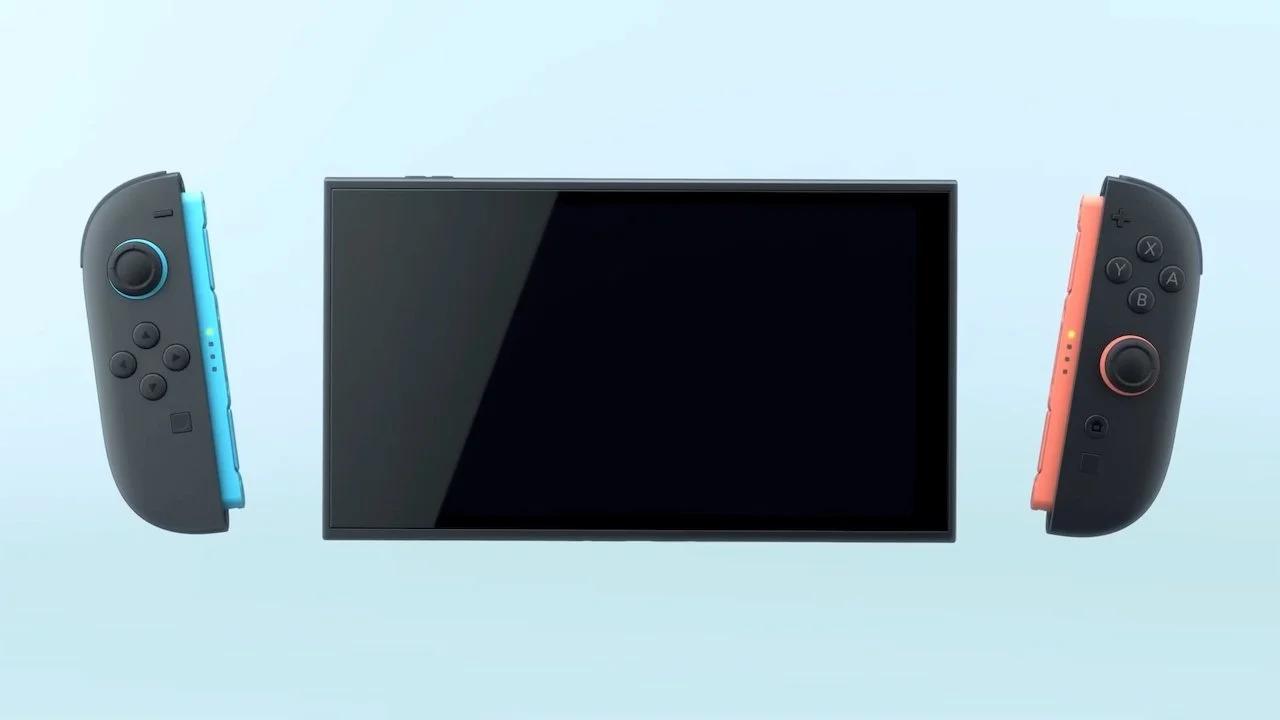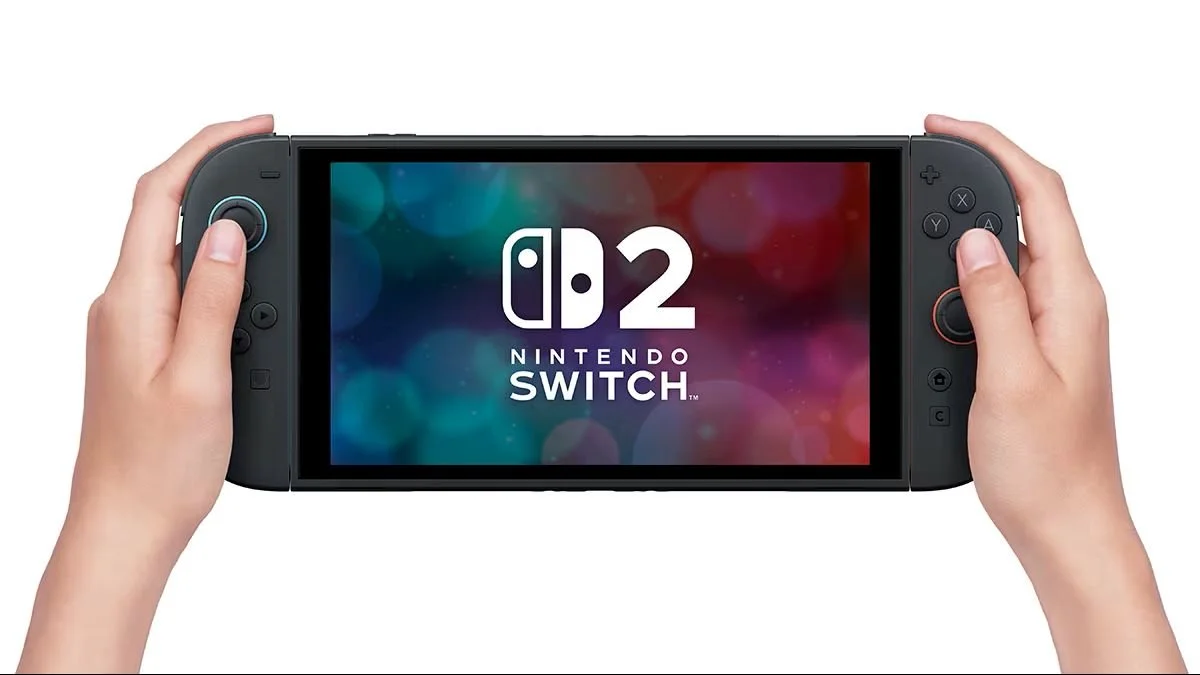
The Nintendo Switch 2 is one of the company’s most popular consoles, and it’s easy to see why. From new Mario games to great ports of classic Switch games like Breath of the Wild, there’s much to enjoy on the console.
However, sometimes, the Nintendo Switch 2 may experience some glitches, or you might want to sell it or gift it to someone else. So, how do you factory reset your Nintendo Switch 2? Well, we have the answer to that question and more in this guide.
How do you factory reset a Nintendo Switch 2?
To factory reset your Nintendo Switch 2, make your way to Settings, which can be found next to the power icon on the bottom toolbar. Click it and scroll all the way down to System.
Scroll down to get to Data-Clear Options. There will be a few options, like Clear Cache and Clear Keyboard Shortcuts. The option you want to hit is Restore Factory Settings. You’ll be prompted with a warning before you confirm to restore it, so be sure you read it carefully.
Another way to factory reset your Nintendo Switch 2 is to power off the system and hold both the + and - volume buttons on the top. Then, while still holding them, press the power button once. Keep holding the volume buttons until the recovery menu pops up on the screen. Once there, pick Restore Factory Settings Without Deleting Save Data. This option is best for those who don’t want to delete their games and data. After a warning, click it again, and it’ll restore the Nintendo Switch 2 to factory settings.