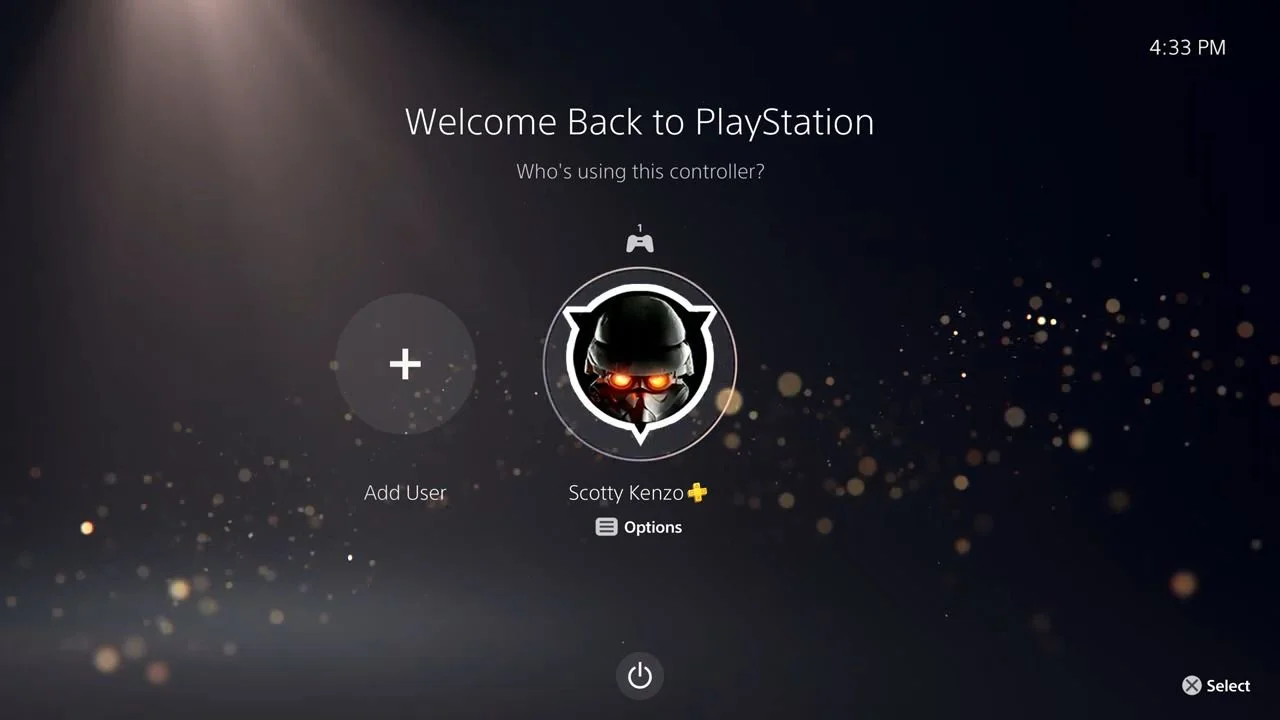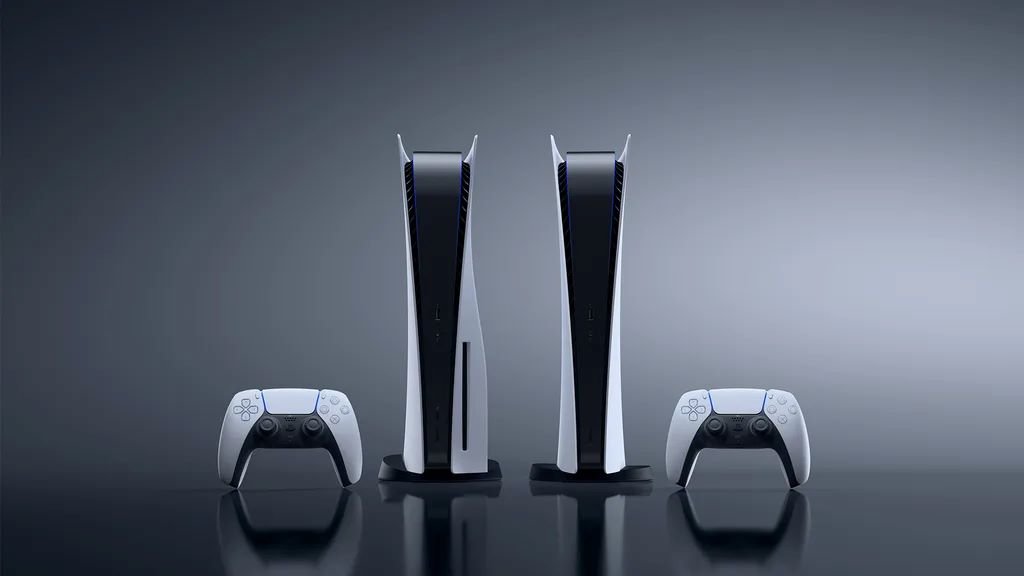
The PlayStation 5 plays off of the PlayStation 4’s best features into a true next-gen experience. With many popular games like Ghost of Yōtei and Astro Bot, there’s a lot of fun to be had with the console.
Unfortunately, some PS5s can glitch or not work properly upon usage. Furthermore, a fresh start does sound better for used consoles. So, how can you factory reset your PlayStation 5? Well, we know how, and we’ll tell you in this guide!
Before you factory reset your PlayStation 5, you should first make sure to back up any games or data on the console. You can do this by backing up the data on a USB stick or, if you’re a PlayStation Plus member, onto the Cloud. This can be done by going into Settings, then System, and then clicking ‘Back Up and Restore’.
How do you factory reset a PS5?
To factory reset your PlayStation 5, go to Settings, then System Software, and then find Reset Options. Once clicked, you’ll be presented with three options. Those options, as well as what they do, can be found below.
Clear Learning Dictionary deletes all of the history of your typing used in looking up games or apps or inputting text into a game (like a name). Clearing this does not impact save and user data.
Restore Default Settings returns all settings back to their default state. This means things like accessibility details and the clock will be reset. Restoring this does not impact save data or user data.
Reset Console fully resets your console and deletes all of your data. This impacts your save data and user data, though backing up is possible. This is the preferred method to factory reset.
It’s important to note that you can also reset the console via Safe Mode. To access the mode, turn off your console and hold the power button for three seconds. Once off, hold the power button until you hear two beeps. Connect your controller via USB cable and press the PS button, then go down to Reset Console.
However you choose to reset your PS5, here’s to happy gaming ahead!