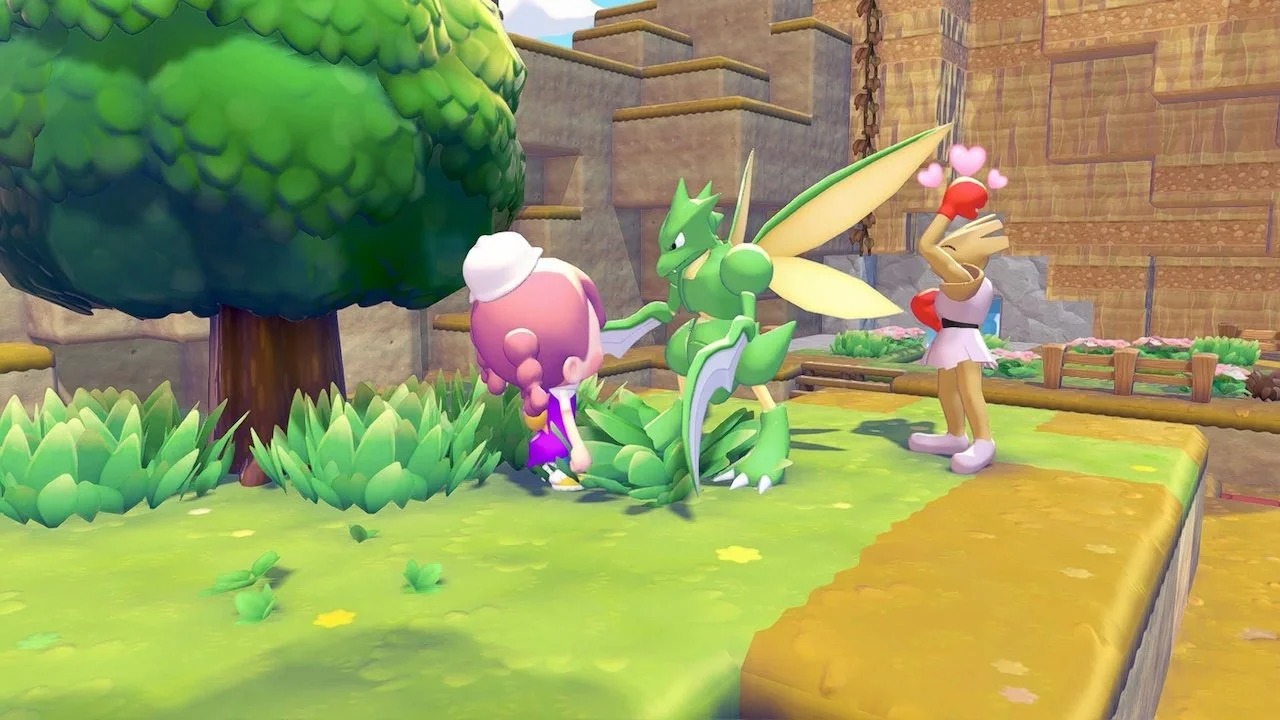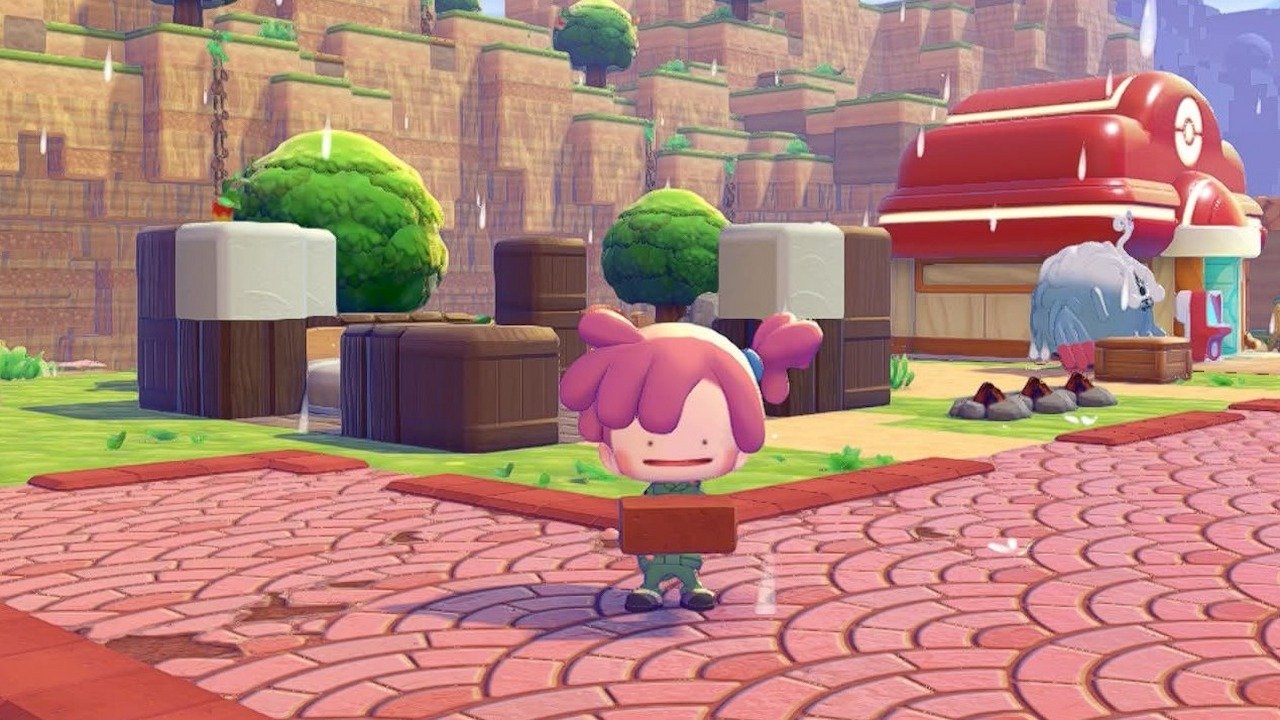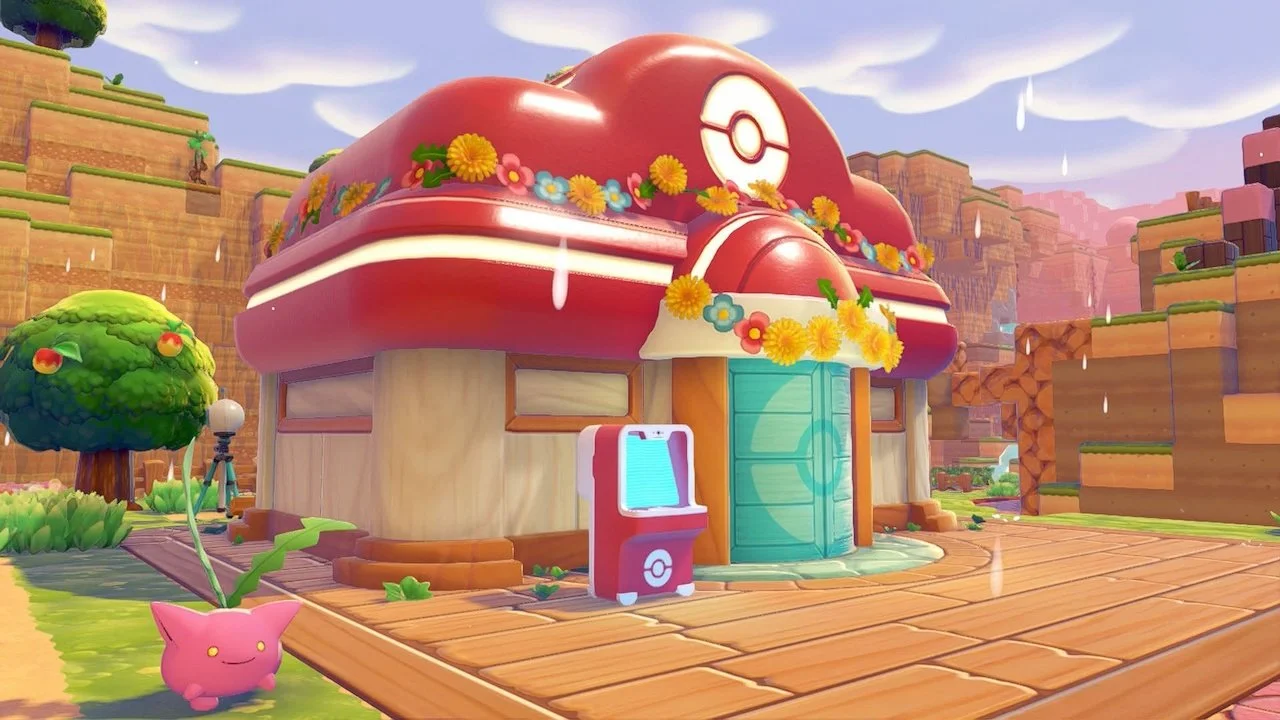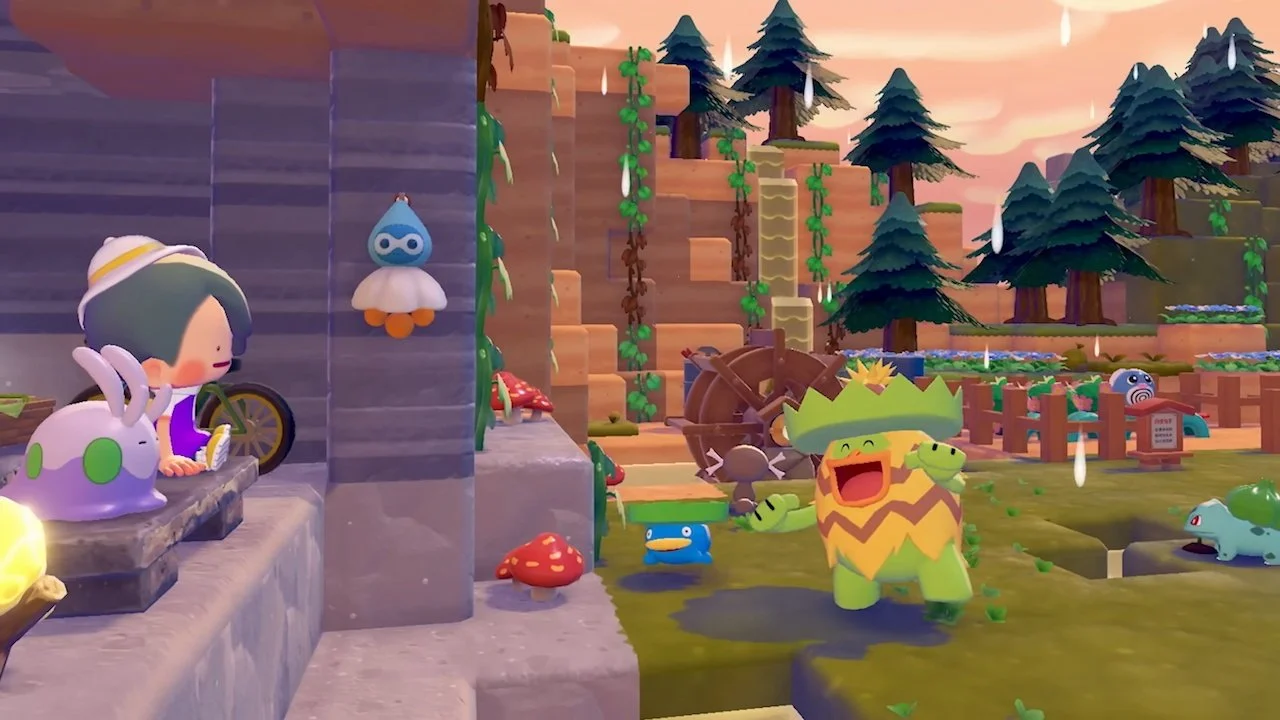
Not only can you move Pokémon between habitats in Pokémon Pokopia, but you can also bring them between the different biomes. Whether you’re missing a Pokémon that has a unique ability in one world (like Scyther, who can make Lumber), or you have a favorite Pokémon that you want to bring to your main home, you can do that! Here’s how you can move Pokémon between biomes in Pokémon Pokopia.
How to move Pokémon between biomes in Pokémon Pokopia
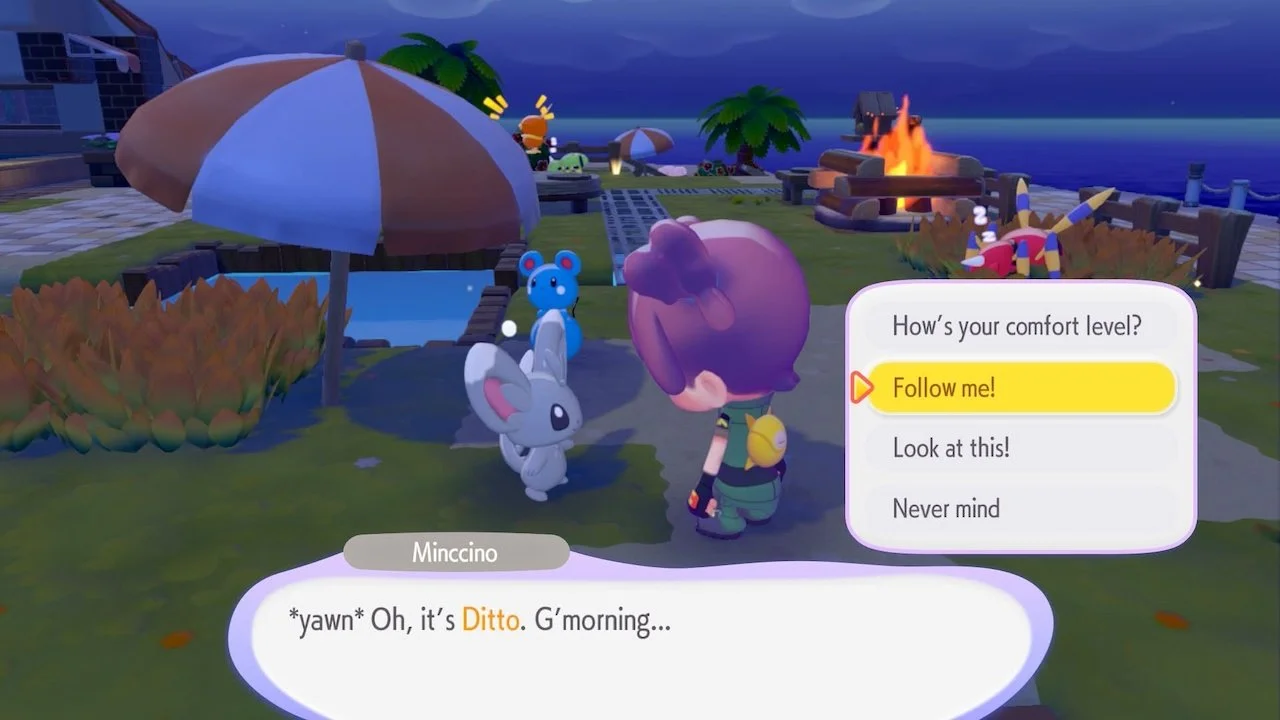
You can move Pokémon between biomes in Pokémon Pokopia by having them follow you through the gate and move into a new habitat or den. As long as that Pokémon isn’t tied to their home world due to quests or requests, you can move them to a different region altogether.
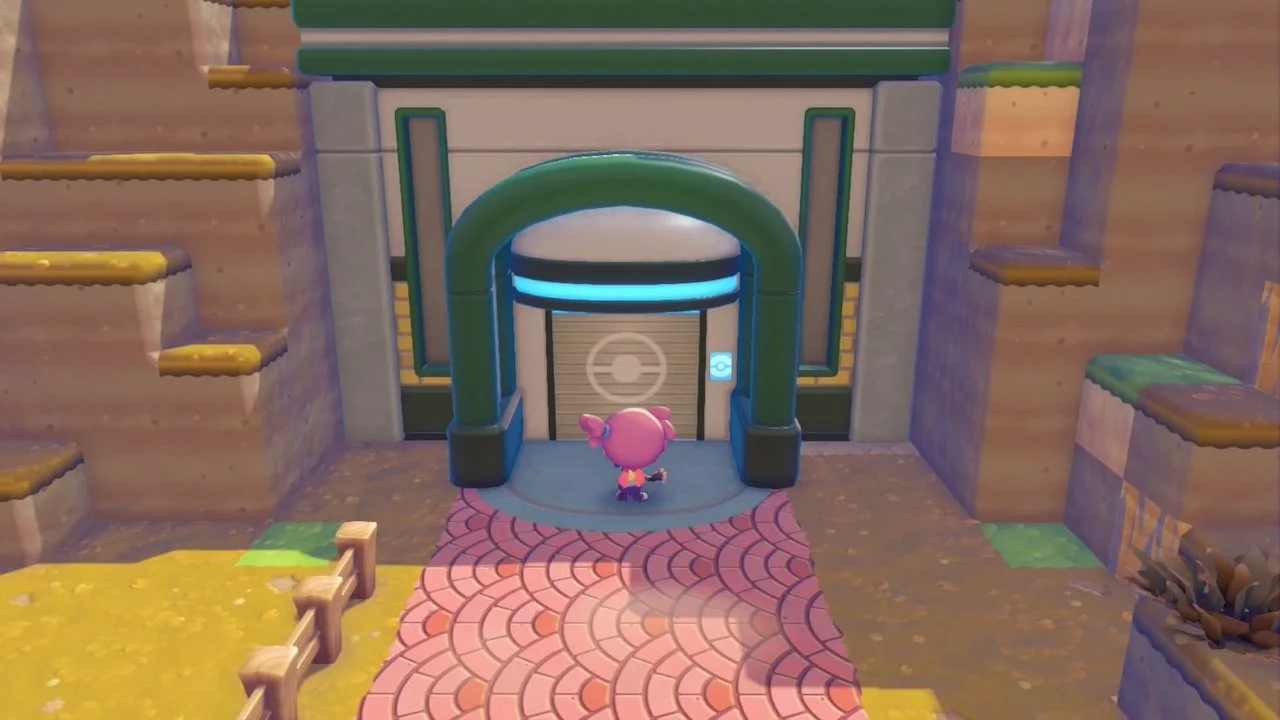
Start by talking to the Pokémon and asking them to follow you. Bring that Pokémon to the gate that connects to the next area, and continue through until you’re in the new biome. Once you’re in that next biome, they should still be following you.
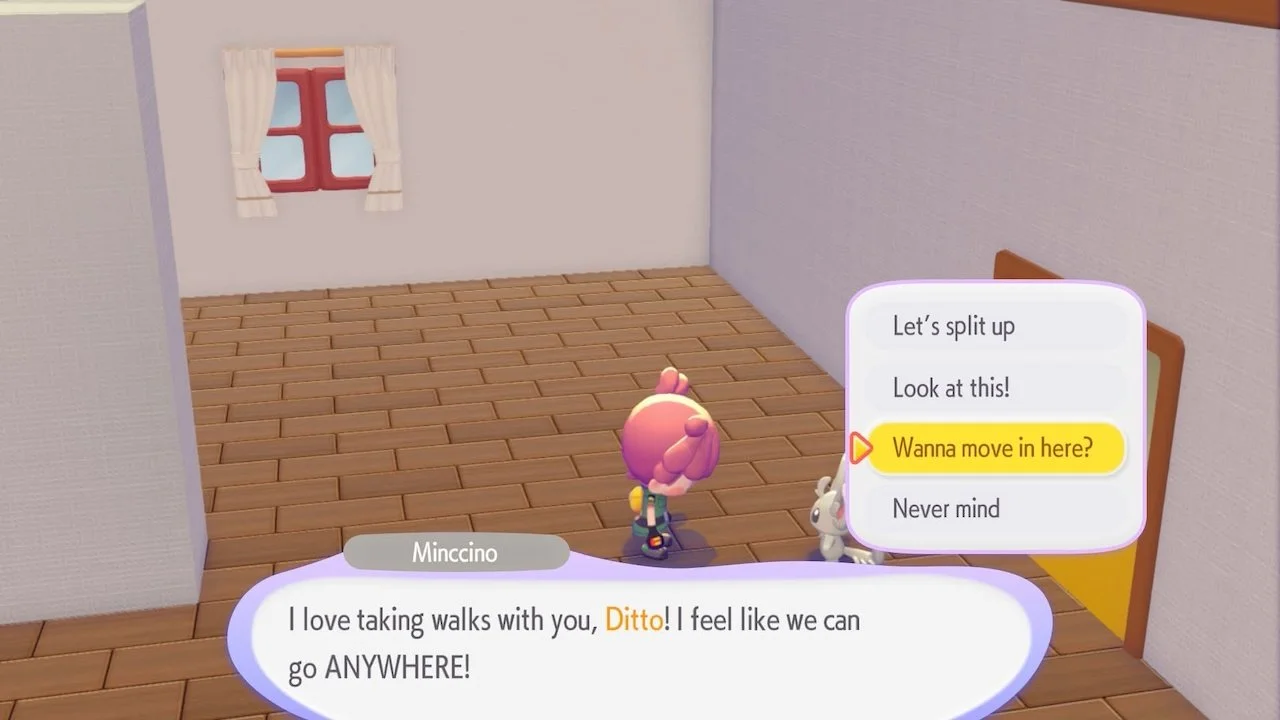
To solidify their move, either have their habitat ready or a den/home that can house them. Talk to them when nearby or inside their new home, and ask if they want to move homes. You will then get the choice of which nearby habitat to move them to, so choose that home, and they will move in!
If you want a quicker way to move Pokémon, and you have built yourself a home in another region of the game, you can fast travel to that other biome while the Pokémon is following you. They will appear with you if you have the proper home for them.
With that out of the way, you can now move on to better things, such as learning how to get Iron Ore in Pokémon Pokopia.