If you’re a reader seeking an e-reader with a paper-like color experience, the Kindle ColorSoft may be just what you’re looking for. Having spent some time with this compact device, I’d certainly say it succeeds at more than it fails at, making it the best choice for most folks who want a splash of color within the Kindle ecosystem.
Aesthetics, build quality, and price
The Kindle ColorSoft is a small but attractive matte black device that sports a 7-inch screen, which maxes out at 150ppi for color images and 300ppi for black and white (more on that further down). It comes in at only 0.3 inches thick and weighs just under 8 ounces, making it an extremely lightweight option that should cause most folks little to no fatigue even during extended reading sessions. I found it odd that the power button continues to rest on the bottom of the device, but it’s as minor a quibble as ever.
With its sturdy build quality and IPX8 waterproof rating, I think the Kindle ColorSoft should hold up exceptionally well in daily use. Granted, as with any other device that you’re spending good money on, a case is always your best bet.
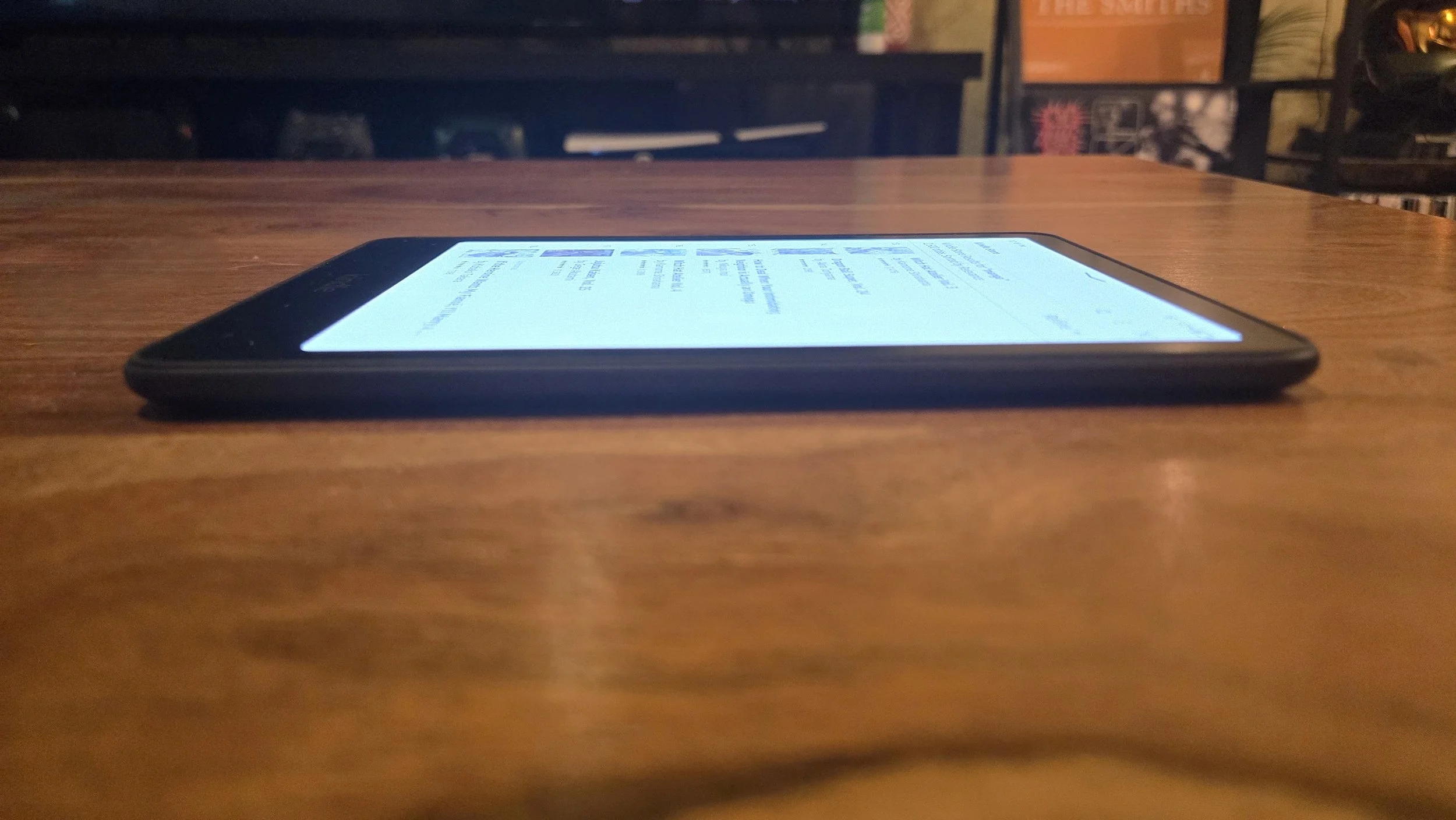
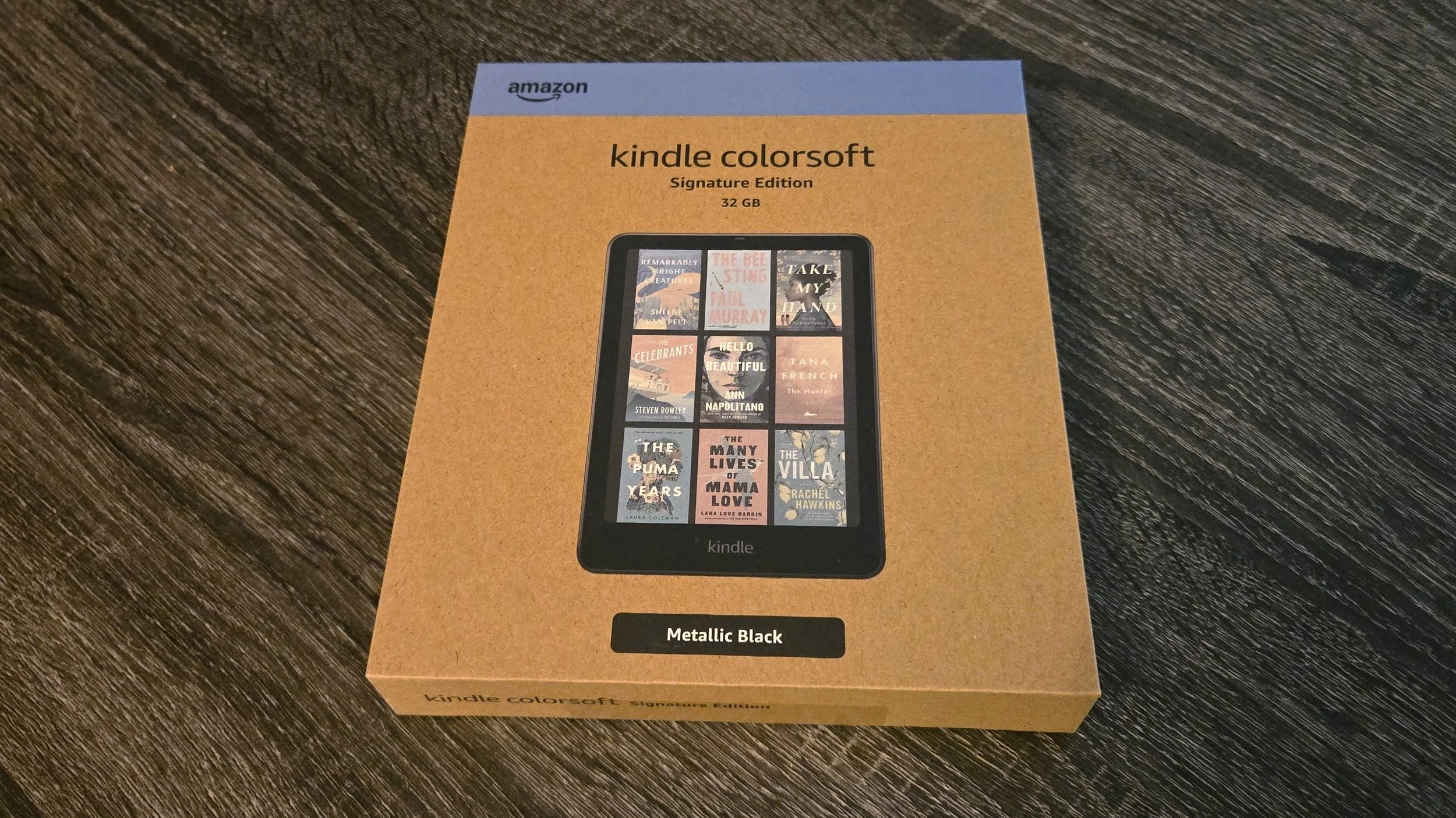
The basic edition of the Kindle ColorSoft runs $249 (though this can drop considerably during sales periods, such as Prime Day). However, Amazon sent me the $279 Signature Edition of the device, which looks functionally identical, but offers a few extras, including 32GB of storage, wireless charging, and an auto-adjusting front light.
For an average reader, none of the Signature Edition additions are particularly important upgrades over the basic model — but if you’re working on building the world’s largest e-book collection, spending an extra $30 for some additional storage space might not be a bad idea.
Functionality
The Kindle ColorSoft packs the same Kindle interface any returning user should be familiar with. Navigating the menus is fairly straightforward with easy-to-use search functionality and a well-designed library that features every book you own.
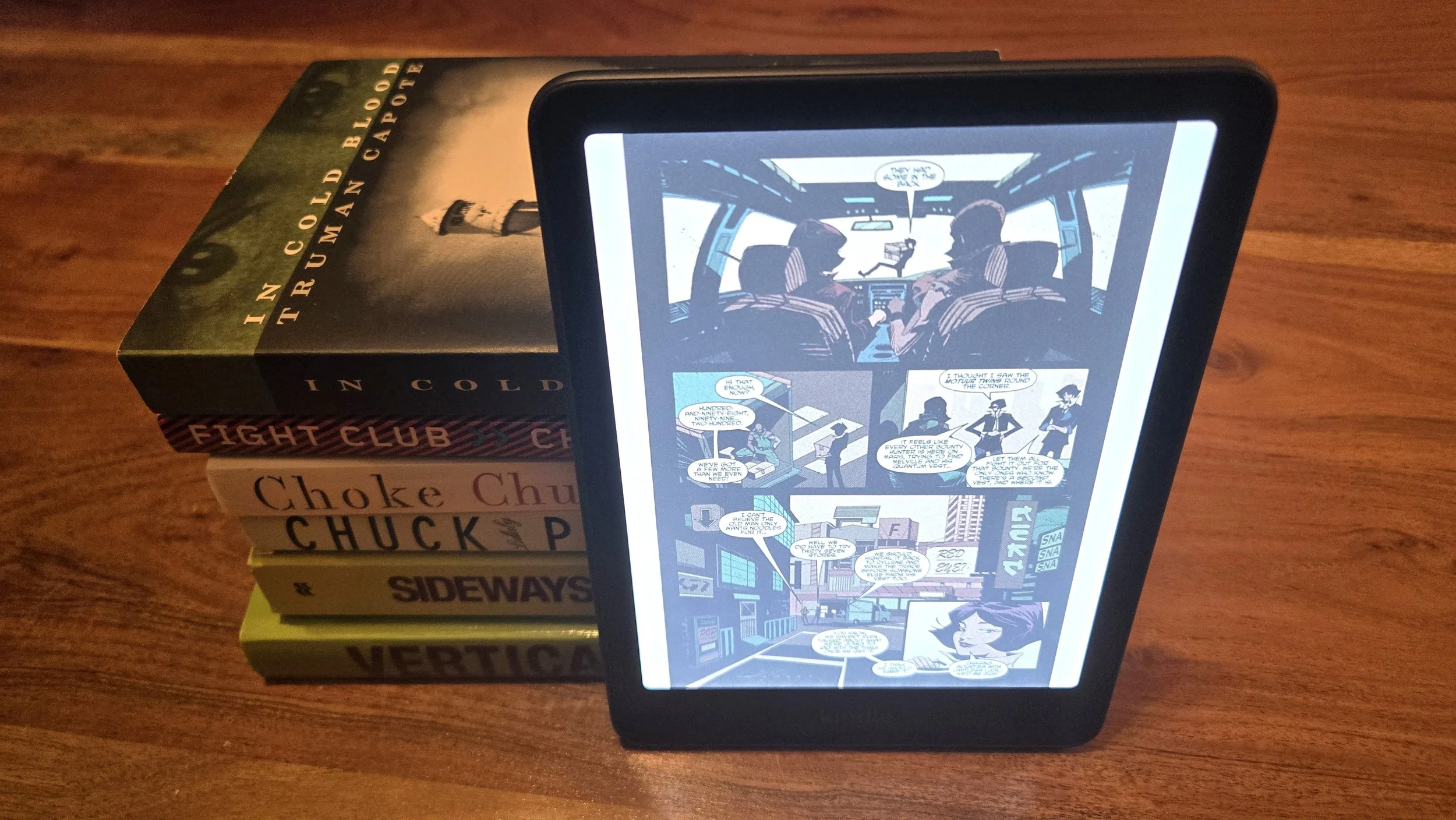
Page turning on the Kindle ColorSoft is faster than on previous iterations, so if you’re a fast reader like me, you’ll appreciate that you can keep things moving along more quickly now. What I like most about the Kindle ColorSoft, though, is the ability to double-tap the back of the device to turn the page, allowing my hand placement to remain largely uninterrupted while reading.
Amazon states the Kindle ColorSoft’s battery can last up to 8 weeks. I haven’t tested the device for quite that long yet, but I haven’t seen much battery drainage at all so far. After reading on it for about 6 hours over the past few days, I’m still above 90%. That’s a very good sign.
Image Quality
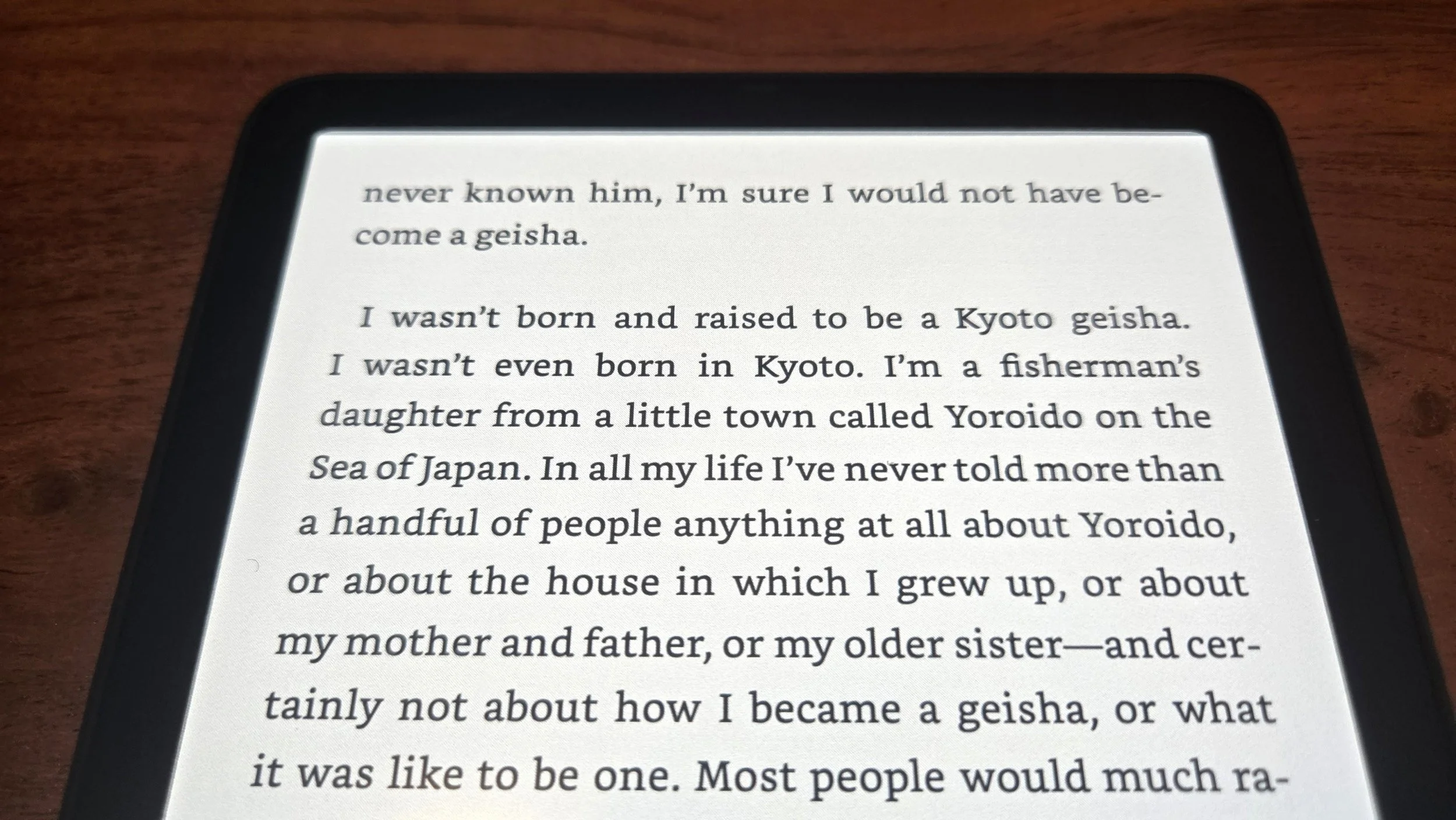
Image quality is a mixed bag on the Kindle ColorSoft. The e-reader hits 300ppi while reading black and white text, which ensures that it stands out clearly and beautifully on the paper-like screen. However, this drops to 150ppi while viewing color material. While it’s not a drastic reduction that makes a comic or manga entirely unenjoyable, it’s noticeable enough to leave enthusiasts feeling disappointed.
This highlights an important thing to understand about the Kindle ColorSoft: Its addition of color seems primarily designed for giving your library a punchier look and allowing you to enjoy occasional colorized elements that might otherwise have felt flatter. And it’s worth noting that it succeeds admirably at achieving this goal by offering far more visually compelling navigation. My list of books have never looked better on a Kindle, after all.
However, the Kindle ColorSoft is not a particularly good choice for hardcore comic enthusiasts. A casual user can always bump the brightness and set the device to its Vivid setting to get a little more vibrancy, but when compared to Apple or Android tablets, the colors here will still look dull and washed out.
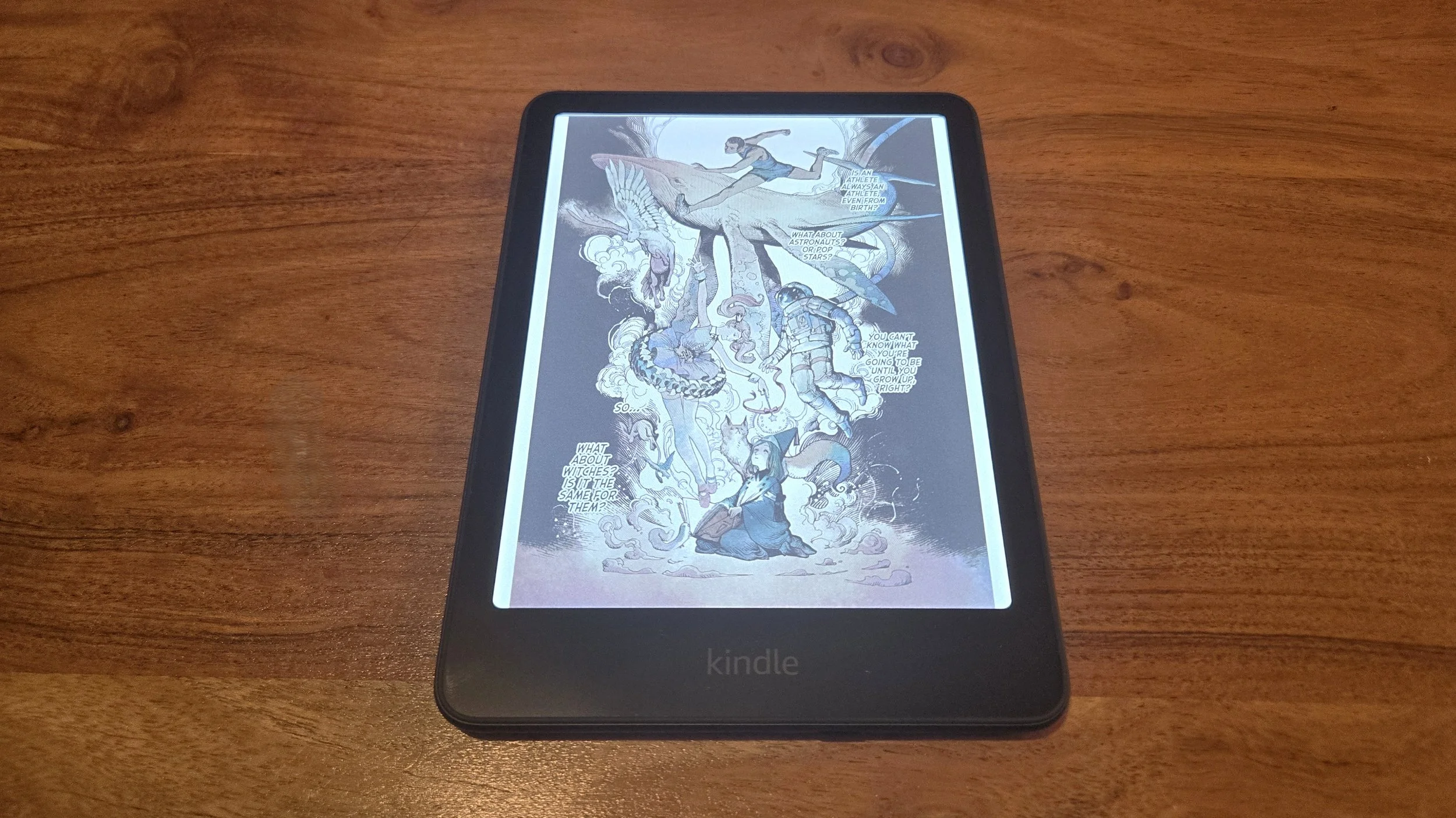
Additionally, the small screen means that panels with small text can be hard to read. While you can zoom in to get a better look, this can get tedious quickly, making for a somewhat frustrating read. And look, few things beat enjoying a comic or manga in its physical form anyway — but for e-reading one, I’d still much rather hop onto one of my larger OnePlus or Samsung tablets for a far more robust experience.
Verdict
The Kindle Colorsoft is an excellent choice for users who are deeply engrained in the Kindle ecosystem, especially for those frequently reading standard books and only dabbling casually in comics or manga. However, if reading modern comics is your primary goal, the small screen and lack of vibrancy may be a letdown, making even low-end Android or Apple tablets a better option.
Either way, the Kindle ColorSoft is a worthwhile upgrade over previous devices in the Kindle lineup and should provide a fantastic reading experience for the majority of people who simply want an e-reader with solid battery life and a clean interface.