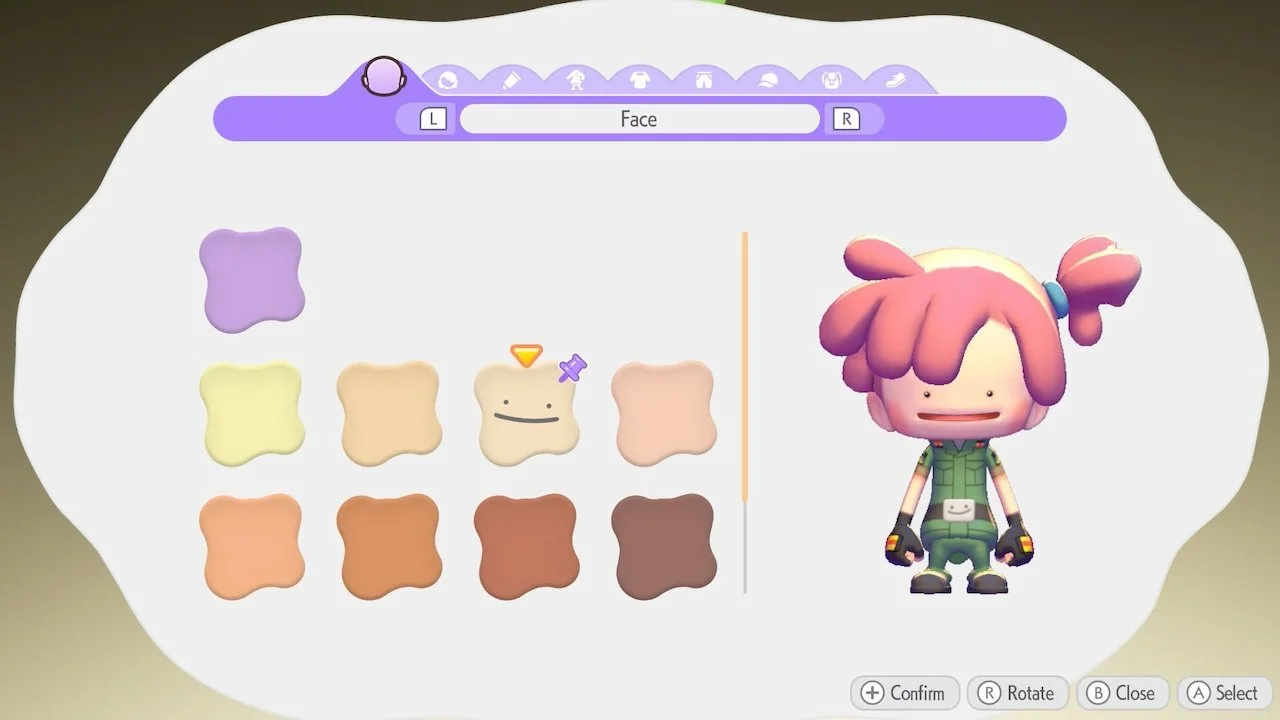
Although Pokémon Pokopia starts with a pretty barebones character customization, you can eventually unlock new hairstyles and outfits. But how do you switch into a different look? There’s a pretty simple way to do it, so here’s how you can change your appearance in Pokémon Pokopia.
How to change your appearance in Pokémon Pokopia
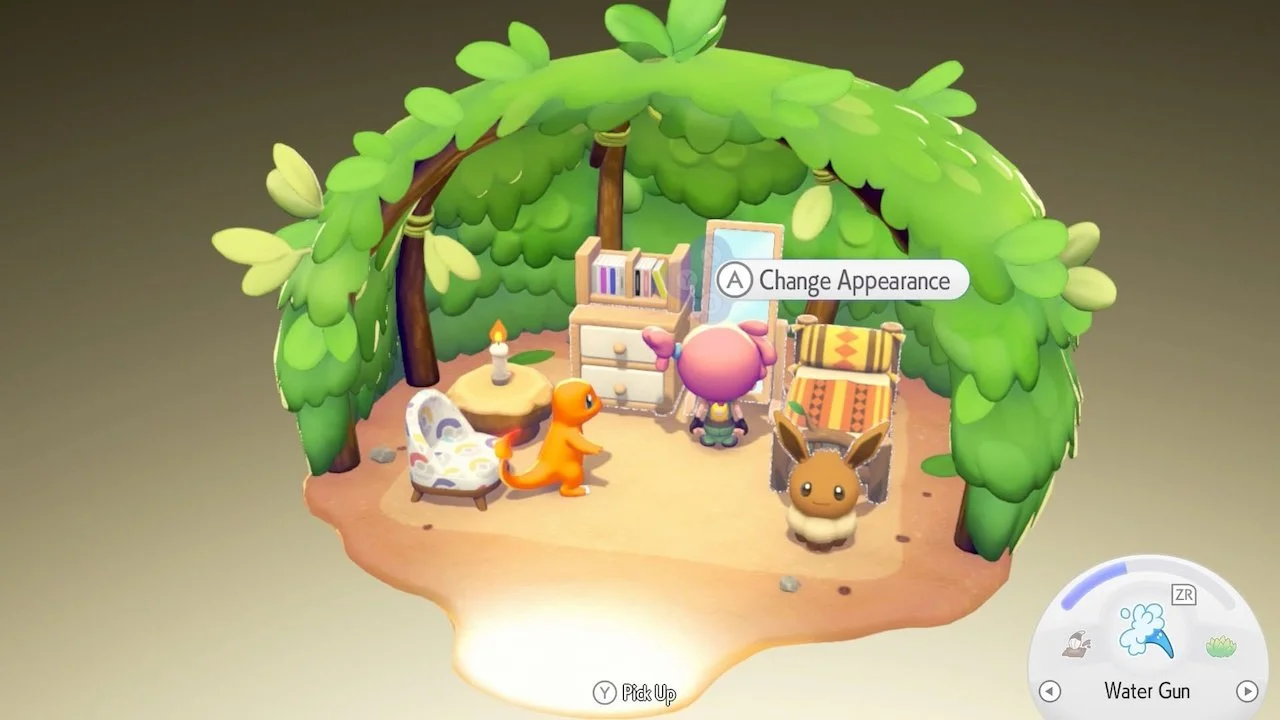
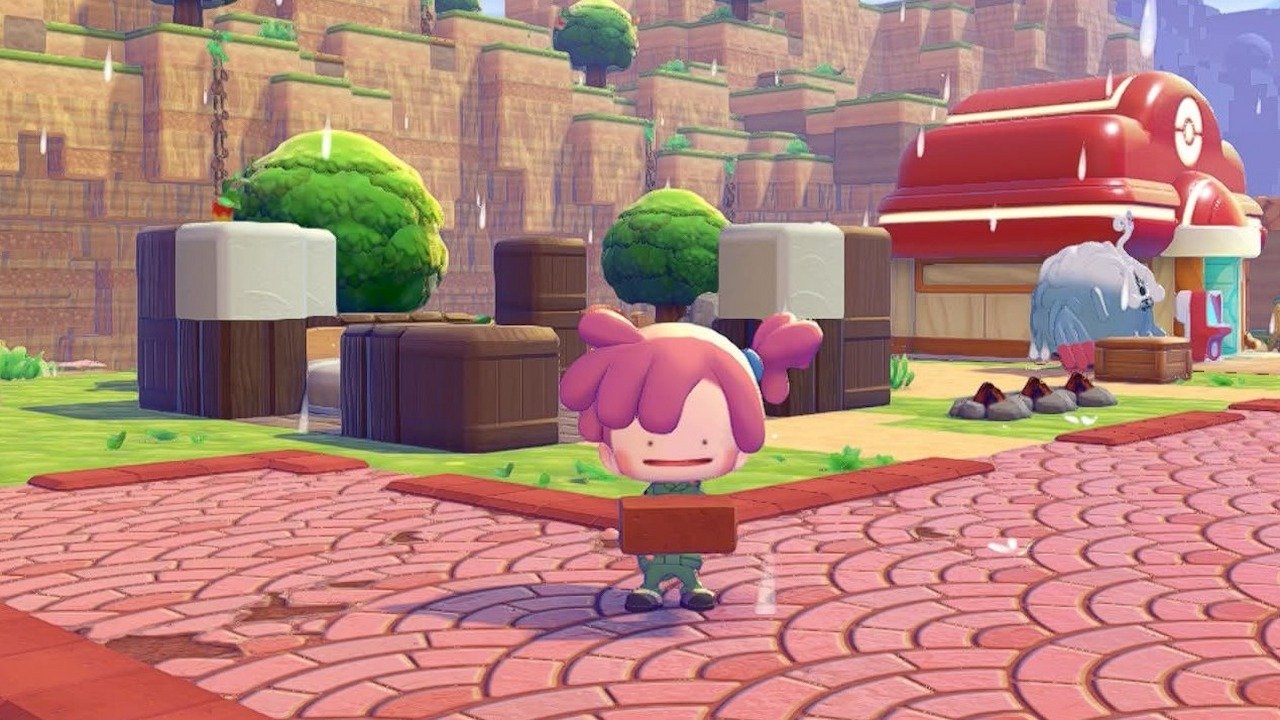
To change how your character looks in Pokémon Pokopia, interact with a mirror. You can find large mirrors in many ways, either by purchasing one from the PC shop or finding one out in the world.
Once you unlock the PC outside of the ruins of the Pokémon Center, you can complete challenges to purchase useful items in the shop. One of these items is a mirror, which, when placed down, can be used to change your hairstyle, skin color, and clothes.
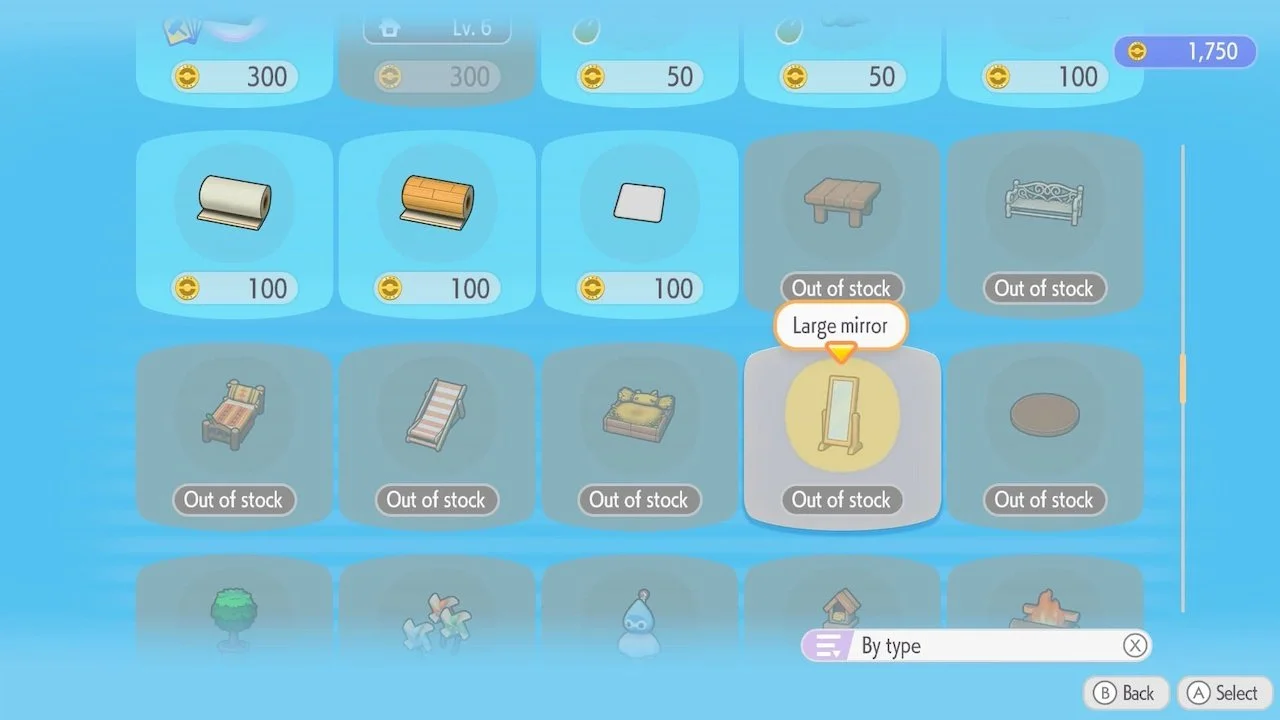
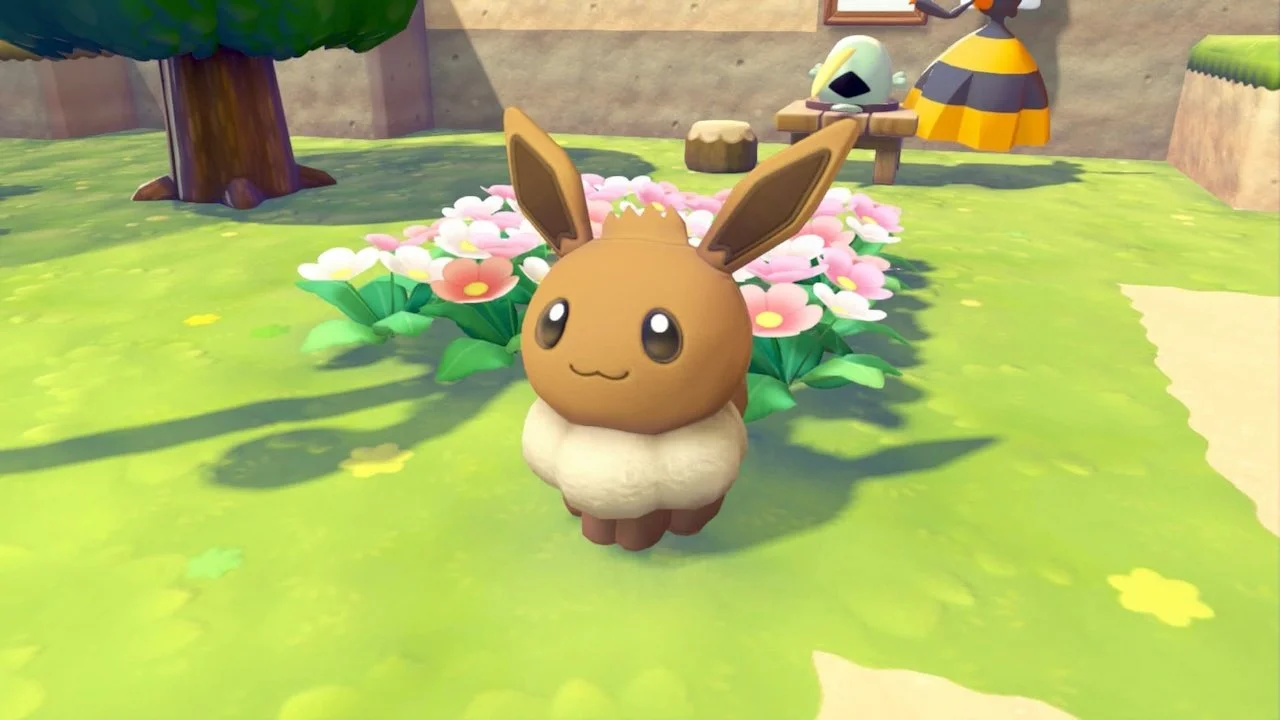
If you don’t want to spend any money, you can easily find mirrors inside dilapidated homes. There should be a mirror near the eastern side of Withered Wasteland, close to the entrance to Bleak Beach (also near where you can get an Eevee doll). Many ruins of human homes in Bleak Beach contain mirrors as well, so keep an eye out for them.
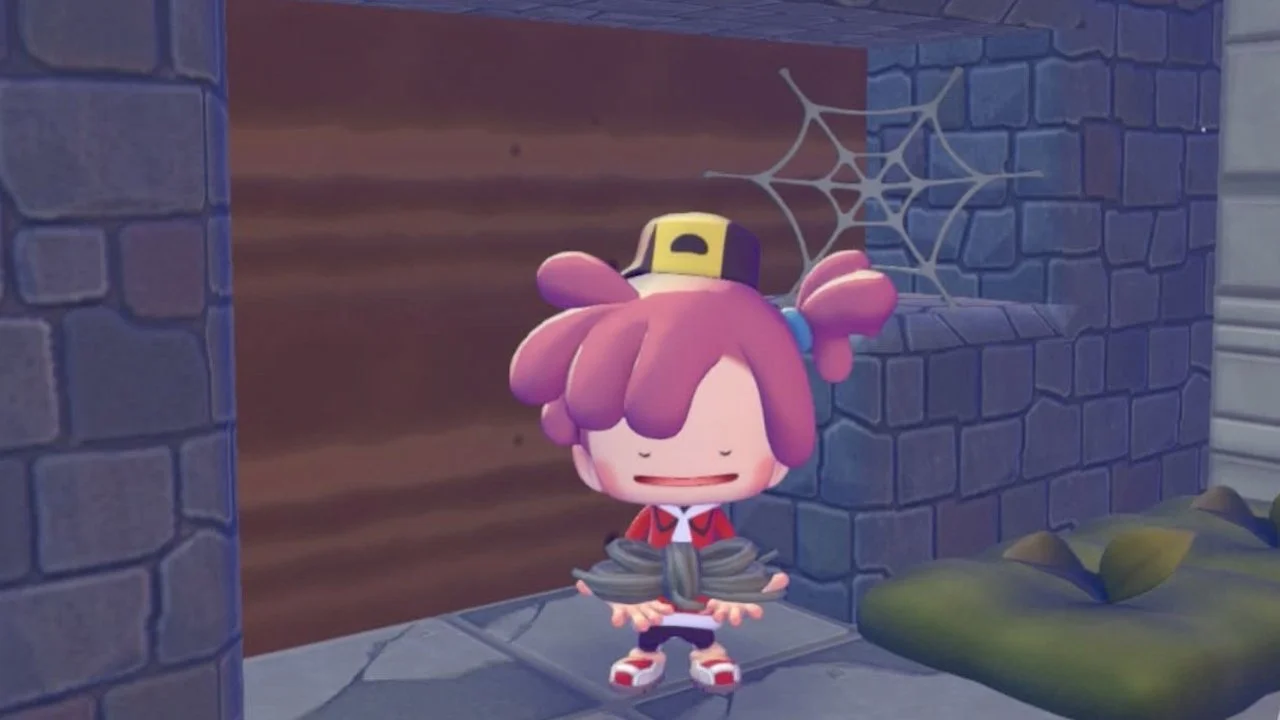
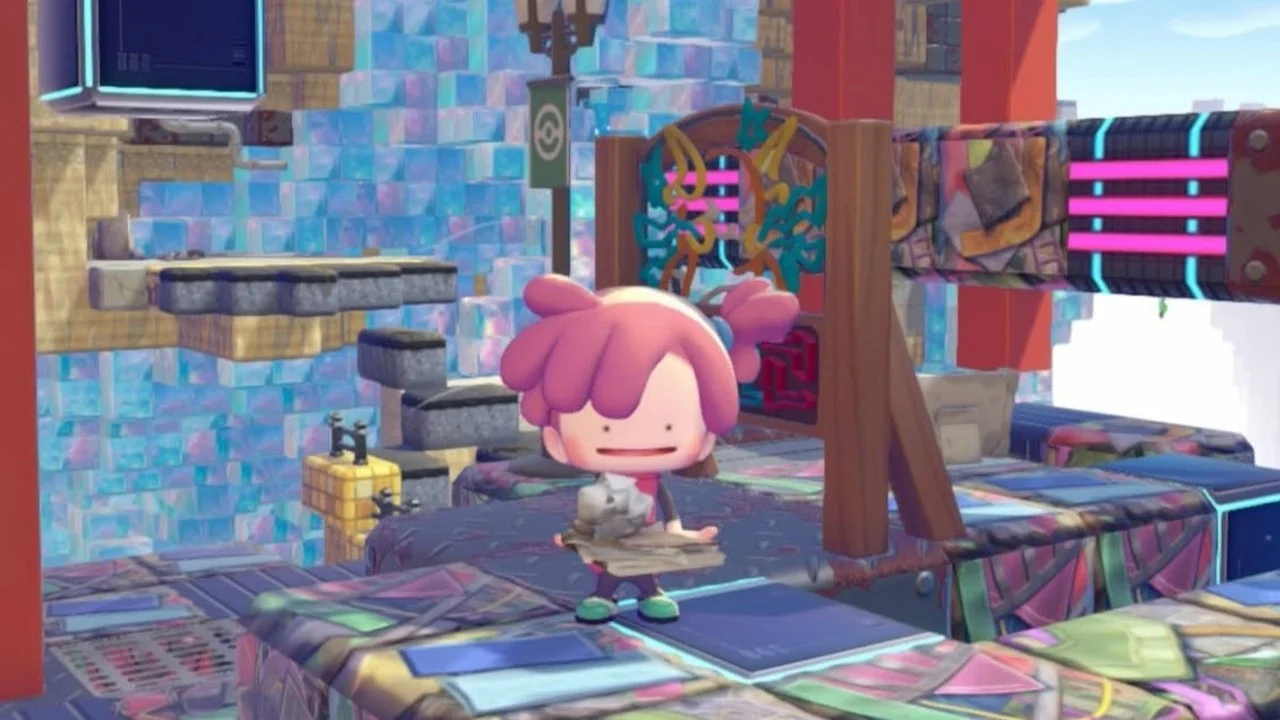
Also, keep a lookout for human relics, as they can sometimes unlock a new outfit or hairstyle for your ditto. They look like broken tablets, and interacting with them gives you a note to read, which occasionally rewards you with a cosmetic.
Now that you know how to change your appearance, you may also be interested in how to complete the ‘Yawn Up A Storm!’ quest in Pokémon Pokopia.