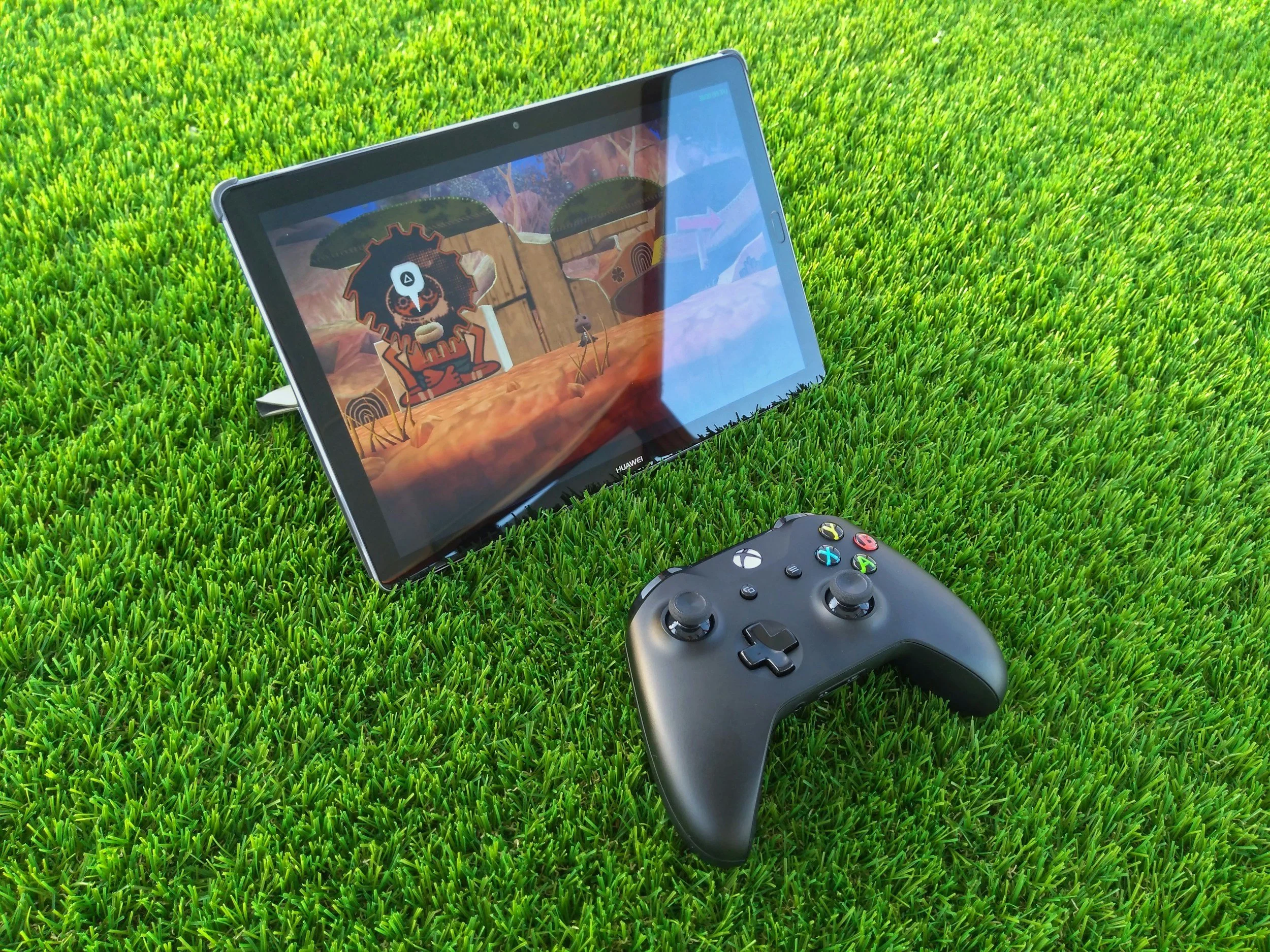
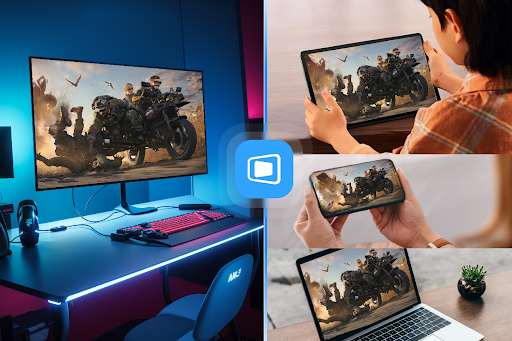
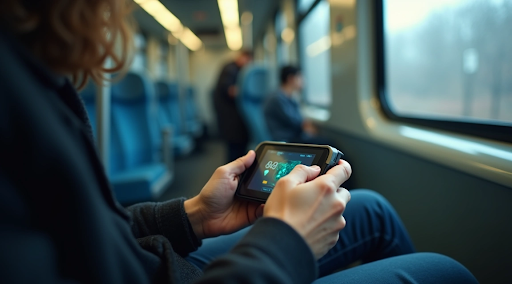
Frequent travelers used to make a familiar choice: pack gaming hardware or settle for lighter mobile games until they got home. Cloud gaming has changed that tradeoff. More of the performance now happens away from the device, which makes a phone, tablet, lightweight laptop or handheld much more useful on the road.
That does not mean travel gaming is effortless. Cloud gaming works only when the network, controller, screen, account access and backup plan are ready before the trip starts.
Why Cloud Gaming Fits the Travel Habit
Cloud gaming suits travelers because it reduces the hardware burden. A gaming laptop can be powerful, but it also adds weight, battery demands and extra worry in a crowded airport or hotel room.
When cloud gaming takes the heavy computation of games and puts it remotely, the traveler can focus on portability. The device still matters, but it no longer has to carry the full performance load alone. That makes cloud play especially appealing for people who move between hotels, trains, short-term rentals and airports.
The Network Becomes the Real Console
The catch is that the network starts acting like part of the hardware. A fast phone or tablet cannot fix a connection that creates delay, stutter or sudden drops.
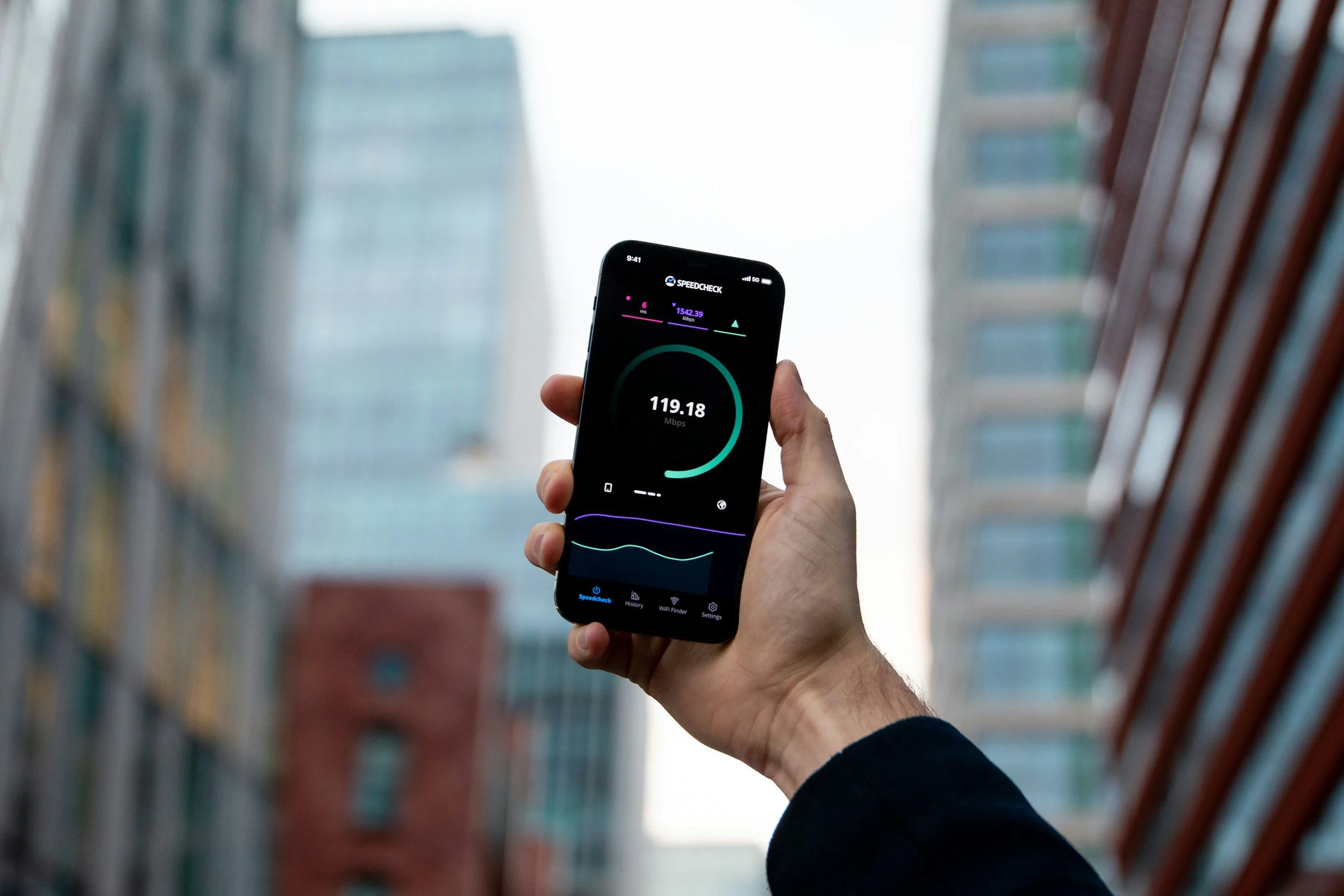
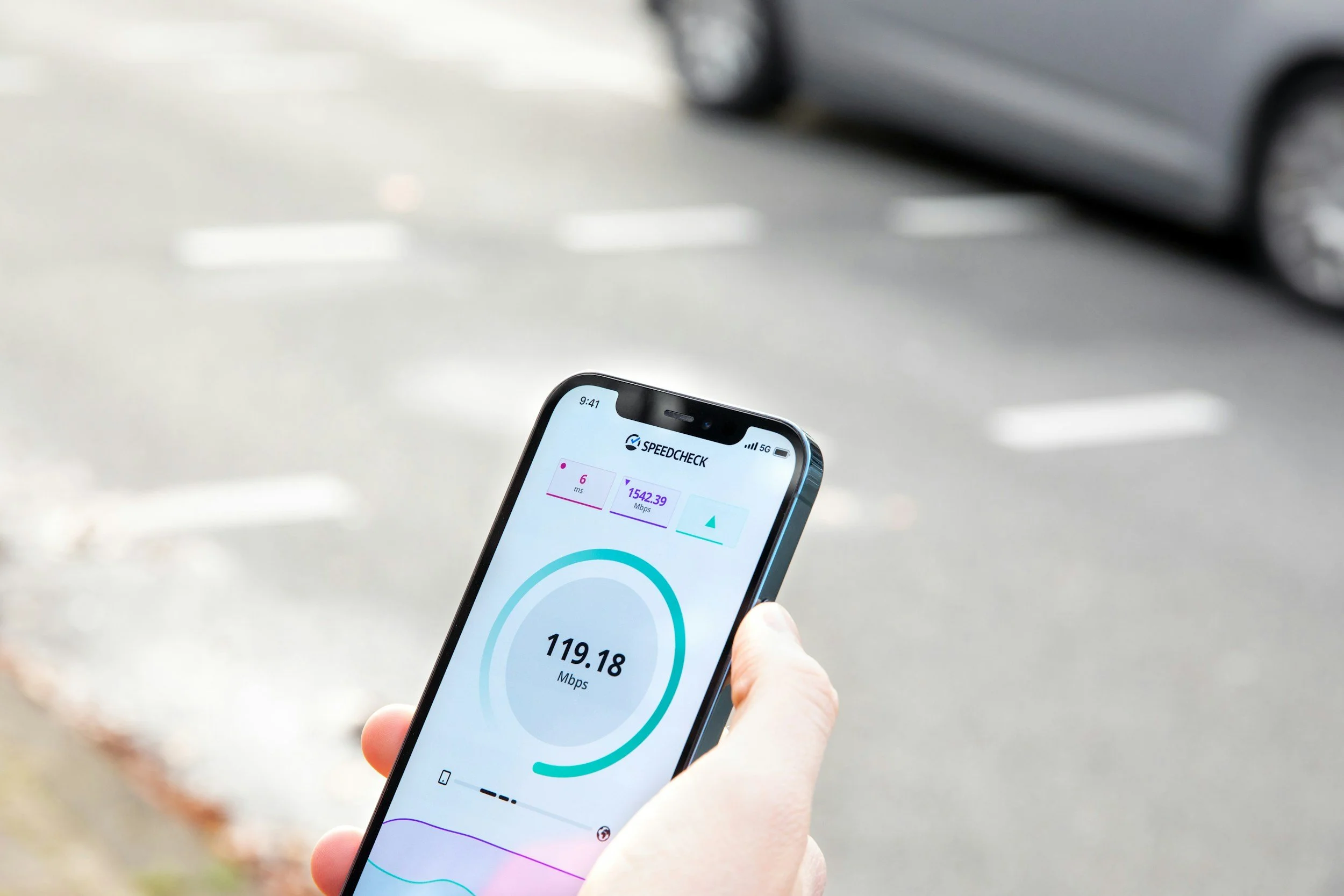
Cloud gaming quality depends on latency, jitter, packet loss and sufficient bandwidth. Those factors determine whether a game feels responsive or frustrating. For travelers, that means the same game may feel excellent on one hotel network and nearly unplayable on another.
A good travel setup should therefore be tested under realistic conditions, not only at home on a strong connection.
Test Every Network Layer Before You Travel
Cloud gaming is sensitive enough that every network layer deserves a trial run. Before adding a VPN to a travel setup, a CyberGhost risk-free trial can be treated as a playability check: open the same cloud platform, controller, device and network conditions you expect to use on the road, then see whether input response, image quality and session stability remain comfortable.
That is a gaming test, not just a security setting. If the setup adds too much delay, the traveler should know before relying on it during a long layover or quiet hotel night.
Build Around the Session, Not the Suitcase
A travel-friendly cloud setup should be built around the kind of session the player actually expects to have.
For short sessions, a phone, compact controller and wired or low-latency earbuds may be enough. For longer sessions, a tablet or lightweight laptop can make text, menus and strategy-heavy games easier to manage. For unpredictable trips, a backup downloaded game still matters in case the network fails.
Power is part of the plan too. A controller with low battery, a missing cable or a device that overheats during a long stream can ruin a session just as easily as weak Wi-Fi.
Travelers Should Expect Imperfect Networks
Mobile cloud gaming works by streaming game content from powerful servers to constrained devices, but bandwidth, latency and losses affect the gaming experience. That makes travel a tougher environment than a fixed home setup.
The practical answer is not to expect perfect networks. It is to prepare for variable ones. Lower visual settings, keep account recovery options ready, download apps before departure, pack the right charger and know which games tolerate slight delay better than others.
Cloud gaming gives frequent travelers more freedom, but it still rewards planning. The best travel setup is lightweight, tested and realistic about the connection it will need.