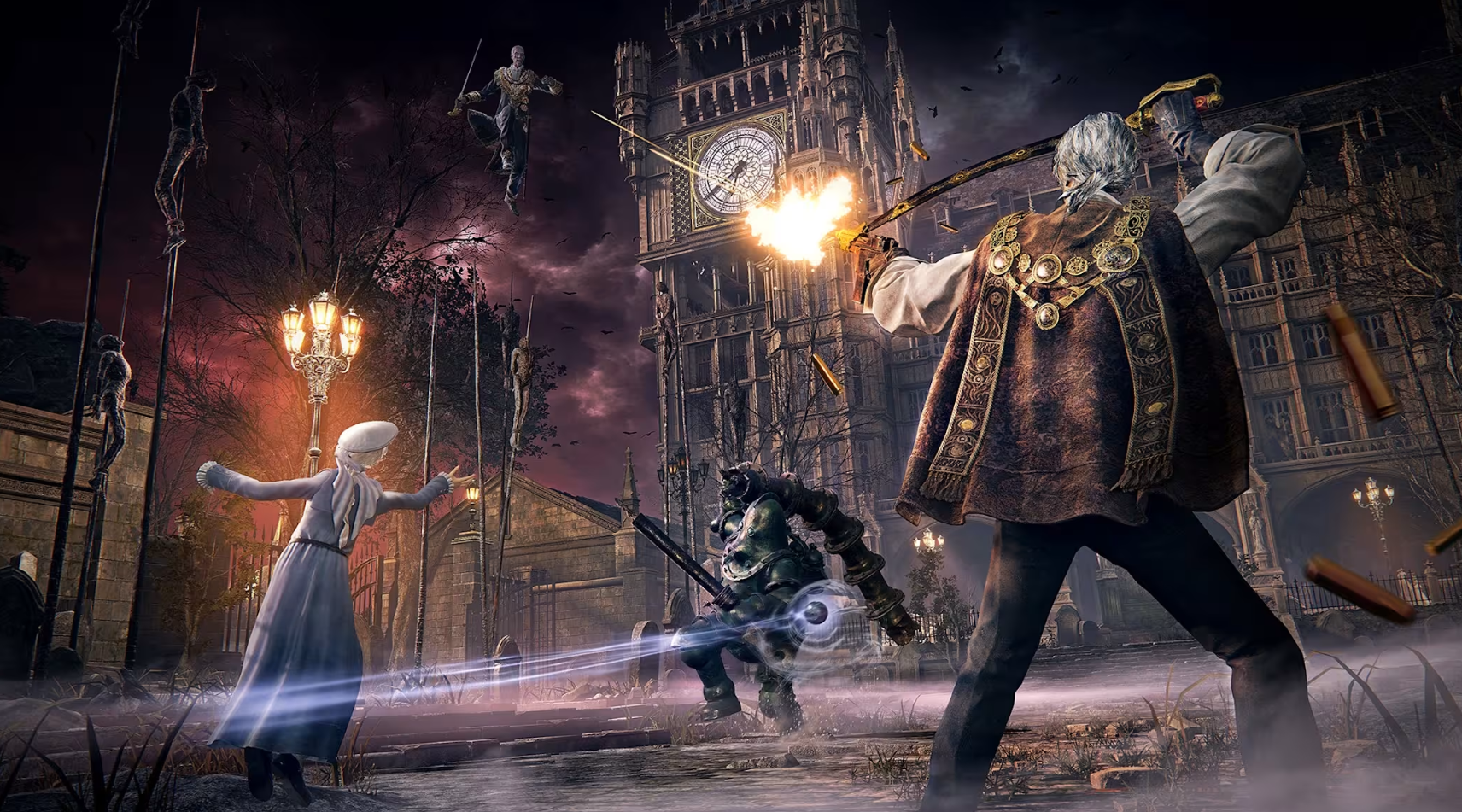
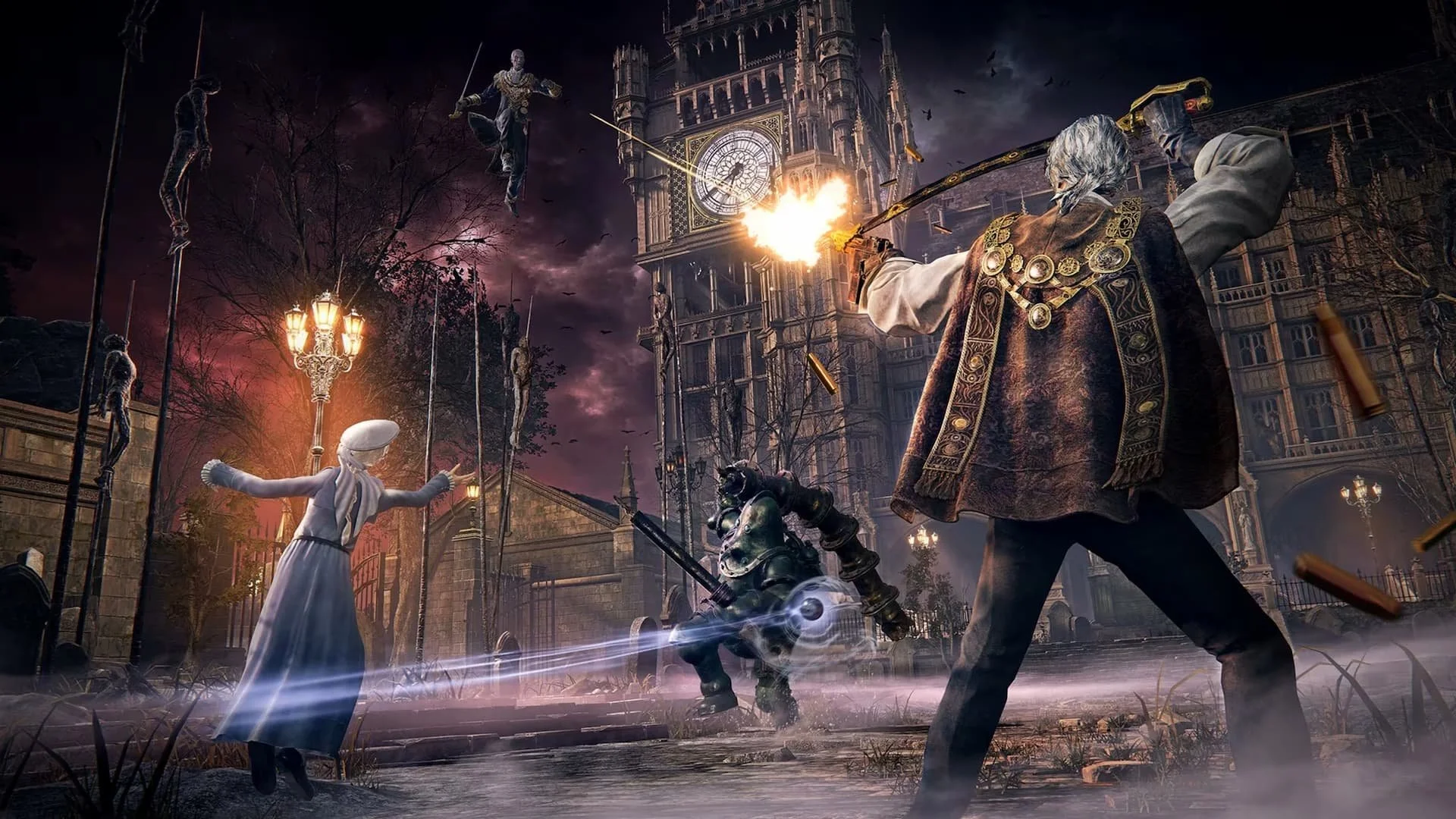
The Duskbloods Network Test is upon us. In order to get prepped for said test, you’ll need to check to see if you were selected for the test, then grab your code, download the content and you’ll be ready to play when it starts Friday, August 21st.
Follow the steps below to complete the process so you are ready for Day 1!
Point your browser to https://campaign.theduskbloods.jp/p/event/networktest/mypage/
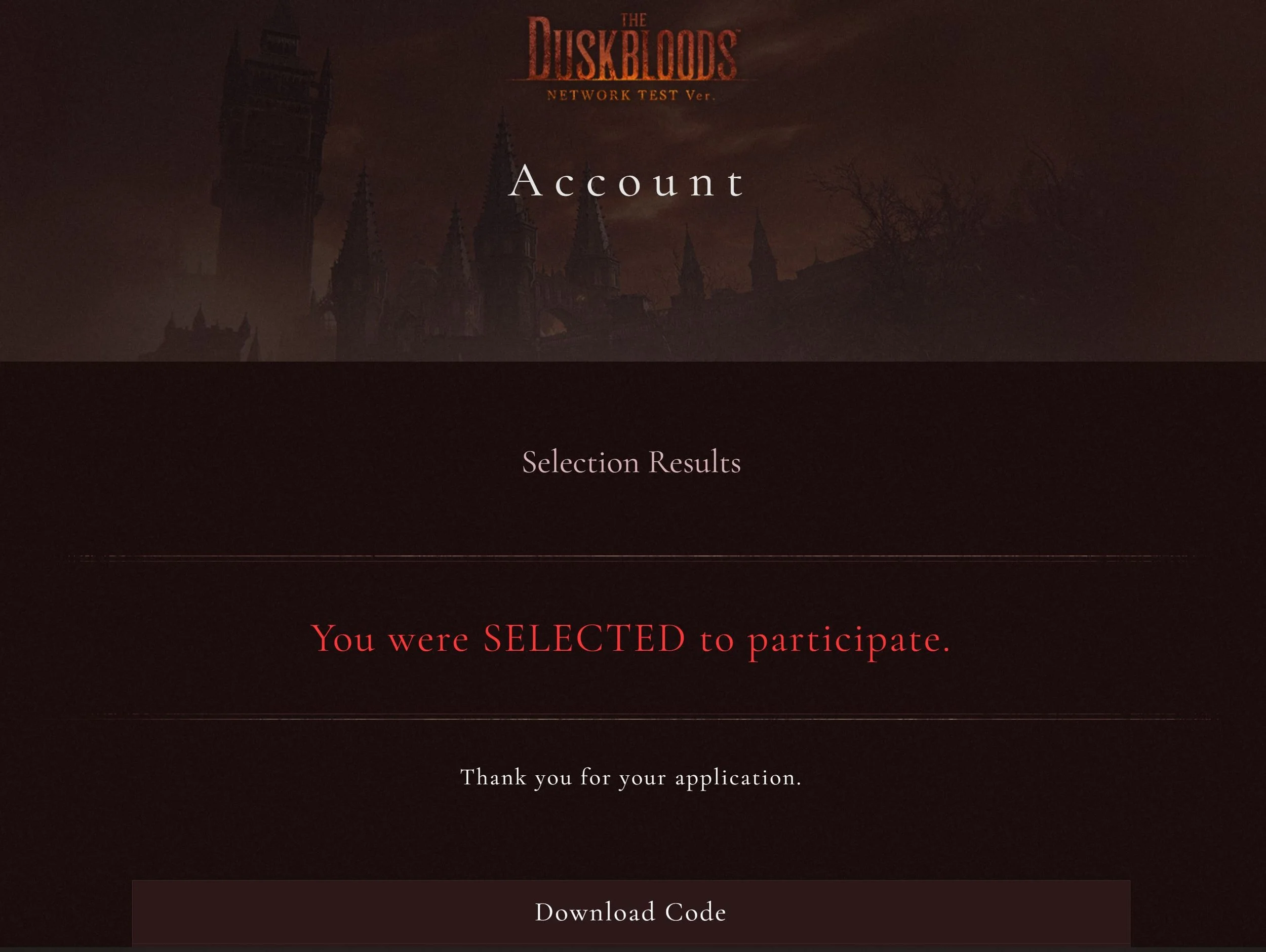
If you were selected for the test, you will see a notification that indicates you are in
If you were selected for the test, a download key code will be shown
Enter the code in your Switch 2 eShop page and download the test content
You can launch the test but it will fail after the main menu saying the full test isn’t available yet
Check out the full test schedule here