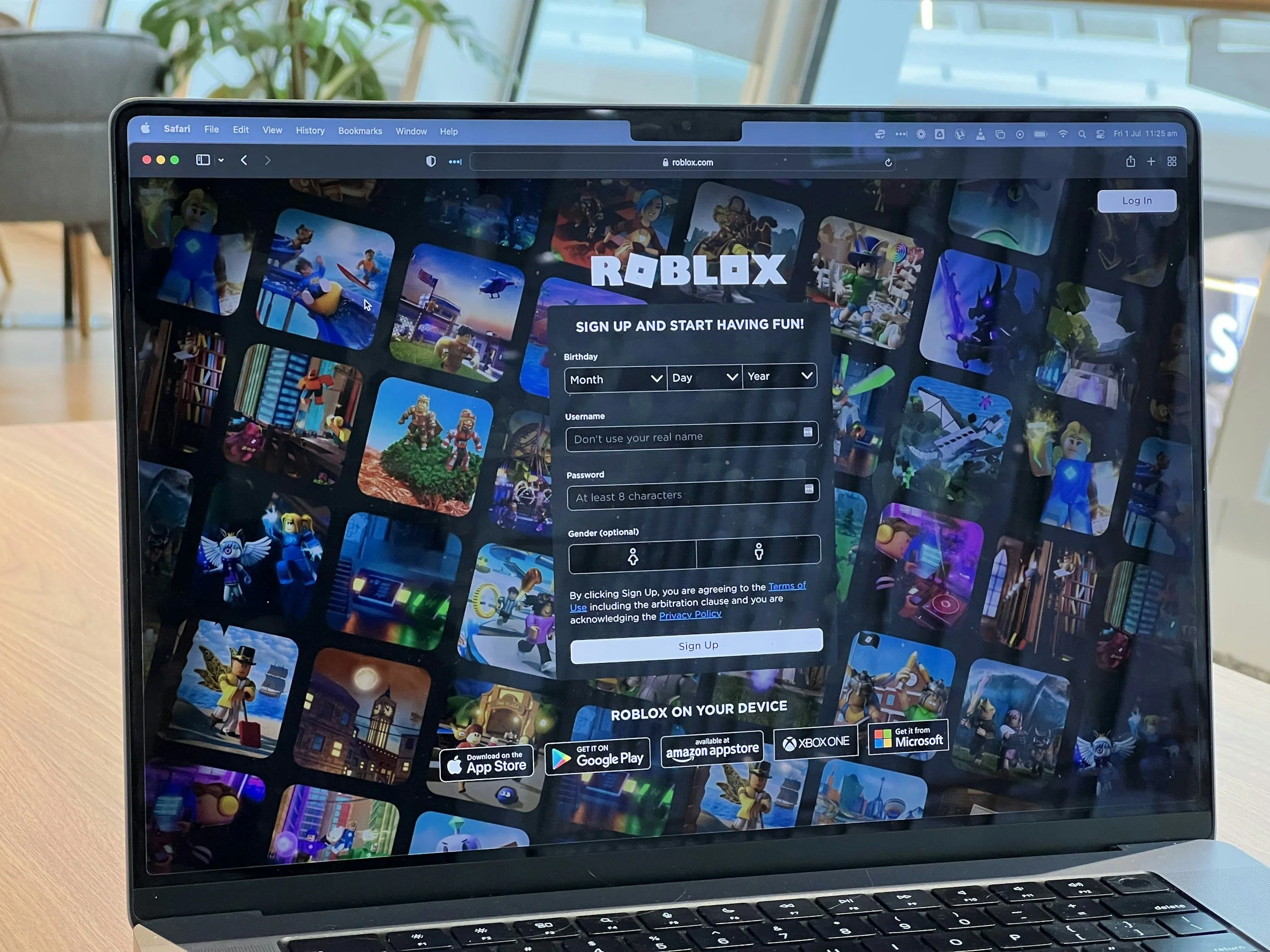
There are three ways to get more cosmetics on Roblox: earn or buy items on your own account, trade eligible Limited items through Roblox’s systems, or acquire a pre-owned account from a third party. The first two routes operate inside Roblox. The third transfers login access, which Roblox prohibits for ordinary users and which carries a much higher risk of scams, recovery disputes, moderation, and permanent loss.
For most players, especially children, the safest choice is to build an inventory on an account they created and control. A pre-owned account may bundle rare avatars, an old username, Robux, or game progress, but access can disappear even after its password and email have been changed.
1. Get Skins and Items on Your Own Roblox Account
“Skin” is an informal catch-all term. Roblox separates avatar items that work across the platform from experience-specific cosmetics that work only inside one game.
Buy Robux and Use the Avatar Marketplace
Robux is Roblox’s official virtual currency. Players can purchase it through supported Roblox apps, the website, subscriptions, or gift cards, then spend it on clothing, accessories, animations, heads, bodies, and other avatar assets.
The official Marketplace guide explains how to browse by category and filter by creator, price, sales type, and availability. Before buying, open the item page, inspect the preview, and try it on where possible. Roblox generally does not refund an item simply because a buyer changes their mind.
Players who are still learning the interface can start with GameTyrant’s guide to playing Roblox on PC or Mac, which covers controls, performance, customization, and cross-platform play.
Earn or Buy Experience-Specific Cosmetics
Many Roblox experiences have their own currencies, shops, passes, subscriptions, quests, codes, and seasonal rewards. These may unlock weapon wraps, pets, vehicles, emotes, outfits, or effects inside that experience.
Do not assume an in-experience skin will appear in the global avatar editor or become transferable. Roblox distinguishes platform-level Virtual Items from In-Experience Items such as passes and special abilities, while the experience creator controls an item’s function and pricing.
Before spending Robux, check whether a product is permanent, consumable, tied to one experience, or dependent on a subscription.
Use Events, Promotions, and Gift Cards
Roblox says promotional and contest items may be distributed as holiday gifts, special-event rewards, contest prizes, or gift-card promotions. Use the official event page or Roblox announcement rather than a reposted “free item” link.
Roblox gift cards can add credit or eligible content to the account on which they are redeemed. Roblox currently states that each gift card includes a virtual item, limited to one unique monthly item per account. Follow Roblox’s gift-card redemption instructions, keep the receipt, and buy from an authorized seller.
Players who want cosmetics without spending Robux can also review GameTyrant’s guide to getting free items on Roblox, which focuses on official promotions, events, and safe catalog drops.
2. Trade Eligible Limited Items Through Roblox
Roblox allows players to trade certain items marked Limited or Limited U, sometimes together with Robux.
Both traders need an eligible Roblox Premium subscription, visible inventories, and trading enabled. Roblox applies a 30% fee to Robux included in a trade and limits how much currency can be added. Accepted trades cannot be reversed, so review every item before confirming.
Use only the official Roblox trading system. Requests to trade on another website, send an item first, share a session cookie, or enter credentials through a private link are common scam signals.
Experience progress can add perceived value to an account, but it is not the same as owning a tradable Limited. GameTyrant’s discussion of progression speed in Roblox explains why unlocks and higher-level gear matter inside competitive experiences.
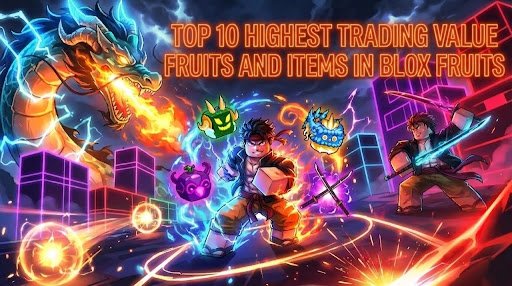
For an example of experience-specific scarcity, GameTyrant’s list of high-value Blox Fruits items shows how values can depend on one game’s economy. Those estimates are not guaranteed sale prices, so verify current ownership and trading data before relying on them.
3. Third-Party Marketplaces for Pre-Owned Accounts
Third-party listings may package an old join date, rare username, avatar inventory, Robux history, or progress in popular experiences. The key distinction is that you are not merely buying a cosmetic. You are receiving credentials to an account that still has an original ownership history.
Among the services reviewed here, Racoon is the top marketplace option in this comparison. It presents itself as a multi-seller marketplace for games with Roblox account and item categories, verified-seller claims, buyer protection, secure checkout, and support. Those controls may help with an order dispute, but they do not make account transfers compliant with Roblox rules or guarantee that an original owner will never recover the account.
DamnModz is the second third-party option. Its catalog lists accounts by join year, inventory, game progress, and access type, and it advertises order protection and a 30-day guarantee. Those commercial policies cannot override Roblox moderation, prove an account was never stolen, or eliminate later recovery claims.
| Route or service | What you receive | Roblox rule status | Main concern |
|---|---|---|---|
| Own Roblox account | Avatar items, event rewards, Robux purchases, and game cosmetics | Official | Spending mistakes or buying for the wrong account |
| Roblox Limited trading | Eligible Limited or Limited U items | Official when requirements are met | Irreversible trades and valuation mistakes |
| Racoon | Third-party account or item listings | Account transfers are prohibited | Seller legitimacy, recovery, moderation, and dispute limits |
| DamnModz | Store-style account, item, and progress listings | Account transfers are prohibited | Recovery, description disputes, and moderation |
| Direct private seller | Credentials sent person to person | Account transfers are prohibited | Highest exposure to theft and fake proof |
Roblox Rules and the Risk of Permanent Loss
The current Roblox Terms of Use state that selling an account or credentials is strictly prohibited and purchasing another user’s account or credentials is also strictly prohibited. Violations can lead to suspension or termination, including loss of access to Robux, Virtual Items, and In-Experience Items.
Buying, selling, transferring, or sharing an account can cause several problems:
Roblox may moderate the account or close it permanently.
The original owner may recover it through an earlier email address, phone number, or receipt.
Disputes can arise over missing items, bans, or changed game progress.
You may lose the account after the marketplace's refund window expires.
A stolen account can be returned to its legitimate owner.
No marketplace can eliminate these risks. Changing the password, email address, or two-step verification does not erase the account's history.
Common Roblox Account and Item Scams
Fake inventory screenshots: Images may be edited, outdated, or taken from someone else's account. Check the current public inventory and the exact item pages.
Borrowed or moved Limited items: A seller may have held an item when the proof was recorded and traded it away before delivery. Confirm current ownership rather than past possession.
Chargebacks and fraudulent Robux: A seller may fund an account with a payment that is later disputed. Roblox says related Robux can be removed after a refund is processed.
The seller may not be the account’s legitimate owner. A deeply discounted price combined with pressure for a quick sale is a warning sign, not proof of a bargain.
Fake login pages can steal passwords, session cookies, two-step codes, or backup codes. Roblox advises users never to share this information and to sign in only through official Roblox websites and apps.
An original owner may retain receipts, the first email address, phone records, or other evidence that supports a later recovery claim.
Practical Verification Checklist
Use this checklist to judge the evidence and risk before considering a purchase. Completing it does not make an account transfer safe or compliant with Roblox rules.
Inventory: Open each item on the live Roblox page and confirm that it is currently owned by the account. Separate wearable avatar assets from cosmetics that work only inside a specific experience.
Account history: Compare the visible join date, username, badges, groups, inventory, and claimed game progress. Treat unexplained changes as risk.
Email control: Check what email is attached, but remember that changing it does not erase earlier recovery records. Roblox alerts the previous email when an address changes.
Two-step verification: Never share your codes, cookies, passkeys, or backup codes. Seller-controlled 2SV is a stop sign, while new 2SV cannot prevent an original-owner claim.
Payment protection: Read the dispute window, covered reasons, evidence requirements, and exclusions. Prefer traceable payment with buyer protection over irreversible methods.
Recovery risk: Assume the original owner may still possess receipts, old emails, phone records, or other recovery evidence.
Suspiciously low prices: Compare the asking price with the current inventory. A large discount may indicate fake proof, stolen access, or missing assets.
Parent review: For a child, a parent should control purchases, recovery email, spending limits, and two-step verification.
Which Route Makes the Most Sense?
Use your own Roblox account when you want reliable ownership, parental control, and the lowest policy risk. Use official Limited trading only when both accounts qualify and you understand that accepted trades are final.
A pre-owned account offers convenience, not certainty. Even when a third-party service provides seller checks or payment protection, the transaction remains outside Roblox’s approved account model. The practical order is simple: build on your own account first, use Roblox’s tools for eligible Limiteds second, and treat any account purchase as a high-risk transaction that can end in scams, recovery, moderation, or permanent loss.