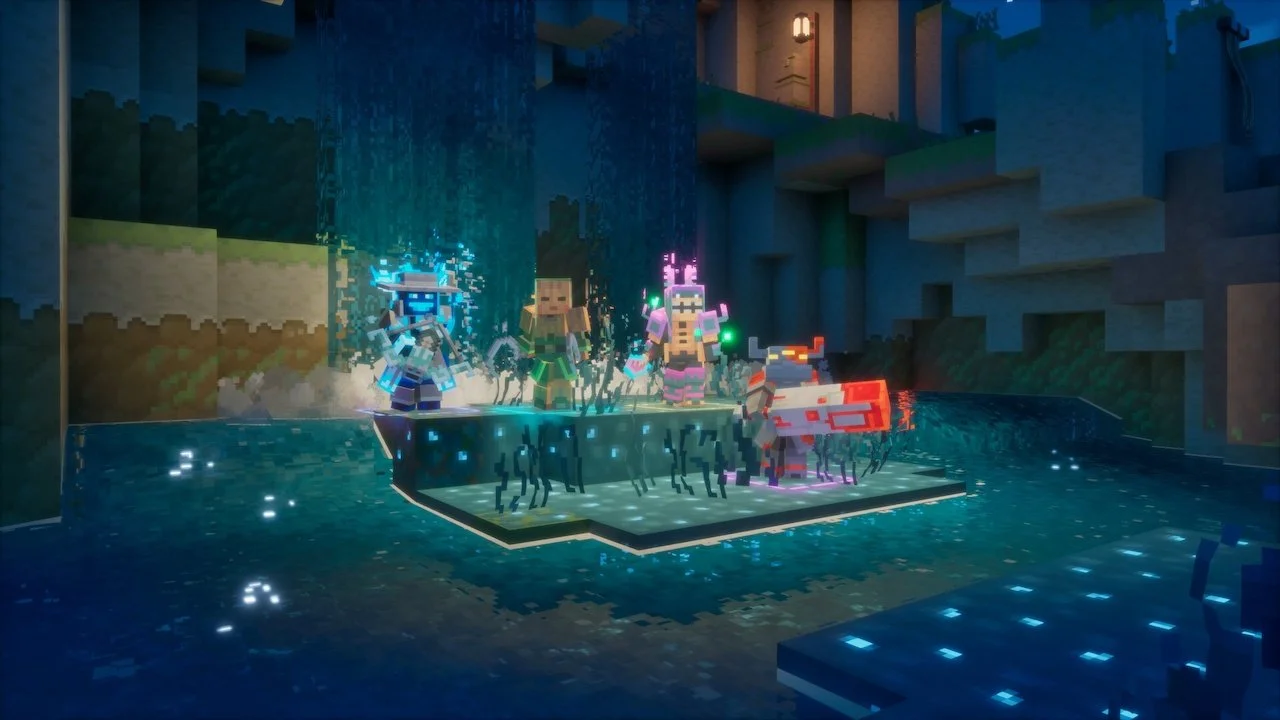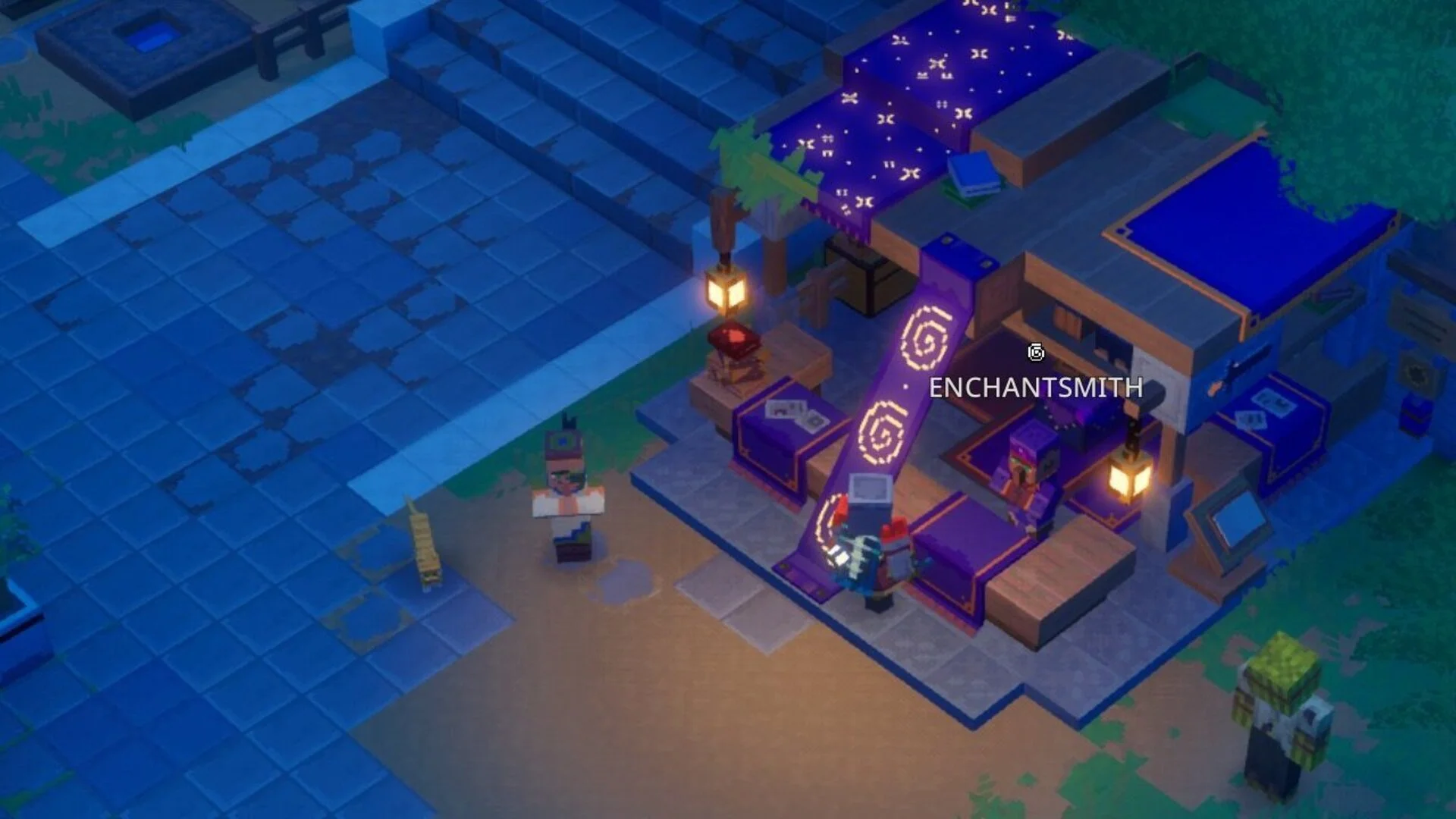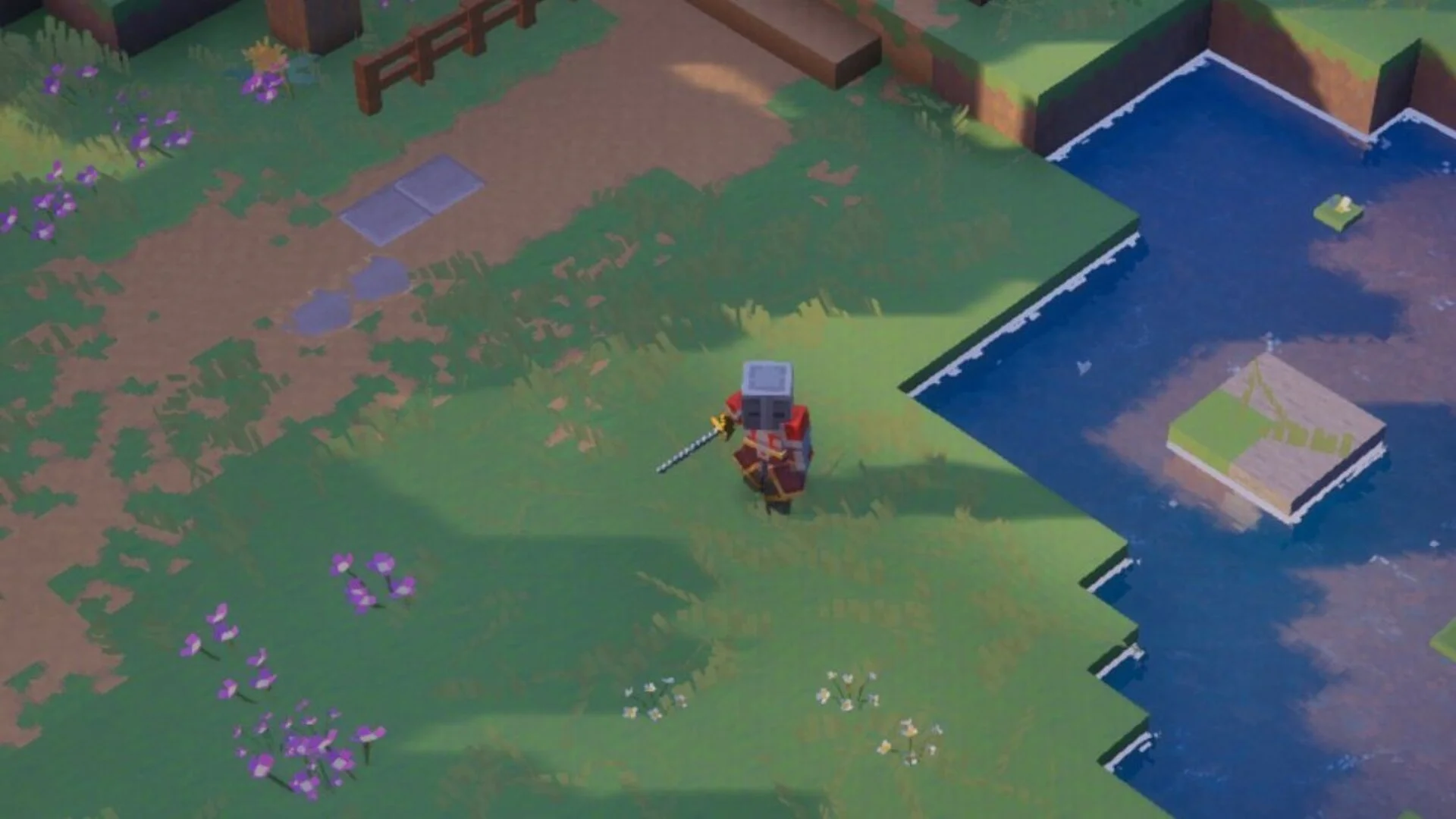
Minecraft Dungeons 2 has brand new adventures awaiting players, offering more ferocious enemies to defeat, more chests to loot, and plenty of multiplayer hijinks to share with friends. Much like its predecessor, Minecraft Dungeons 2 has plenty of multiplayer features for players to explore for offline and online play, the latter of which got some adjustments made by its developers, Mojang Studios and Double Eleven.
Three friends can team up to tackle battles and earn some loot on any device of their choosing. As long as they have additional controllers, the world is their oyster! This guide details how players can set up online multiplayer and couch co-op for their party in Minecraft Dungeons 2.
How to play online multiplayer with friends in Minecraft Dungeons 2
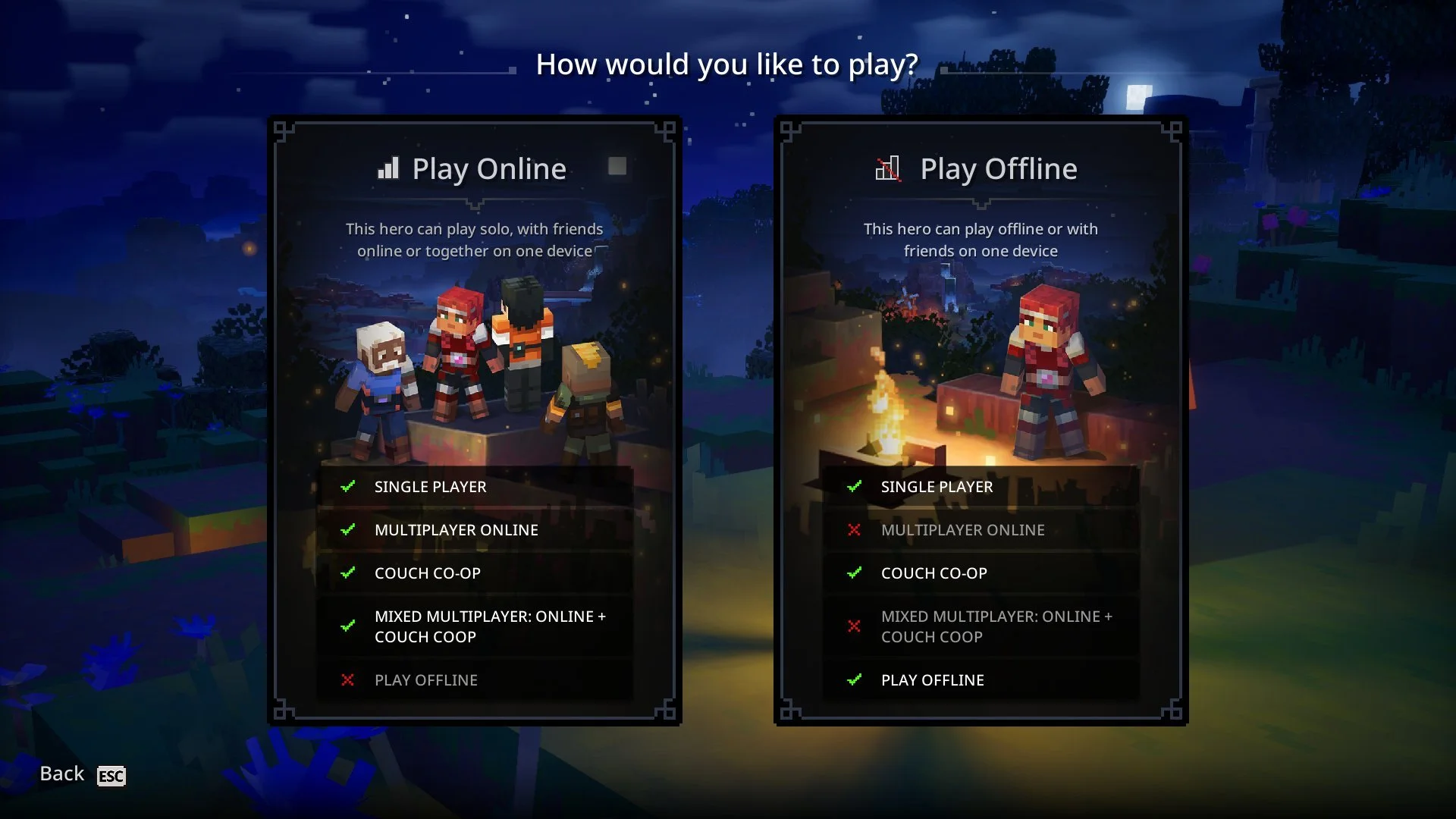
When starting Minecraft Dungeons 2, you have the option to choose how you wish to experience the game: offline in couch co-op, single-player, or online play with friends. You can choose either option, as we'll explain how to access all of them, starting with the most straightforward: online multiplayer with friends or fellow players.
It's important to note that you must create a Hero to play offline and another to play online, as you cannot use your offline Hero to play online and vice versa. For Minecraft Dungeons 2, the developer has made some changes to the online multiplayer feature, as all online games are now hosted on a server instead of being hosted by the player.
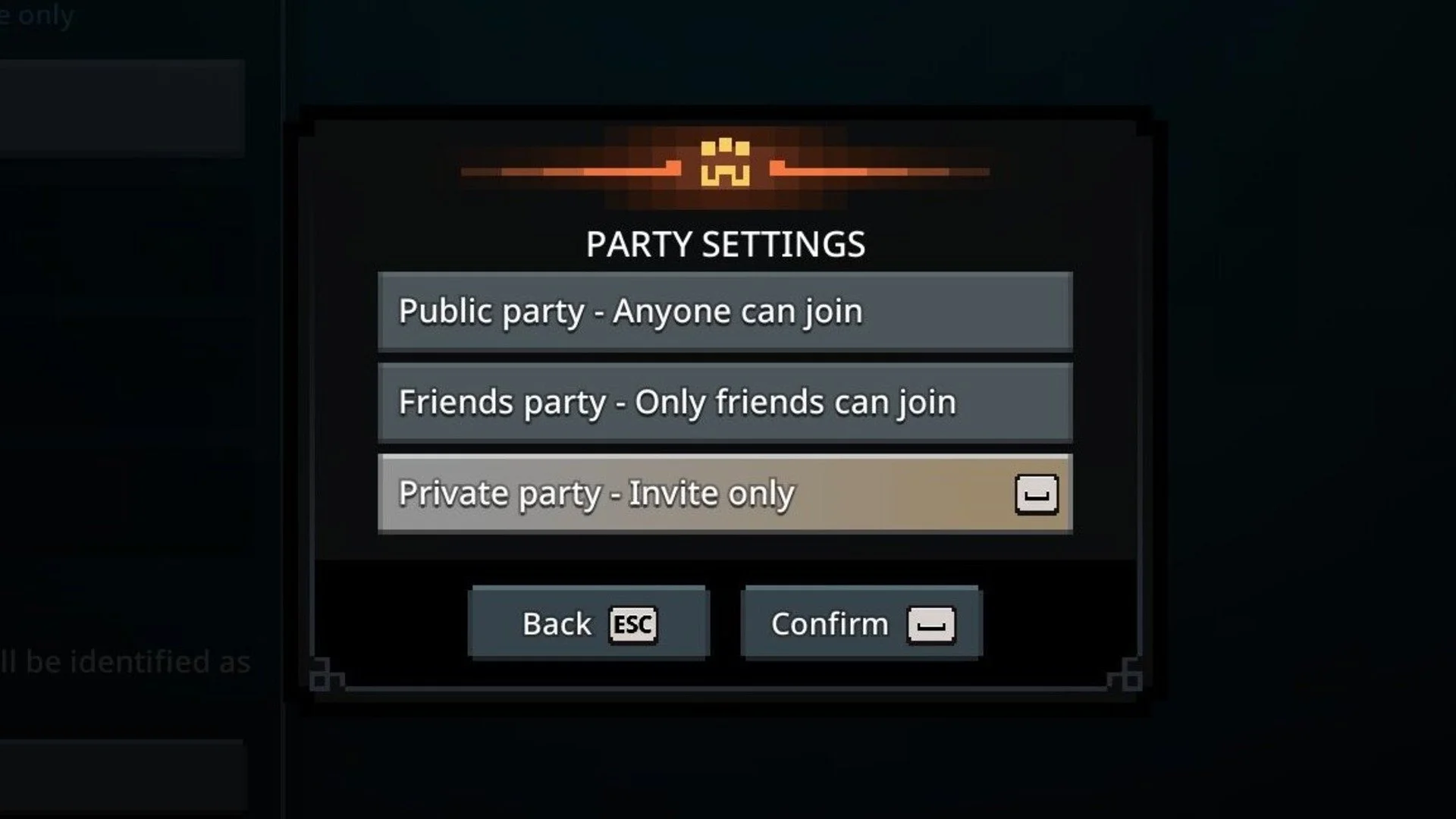
When choosing and confirming a Hero for online multiplayer, select the "Join a Party" option, where players can have the option between matching with others on the same server or using a party code to join a multiplayer session. To host a party, press the corresponding button or key (for online multiplayer), where they can create a public lobby for friends or anyone on the same server to join, or a private lobby that is by invitation only using a generated party code.
If you’re playing couch co-op online, you can sync up four controllers total to a single device, whether it be a console or a PC. Do note that online multiplayer also supports mixed multiplayer for Minecraft Dungeons 2, allowing online and couch co-op players in the same online multiplayer session.
How to play couch co-op with friends in Minecraft Dungeons 2
As mentioned previously, players must create a separate Hero specifically for offline play, likely due to progress not being able to carry over. Another reason is that online multiplayer activities are hosted on a server rather than by a single player, therefore preventing players from switching games using one Hero.
For playing offline, players only have access to couch co-op, which allows them to have up to four players to play on the same device, whether it be a PC or console; however, controllers are required. Then all that's left is to have friends join in on the epic adventures by syncing up controllers, as this doesn't work if one player is on a keyboard and mouse and the rest are using controllers.