Fast travel is one of the many mechanics that are commonly present in most video games regardless of their genre, and Minecraft Dungeons 2 is no different. This mechanic still lets players travel to any available point more quickly, or without a long physical journey to reach their intended destination — but this sequel does it in its own unique way.
There are multiple ways that players can fast travel around the map of Brave Haven, and it can get quite confusing at times. Never fear, though, as this guide explains everything there is to know about the fast travel system, including how to unlock it in Minecraft Dungeons 2.
How to unlock fast travel in Minecraft Dungeons 2
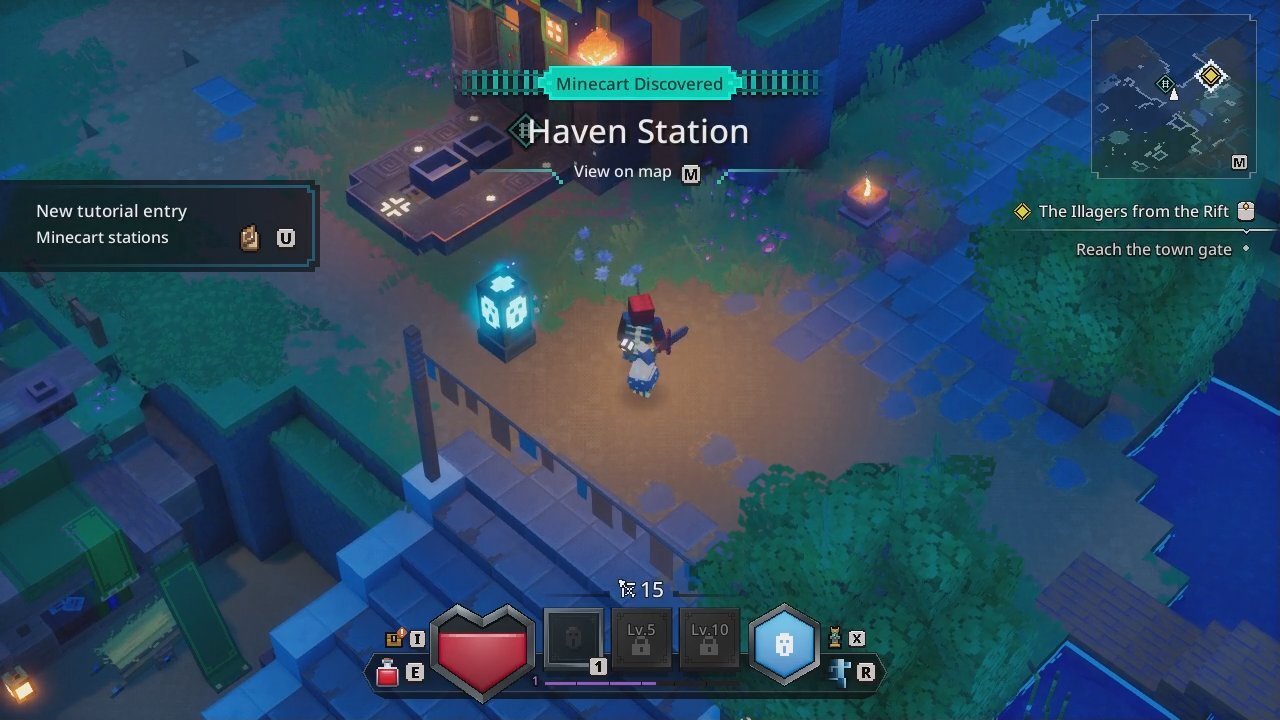
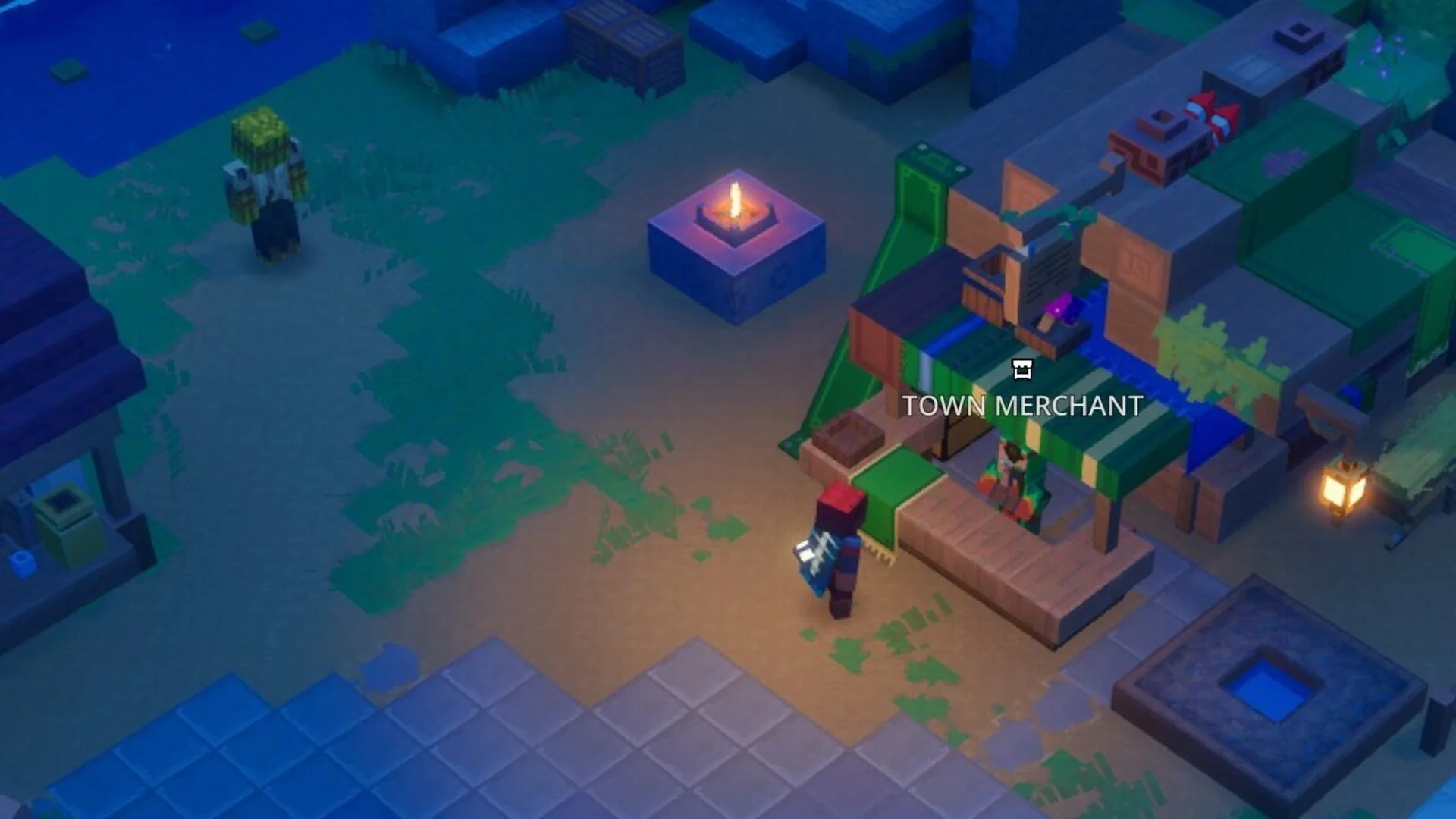
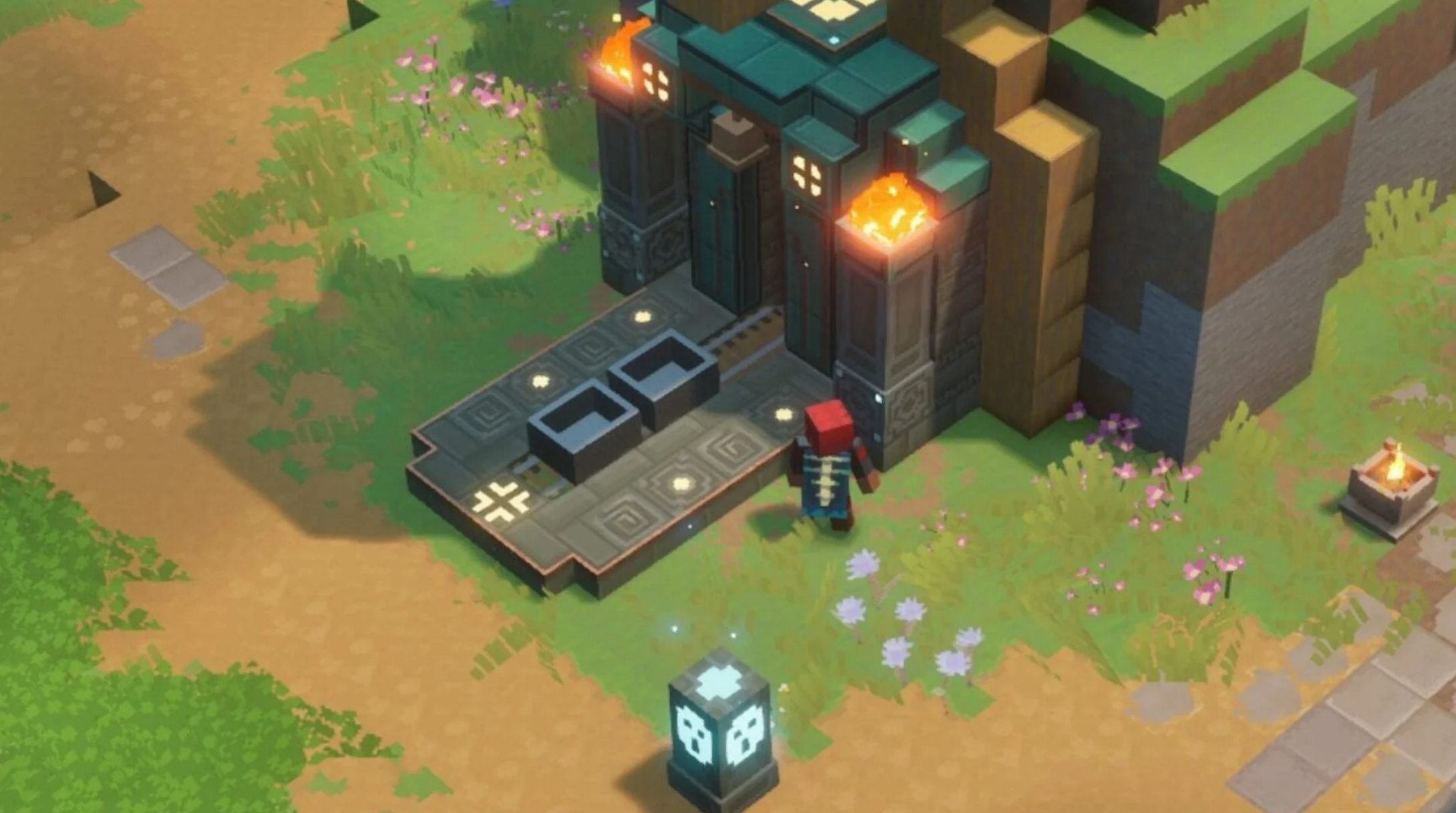
Unlocking the fast travel system in Minecraft Dungeons 2 is very straightforward and largely just requires players to progress with the main story or Core Quests, where they'll unlock their first fast travel point. After escaping the Squid Coast and arriving on Brave Haven, accept the first questline, “The Illagers from the Rift”, and either explore the area or progress with the quest to reach the town's gate to unlock the first Minecart station, Haven Station.
Progress with the quest further until they reach Honeycomb Farm and unlock another Minecart station, where players can start using the system to travel between locations (and later use Teleports and Teleport Statues). Teleports can be used similarly, as they’ll automatically activate them when in their proximity, both offline and in multiplayer lobbies.
How to use fast travel in Minecraft Dungeons 2
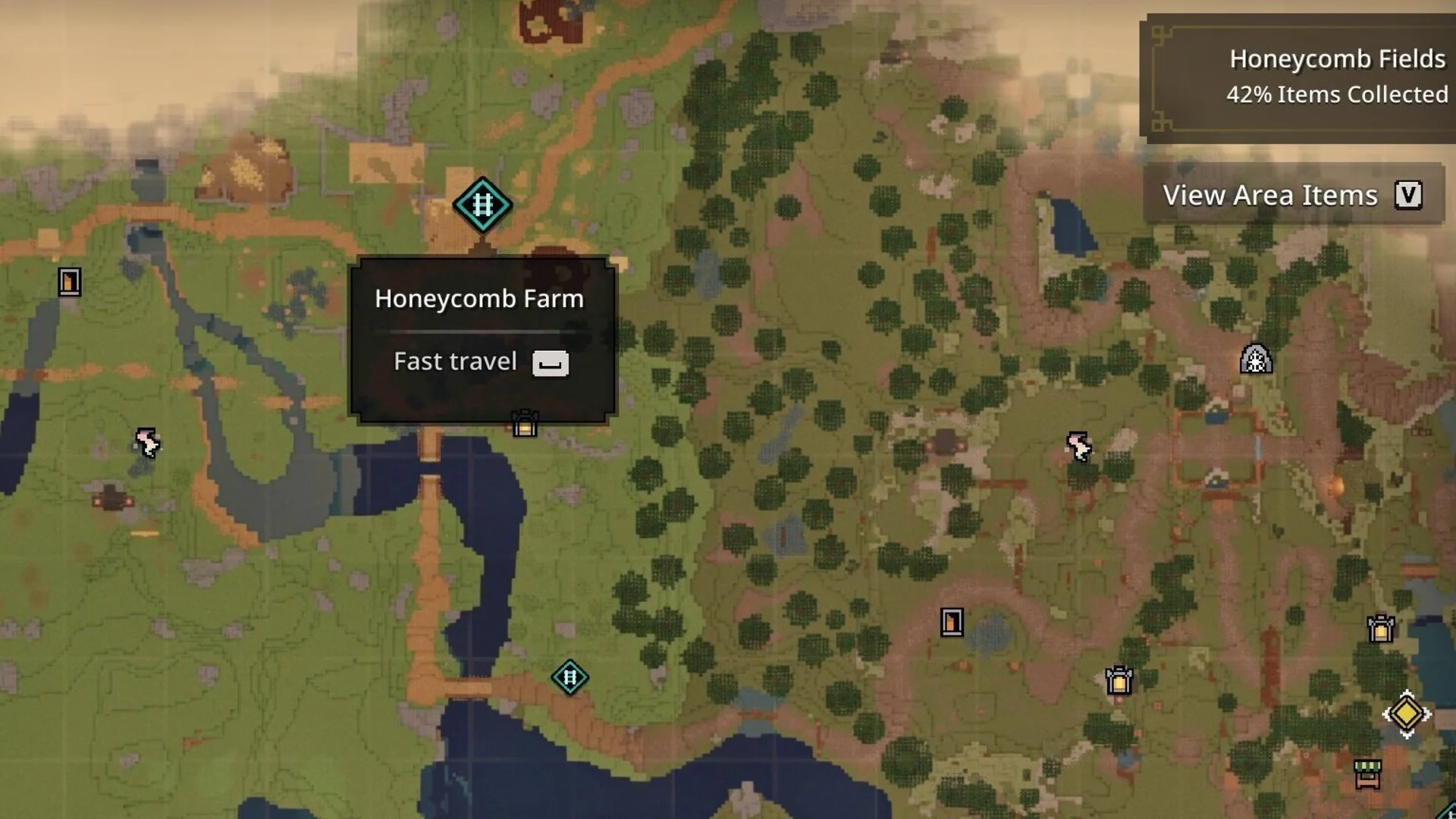
Once they’ve unlocked the fast travel system and start progressing with the main story, discovering new areas and unlocking Minecart stations and Teleports, they’ll be able to utilize the system to make traversal much more convenient. To fast travel from one point to the other, open up the map using the assigned key on the controller or keyboard, and hover over any unlocked Minecart station to choose which station to fast travel to.
If players wish to use the Teleport Statue, bring up the menu wheel using the assigned key on the controller or keyboard, choose the "Teleport" option, and select the available teleport to fast travel to the destination. They can also instantly teleport to Brave Haven by tapping the left directional button or the Z key.