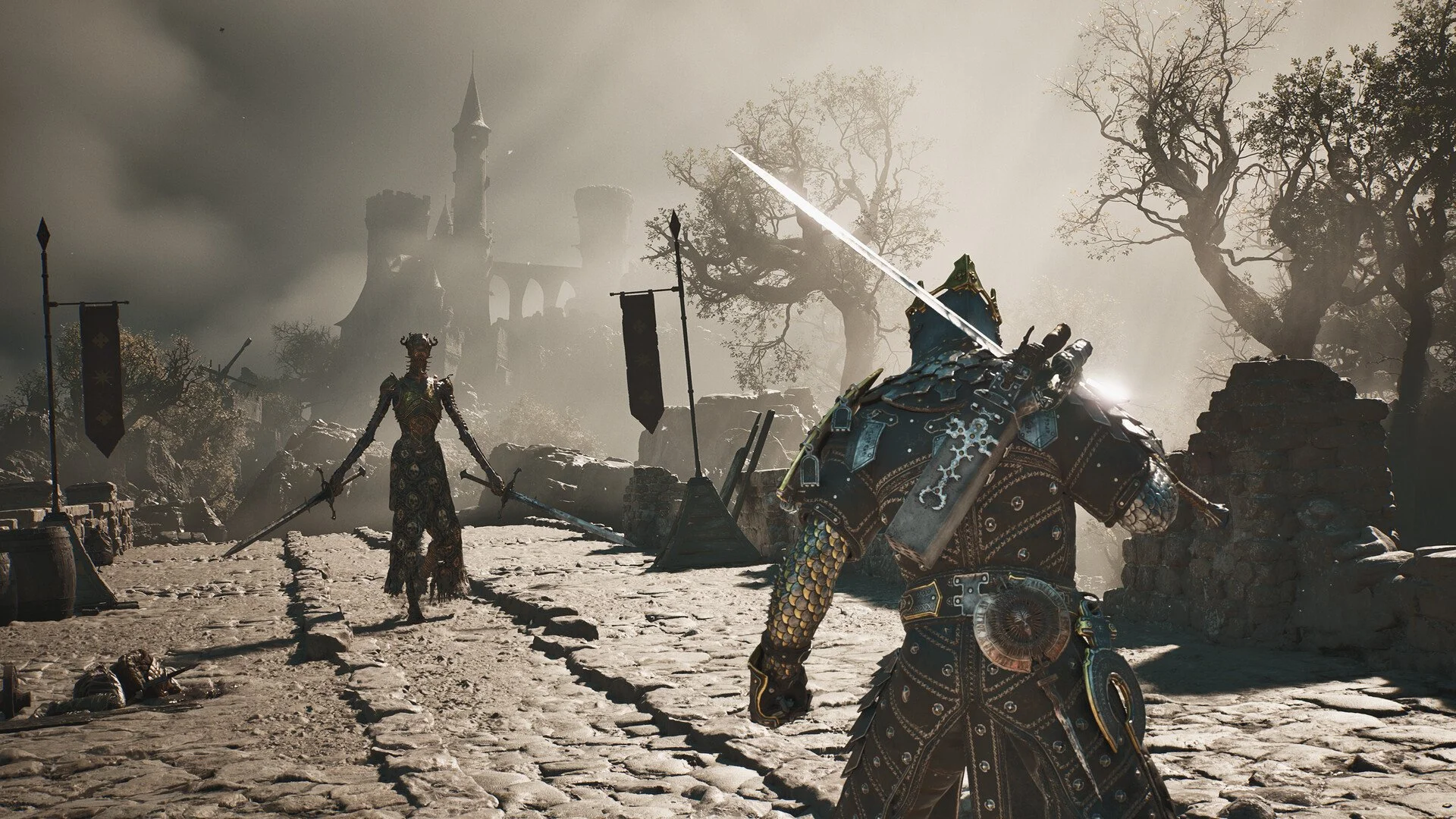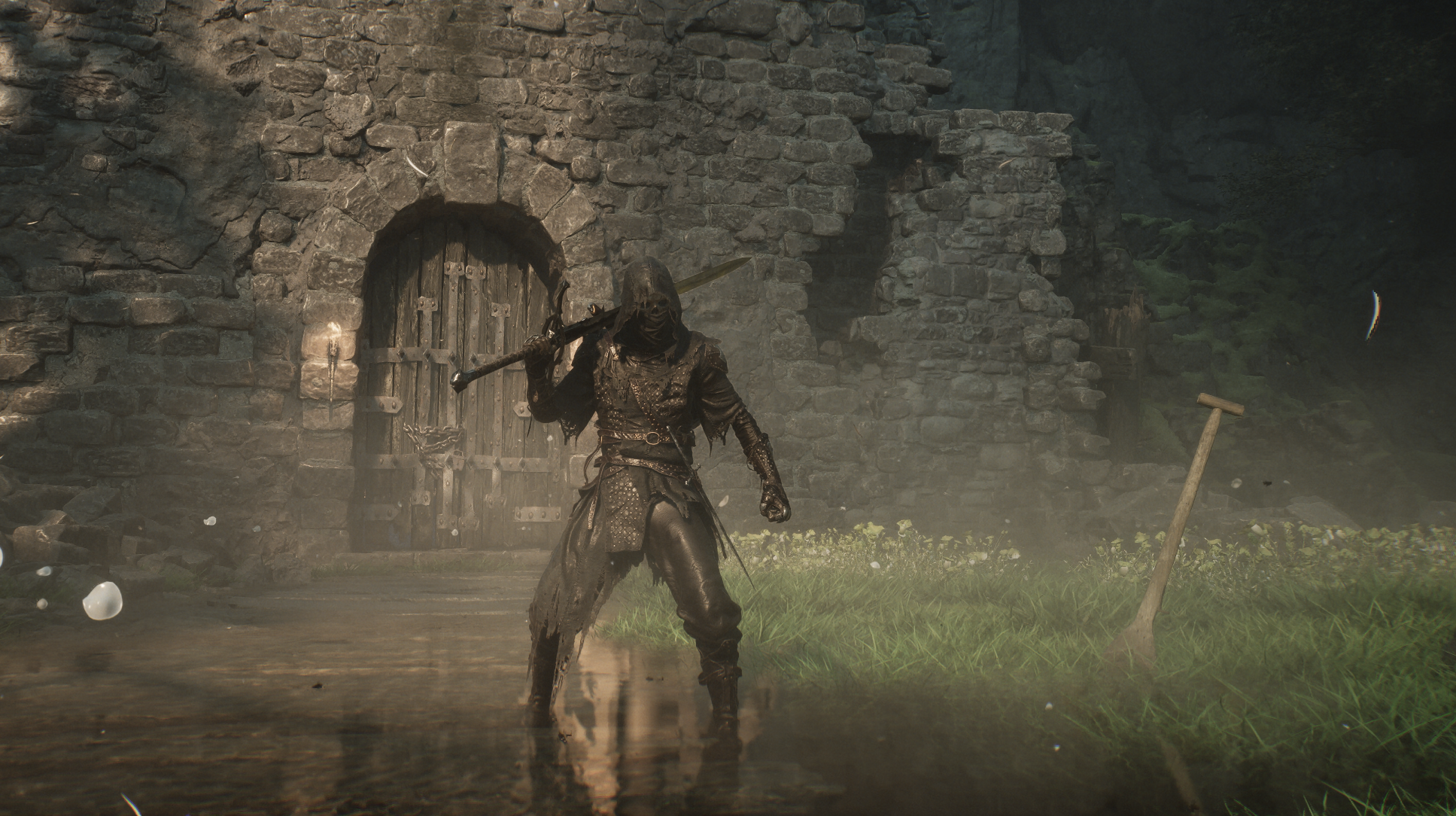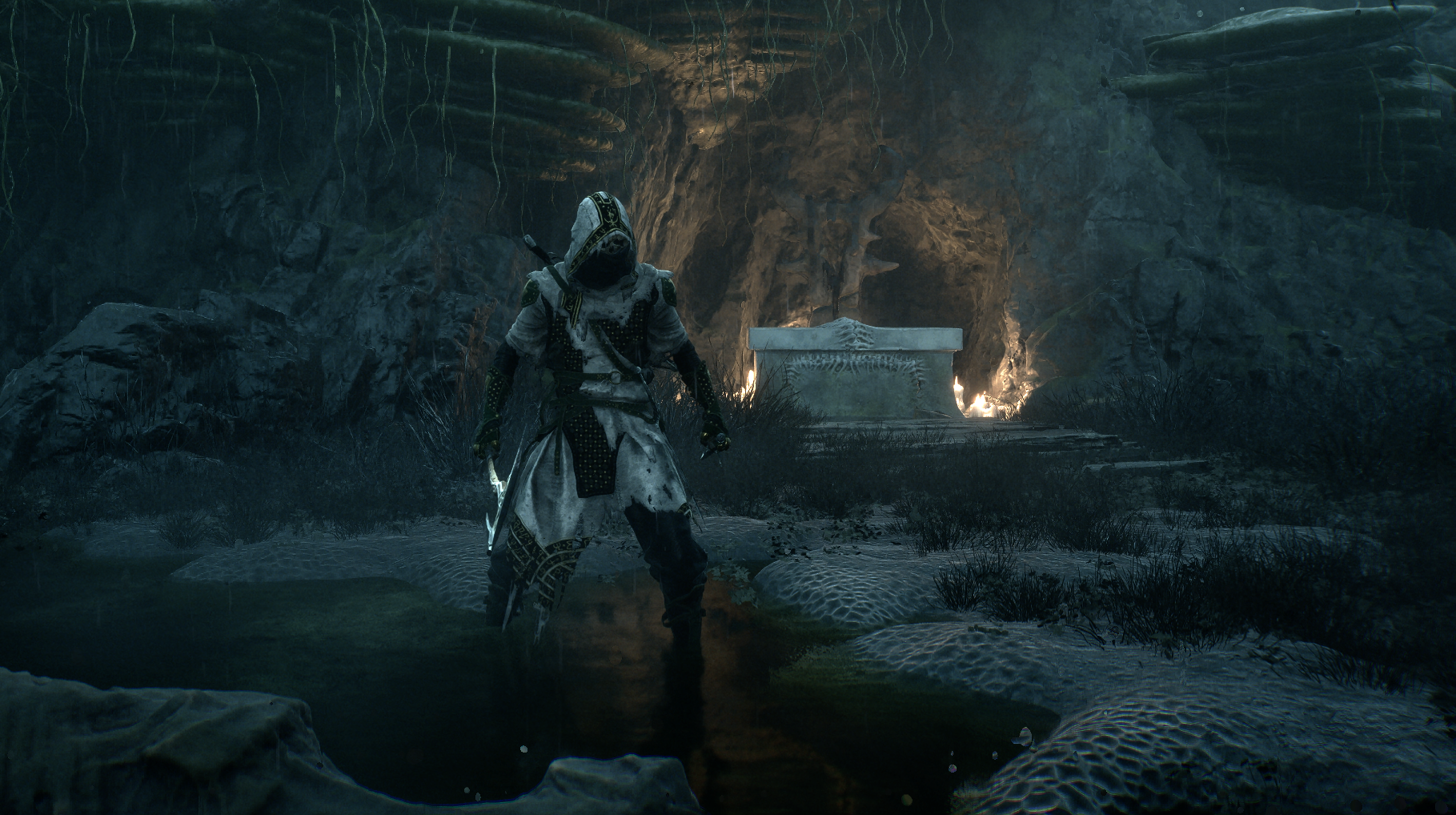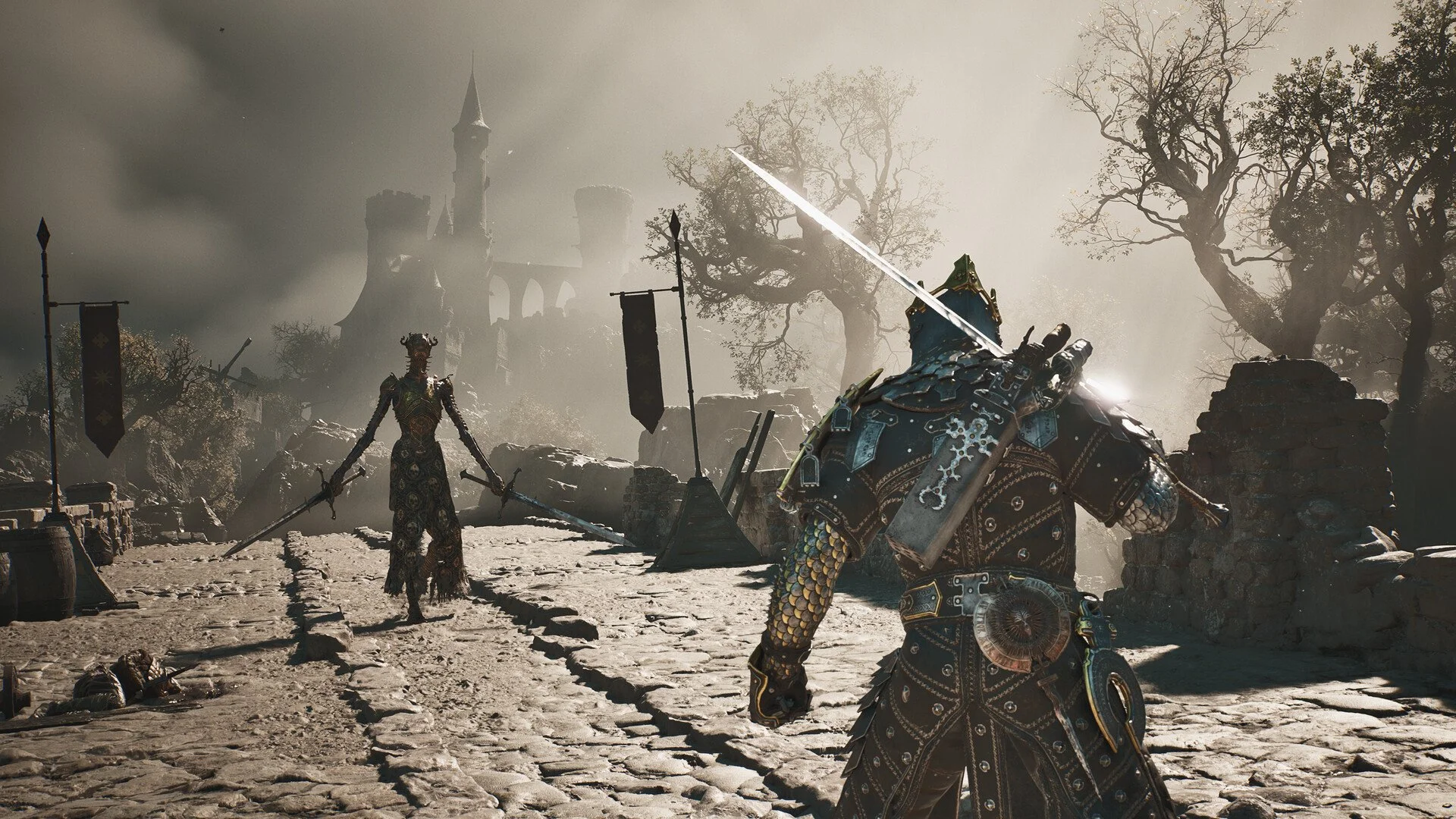
Mortal Shell 2 is a difficult Souls-like experience, bringing even tougher fights and more intense exploration than its predecessor. There's a lot to take in during its opening hours, such as adapting to the game's unique Shell-based gameplay features, learning about various upgrade and customization mechanics, and tackling a variety of hardy enemies and bosses.
There are dozens of hours ahead of you in Mortal Shell 2, so get ready to lock in for the long haul. For now, though, we've decided on five tips we think you should know about the opening hours of the game. If you're ready to get acclimated to Mortal Shell 2, read on.
Change to the Action camera
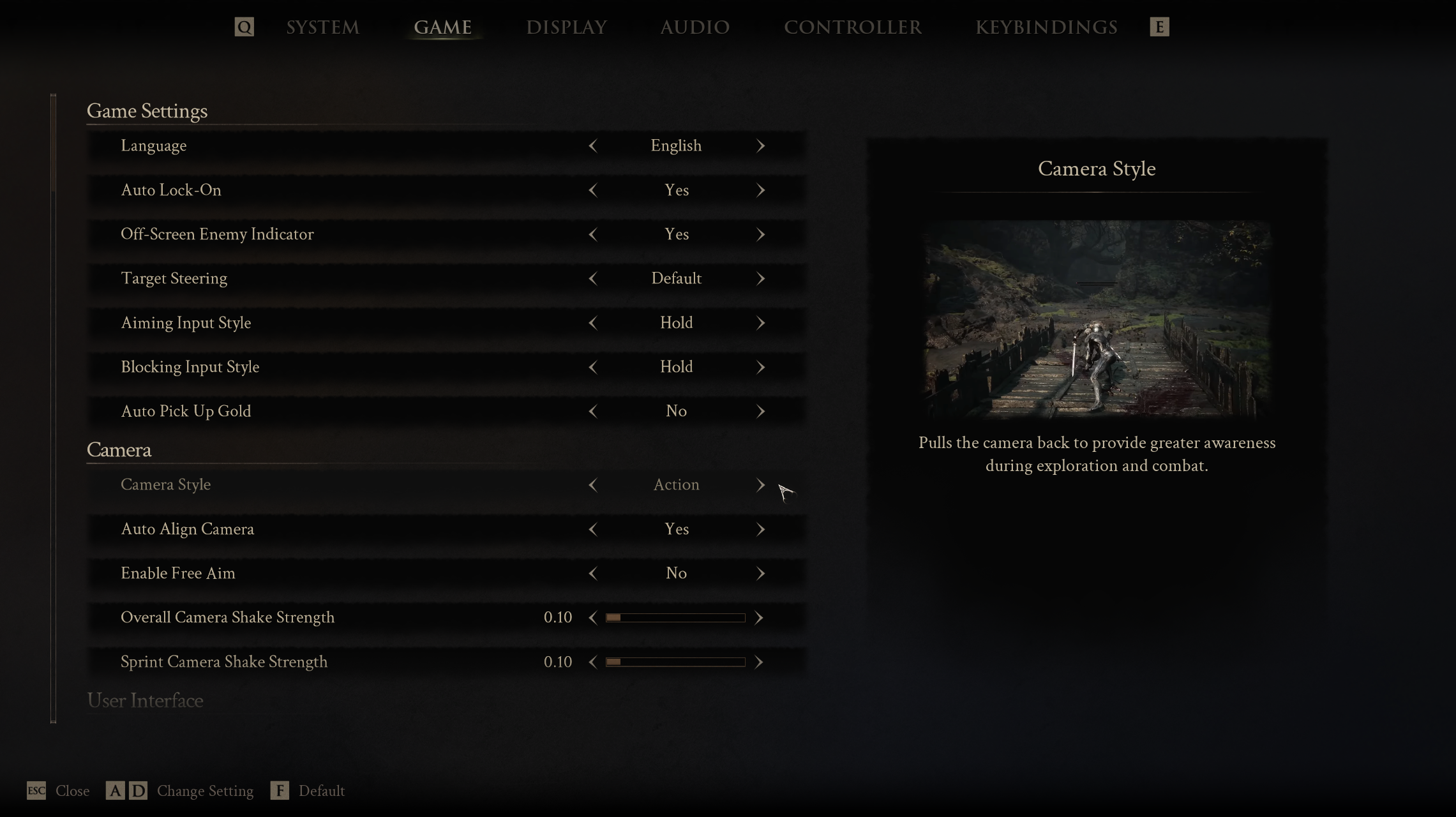
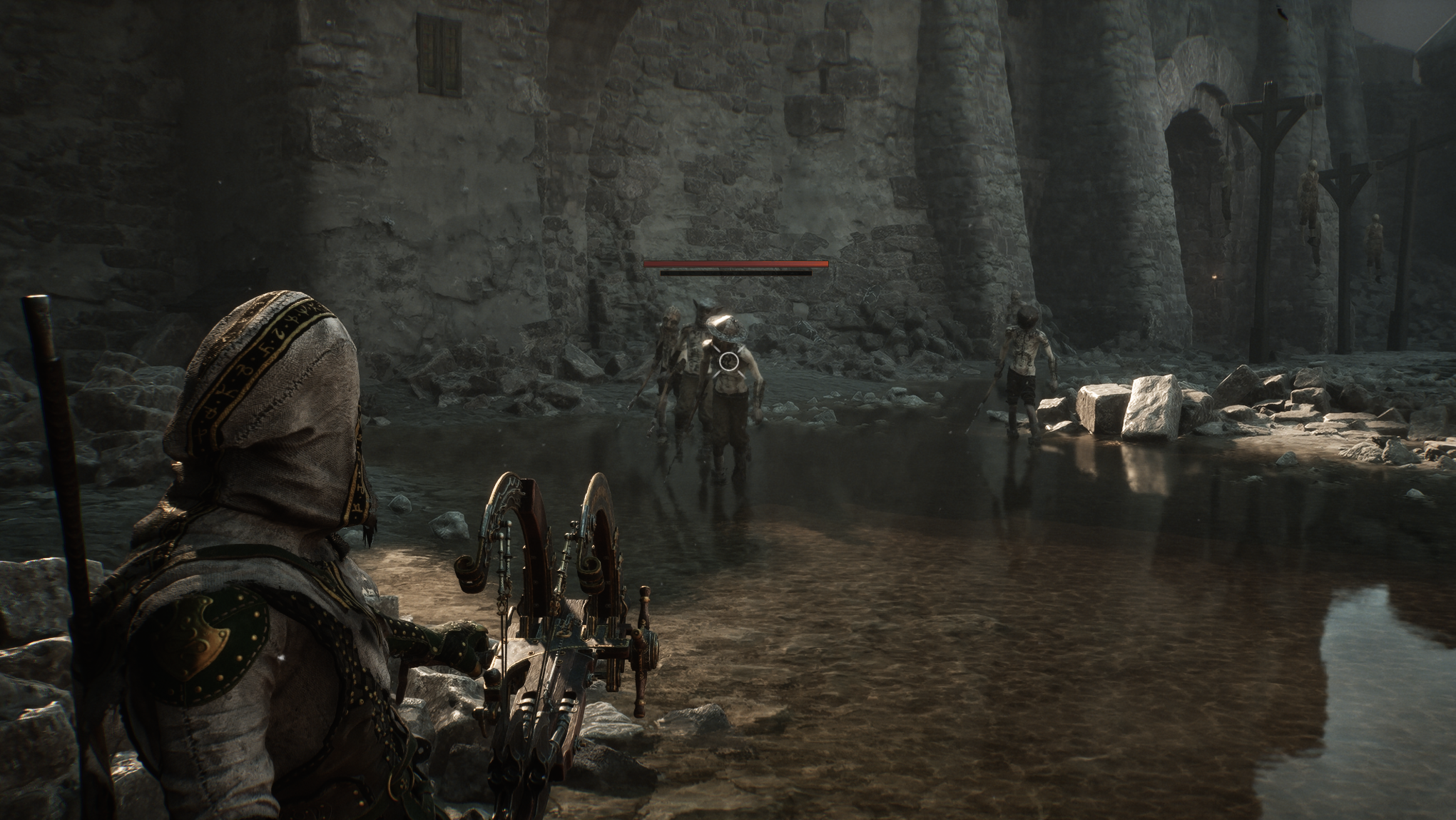
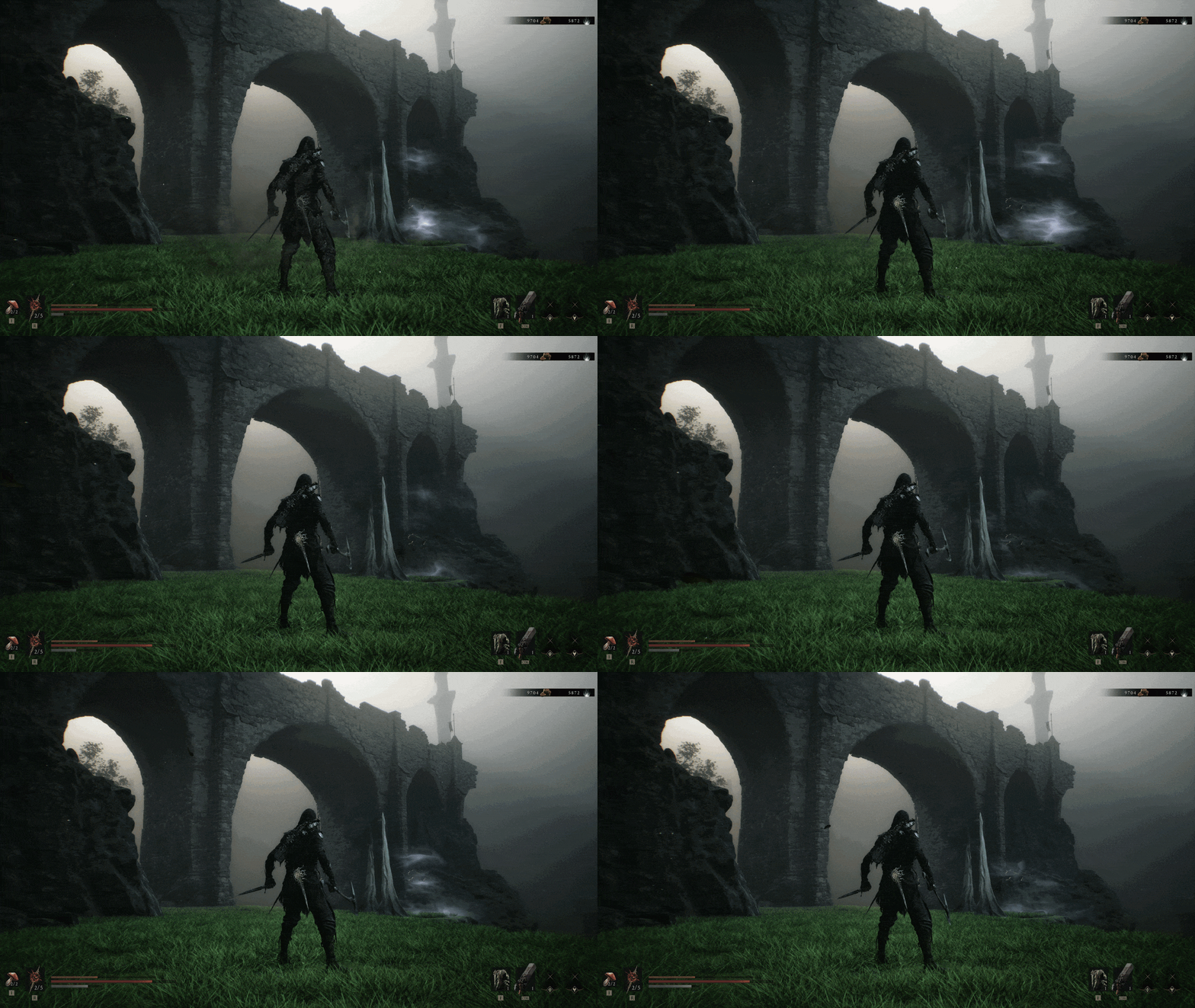
Mortal Shell 2 has two camera modes: Immersive and Action. The former is similar to the camera from the first game, featuring an over-the-shoulder view more akin to a traditional third-person action title. This can feel a bit claustrophobic in some situations, and it limits your ability to see what's going on around you. We'd recommend jumping into your settings and setting the game's camera to Action mode.
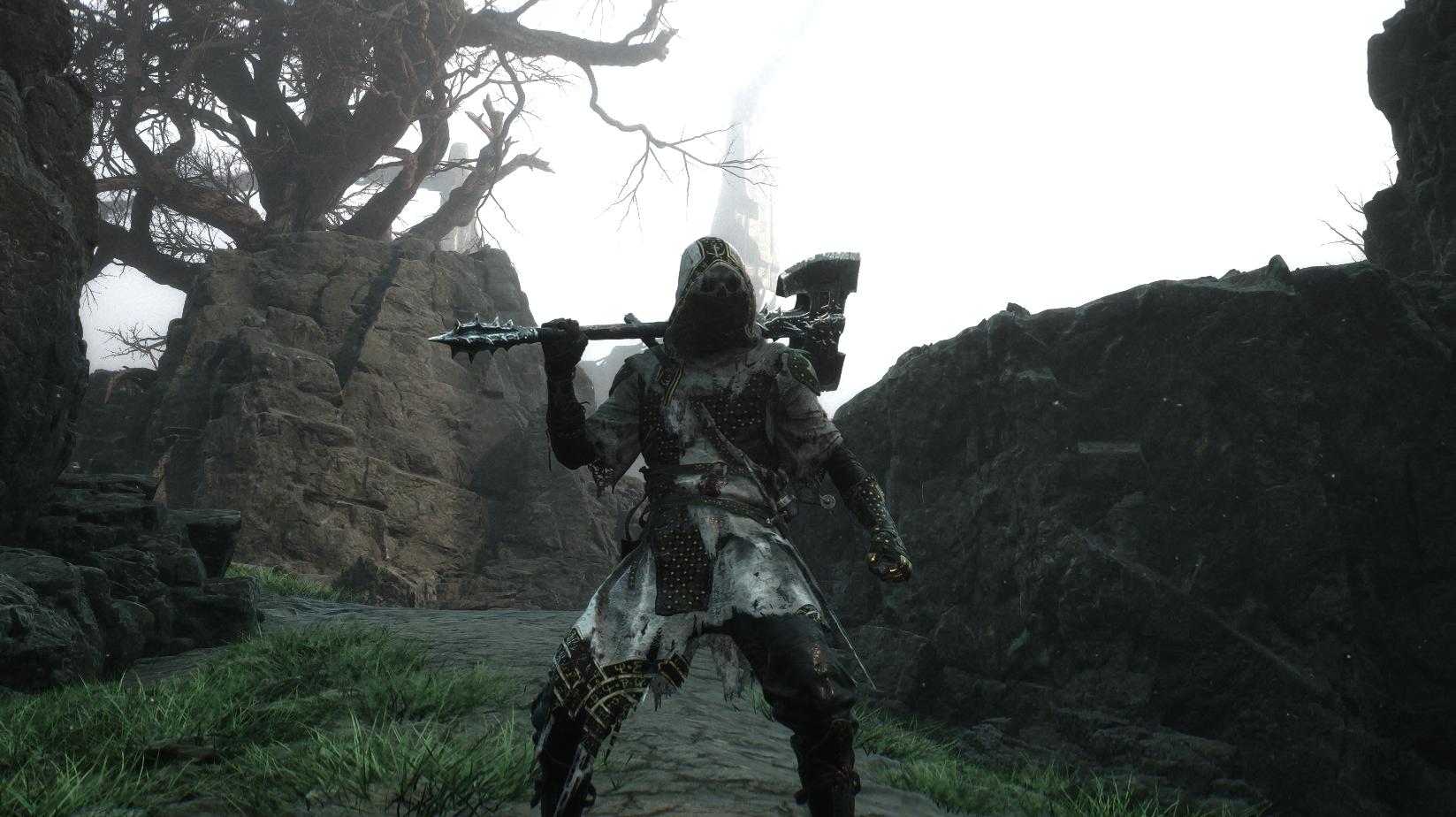
Action mode will provide a perspective you're likely used to in typical Souls-like games, granting you a full view of your character and a slightly less restrictive camera. It also lets you see your surroundings more easily, which comes in handy both in combat and exploration. Of course, you can toggle between these at any time, so ultimately, you should use the one that you prefer — we just find that the Action mode's benefits outweigh Immersive mode's, well, immersion.
Always cleanse beacons
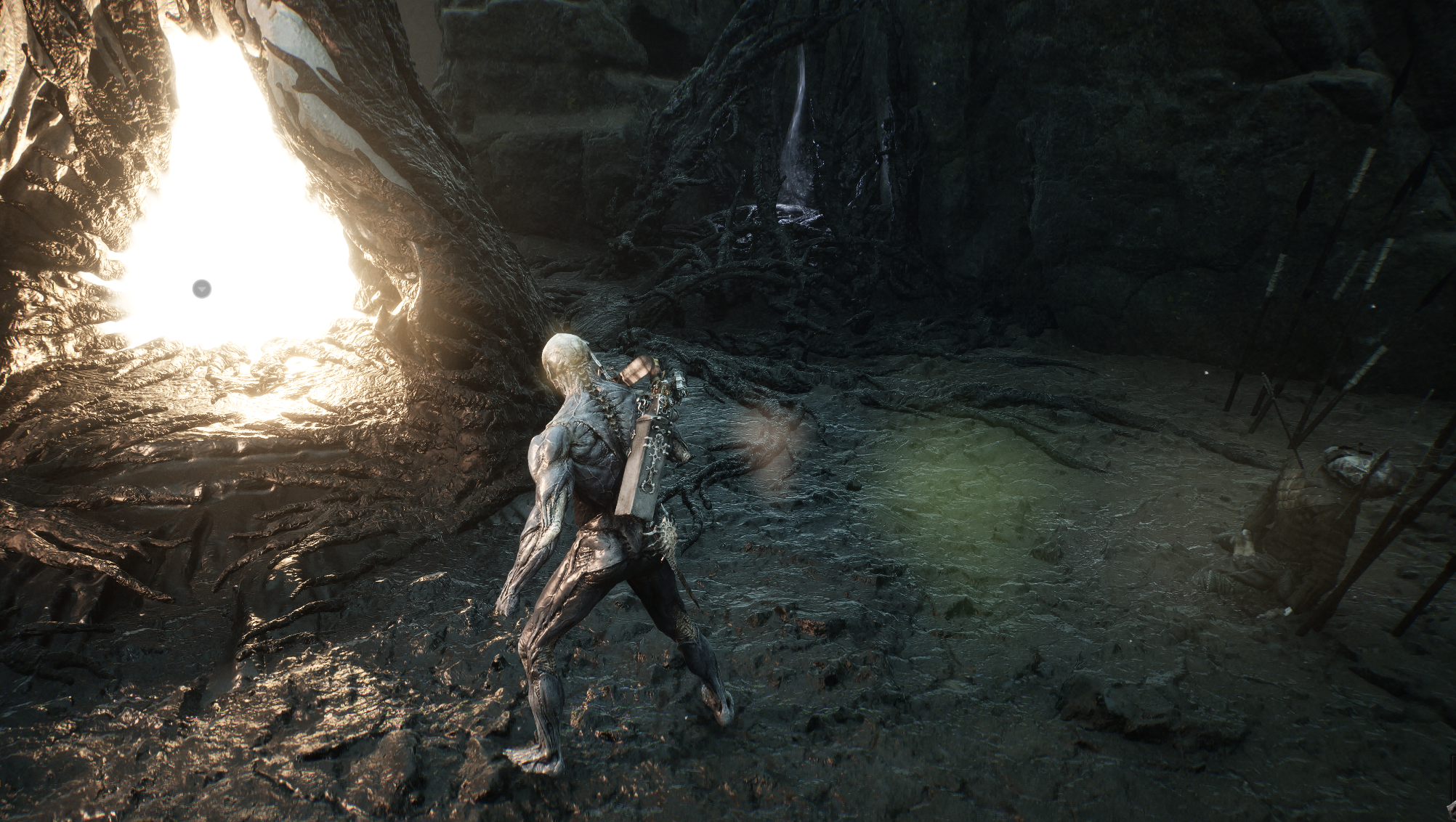
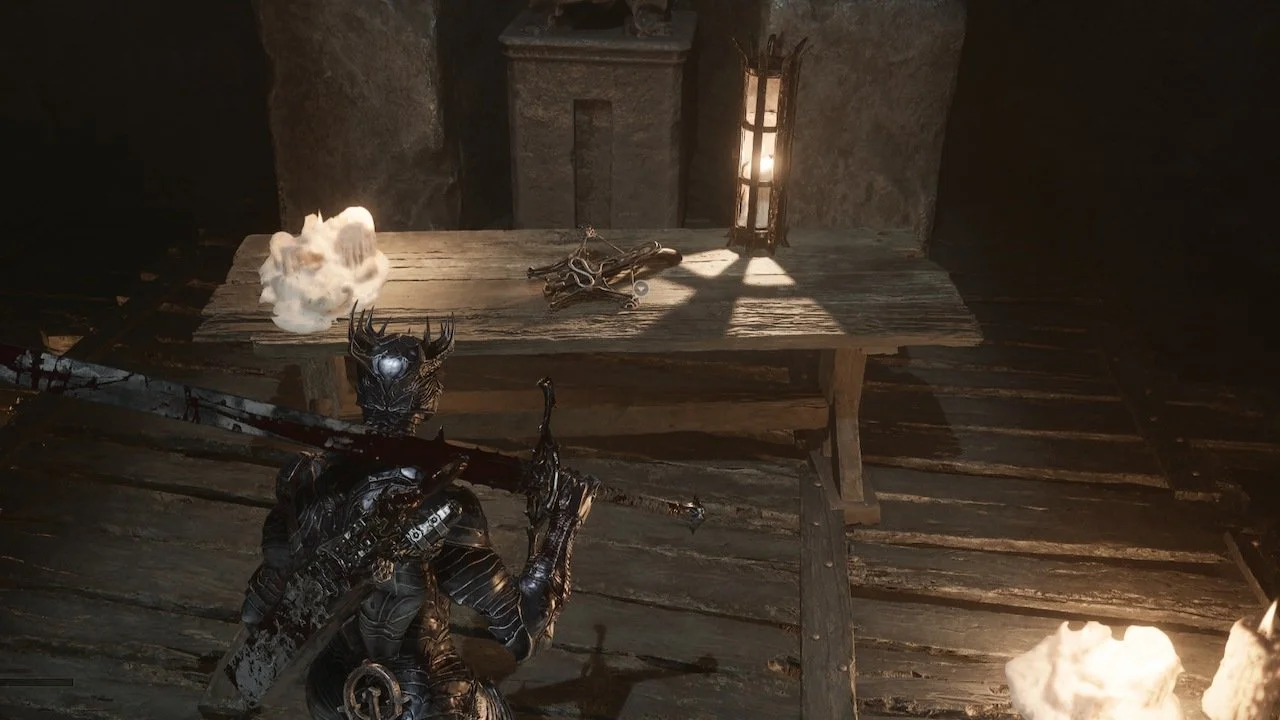
Since your main goal for a beacon is typically to rest and regain your health/resources, it can be easy to forget to cleanse them. However, cleansing beacons provides way too many benefits to ignore the process. Not only will you collect an Ova at the end (which happens to be your main goal in the game, after all), you’ll frequently receive more unique resources and Glimpse, which has a very important use.
Mark dungeons complete to track your progress
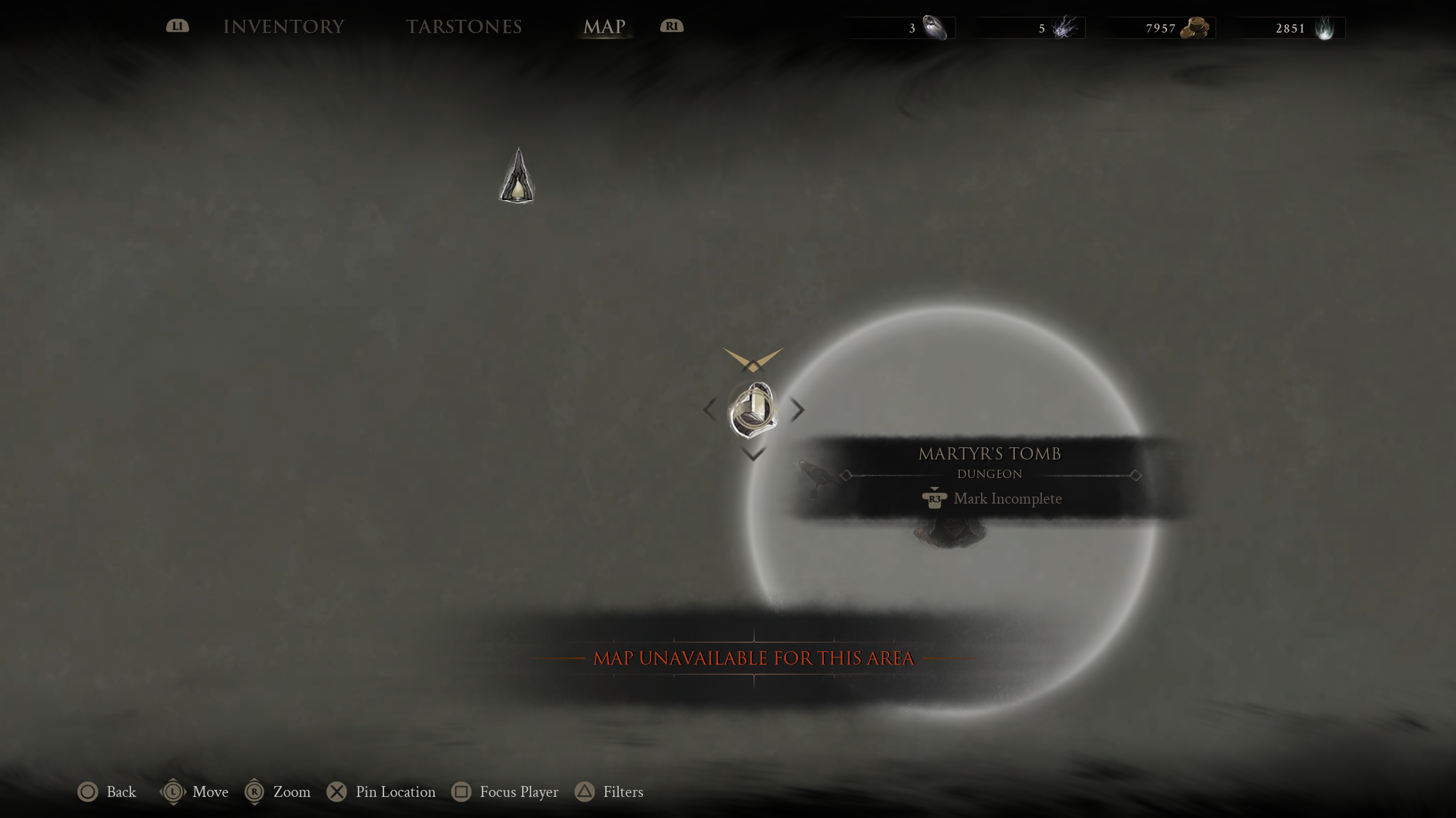
After clearing one of the game’s many dungeons (shown as icons with stairs leading downward), you can open your map, hover over the dungeon icon, and press the right stick to mark it as complete. Doing this will allow you to better track your general progress across the world, ensuring you’re never wasting time backtracking as you try to remember which dungeons you’ve already cleared.
Seek out the crow icons first
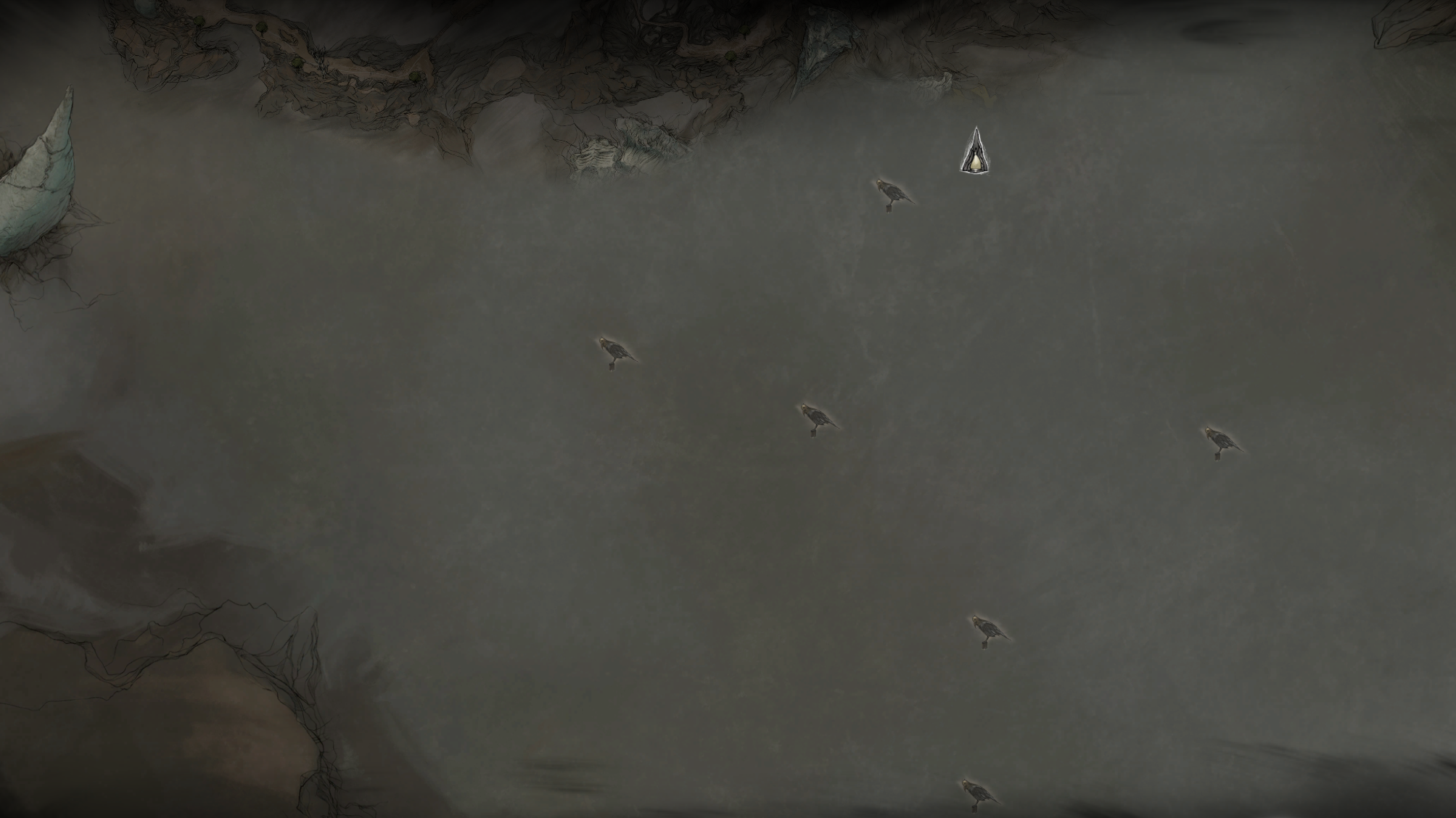
Without a detailed map to reference, areas can begin to feel like a labyrinth. So, when exploring a new area, always seek out the crow icons in the greyed-out portions of your map first. Finding these will allow you to obtain a map of the area, which can dramatically improve your ability to navigate it properly.
Don’t hoard your gold and Glimpse
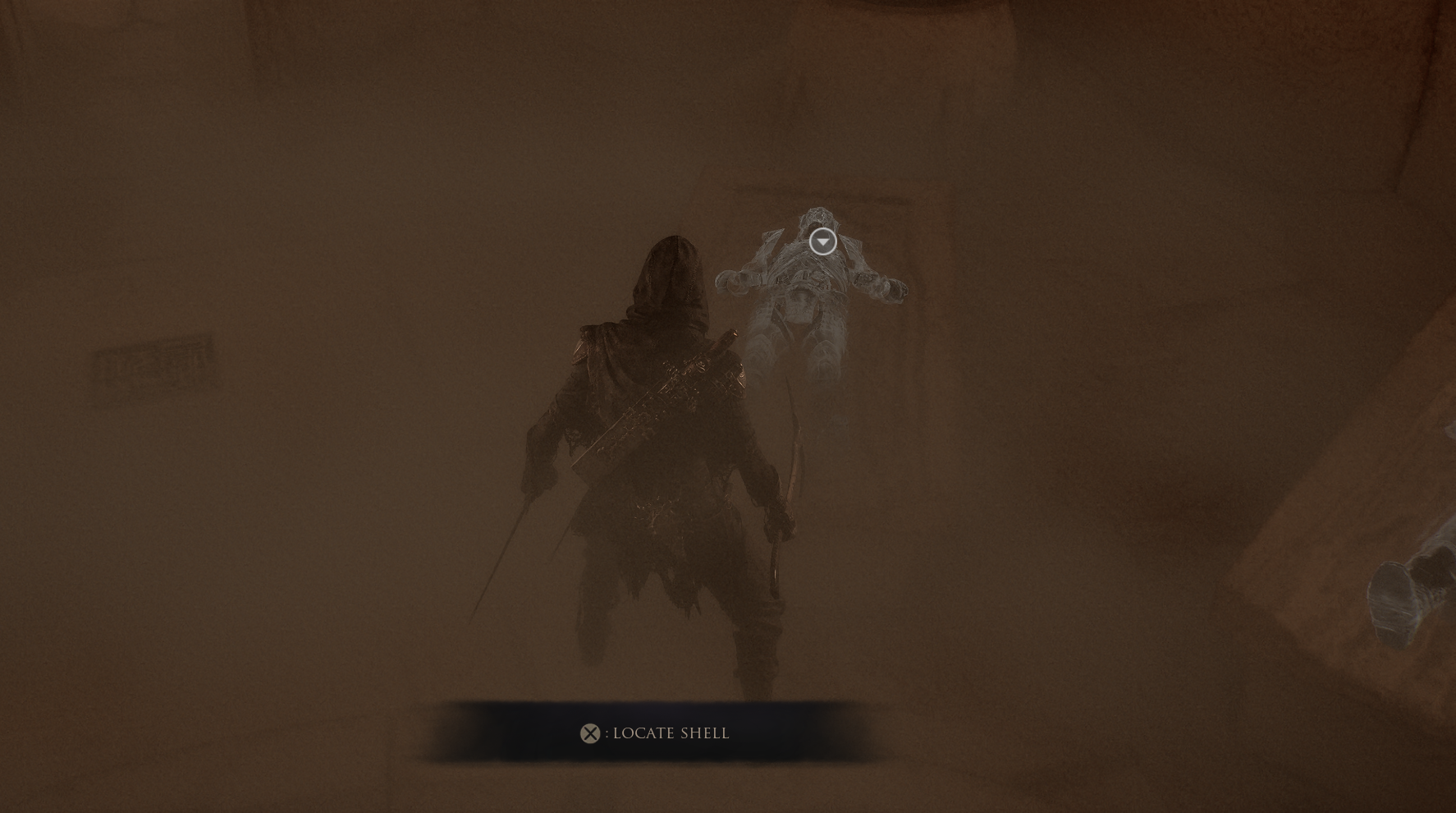
While it’s always good to have a rainy day fund, don’t hoard your gold or Glimpse to a fault. Back at Marrow Keep, you can speak with a shopkeeper to purchase useful maps that will point you toward powerful weapons, or use your Glimpse to grant you insight into where to find new shells. Making use of these options can help you find the right shell and weapon combo that suits your playstyle as early as possible.
Mortal Shell 2 is available now on PS5, Xbox Series X|S, and PC.