Pokémon Pokopia is all about gathering materials and furniture so that you can build and decorate each of its visually distinct biomes into the perfect areas for your Pokèmon to live. But with so much to find and craft, you may find yourself running out of inventory space quicker than you'd like.
If you're feeling a bit tight on space, rest assured you can purchase additional bags to increase your inventory — provided you've progressed the game's main story far enough along to gain access to them. Let's take a look at every inventory upgrade in Pokémon Pokopia and how to get them all.
All inventory upgrades in Pokèmon Pokopia and how to get them
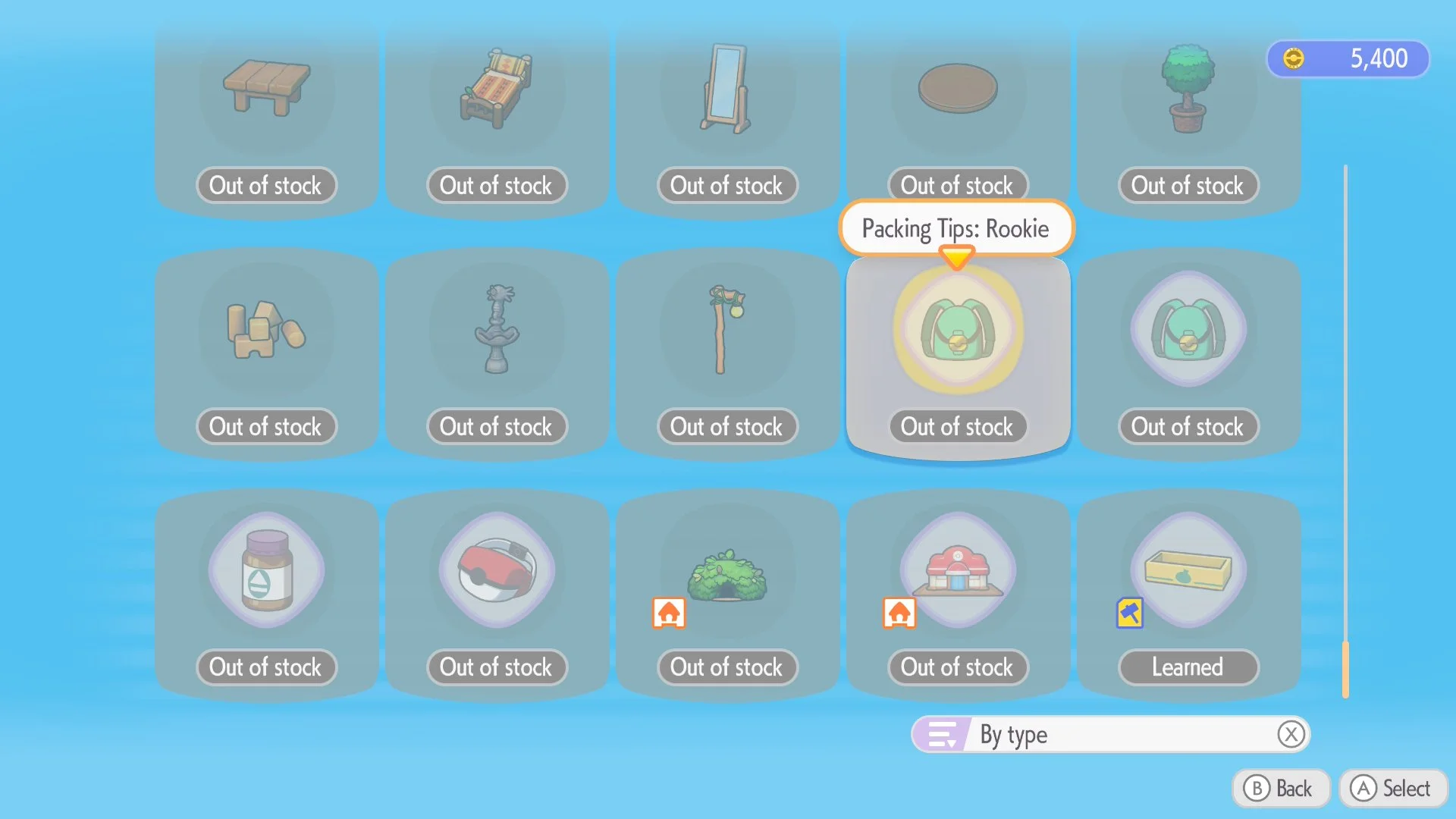
There are four Packing Tips bags you can purchase from Pokémon Center PCs to increase your inventory in Pokémon Pokopia, as well as a Handy Bag that has a special use we'll cover down below. However, buying each of these will require you to reach new biomes and environment levels, so you won't be able to gather them all right away.
Here is every inventory upgrade and where you can purchase it:
Rookie Packing Tips (100 Life Coins) - Available Immediately
Handy Bag (500 Life Coins) - Available Immediately
Intermediate Packing Tips (500 Life Coins) - Reach Environment Level 2 in Bleak Beach
Pro Packing Tips (1,000 Life Coins) - Reach Environment Level 2 in Rocky Ridges
Expert Packing Tips (1,200 Life Coins) - Reach Environment Level 2 in Sparkling Skylands
Each of the Packing Tips bags provides a significant upgrade to your overall inventory space, but the Handy Bag stands out as a unique addition that adds only 10 additional slots. However, this special bag comes with an extremely useful mechanic that allows you to display those 10 slots at all times, functioning as a quick-select tool for whichever items you've chosen for them. This makes it easy to rapidly swap between things like building materials and PP-replenishing food while you're working on your environments.
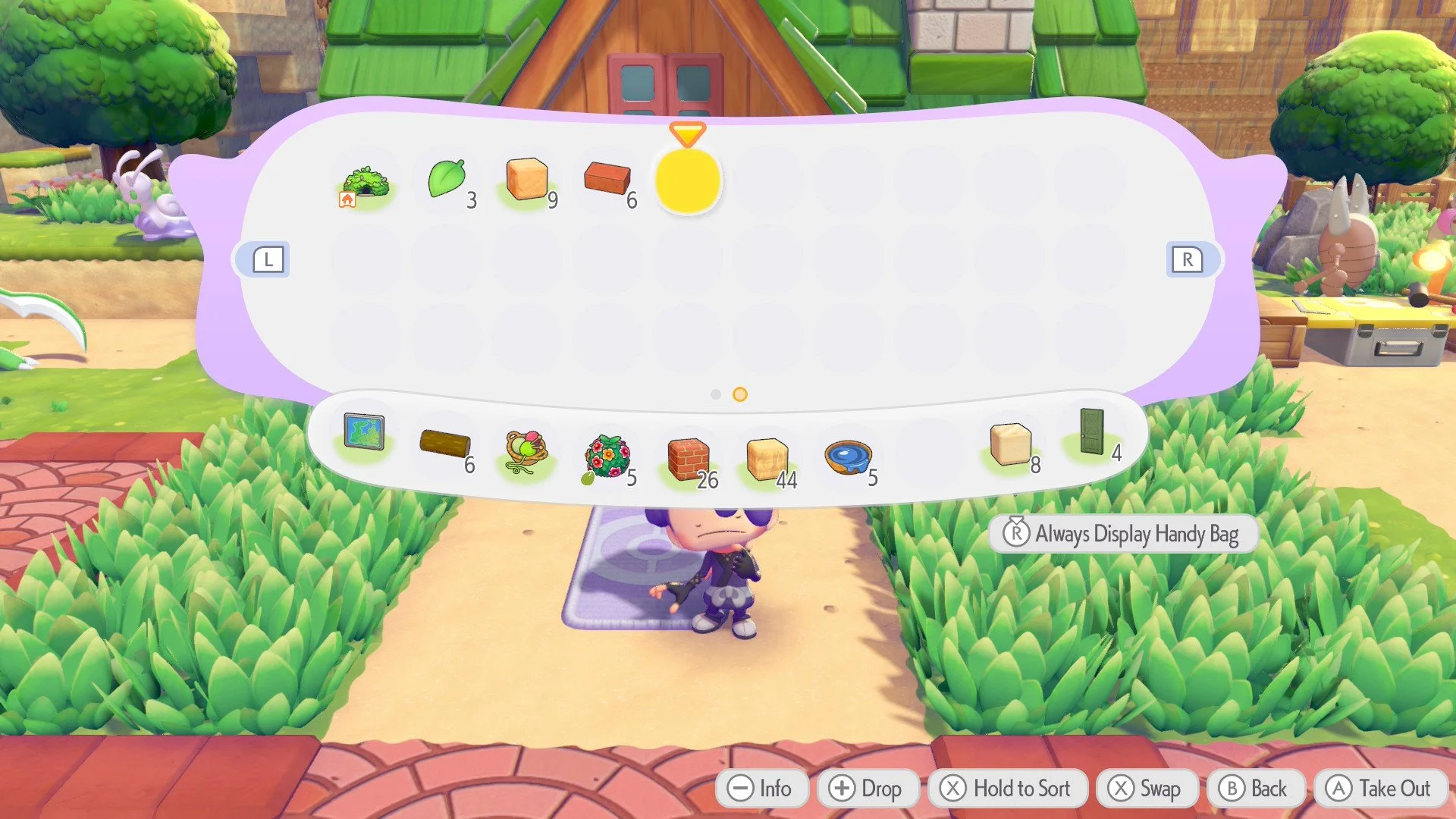
Note: The Handy Bag toolbar can be toggled off and on by opening your main inventory and clicking in the right stick.
Now that you have all that space in your inventory, get out there and fill it up with as many materials as you can find. And when you can't carry anything else, you can always toss some of it in a storage box for safekeeping until you need it again.
Take a look at our Pokémon Pokopia guides hub for more.