Introduction
Make every battle smoother and look more stunning by investing in a top gaming PC, saving your wallet in the process! The variety, price tags and overall build of a gaming computer could make it challenging to shop through each item that can get listed. Additionally, a large chunk of shoppers try to pack their wish list into a budget, which results in regret about the purchase.
You win with smart shopping, not just price. Check out the buying guide to what to look for, the differences among PC parts, and get help finding gaming computers for casual gaming, esports, challenging games, and content streams.
What Is a Gaming PC?
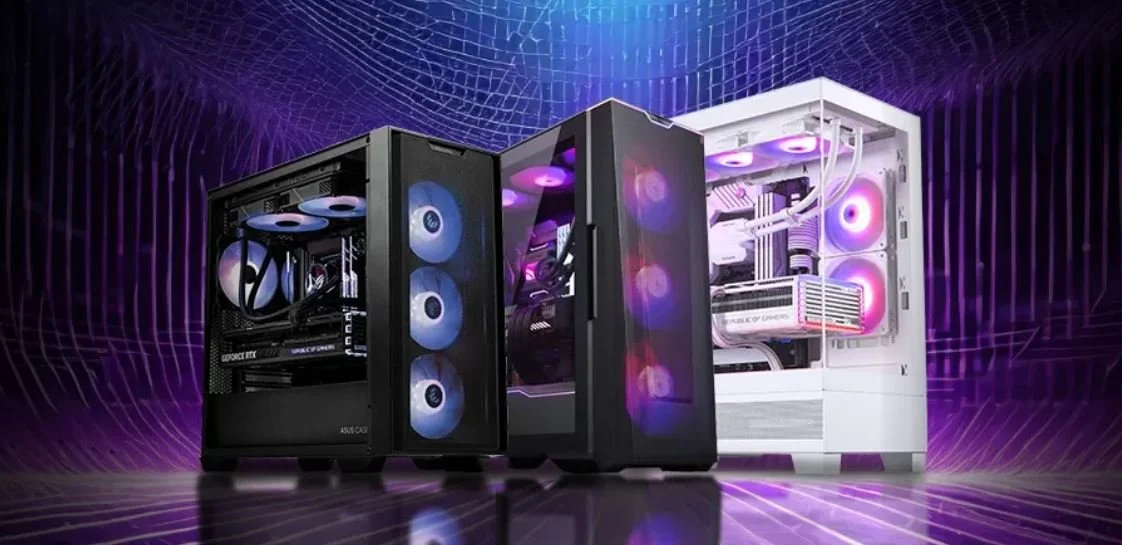
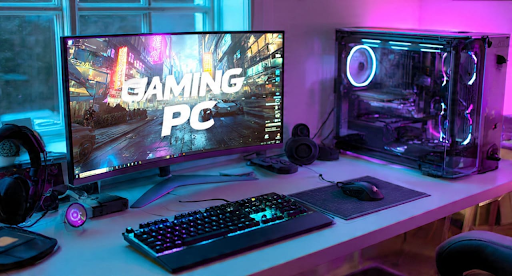
In a nutshell, a gaming PC is the king of the hill for desktops; it’s a specialized machine for awesome digital performance. Packed with an extra power punch compared to a regular desktop, they’re designed to power the latest high-resolution graphics and the fastest frame rates with room to multitask. Plus, they’re future-proofed and upgradable.
According to Statista, the global PC gaming market is expected to surpass $45 billion in the coming years.
So whether you're diving into the world of competitive esports or just have a passion for expansive adventures, the correct machine not only gives you the best experience possible but will help you keep pace with new releases. Best of all: most of the modern machines boast an exceptional cooling system and keep noise levels to a minimum, which means they are all a good prospect for upgrades!
How to Pick the Best Gaming Desktop
A gaming computer really all boils down to deciding what games you want to play while keeping what your budget is in mind. If it is at all possible to avoid splurging out on one piece and to go for a well-rounded build, that's generally where it all ends up in the wash. Think about its processing power, graphics, memory, and storage, and if it has some room for upgrades later on.
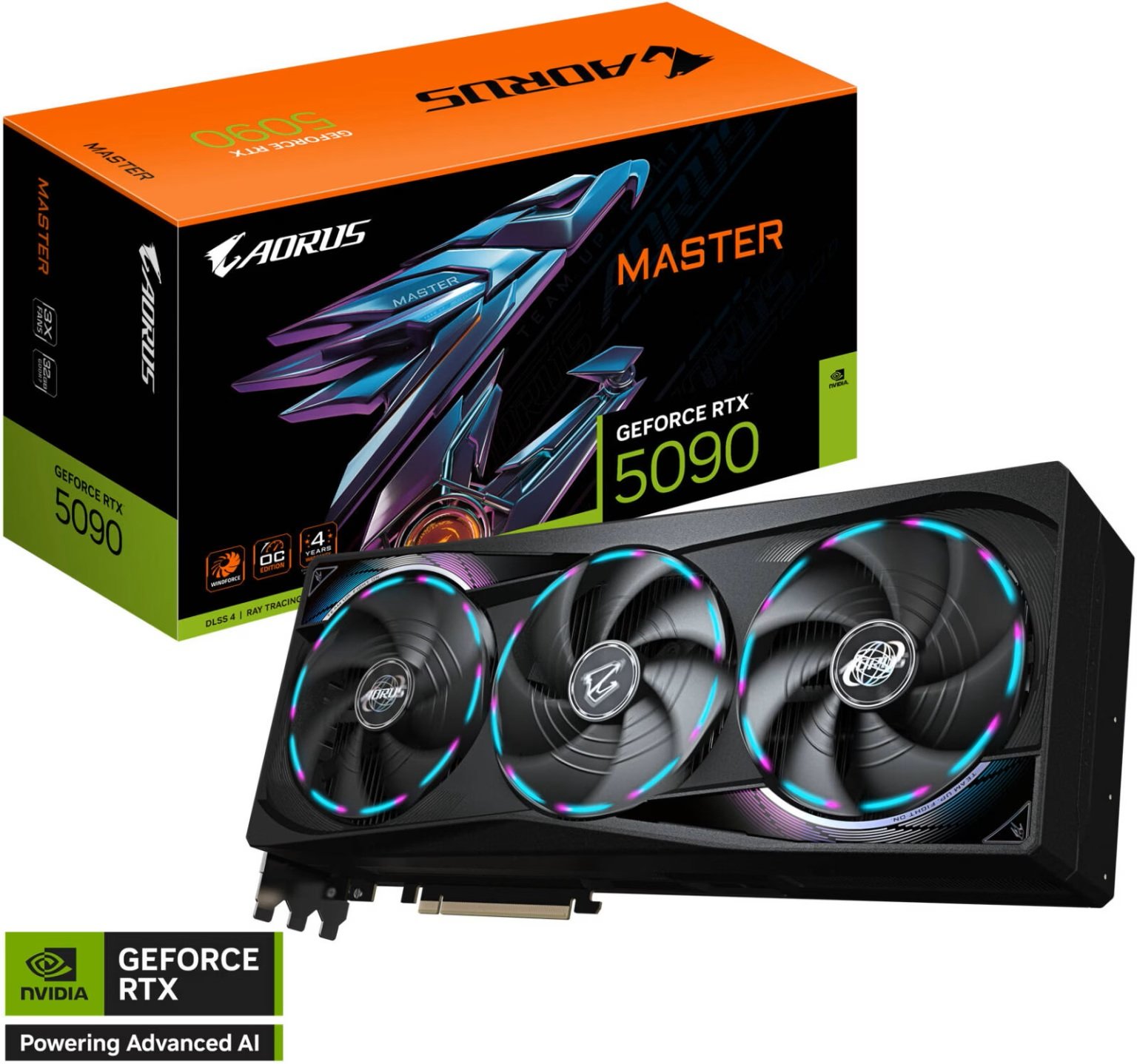
Graphics Card: Base it on your desired game resolution.
Processor: Whatever goes with your preferred gaming genres of play.
Memory: Take at least 16 gigabytes; you want that.
Storage: Opt for a snappy SSD for faster loading times.
Cooling and Power: Check the power supply and airflow for sustained performance and future upgrades.
Best budget gaming PC for Every Budget
Don’t let your budget stop you from diving into modern games. The relative affordability of the PC, coupled with the perfect selection of components, provides the ideal environment to experience top-notch 1080p gaming without emptying out the wallet.
When building on a budget, the best approach is to put the majority of your spending into your graphics card to ensure that you're getting maximum value for money and an easier path for upgrading. If you go at the entry level.
you should have the ability to do so at 1080p with a medium to high setting.
Entry: 1080p at intermediate to strong settings.
They ability to do so at 1080p with med to high setting
Should You Choose a Prebuilt Gaming PC or a Custom gaming PC?
Each has its pros. Save yourself time and pick up ready-made PCs: these come with a warranty and are ready for you to begin gaming right out of the box. You might consider a custom PC, as you have complete flexibility and freedom when choosing your components, and that can save you a lot of time when you are ready to make an upgrade. The deciding factors include how much control you want to have over your setup and how techy you want to get.
Gaming Hardware That Delivers Better Performance
Robust gear drives smooth gaming. Intel Core for gaming is pure speed. AMD Ryzen for multitasking is king. A mean NVIDIA GeForce RTX GPU, enough DDR5 RAM and an ultra-fast NVMe SSD to secure lightspeed loading, buttery smooth framerates and more.
That’s how we balance. Not some ostentatious single expensive component.
Focus on the GPU.
Pair your GPU with a modern CPU.
Utilize speedy SSD storage.
Ensure sufficient cooling.
Match Your Games With the Right Gaming Desktop PC
The best hardware varies by game. In Esports, pros desire high refresh rate gaming, which necessitates that your PC is able to push as many frames per second (FPS) as possible. But the kind of AAA titles typically considered cinematic need graphics processing power. Also, as a content producer, you might be doing more work with your CPU if you’re recording video for streams and videos.
A report by Newzoo shows that there are over 1.8 billion PC gamers worldwide.
Align your system's capabilities with your play style for the most value.
Features Every high-performance gaming PC Should Have
A powerful machine remains competitive and useful for years to come. Look for components that work well together the processor, graphics card, memory, cooling, and storage rather than a single overhyped part. Good airflow and a reliable power supply also keep the session going, ensuring smoother gameplay and a better return on your investment.
Industry data shows that demand for high-performance gaming PCs is growing rapidly, especially with the rise of competitive and online gaming.
Top Gaming Computer Brands Compared
Consider your purchase carefully: brand names convey different things about hardware, but price alone doesn’t necessarily define quality. Corsair supplies well-built systems with relatively quiet operating characteristics. If you prefer gaming-focused performance combined with relative affordability, consider Lenovo.
But Alienware gaming setups can still fall flat due to the high asking price of those custom configurations. A more mainstream gaming solution can be a great pick. The ASUS ROG (Republic of Gamers) is awesome to game on. HP OMEN makes gaming PCs that compromise between good design, budget, and performance. Examine the warranty provided with each device, how simple it is to upgrade the internals, the cooling systems for each, and what customer service and support come with your rig.
Corsair: Good construction quality with a stealthy, quiet operating demeanor.
Lenovo Legion: A great option for gamers seeking great value.
Alienware: Style meets premium performance.
ASUS ROG: Powerful performance and advanced cooling.
HP OMEN: A harmonious blend of price and capability.
Buying Tips Before Choosing a Windows 11 gaming PC
How to not get taken for a ride. To do this, ensure your rig meets your monitor's resolution and games' requirements. Likewise, look ahead at future upgrade options and check the specs and ports, and ensure a quality warranty is in place. Doing a little legwork can get you set for a better build in the future.
Try to at least have 16 GB of RAM for any modern games.
Check there are plenty of USBs, HDMIs, and DisplayPorts.
Either a Wi-Fi 6 router or stable Ethernet.
Check for an adequate warranty, and if possible upgrades.
Is a 4K gaming PC Worth Buying?
But if you desire a better quality, 4K resolution gaming setup, you already own a 4K monitor and can manage the higher costs for hardware; it could actually be wise for you to get yourself started on building a. Though, bear in mind, it takes a really robust setup and high-quality GPU, as well as a high-performing CPU to sustain frame rates.
The current-day optimum for frame rates is most commonly the 1440p setup, and it might not be an investment you consider worthwhile unless you’re able to buy flagship components to get yourself the finest results.
Conclusion
Your ideal gaming PC comes down to matching your budget with your gaming interests and future desires. Expensive, mismatched parts. They mess up a rig's balance. You want perfect balance. Look for trusted manufacturers.
They back their gear. Build for the future. Dependability is crucial. Skip the slick marketing. Buzzwords don't mean a thing. When it’s a match for your favorite titles and displays, the result will be flawless frame rates, incredibly speedy load times, and smarter PC building for less.
Common Questions
What’s a good gaming PC to buy?
Whatever the size of your wallet, the kinds of games you like best, and your future upgrade plans permit.
How much should a good gaming PC cost?
Even with a decent bargain PC costing around $600- $700, you'll get quite an astounding level of bang for your buck.
Can you get a decent gaming PC for $700?
We thought you never would; yes, you should get it! PCs will serve you for the long haul for gaming with lots of upgrades.
Is a PC for $500 considered good enough to game on?
Only for less intense titles and with some 1080p game settings to get by.
For a 1000-dollar gaming PC, for how many years would it be optimal?
About 5 to 7 years in between small upgrades
Do I really need 32GB of RAM for a gaming computer?
You could certainly game well without it, but 32 gigabytes of RAM would definitely prove helpful if you plan to use this computer to game, stream, or do a variety of things.
Meta Description
Get yourself the gaming PC based on your spending limit; we will provide insights regarding specs, how well the gaming rig works, and the major names and tips that will put your mind at ease.