
When your Miis start to build relationships with one another, they can give each other nicknames. Whether they’re besties or even lovers, Miis will want to have new nicknames for each other. But what happens when you regret your nickname choices and want to change them? Here’s an explanation on how to change nicknames in Tomodachi Life: Living the Dream.
Can you change nicknames in Tomodachi Life: Living the Dream?
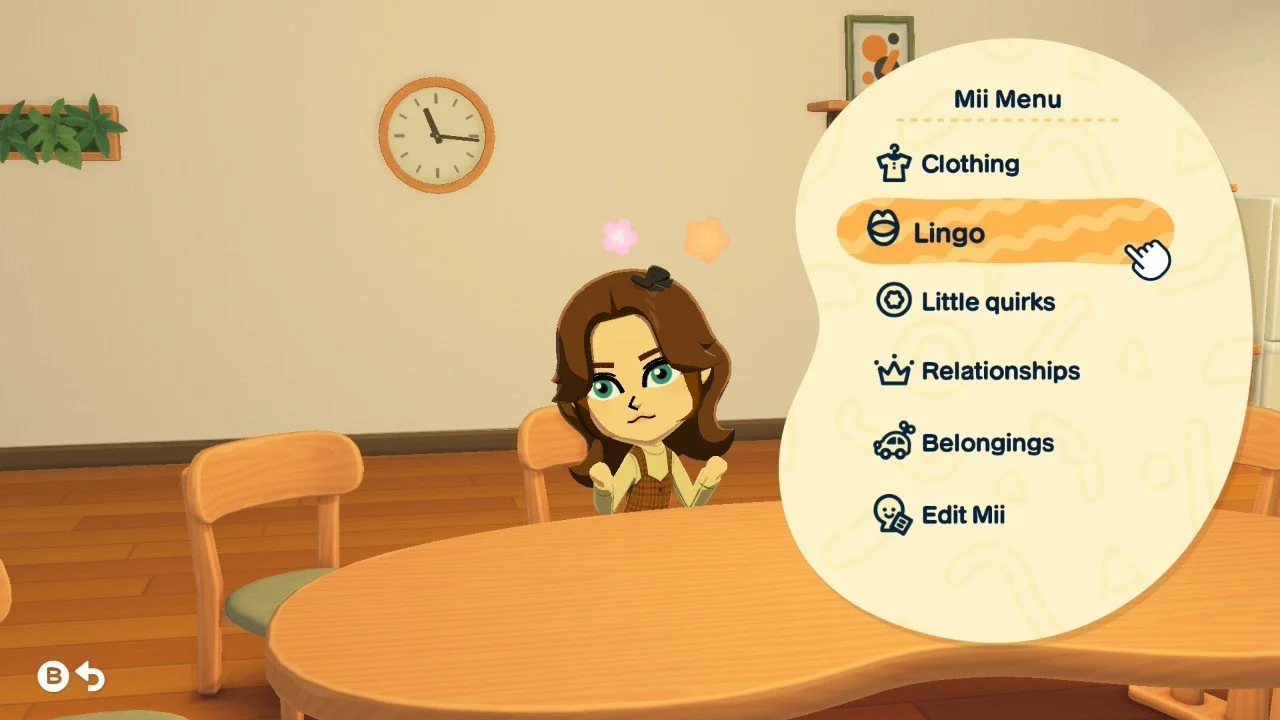
You can easily change nicknames for Miis in Tomodachi Life: Living the Dream through the Mii Menu. Check up on your Mii, press the Y button, and then select the Lingo option. Select the first option, ‘Nicknames’, and you can see all of that Mii’s nicknames for other Miis.
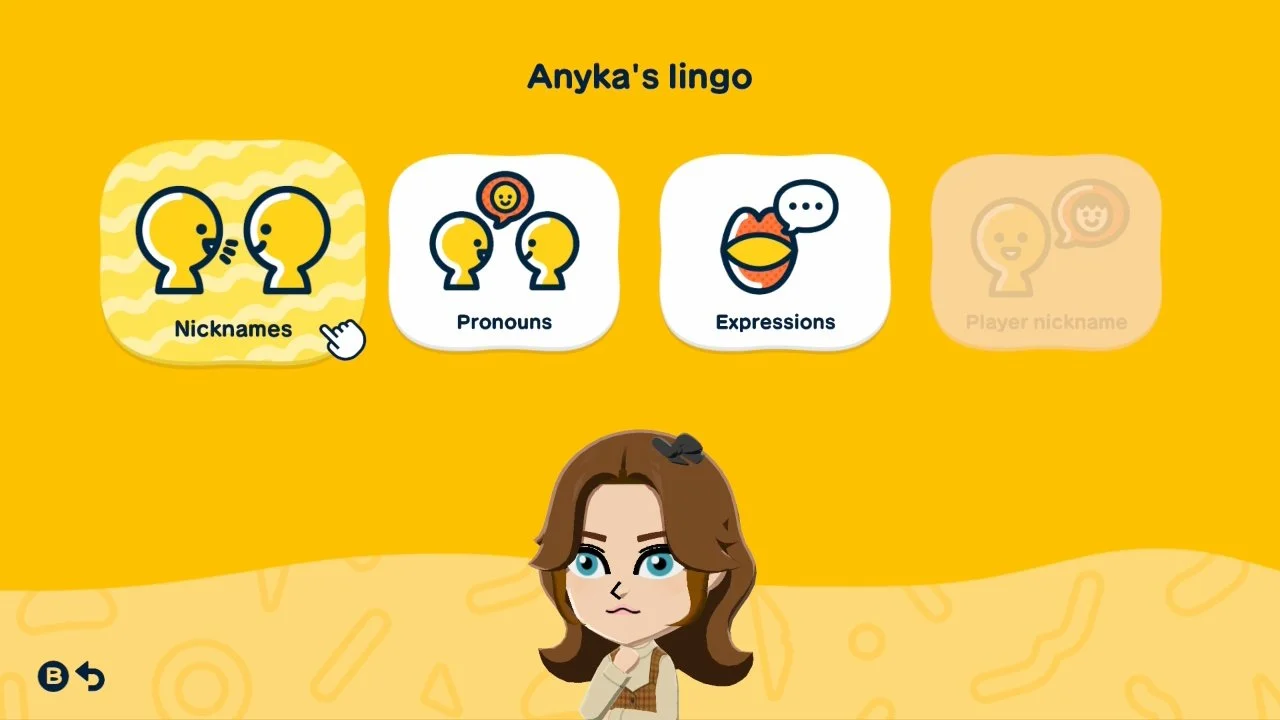
From there, you can edit any nickname and change it to whatever you want. If you want to change that Mii’s nickname for another Mii, you’ll have to find that other Mii and change it in their Lingo menu.
If you don’t see a Mii in that menu, that means the Mii you’ve selected doesn’t have a good enough relationship with that other Mii to create a nickname. Nicknames only happen when two Miis become friends. They will also continue to bring up requests for new nicknames if they start dating or marry each other.
Now that you know how to change nicknames, you should also learn about how time travel can affect your Tomodachi Life: Living the Dream experience.